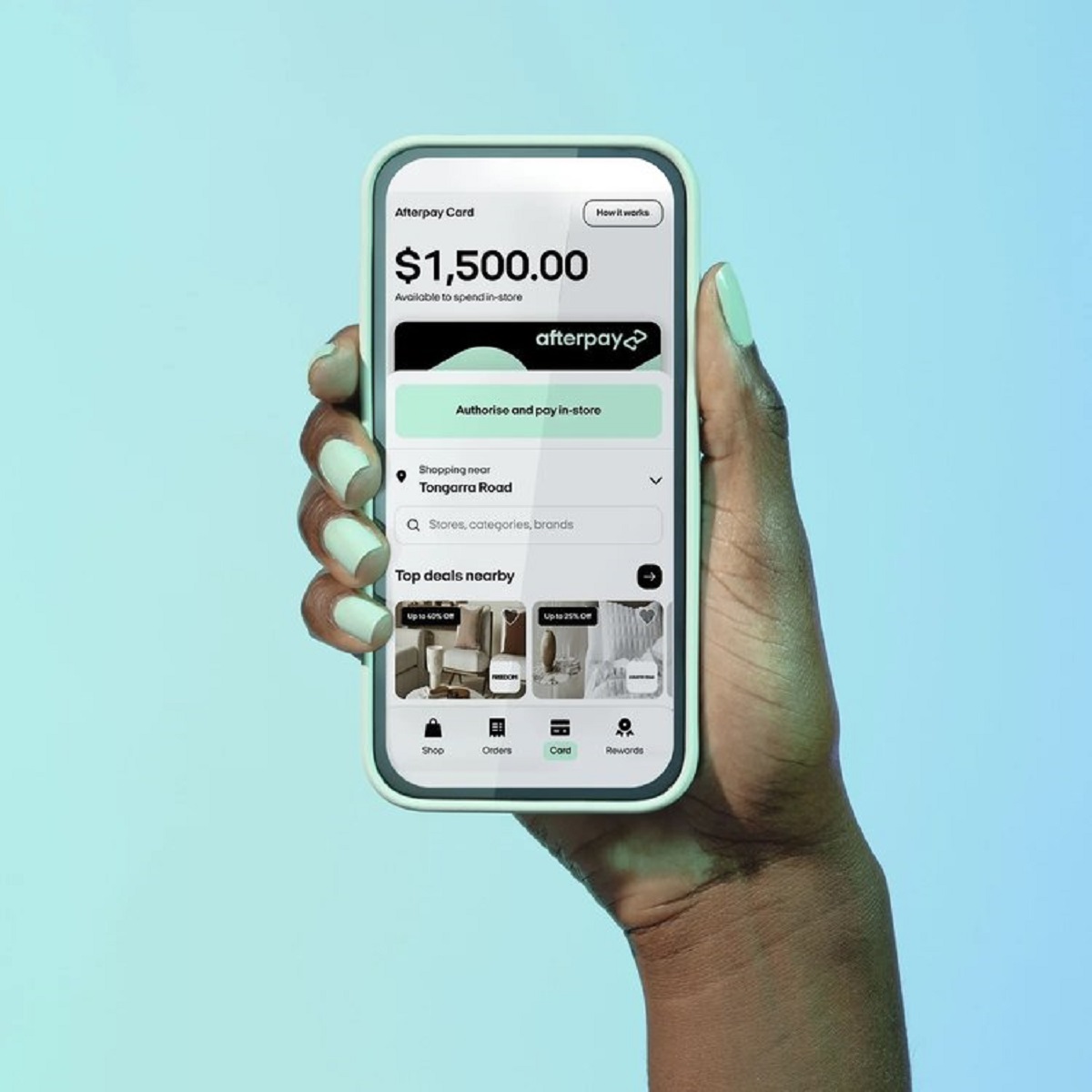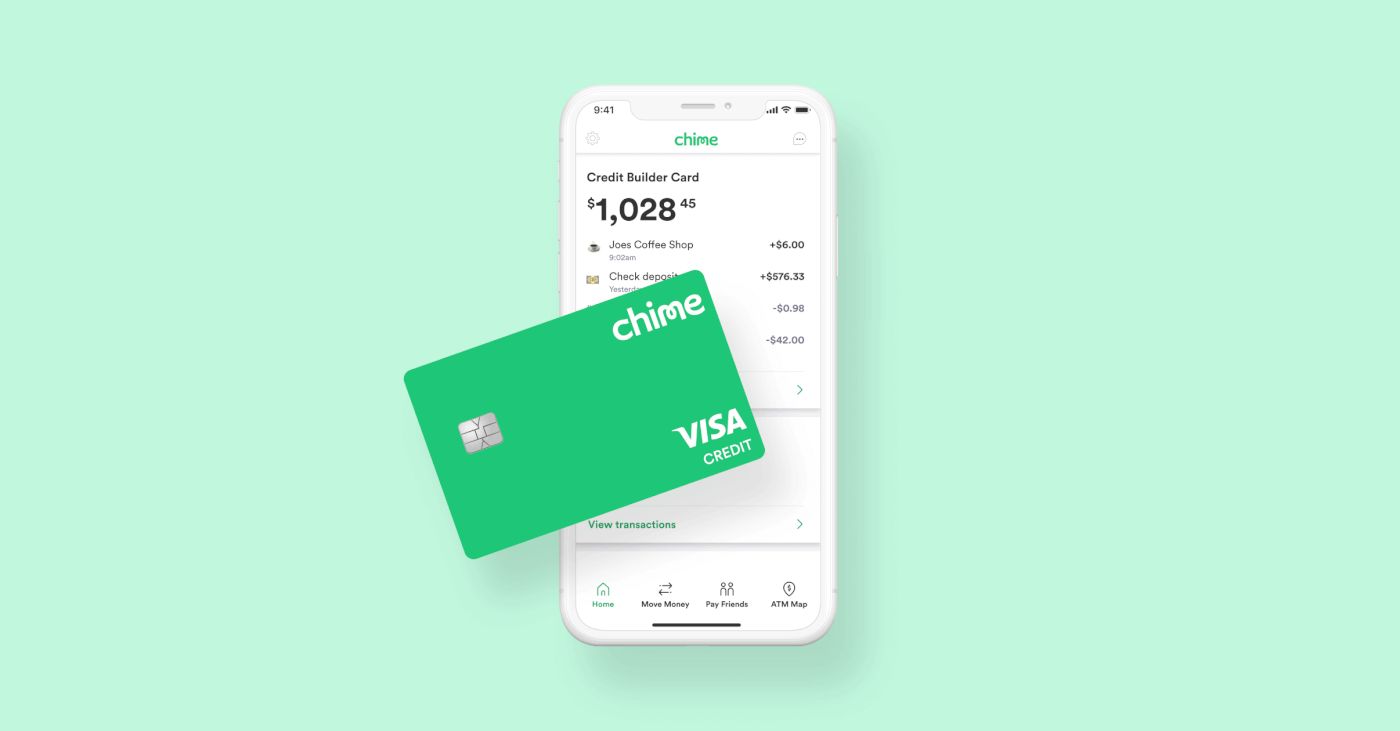
This tag collects articles about using and managing digital payment tools, with a strong focus on Google Pay, Afterpay, Chime, and Cash App. It is written for everyday consumers who want to understand how their mobile wallets and prepaid cards work, and who need clear, practical answers to common payment questions without jargon. Whether you are trying to complete a transaction at a gas station, check your balance, or figure out what happens when a card is locked, these guides are meant for you.
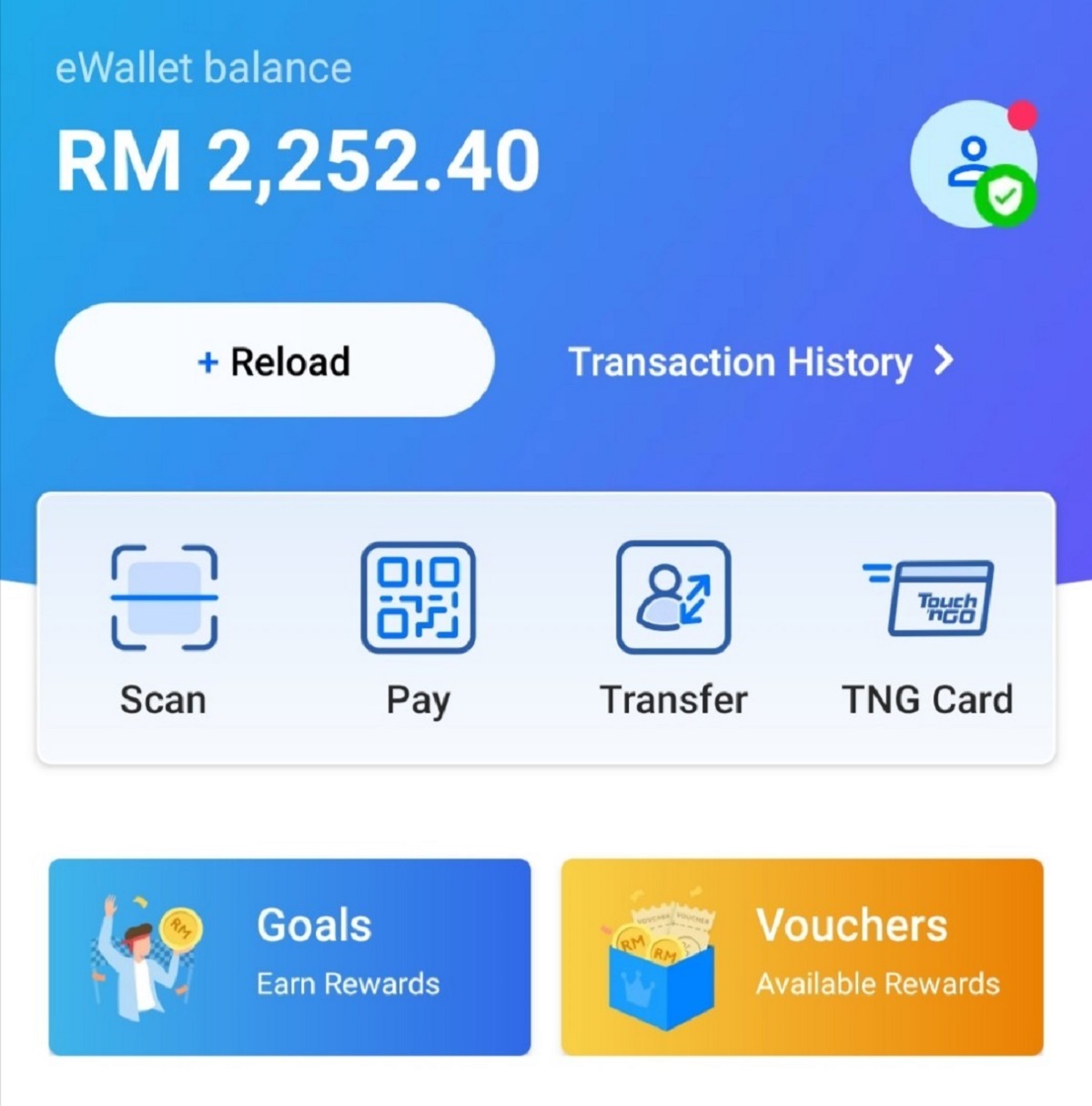
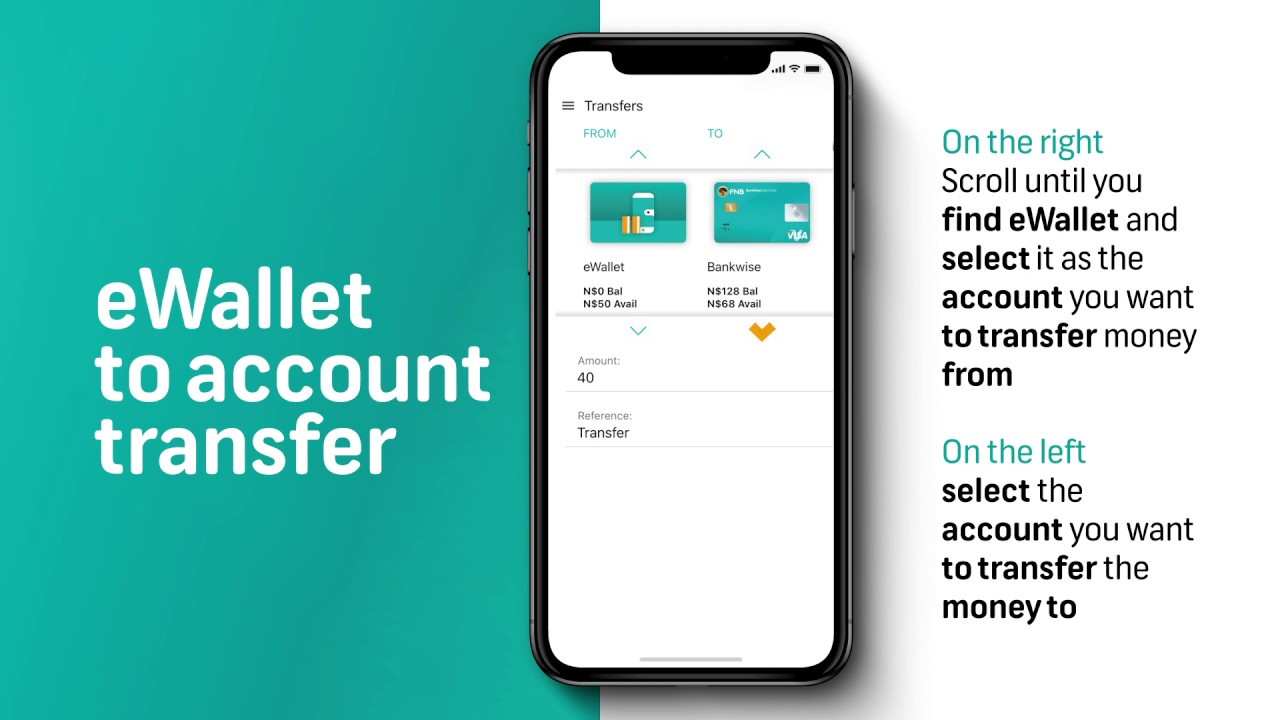
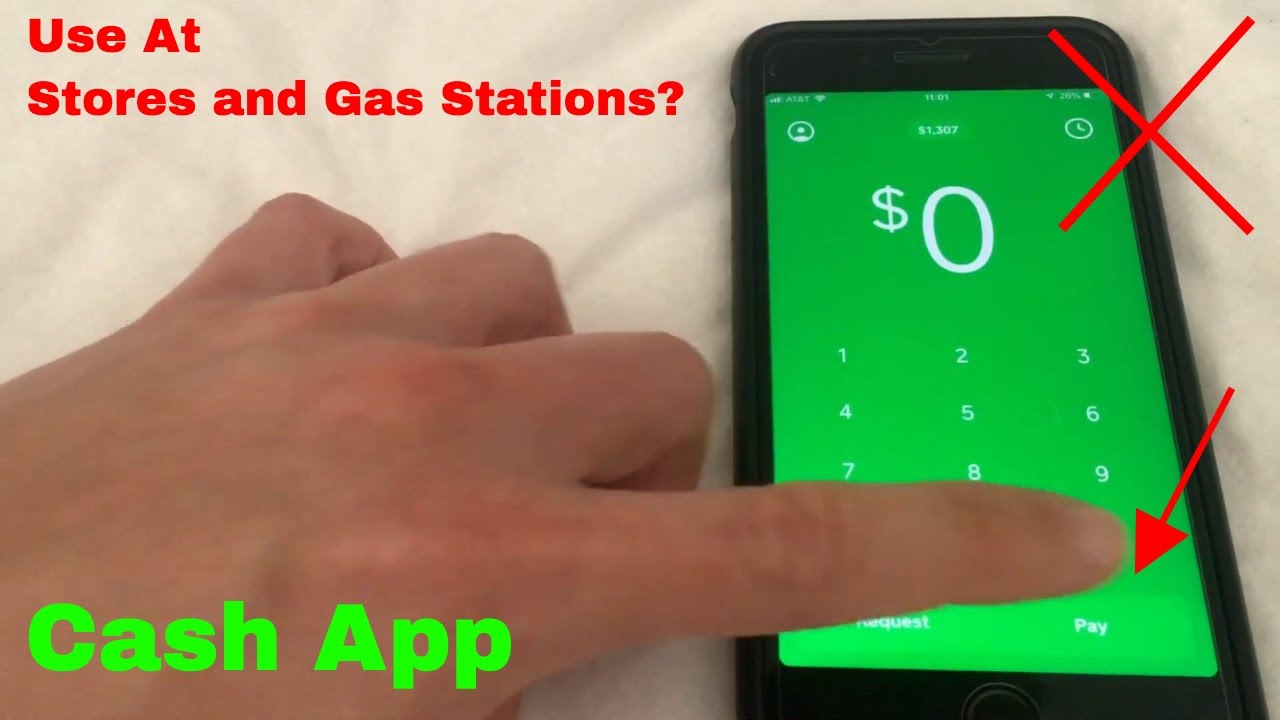
The articles address three main problem areas. First, they clarify how to perform everyday actions with your payment apps, such as adding Afterpay to your digital wallet, checking an e-wallet balance, or transferring funds from an e-wallet to a bank account. Second, they tackle practical workarounds for physical limitations, like using Google Pay when your phone lacks NFC support or using Cash App at a gas station without a physical card. Third, several pieces focus on security and account control, explaining how to lock your Chime card, whether you can still use that card with Apple Pay or Google Pay while locked, and how to dispute a tokenized transaction that posted incorrectly, guiding you through the safe, legitimate steps to protect your money rather than encouraging risky behavior.
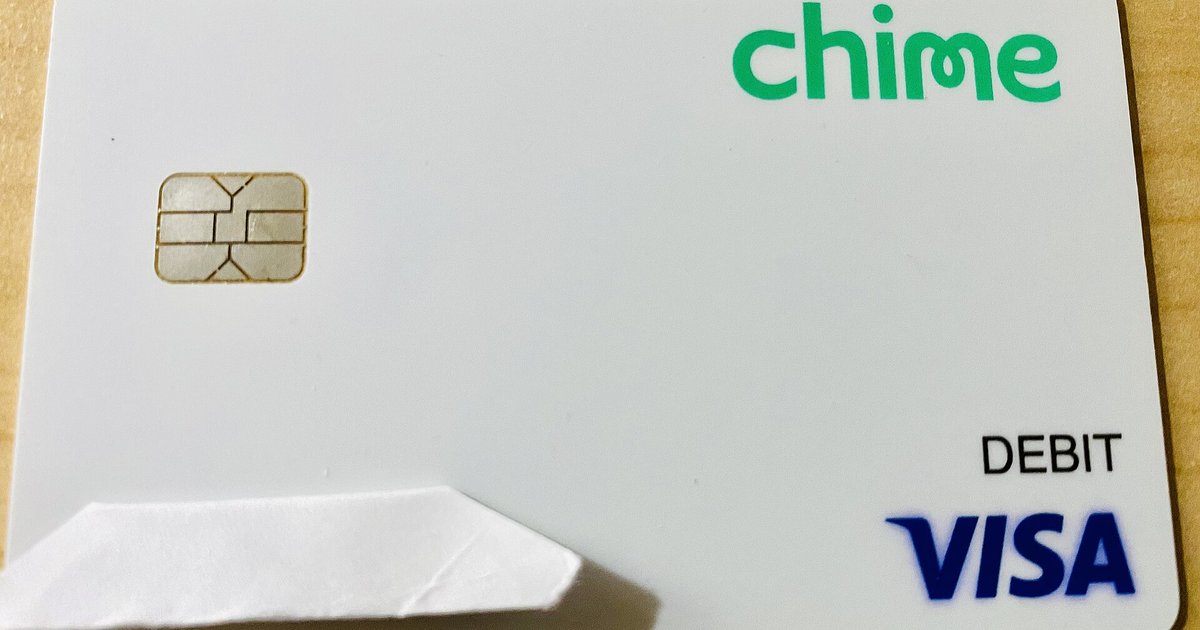
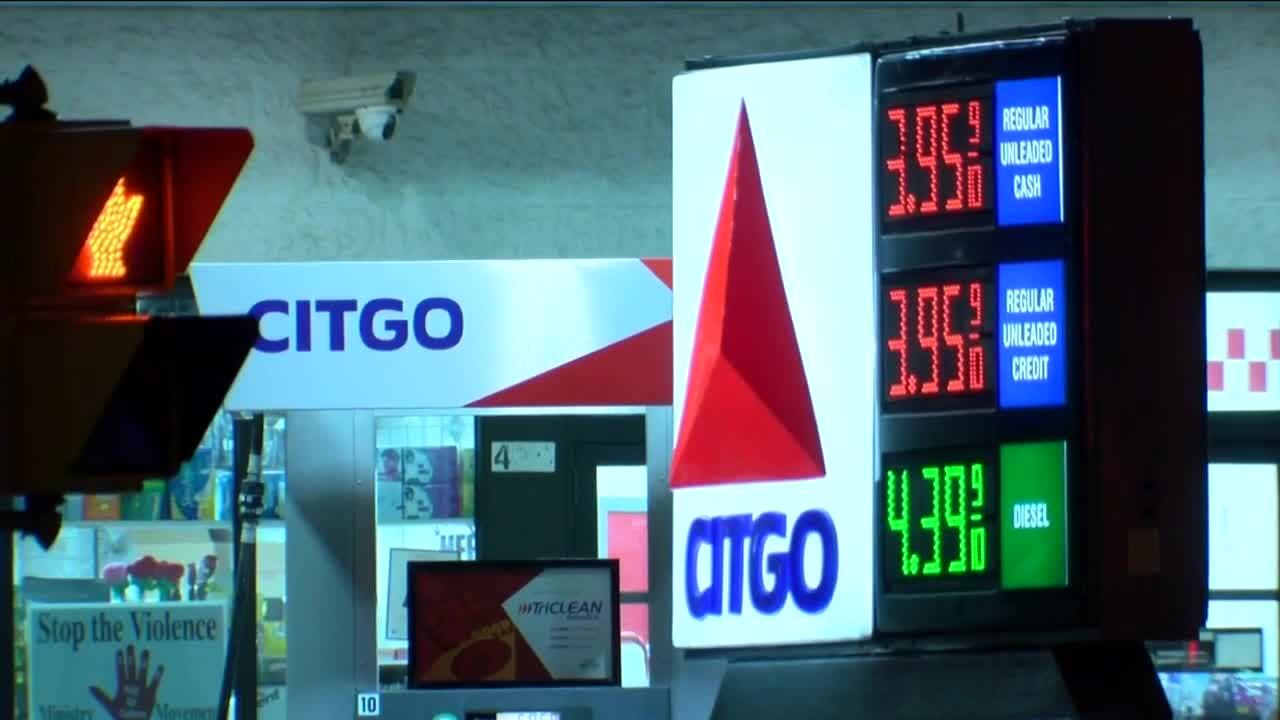
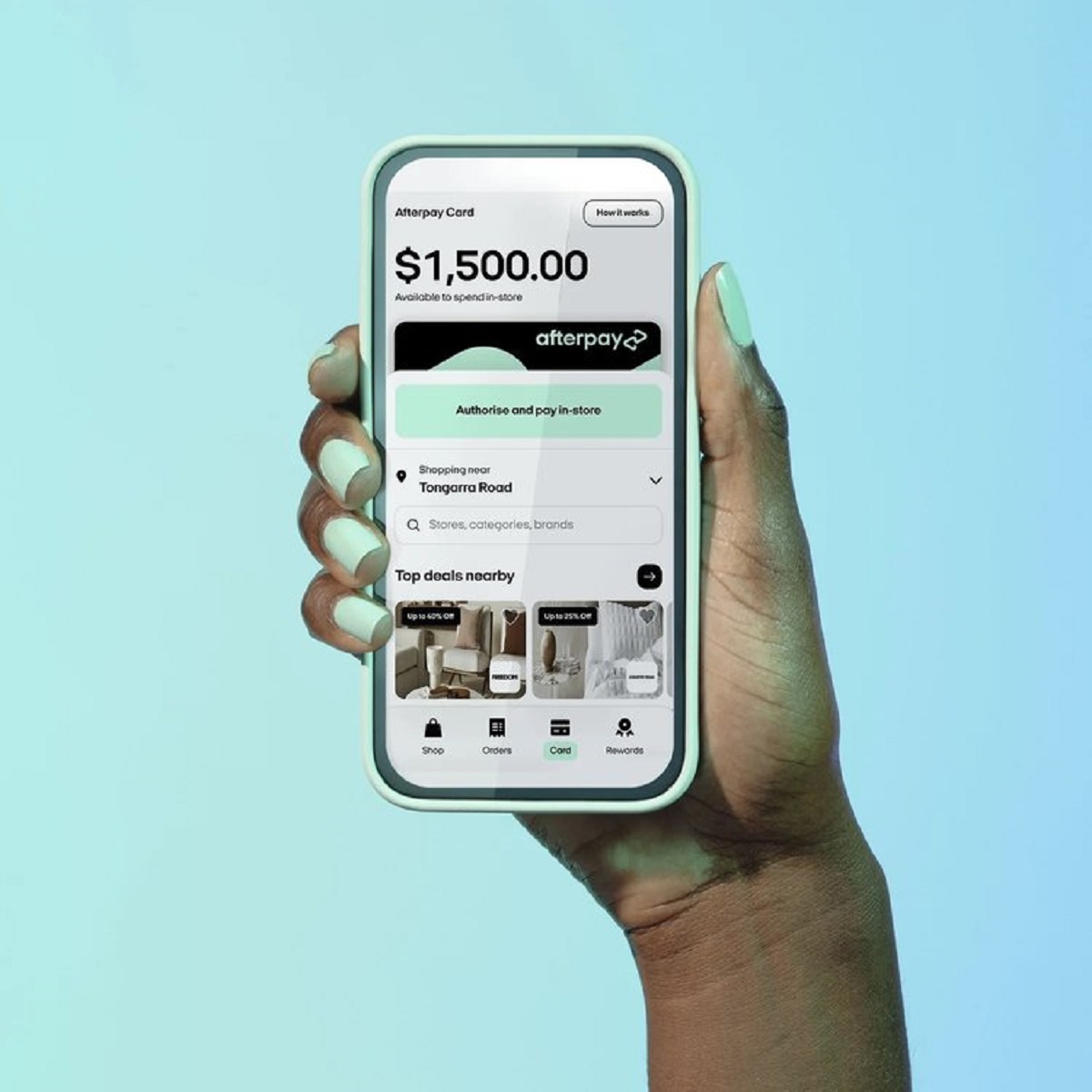
Specific topics covered include viewing your Afterpay card number, finding which gas stations accept Afterpay, and locking your Chime card. The articles also walk you through checking your e-wallet balance and understanding the dispute process for tokenized charges. Throughout, the emphasis is on helping you use these tools correctly and securely, not on bypassing limits or exploiting systems.