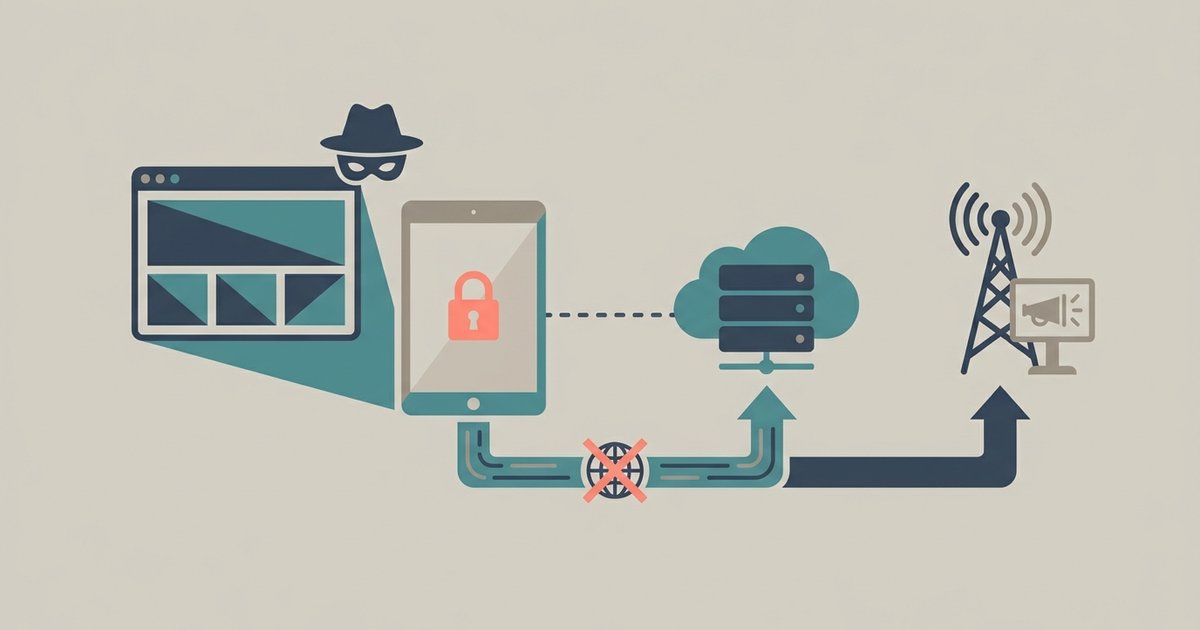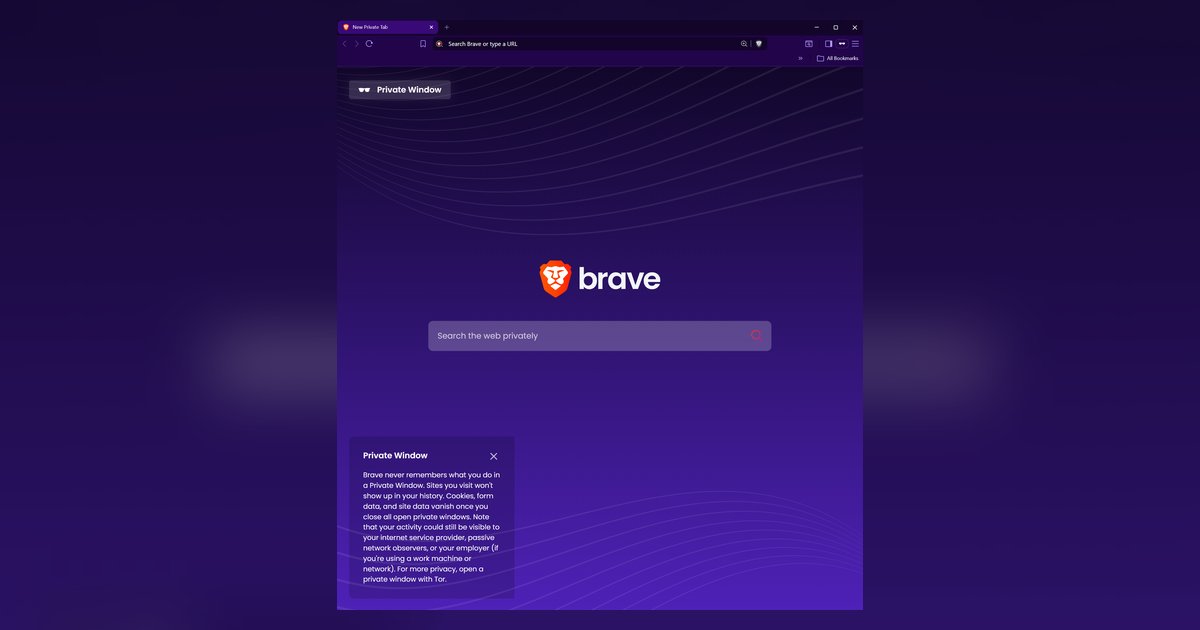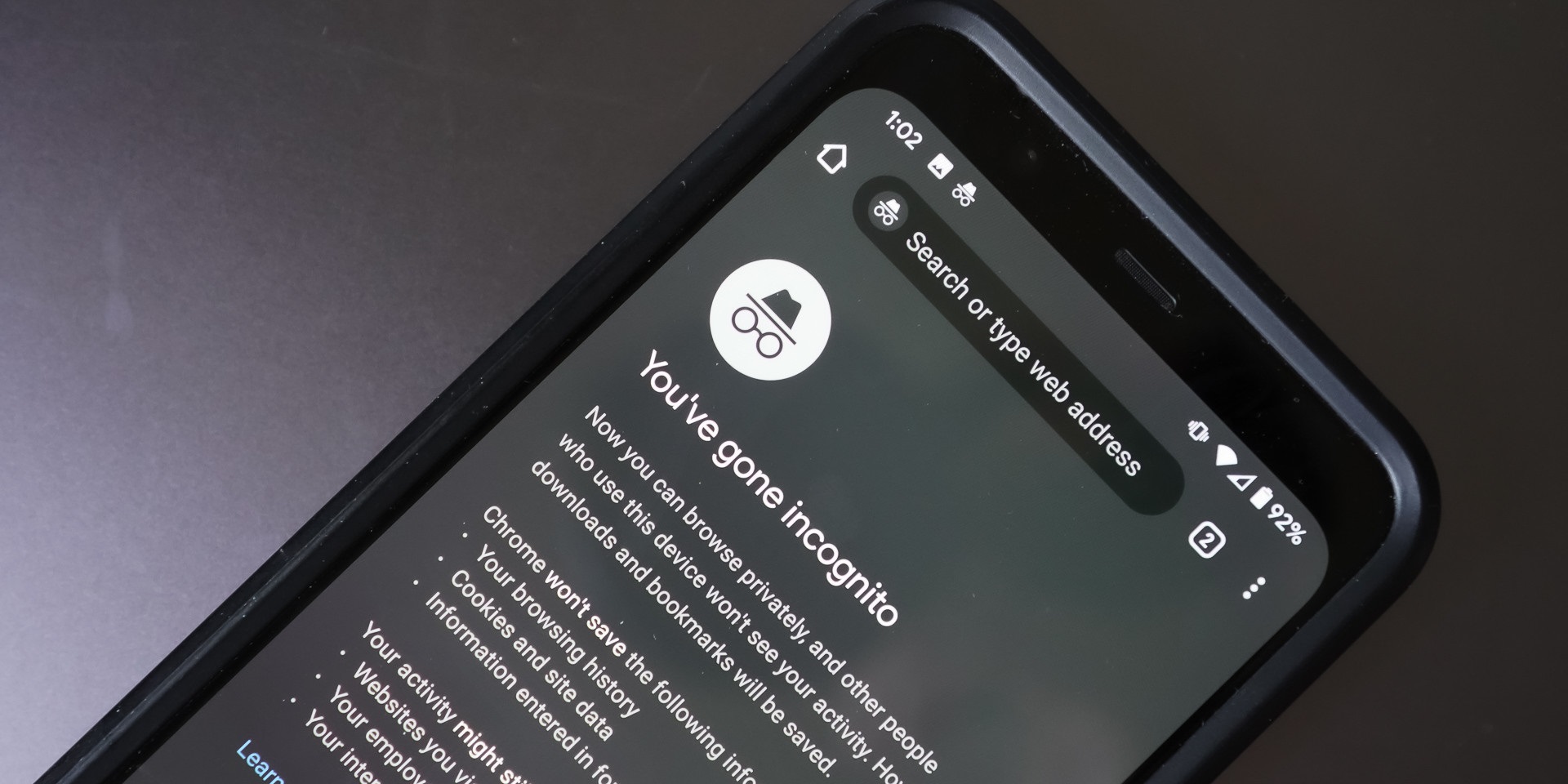
Incognito mode only hides your local cookies and history, but airlines use dynamic pricing based on real-time inventory, IP location, and demand spikes that incognito mode can't hide.
The real reason flights incognito expensive searches fail
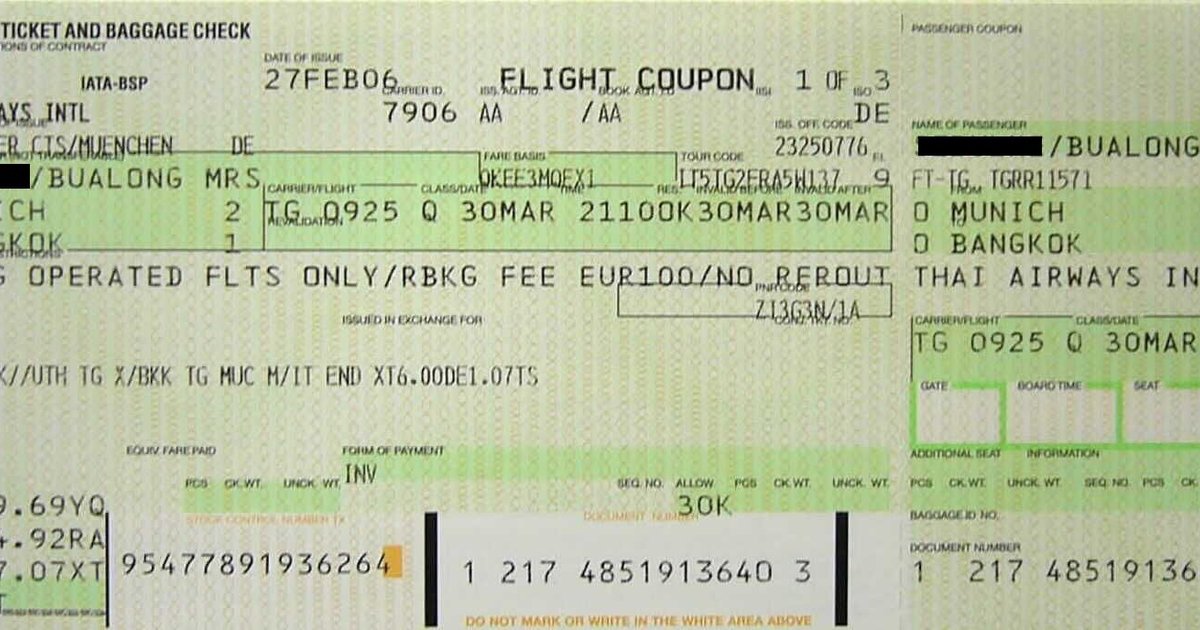
Airline pricing engines do not read your browsing history. They use a model called “yield management” that assigns a price to every seat based on how many seats are left in a fare class and how many people are searching for that route right now. When you see a price jump after refreshing, it is not because the site remembered you, it is because another passenger booked the last seat in that bucket, and the system automatically moved you to the next higher fare class. Even if you turn on incognito mode on Facebook, that has no effect on the airline’s central reservation system, which treats every new session as a fresh request against the same live inventory. The price you see is the same price anyone else with the same departure date and route would see at that instant.
When it’s not your cookies, it’s your location
Your IP address reveals your country and often your city. Airlines use this to set a “point of sale” market, which determines the currency, taxes, and base fare available to you. A flight from New York to London might cost $600 when searched from a U.S. IP but $450 when searched from a U.K. IP, because the system assumes different buying power and competition. Incognito mode does not change your IP address. Similarly, if you have ever changed your preferred language or currency on an airline site, that preference may be stored in a server-side profile tied to your IP, not your browser cookies. So when you book flights in incognito mode, you are still showing the airline exactly where you are and what market you belong to, and that overrides any local privacy setting.
The failure case most advice ignores
There are specific scenarios where incognito actually makes fares worse. Some airline sites temporarily hold a fare in your shopping cart for 10 to 30 minutes. If you open an incognito window, you lose that hold and must start a new search, which may now reflect a price surge if demand increased during those minutes. Additionally, if you are a member of a loyalty program, your browser cookie often carries a discount code or elite-status benefit. Opening a fresh incognito session clears that cookie, so you lose the special rate. Even worse, if you go incognito mode on Android and then search repeatedly, the airline’s fraud detection may flag your behavior as a bot and show you higher “testing” fares. And if you later turn off incognito mode on YouTube while still logged into the airline’s app on the same device, the system can match your session ID anyway.
What actually works when incognito doesn’t
To lower fares, you must change the inputs the airline actually uses. Use a VPN to switch your IP to a different country, for example, a European Union server often shows lower base fares due to consumer protection rules. Search at various times and days, as fare changes can occur at any time based on demand and inventory adjustments. Use a fare-lock tool if offered by the airline or booking site, which may hold a price for a limited time, sometimes for a fee; check the specific terms before relying on this feature. Always compare the same flight in a regular browser and a VPN-enabled incognito window, but be aware that repeated searches may sometimes be interpreted as high demand. Finally, clear only your browser cache, not your loyalty cookies, so you keep any elite discounts while removing stale tracking data.
The one fact no other guide will state plainly
Incognito mode cannot change the price of an airline ticket because the fare is determined by a live inventory system that does not use your local browsing history to set rates, and any perceived correlation between private browsing and lower fares is a coincidence of timing, not causation. For a deeper understanding of what your browser is actually protecting you from, explore the broader topic of Incognito Mode functionality: What It Does and Does Not Do.