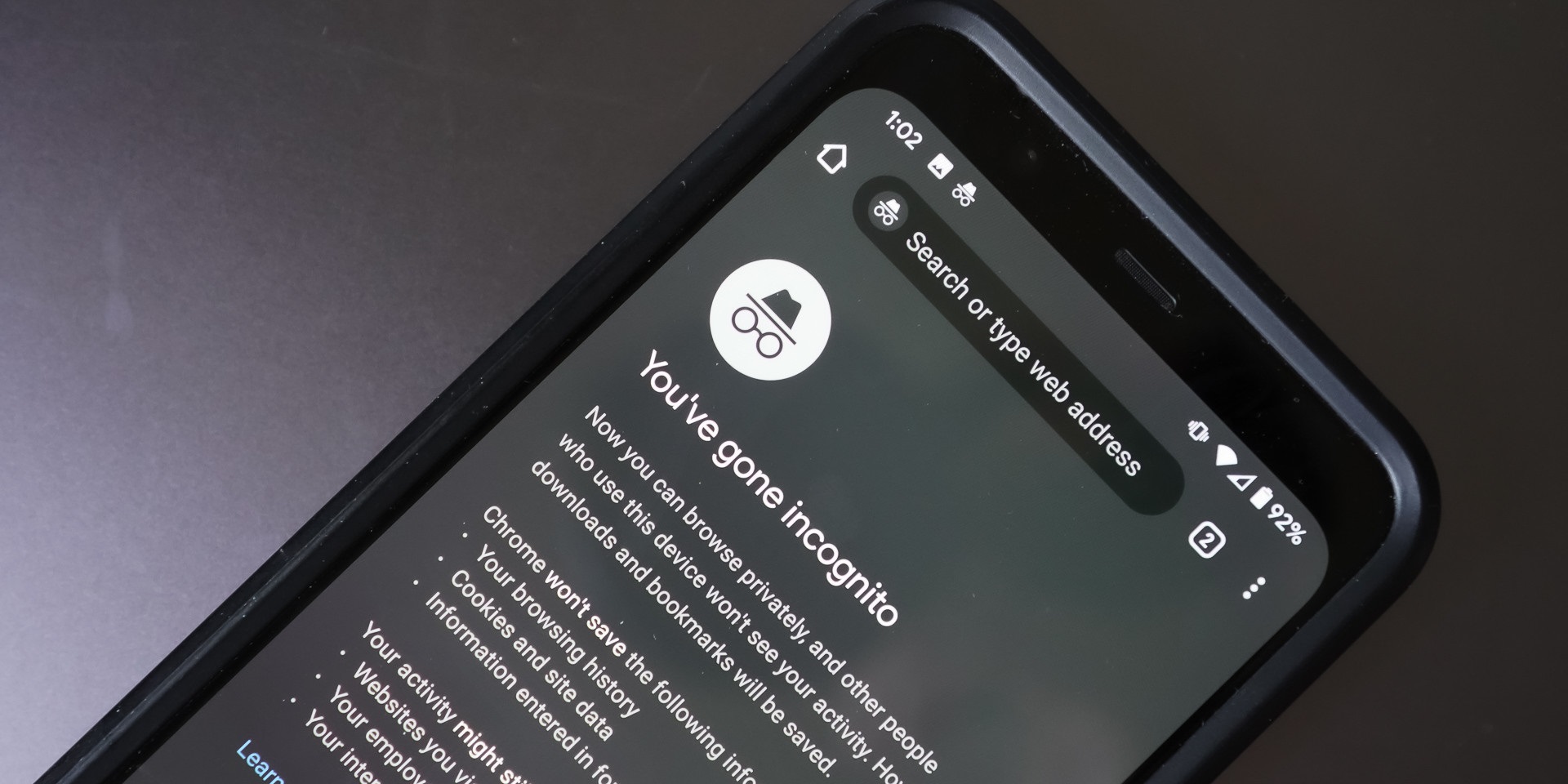
Yes, incognito mode only prevents the browser from saving history on the laptop itself; it does nothing to hide your activity from your employer's network monitoring, security software, or IT admin tools, which can see every site you visit in real time. To understand why, you need to know the specific limits of Incognito Mode functionality.
What employer see incognito browsing actually hides
When you turn on incognito mode on Facebook, your browser stops storing cookies, search history, or form entries from that session on your local hard drive. The same applies to any site. Once you close the window, the browser forgets the pages you visited. However, this does not erase the traffic from your employer’s view. The mistake people make is thinking that because the laptop itself does not log the history, no one else can see it. In reality, your employer’s monitoring tools sit between your browser and the internet. They capture every request regardless of the browser mode you choose.
What your network admin sees on their screen
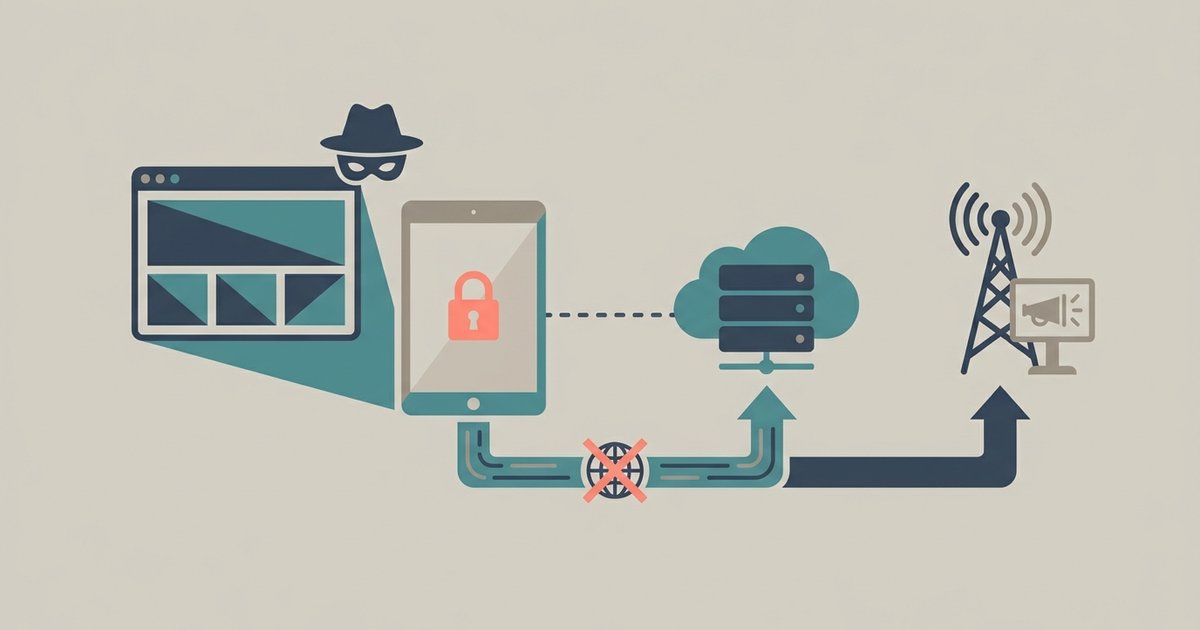
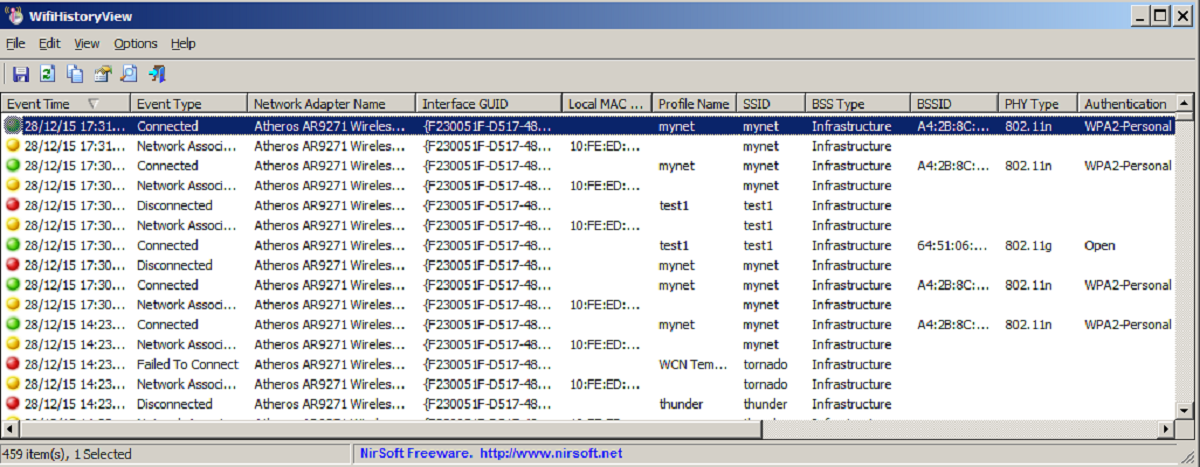
Your IT admin can see every domain and full URL you access, even when you browse in incognito mode. DNS logs record the exact hostname every time your laptop resolves a domain. Firewall reports show timestamps, data volume, and destination IP addresses. If your company uses a proxy server, it logs the complete HTTP request, including query strings and page paths. None of these logs care whether you are in a private window or a normal one. They capture network traffic, not browser state. The admin can pull a report showing every site you visited at 2:00 PM on Tuesday, incognito or not.
Monitoring software installed on the laptop
Beyond network logs, endpoint agents or Mobile Device Management profiles installed on your work laptop can capture screenshots, record keystrokes, or log application activity directly from the operating system. To check for such software on Windows, look in installed applications or running processes for endpoint security or remote management tools. On macOS, check system settings or Activity Monitor for unknown processes. Even if you use incognito mode on Android on a work-managed phone, the company’s MDM can see the browser package running. It can often see the URLs visited through device management APIs. These tools do not rely on network traffic. They monitor the device itself, so incognito mode offers zero protection.
When your employer cannot see your browsing
The rare exception occurs when you use a personal hotspot or a VPN on an unmanaged device. This means a laptop you own, not one issued by your employer. If you connect your personal laptop to your home Wi-Fi and use a trusted VPN, your employer cannot see the traffic. It never touches their network or their software. However, this almost never applies to a work-issued laptop. The company typically installs monitoring agents that run regardless of how you connect to the internet. Even if you turn off incognito mode YouTube and browse normally on a work device, the monitoring persists. The only way to guarantee privacy on a work laptop is to assume everything you do is visible, and to act accordingly.
Incognito mode offers local privacy, not network privacy, and conflating the two is a common and risky misunderstanding.