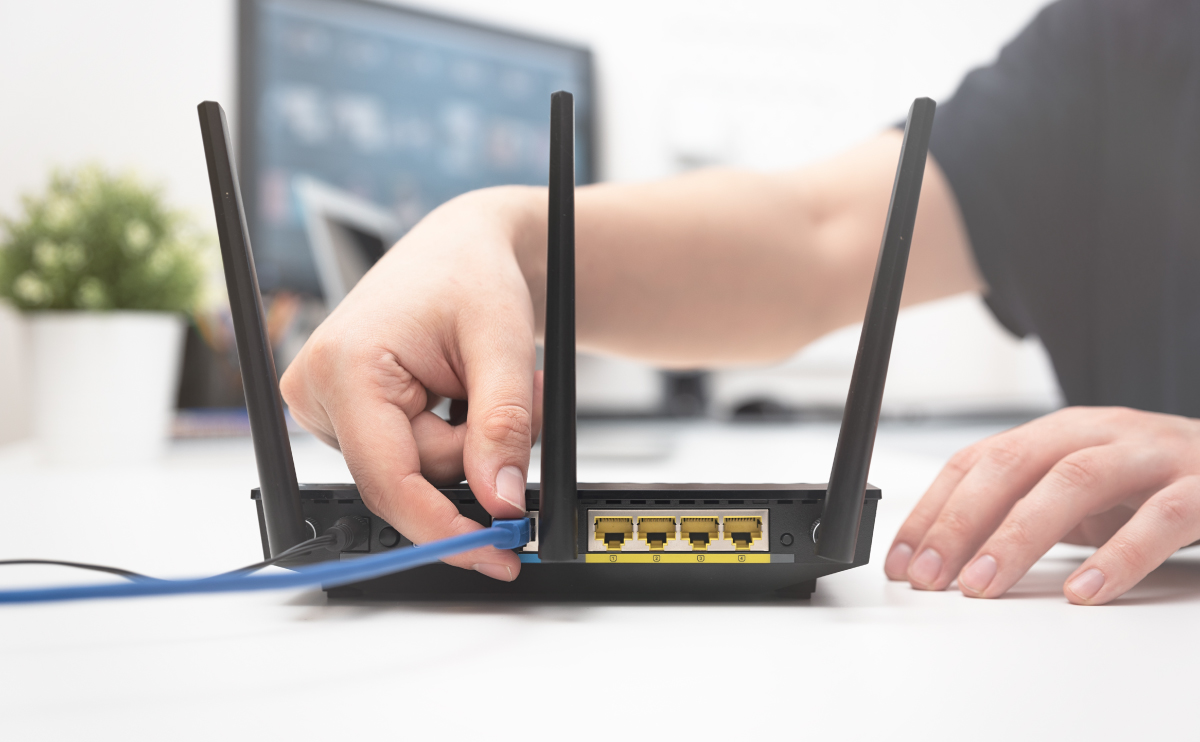
This tag collects articles about the practical side of home and small-office network security, aimed at everyday users who want to understand and control their own Wi-Fi, routers, and connected devices. The content is written for people who are not IT professionals but who want to secure their setup, troubleshoot access issues, or understand what information their network exposes about them.
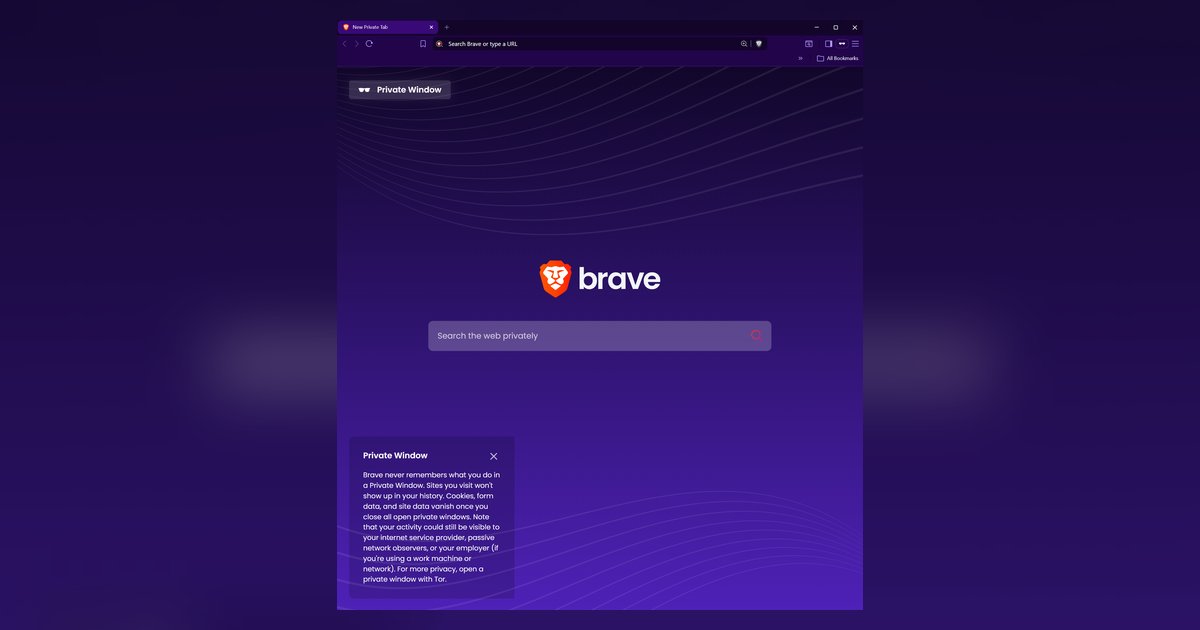
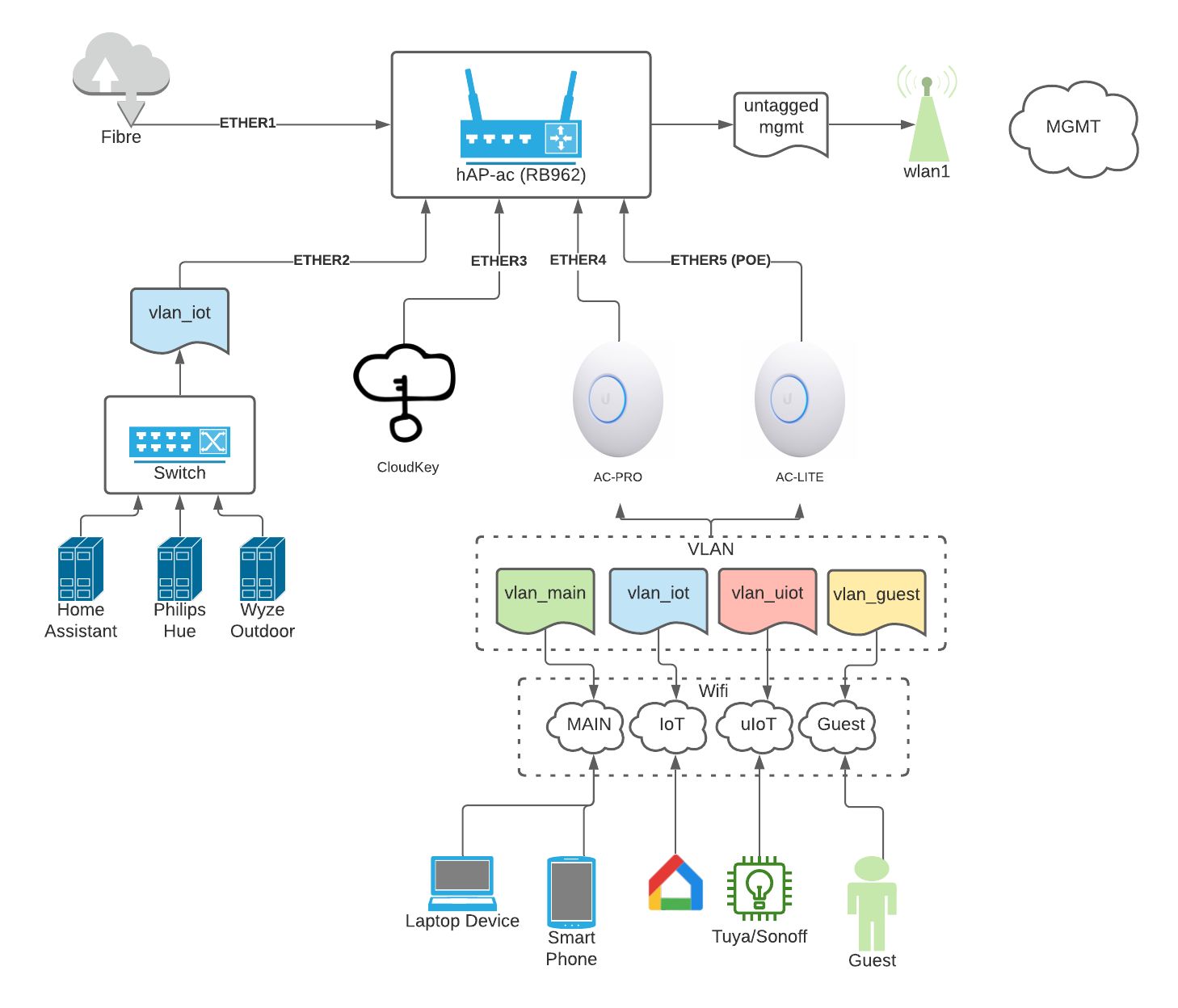
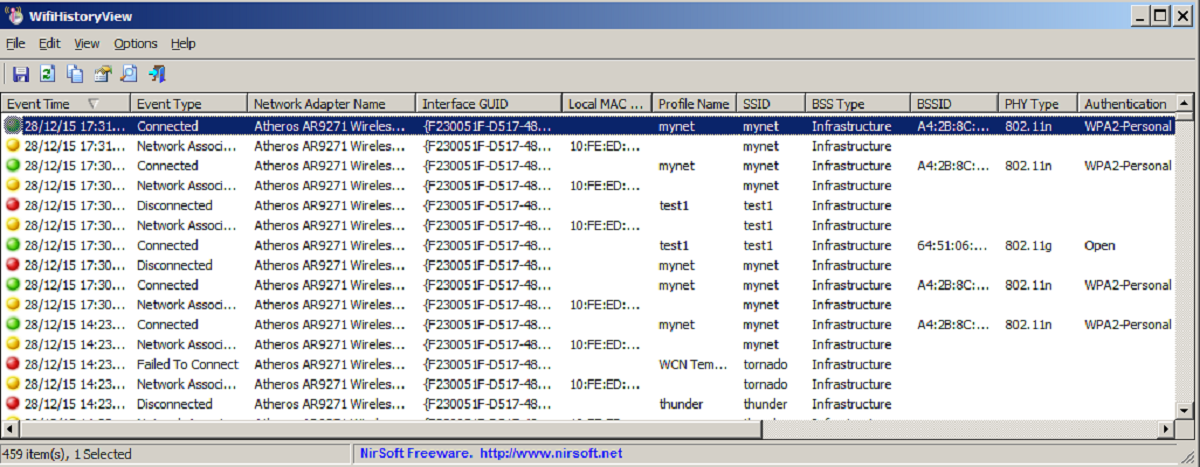
The articles group around two main themes. The first is protecting your own network: you can learn how to secure your Wi-Fi with strong encryption and passwords, set up a separate IoT network for smart home gadgets, configure a managed network switch for better control, and enter a PIN on your wireless router during setup. The second theme is understanding visibility and access, what others can see or do with your connection. These pieces explain, from a defensive standpoint, how someone might view your online activity through Wi-Fi, whether an employer can see incognito browsing on a work laptop, and what someone can actually do with your IP address. They also address common gaming concerns, such as whether opponents can obtain your IP from an online game and how to handle unwanted access attempts.
Rather than teaching risky actions, the articles describe the mechanics behind these scenarios so you can recognize threats and respond appropriately. For example, the piece on getting past an internet blocker for online gaming focuses on legitimate network configuration fixes, while the DDoS and IP spoofing topics are framed as explanations of how those techniques work, so you can protect against them. The goal is to help you read your router settings, assess your exposure, and make informed choices about your home network’s security.