The most effective way to bypass an internet blocker for gaming is to use a Virtual Private Network (VPN), which encrypts your traffic and routes it through a server in a different location. For a quick alternative that requires no software, switching to a mobile hotspot completely sidesteps the restricted network, while a SOCKS5 proxy offers a middle ground for users who need UDP support for their games.
How to bypass an internet blocker for gaming: the best methods
School and workplace firewalls often block gaming servers and websites, preventing you from connecting to your favorite online games. The three most effective solutions to bypass these restrictions are a VPN, a SOCKS5 proxy, and a mobile hotspot. Each method works differently, so choosing the right one depends on your device, your need for speed, and the type of network restriction you face.
Use a VPN with a fast, low-latency protocol
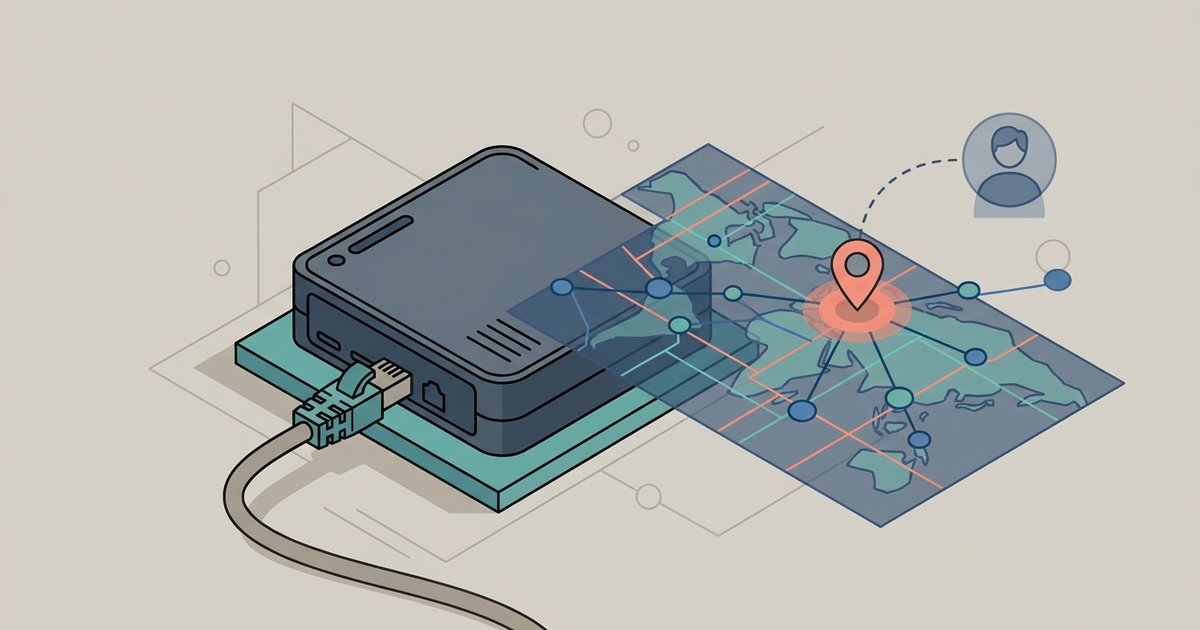
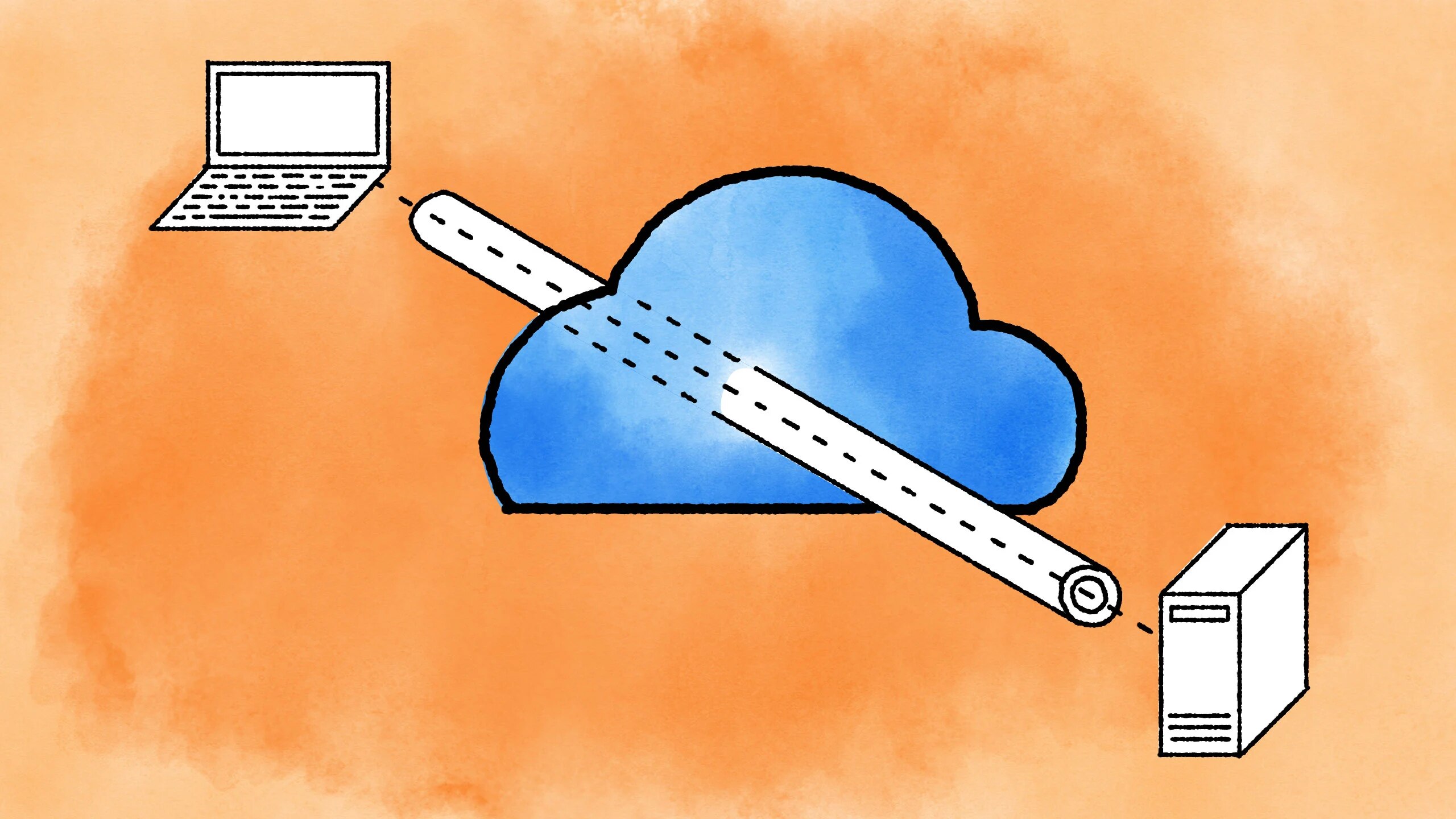
A VPN is the most reliable way to bypass internet blockers for online gaming, including geo-restrictions, ISP throttling, and network filters. It encrypts your internet traffic and routes it through a server in a different location, making it appear as if you are accessing the internet from that server's location. To minimize lag, you want a VPN that uses a low-latency protocol like WireGuard or Lightway, and you should pick a server geographically close to the game server. This gives you the best chance of maintaining a stable connection with minimal added latency.
- Choose a VPN service that offers WireGuard or Lightway protocols. These are optimized for speed and low latency, which is critical for real-time gaming.
- Install the VPN application on your computer or phone, then connect to a server that is physically near the game server you want to reach. For example, if you are playing on a US East Coast server, connect to a VPN server in New York or Virginia.
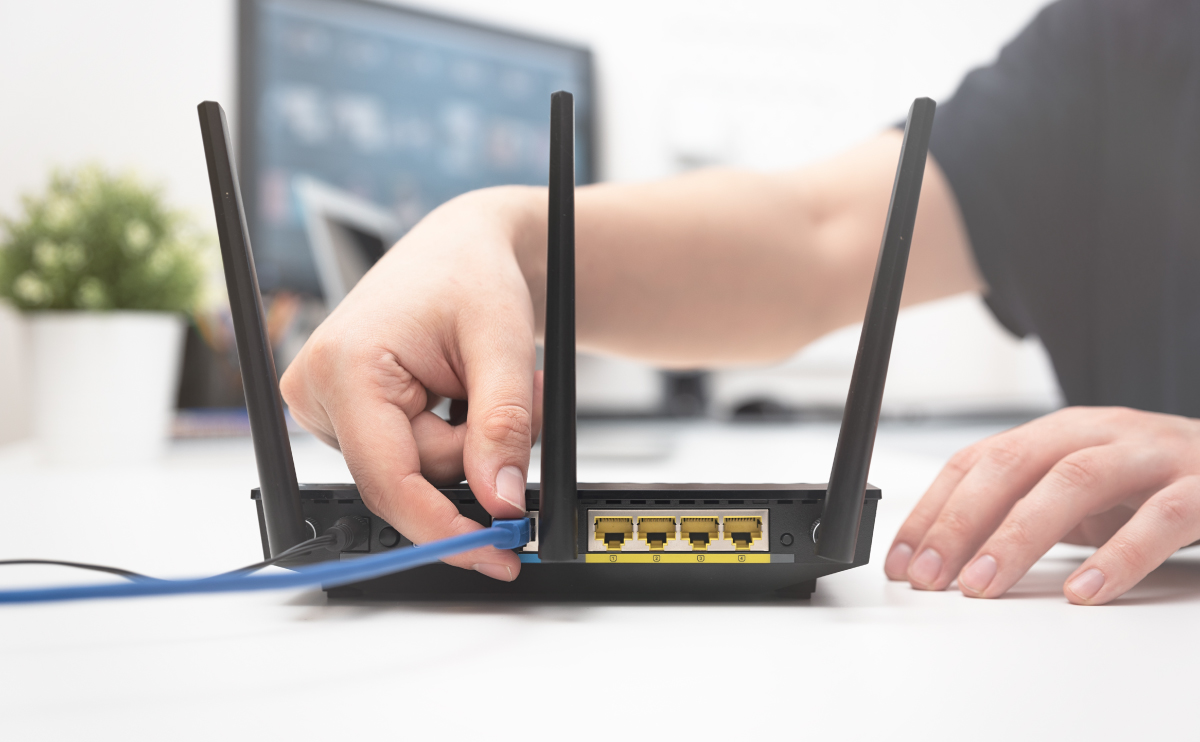
- For console gaming (PlayStation, Xbox, Nintendo Switch), a VPN must be configured on your router or by sharing a PC's VPN connection, as consoles do not have native VPN apps.
A VPN can also help bypass IP bans and protect against DDoS attacks by masking your real IP address. This is a valuable side benefit, especially in competitive online games where targeted attacks are more common.
Try a SOCKS5 proxy with a dedicated client
If you want to bypass an internet blocker without the full encryption overhead of a VPN, a SOCKS5 proxy is a strong alternative. SOCKS5 proxies are generally preferred for gaming due to their speed and support for various protocols, including UDP, which is common in online games. Unlike HTTP proxies, SOCKS5 can handle the UDP traffic that many modern games rely on for real-time communication. For an extra layer of privacy, you can also hide my IP address without VPN by routing your traffic through a proxy server.
- Purchase a SOCKS5 proxy from a reputable provider. Look for one that explicitly supports UDP and offers low-latency servers in your target region.
- Many games do not directly support proxy settings, so you will need a proxy client like Proxifier or ProxyCap. Install the client and enter your SOCKS5 proxy details (server address, port, username, and password).
- Configure the proxy client to route all traffic from your gaming application through the SOCKS5 proxy. The client will intercept the game's network requests and send them through the proxy server, bypassing the local firewall.
While SOCKS5 proxies are faster than HTTP proxies for gaming, they offer less security and encryption than VPNs. They are best used when you only need to bypass a simple content filter and do not require the privacy protection of a full VPN tunnel.
Switch to a mobile hotspot as a quick alternative
When you need an immediate, no-configuration solution, switching to a mobile hotspot lets you bypass the restricted network entirely. By using your phone's cellular data connection, you create a completely separate internet link that is not subject to the school or work firewall. This is the simplest way to get online and start gaming if you are stuck behind a strict network filter.
- Set a network name and password.
- Connect your gaming device (PC, laptop, or console) to the phone's Wi-Fi network. Your device will now use your cellular data plan instead of the restricted network.
- Launch your game and check the connection. The mobile hotspot bypasses all local network restrictions, so you should be able to access gaming servers immediately.
Be aware that online gaming can consume significant amounts of data, so check your mobile plan for data caps. Also, cellular connections can have higher latency than wired broadband, which may affect fast-paced competitive games.
What to do if you're still blocked
If you have tried a VPN, SOCKS5 proxy, or mobile hotspot and are still blocked, there are a few common issues to consider. First, VPNs generally add a small amount of latency (e.g., +2-5ms with Hysteria2 protocol) and cannot fix a fundamentally bad internet connection. If your base internet is slow or unstable, no bypass method will improve it. Second, port forwarding is used to host multiplayer game servers, fix strict NAT types on consoles, or improve peer-to-peer connection quality, but it does not reduce ping for games using centralized servers and it does not solve firewall blocks. If you are still blocked, the restriction may be at a deeper network level that requires a different VPN server or proxy location, or you may need to access blocked websites at school without VPN by using DNS tricks or web-based proxies that can slip past simpler filters.
\nRelated reading: What Ports Should I Open For Online Gaming.