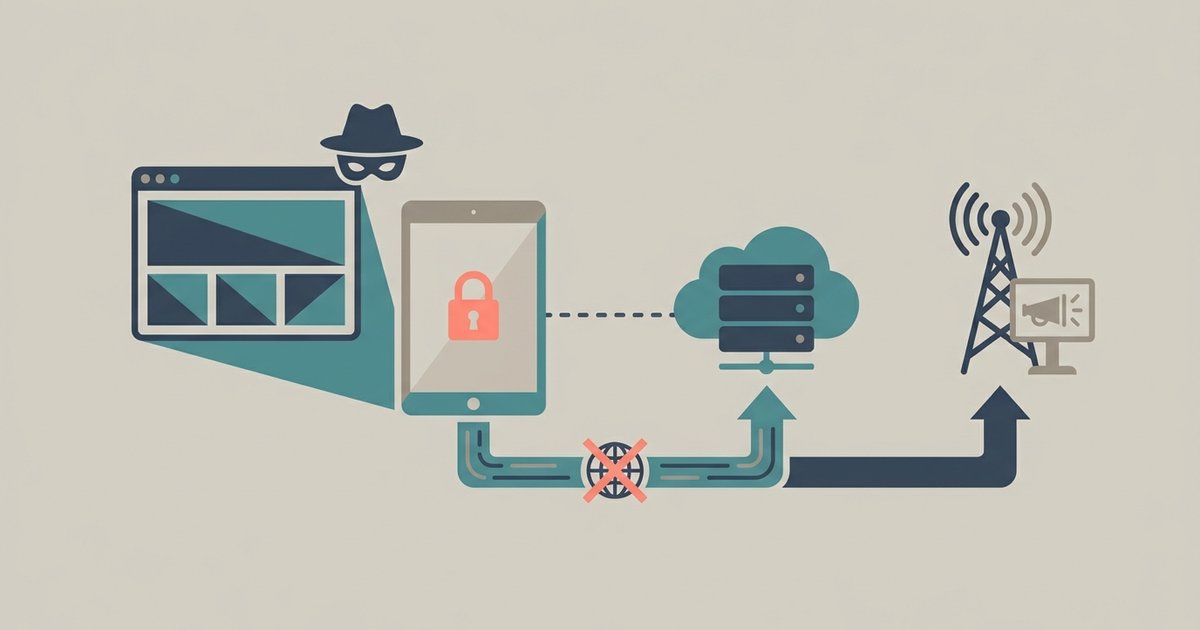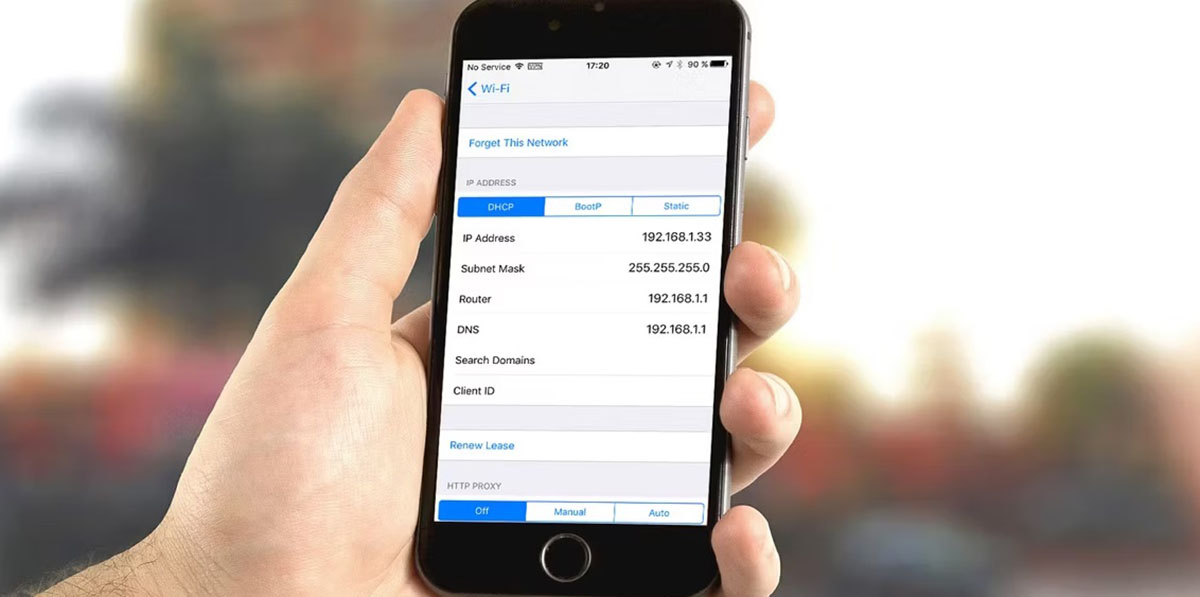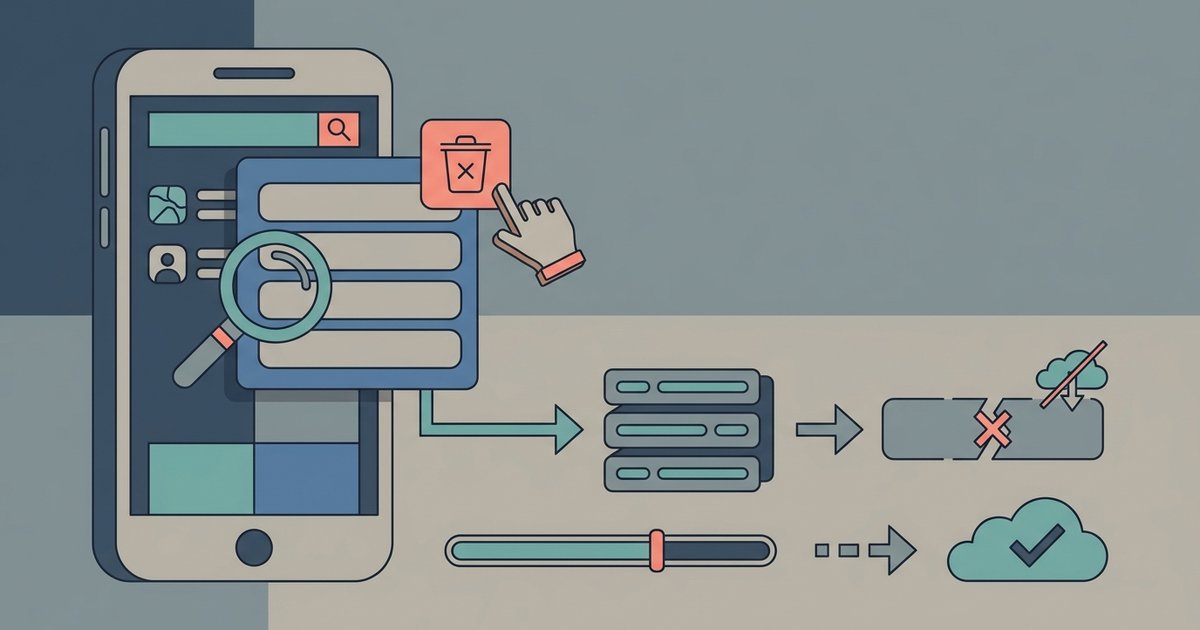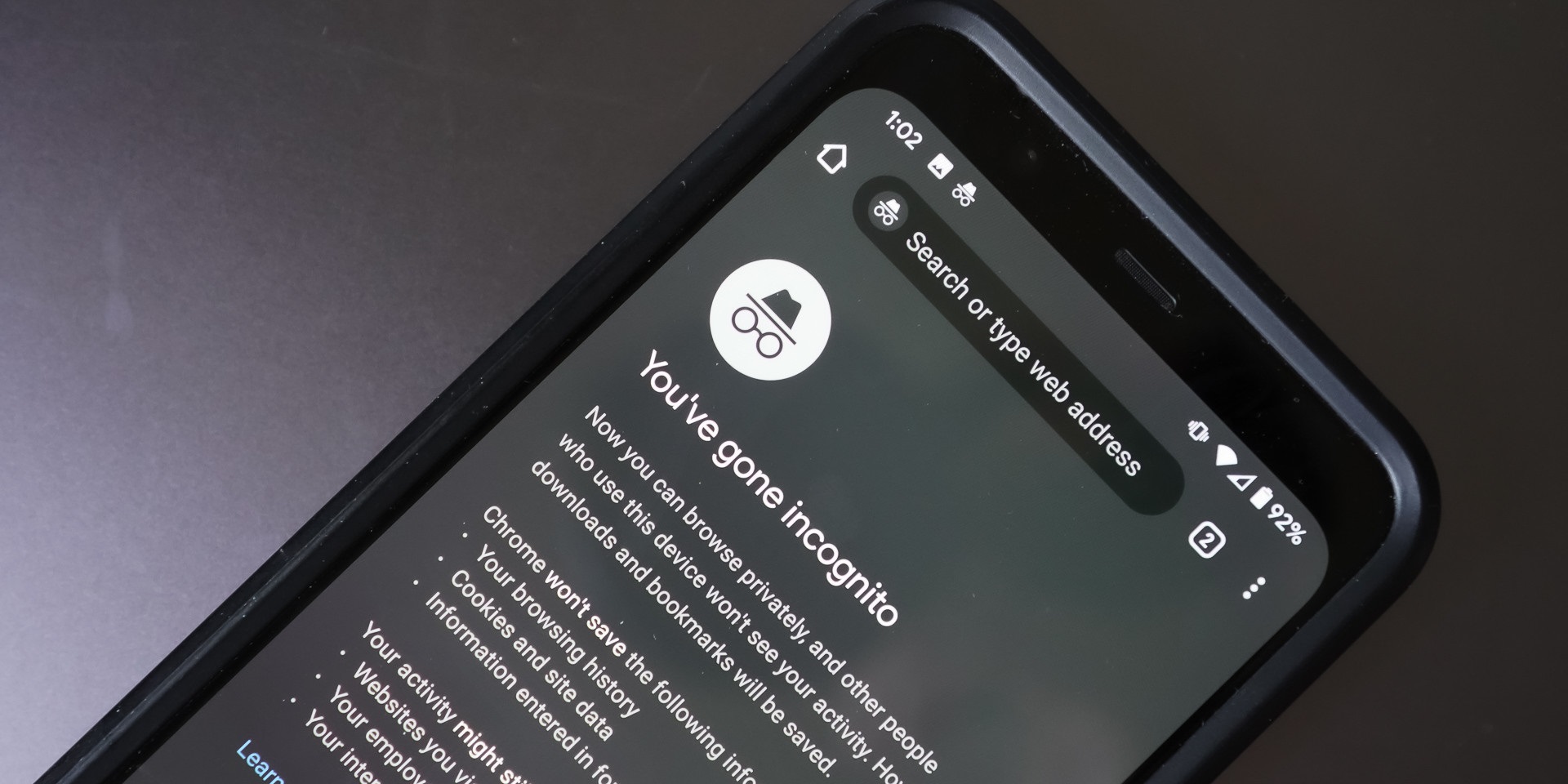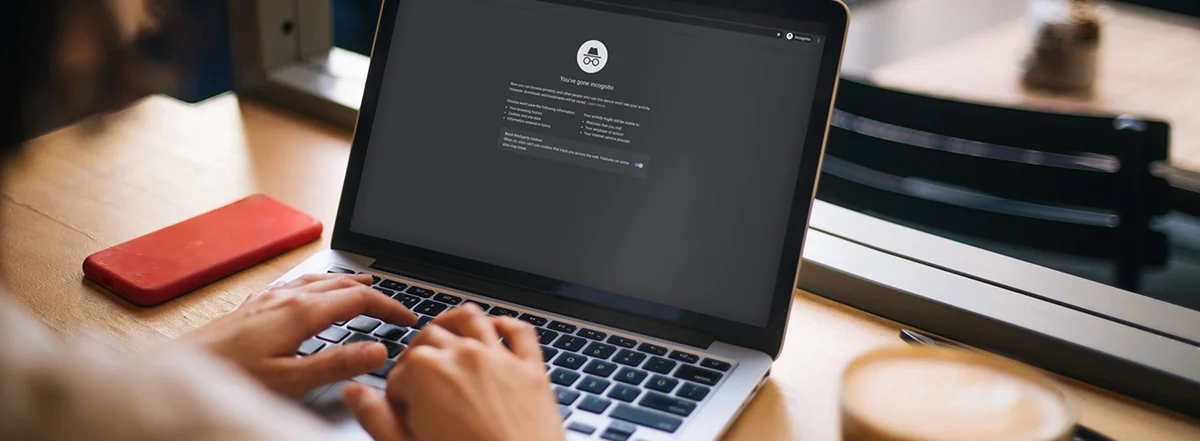
No, incognito mode does not hide your IP address from Facebook. Facebook still sees your real IP address, which can reveal your approximate location and link your activity to your household or network, even if you're not logged in.
What incognito mode actually hides (and why your IP isn't one)
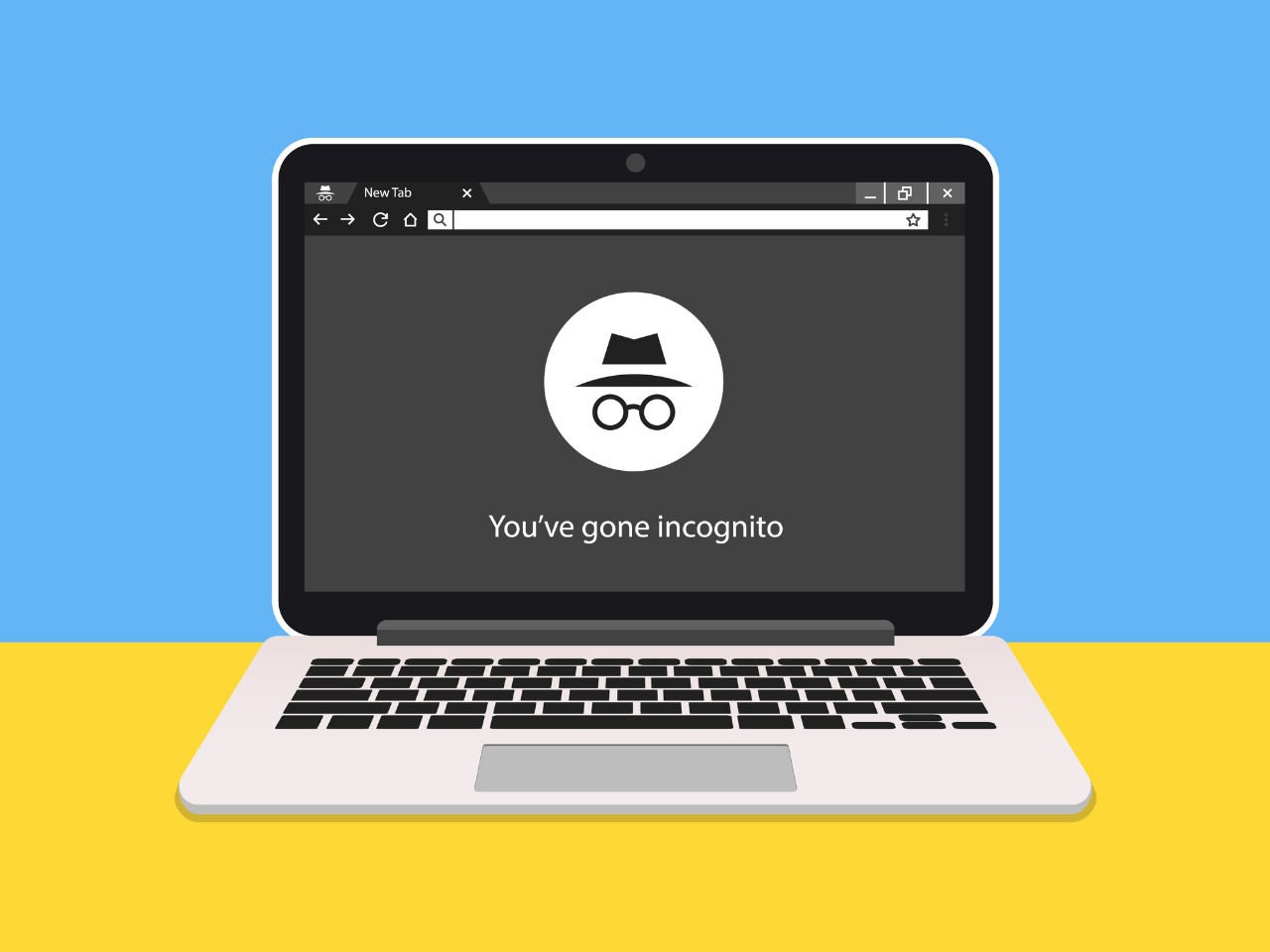
Incognito mode only prevents your browser from saving local history, cookies, and form data after you close the window. It does nothing to mask your IP address from websites you visit. When you turn on incognito mode on Facebook, your browser stops recording which pages you viewed and what you typed into search bars. Facebook's servers still receive your IP address exactly as they would in a normal session. The mode may disable extensions by default in some browsers, but that does not affect IP visibility. If you later close the incognito window, your local device will have no trace of the session. Facebook, however, still has a log of your IP address and the time you visited.
How Facebook uses your IP address
Facebook logs IP addresses for security and advertising purposes. It can use them to suggest friends, serve location-based ads, or associate your incognito browsing with a logged-in session from the same network. For example, imagine you are logged into Facebook on your main browser and then open an incognito window to browse a competitor's product page. Facebook can match the IP address from the incognito visit to your logged-in session. This allows them to serve you an ad for that product the next time you scroll your news feed. Even if you are not logged in at all, Facebook stores your IP alongside a device fingerprint. This fingerprint includes your browser's user agent, installed fonts, and screen resolution, which Facebook uses to recognize you on return visits.
The common misunderstanding
Many people assume incognito mode makes them invisible online. Facebook still sees your IP address and can fingerprint your device through browser settings, screen resolution, and other signals that incognito mode does not block. A typical user might think that by opening a private window they are browsing anonymously. Yet Facebook's servers still receive the same connection data. The confusion often stems from the browser's local behavior. Because incognito deletes cookies on window close, users assume the website also forgets them. In reality, Facebook can still build a profile based on your IP and browser fingerprint, even if you never click "log in." This is why searching for "how to book flights in incognito mode" will not prevent airline sites or Facebook from tracking your IP for price discrimination or ad targeting.
What actually hides your IP from Facebook
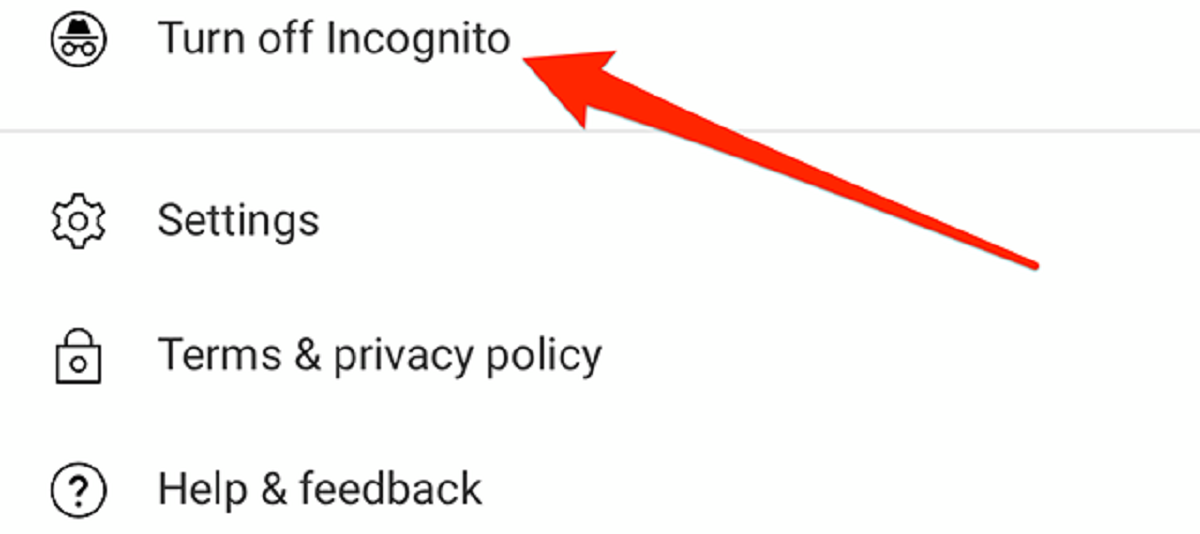
To hide your IP address from Facebook, you need a VPN, Tor, or a proxy. These tools route your traffic through a different server so Facebook sees that server's IP instead of yours. A VPN encrypts all data from your device and sends it through a remote server, replacing your home IP with the server's IP. Tor bounces your traffic through multiple relays, making it extremely difficult for Facebook to trace the connection back to you. A proxy works similarly but typically without encryption. None of these require you to turn off incognito mode YouTube or any other browser privacy setting. They work at the network level. Only a VPN app or Tor Browser can change the IP address Facebook receives. If you use these tools, Facebook cannot link your incognito browsing to your home network or your logged-in account.
This is true whether you use Chrome's Incognito, Firefox's Private Browsing, or Safari's Private Window. Your IP address is transmitted to every website you visit, including Facebook, with every request your browser makes. For a deeper understanding of what Incognito Mode functionality actually covers, see the broader topic of Incognito Mode: What It Does and Does Not Do.