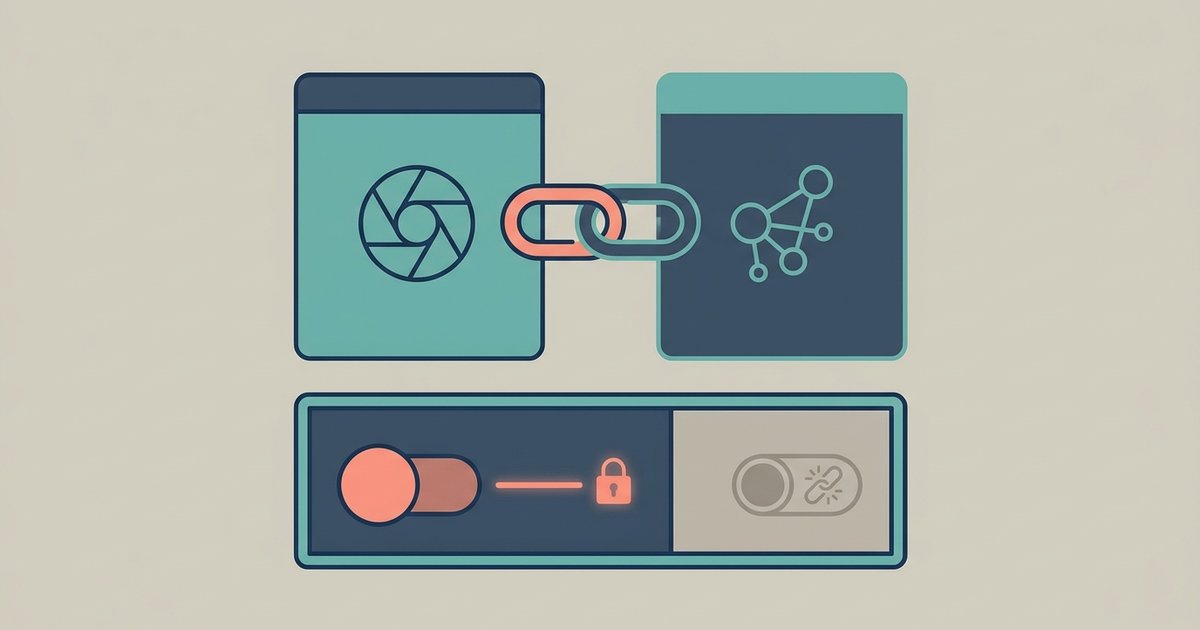
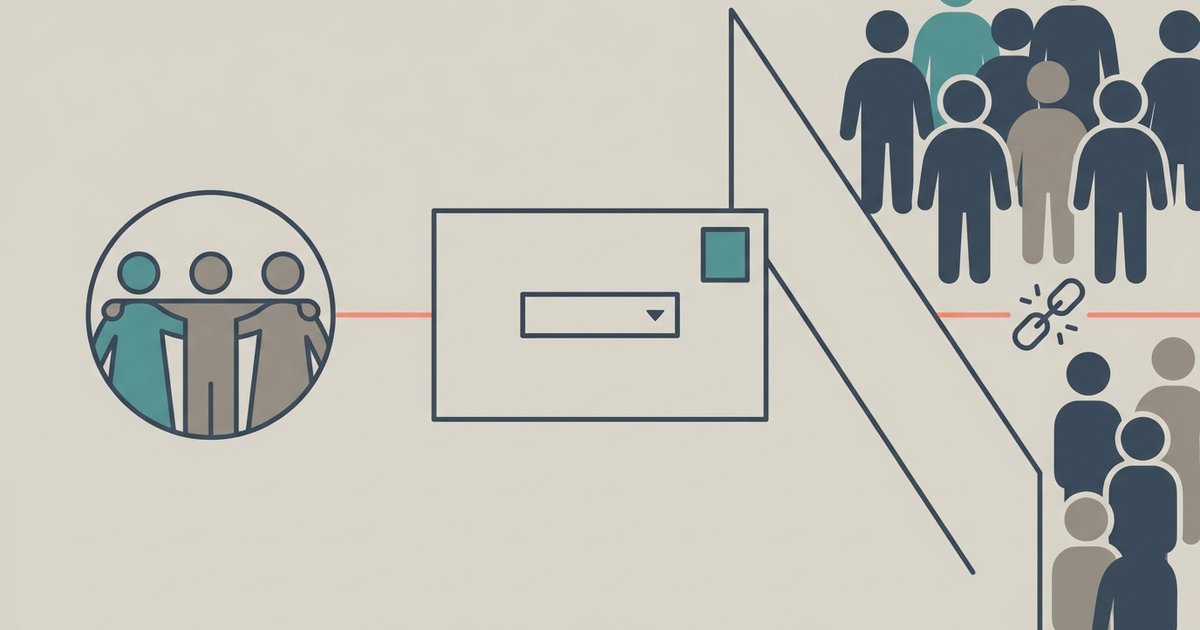
Instagram and Facebook are connected through Accounts Center, which is where Meta keeps the settings that span its apps. Adding both accounts to one Accounts Center lets you cross-post, log...
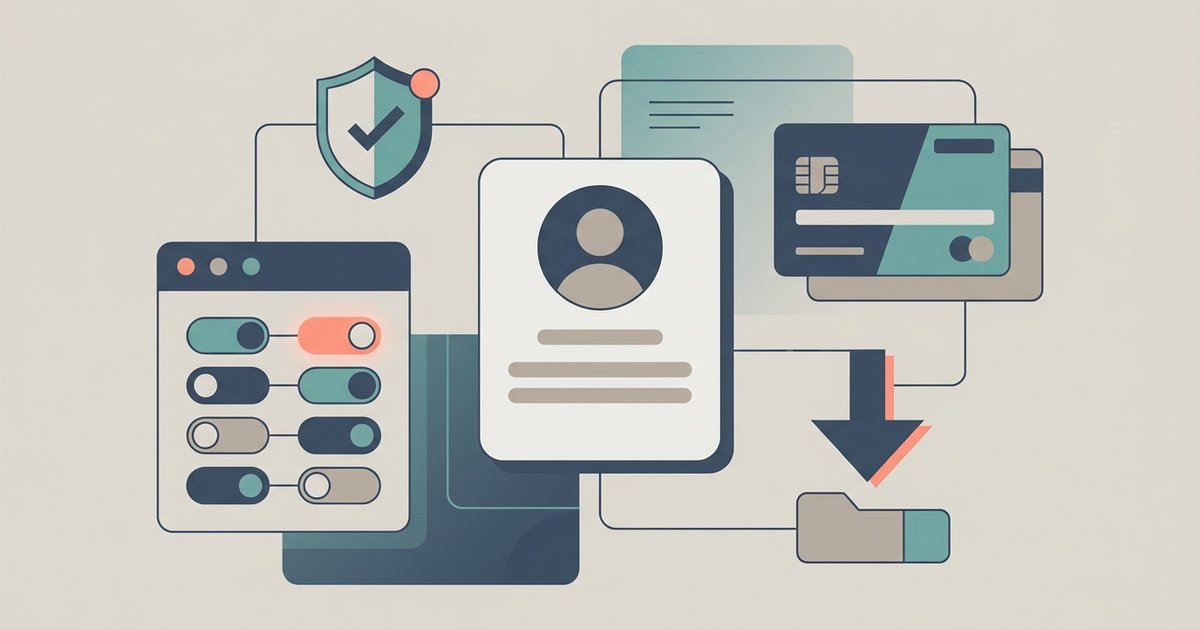
Facebook's privacy and account controls are scattered across several menus, and Meta moves them often enough that any set of instructions ages fast. This guide is a map of the...
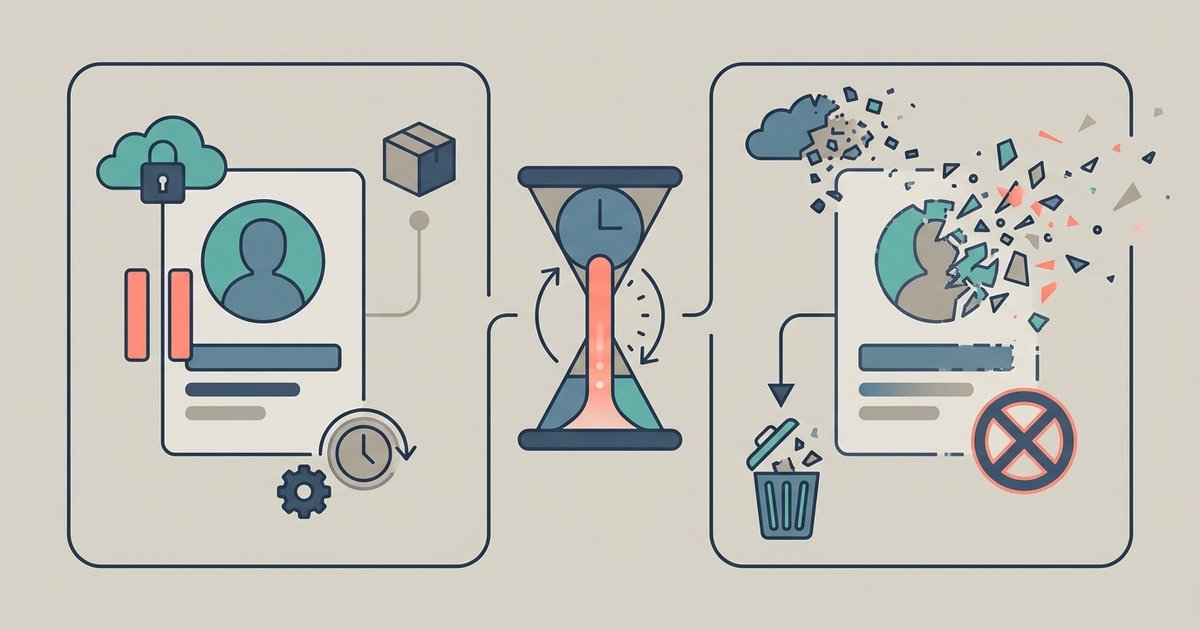
Deactivating a Facebook account hides your profile but keeps everything intact, and you undo it simply by logging back in. Deleting is permanent, with a 30 day window in which...
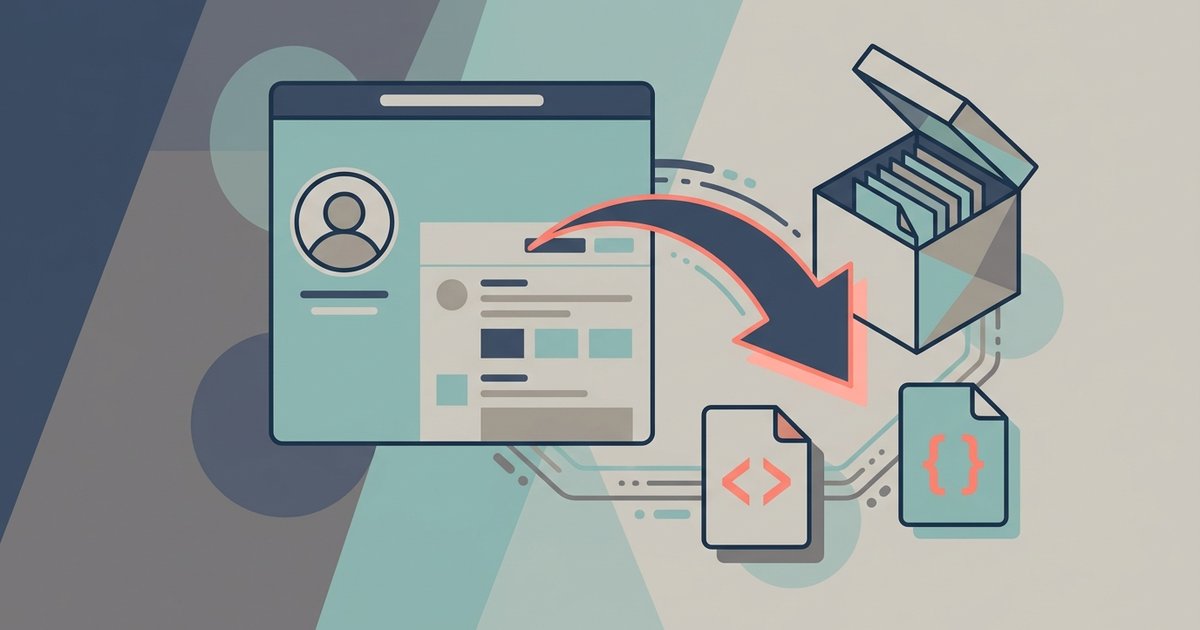
Facebook can build you a downloadable archive of the information it holds about your account, using the export tool inside Accounts Center. You choose which categories to include, how far...
Every Facebook post carries its own audience, set by the selector in the post box, and it only applies to that post. Your next post goes back to whatever default...
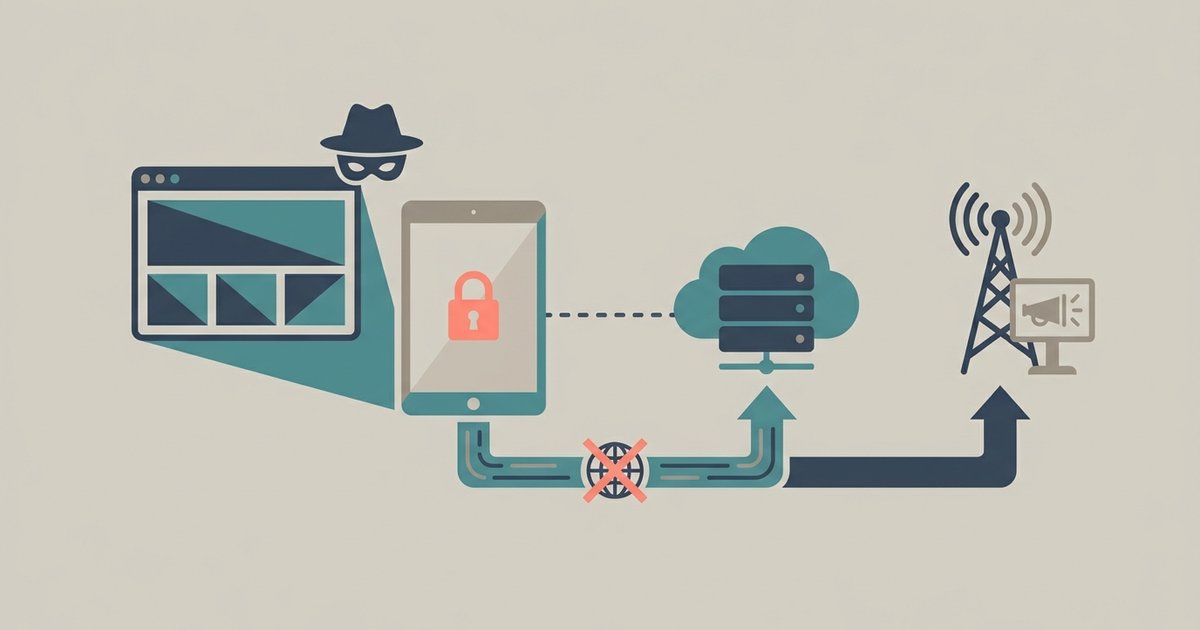
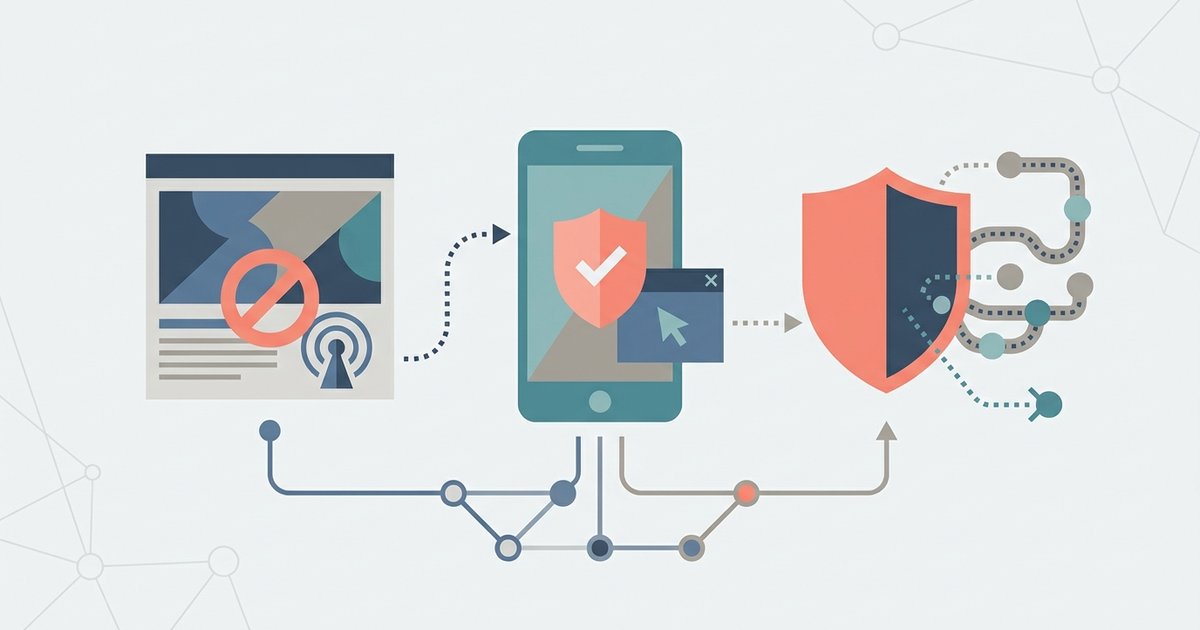
Facebook's ad controls live in Accounts Center under Ad preferences, and the phone-level controls live in iOS and Android settings. Between them you can cut down how much of your...
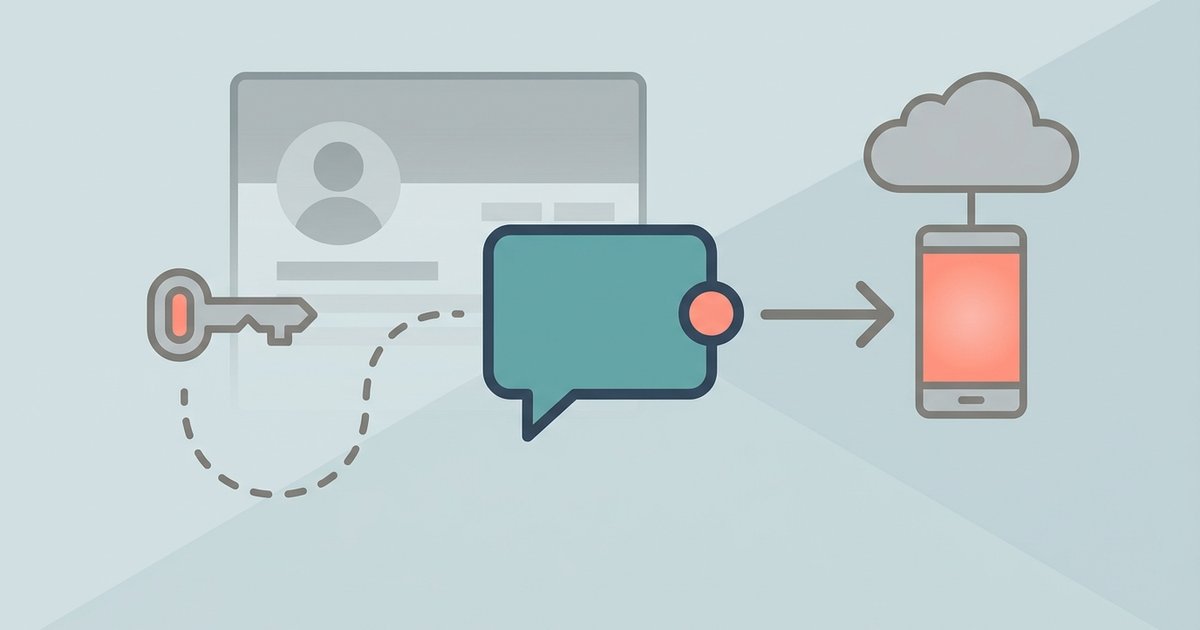
You can use Messenger without an active Facebook profile, but you cannot use it without ever creating a Facebook account. Meta's supported route is to create a Facebook account, deactivate...
What incognito mode actually hides What does incognito mode do when you open a private window and visit a site like Facebook? Your browser won't save the search or the...
No, incognito mode does not hide your IP address from Facebook. Facebook still sees your real IP address, which can reveal your approximate location and link your activity to your...
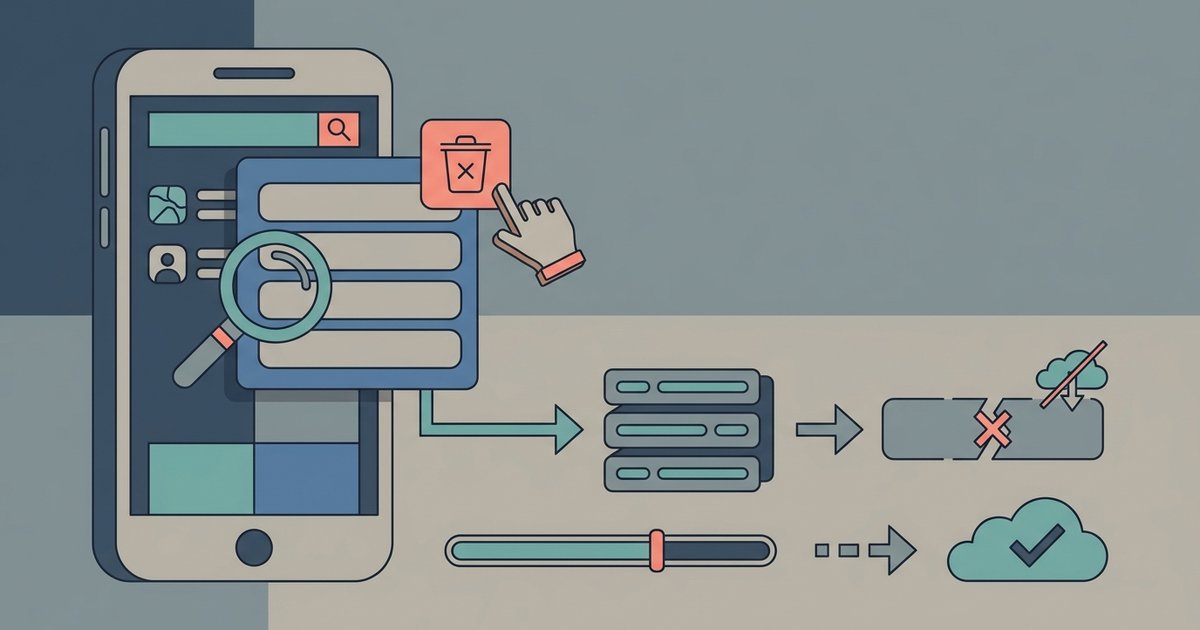
Go to your activity log, click "Search history" in the left sidebar, then use the three-dot menu to delete individual entries or clear the entire history at once. Where to...
To download a Facebook voice message, you must use Facebook's official data export tool, as Messenger has no direct save button for individual audio clips. This process lets you download...
If your Facebook page appears too large or too small on your tablet, the most likely cause is an accidental activation of your tablet's accessibility zoom or magnification gestures, not...
This website uses cookies so that we can provide you with the best user experience possible. Cookie information is stored in your browser and performs functions such as recognising you when you return to our website and helping our team to understand which sections of the website you find most interesting and useful.
Strictly Necessary Cookies
Strictly Necessary Cookie should be enabled at all times so that we can save your preferences for cookie settings.
If you disable this cookie, we will not be able to save your preferences. This means that every time you visit this website you will need to enable or disable cookies again.