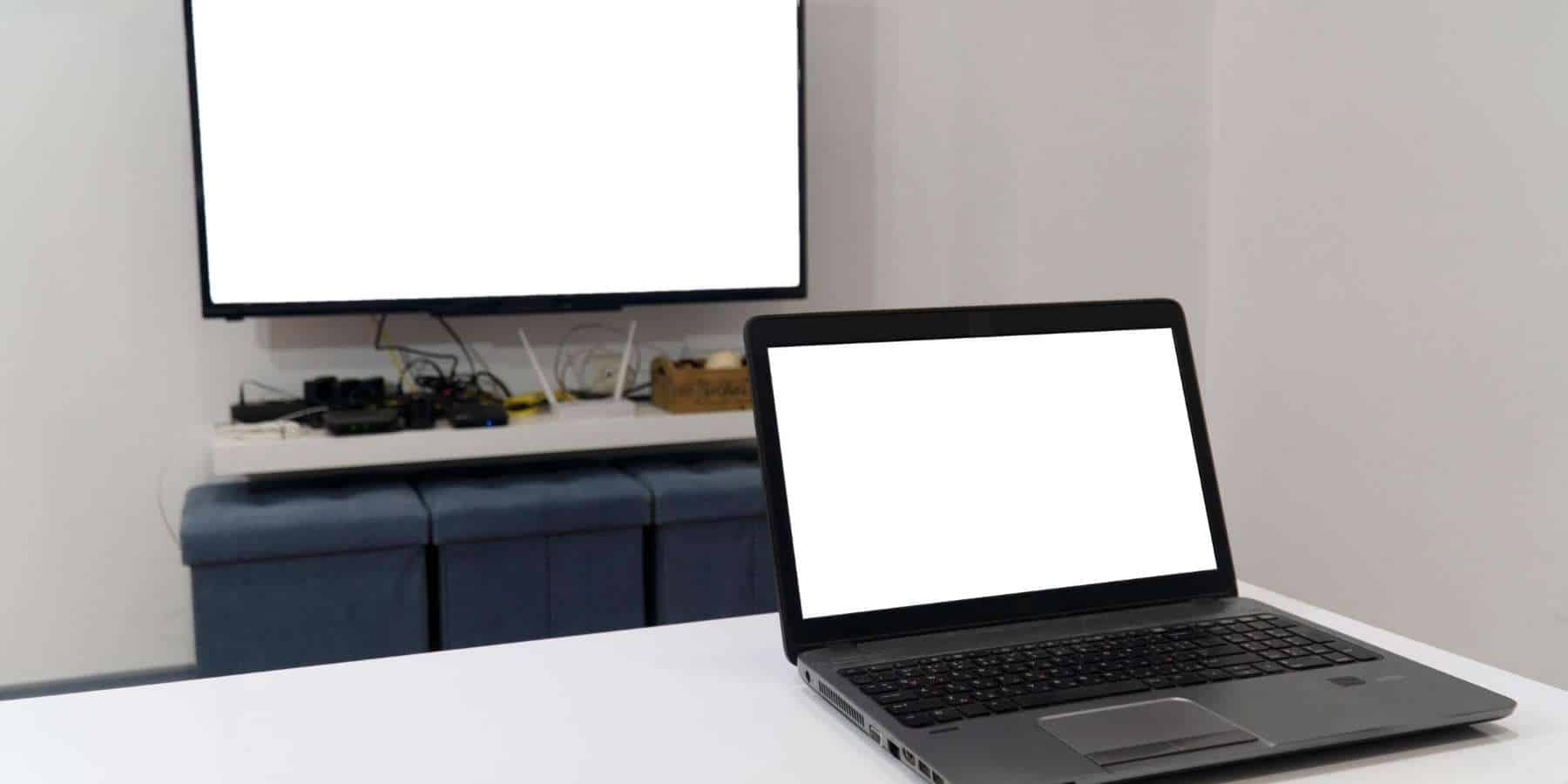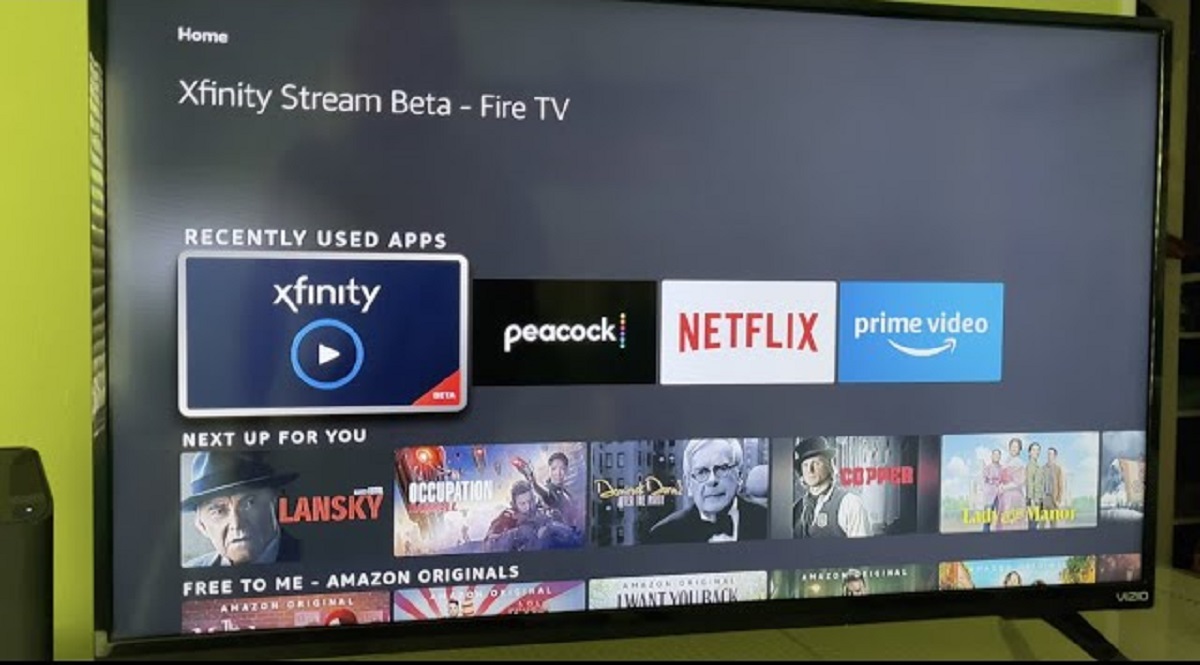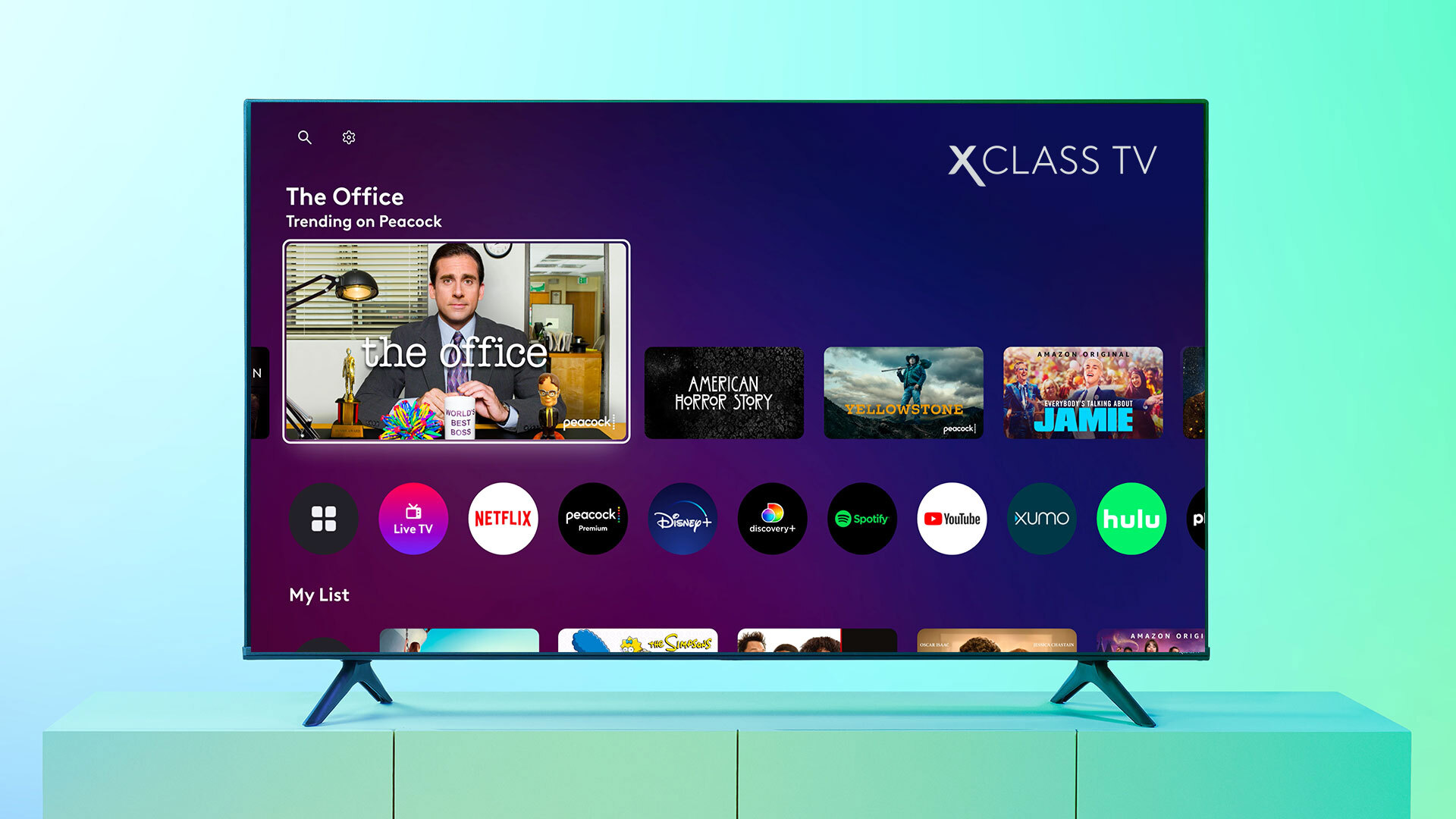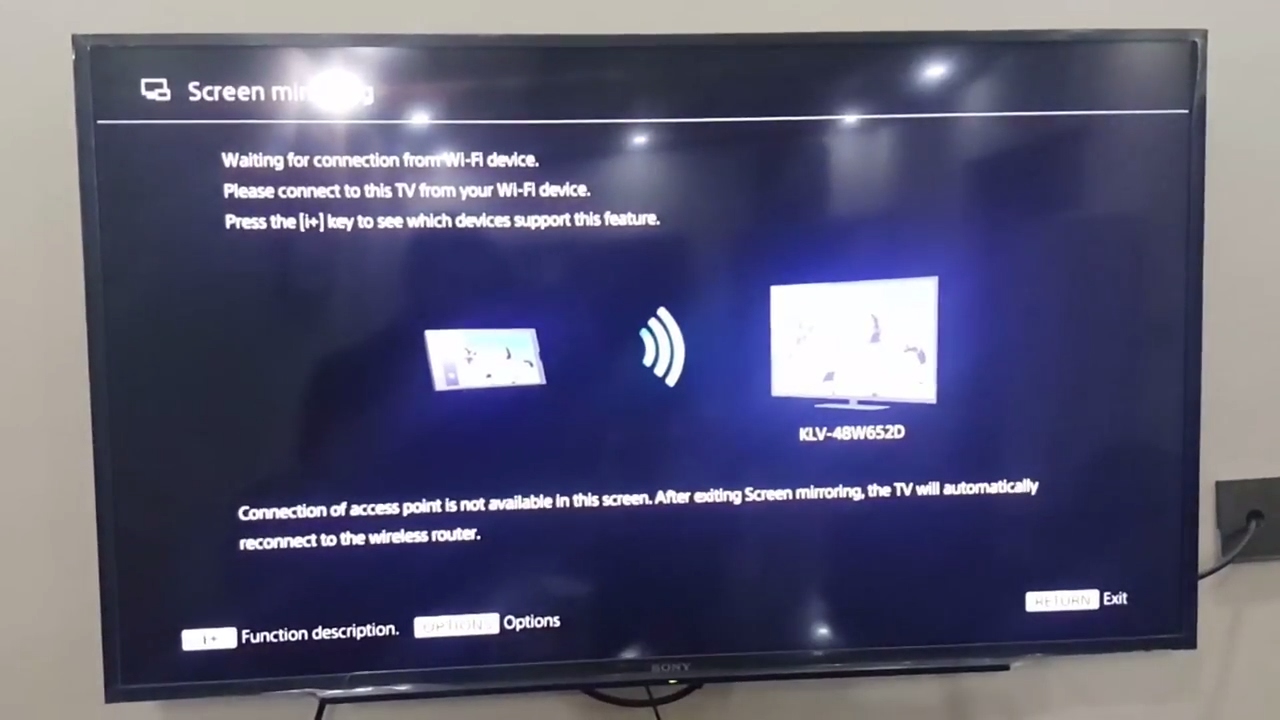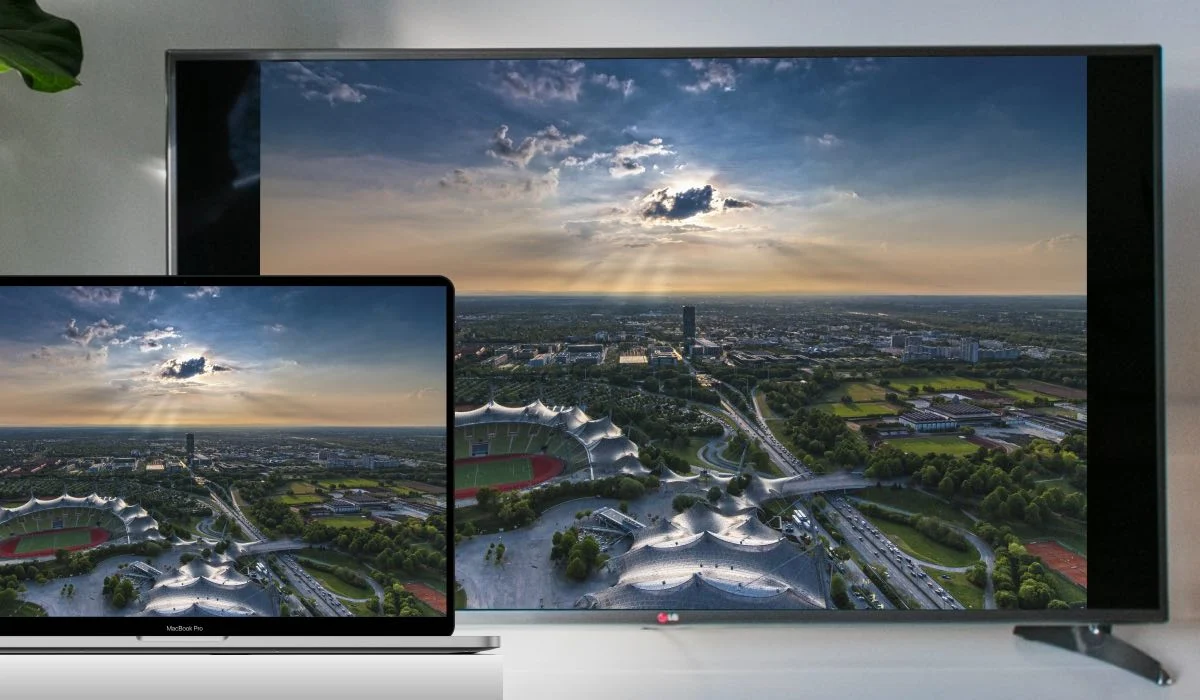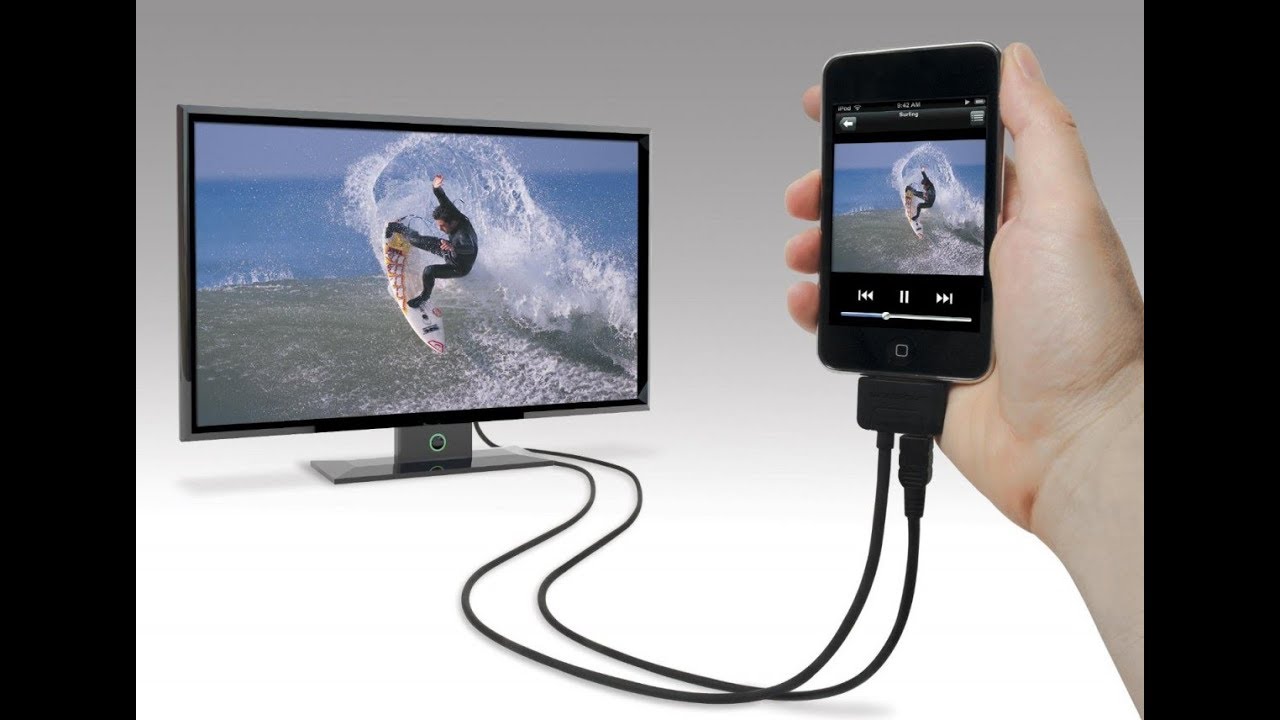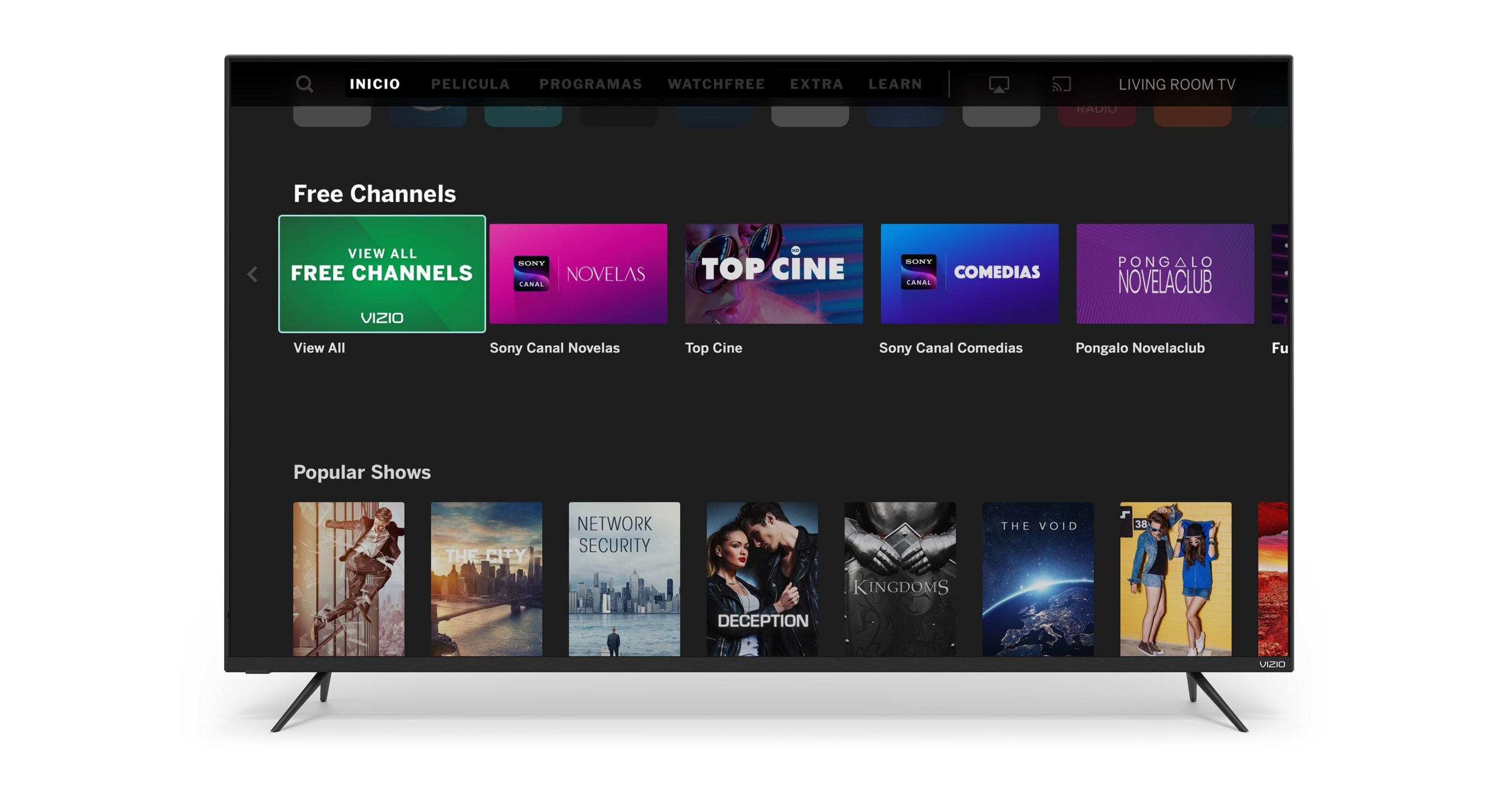
Vizio Smart TVs do not include a built-in web browser, so the only way to search web on Vizio smart TV is to cast or mirror a browser from your phone, tablet, or computer onto the TV screen. The Vizio platform is designed around installed entertainment apps, live channels, and casting content from other devices, meaning there is no native browser app to open. To get a browser on your TV, you must use screen mirroring or casting from a separate device that has its own browser.
Does Vizio have a web browser? Here's how to search web on Vizio smart TV:
Vizio Smart TVs lack a built-in web browser entirely. Unlike other smart TV platforms that include a browser app, Vizio's system is built strictly for streaming apps and casting. The only way to browse the internet on your Vizio TV screen is to mirror your phone, tablet, or computer's browser display using Chromecast, AirPlay, or a similar casting protocol. This means your TV acts as a second monitor for your device's browser, rather than running a browser itself.
Connect your devices to the same Wi-Fi network
Before any casting or screen mirroring will work, both your Vizio TV and the device you're casting from must be connected to the same Wi-Fi network. This is a mandatory requirement for all casting methods, whether you're using an Android phone, iPhone, Windows PC, or Mac. If the devices are on different networks, the TV won't detect your casting device, and the connection will fail. Check your TV's network settings and your device's Wi-Fi connection to confirm they match.
Cast a web browser from your Android phone or tablet
Your phone's entire screen or just the Chrome tab will appear on your TV, allowing you to browse the web using your phone as the remote control.
Using Google Home for casting
After opening the app, tap the "Cast" icon, select your Vizio TV, and then choose whether to mirror your entire screen or just the Chrome browser tab. The TV will display exactly what's on your phone, and you can navigate by touching your phone's screen.
Using Smart View on Samsung devices
Samsung phones and tablets have a built-in Smart View feature that works similarly to Google Home. This will duplicate your entire display, including any browser you have open.
Mirror your iPhone or iPad screen with AirPlay
First, make sure your iOS device and TV are on the same Wi-Fi network. You can then navigate websites using your iPhone's touchscreen, and the TV will mirror everything in real time.
Cast a browser tab from your Windows PC or Mac
From a Windows PC or Mac, you can cast a browser tab directly to your Vizio TV using Chrome's built-in casting feature. This works on both Windows and Mac versions of Chrome. If you have a Mac, you can also use AirPlay to mirror your desktop by clicking the AirPlay icon in the menu bar and selecting your Vizio TV.
Casting from Chrome on Windows
On Windows, Chrome casting is the most reliable method. After clicking the Cast menu, select your TV and choose whether to cast the current tab or the entire desktop. The browser tab will appear on your TV, and you can continue using your computer normally while the TV displays the webpage.
Using AirPlay from a Mac
Mac users can mirror their entire desktop or just a browser window using AirPlay. This will show your Mac's screen on the TV, including any browser you have open.
Use the Vizio Mobile App as a companion remote
The Vizio Mobile App serves as a remote and content-discovery tool but does not install a web browser on the TV itself. While the app can help you find streaming content and control your TV, it won't give you a browser. However, you can use the app to initiate casting from your phone, open the browser on your phone, then use the Vizio Mobile App's cast feature to send your screen to the TV. The app acts as a bridge for casting, but the actual browsing happens on your phone, not the TV.
If you need to update your Vizio smart TV, the process is done through the TV's settings menu, not through a browser. To connect a laptop to your Vizio smart TV wirelessly, you'll use the same casting methods described above, Chrome casting from a Windows laptop or AirPlay from a Mac. For those looking to stream from PC to Vizio smart TV, Chrome's cast feature is the simplest option, allowing you to mirror your entire desktop or just a browser tab. And if you're wondering how to browse the internet on a Vizio smart TV, the answer is always the same: you must cast from another device, as there is no native browser available.