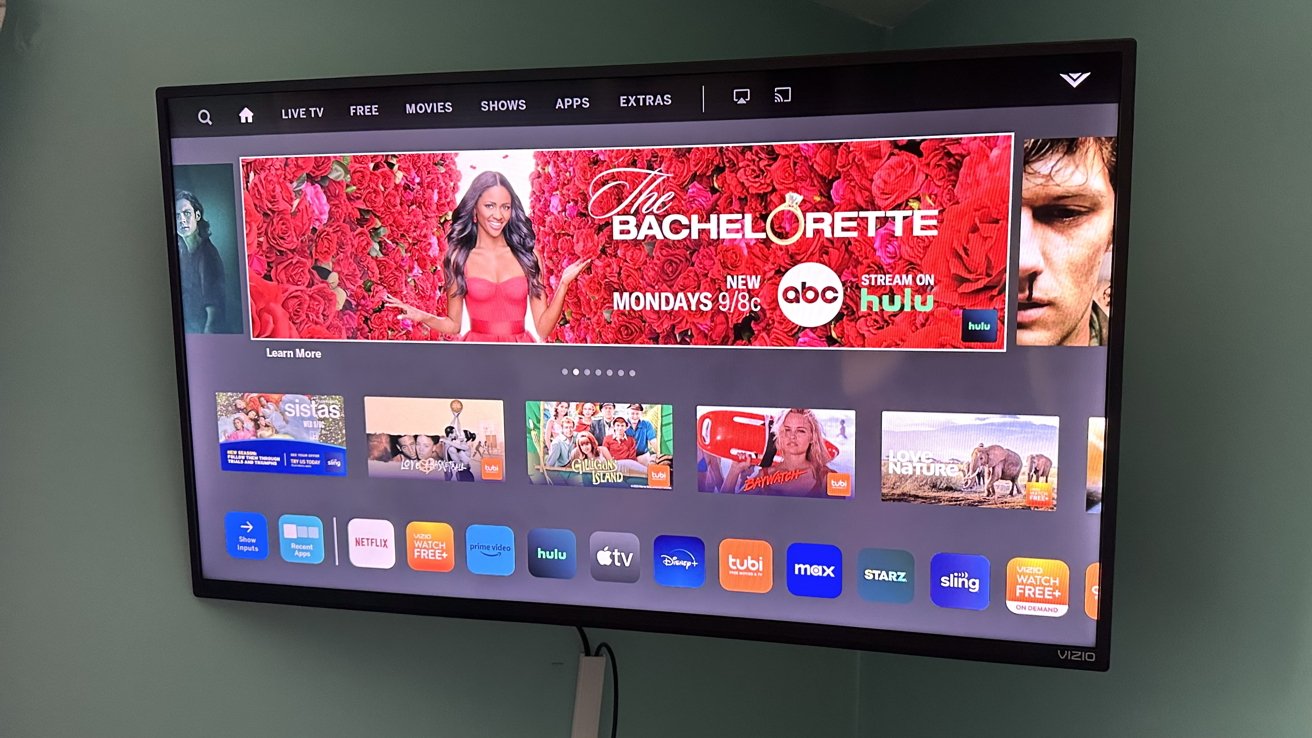
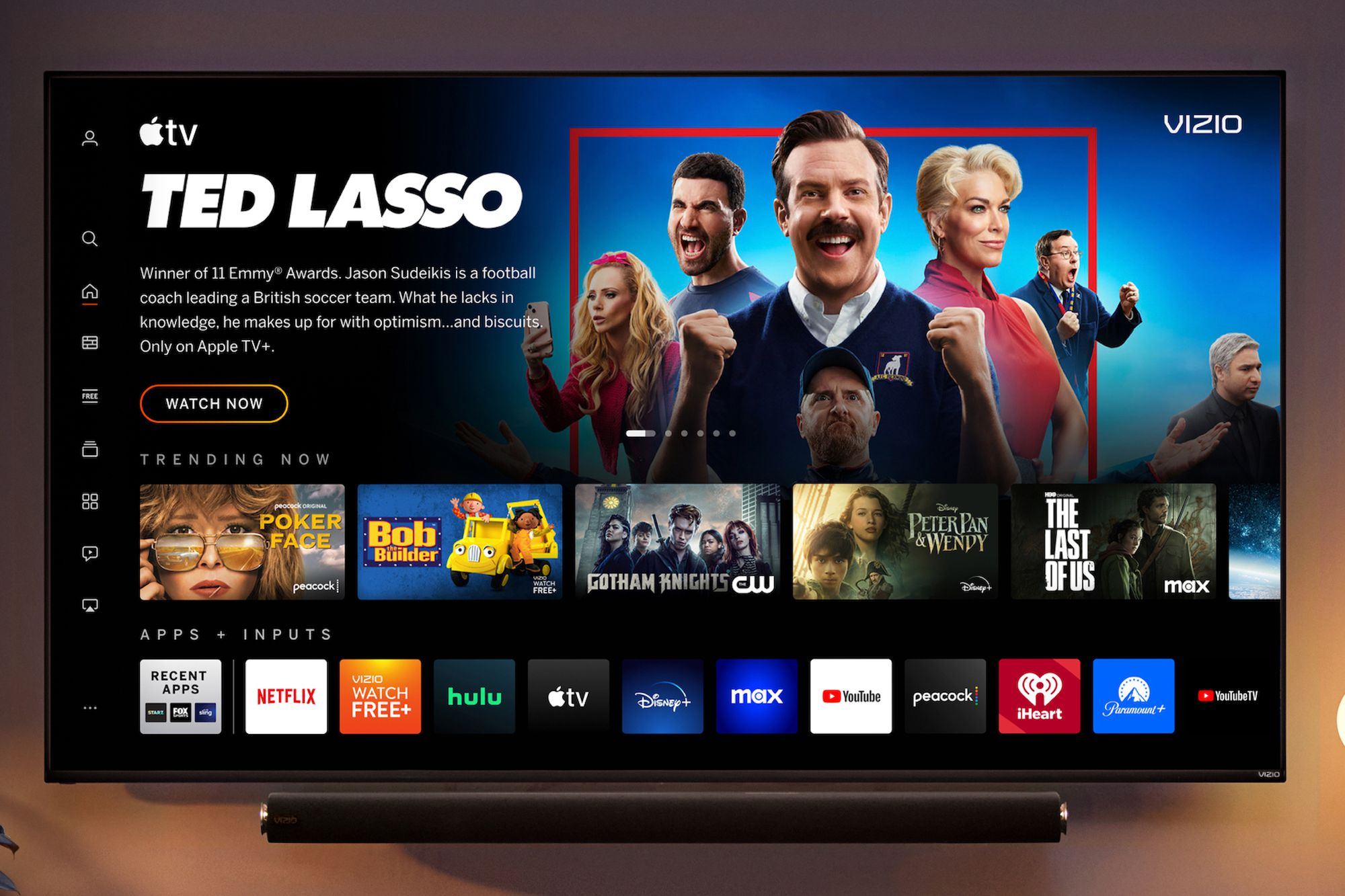
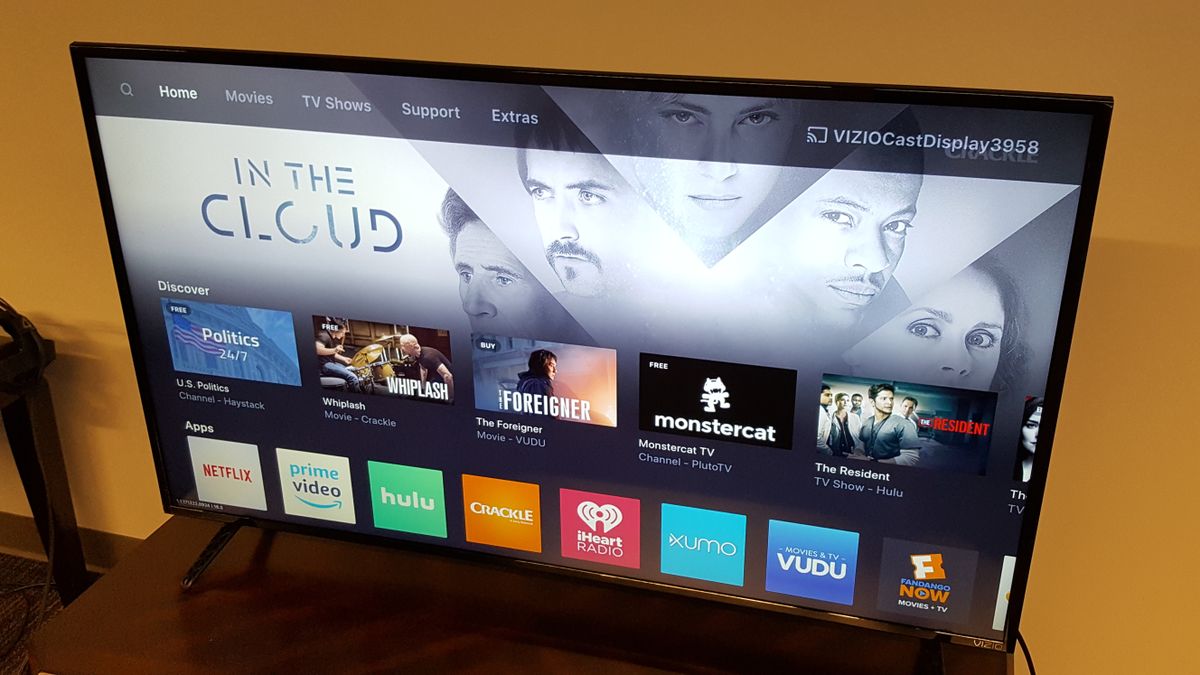
This tag collects our growing set of setup and troubleshooting guides for Vizio Smart TVs, written for everyday owners who want to get more from their television without digging through a dense manual. Whether you have just unboxed a new set or have been living with one for years, these articles focus on practical, step-by-step fixes for common questions about apps, connections, and viewing options.
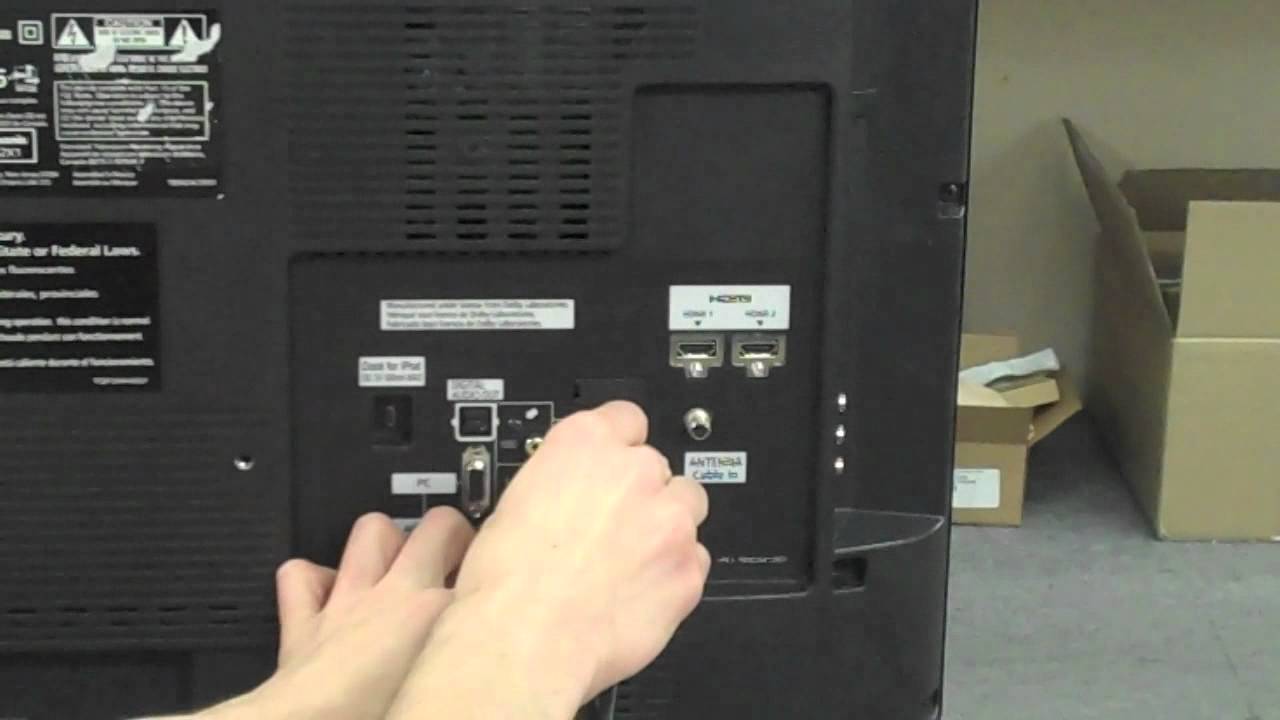
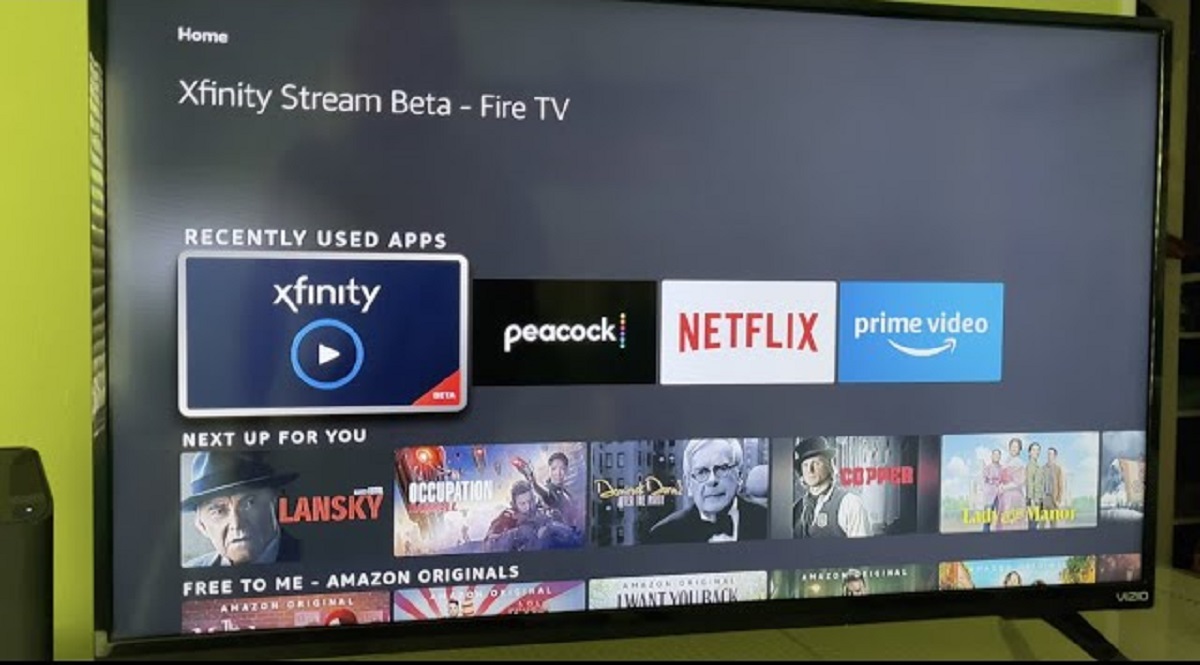
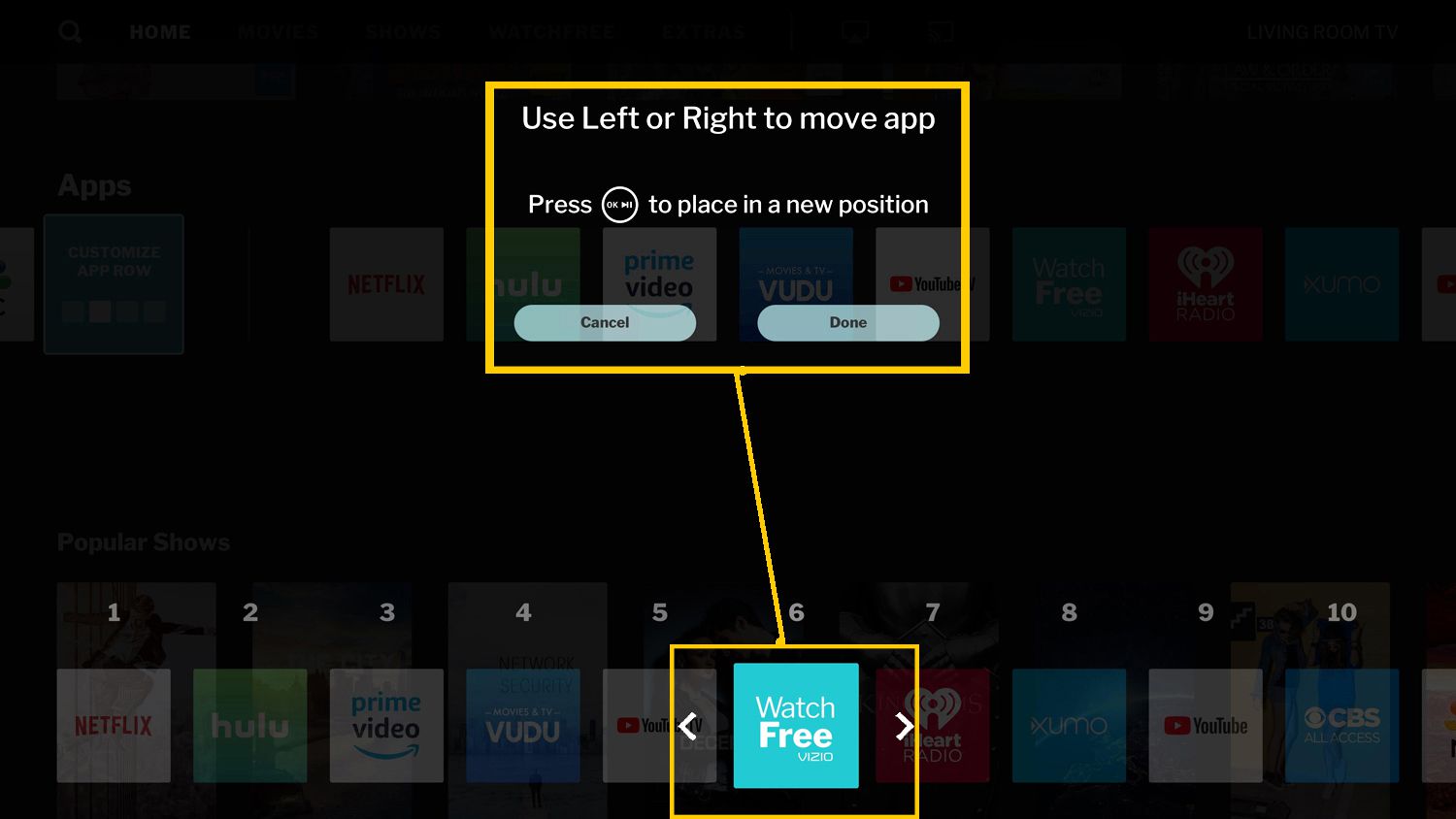
The articles cluster around a few clear themes. One major group deals with getting specific content onto the screen, this includes how to watch local channels, how to get ABC, MLB TV, or the Zeus Network, and how to add streaming services like DirecTV, Xfinity Stream, or Roku as an app. Another theme centers on connecting external devices: you will find guides for hooking up a DVD player, a laptop wirelessly, a Bluetooth speaker, a USB drive for video playback, and a surround sound system. A third set of articles focuses on controlling the TV experience itself, such as rearranging apps, blocking apps, setting full screen, and turning off the voice feature.
Several entries also address legitimate alternatives and safe usage. For example, the articles about getting local channels and watching regular TV explain legal options like an antenna or a streaming service, rather than any workaround. Similarly, the guides on screen mirroring and connecting a laptop describe standard, supported methods for displaying your own content. The USB and DVD articles cover playing media you own. None of the articles here encourage bypassing security, pirating content, or hacking the TV’s software, they are straightforward how-to help for the features Vizio built in.