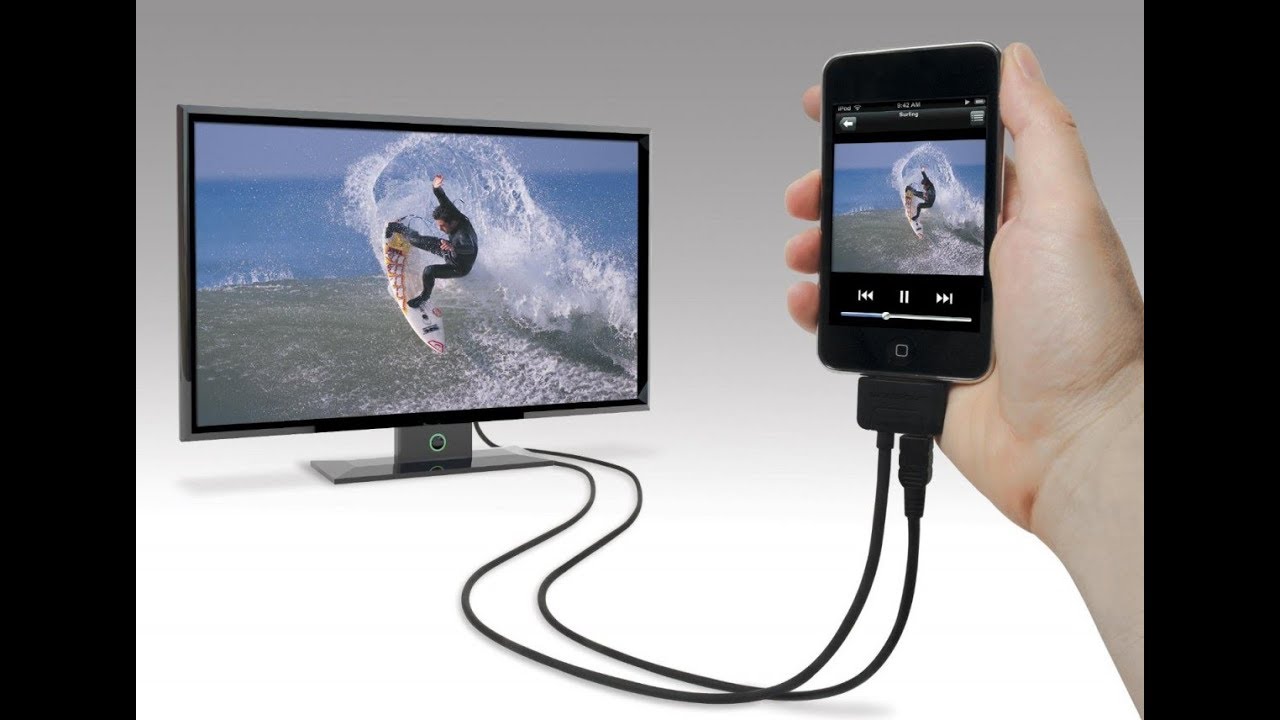
This tag collects step-by-step guides for getting video, audio, or a full screen from one device to another, typically from a phone, laptop, or tablet to a television. It is written for everyday consumers who want to watch their own content on a bigger display, mirror a presentation, or simply stop squinting at a small screen. The articles assume no special technical background and focus on practical, click-by-click instructions for common smart TV brands and operating systems.
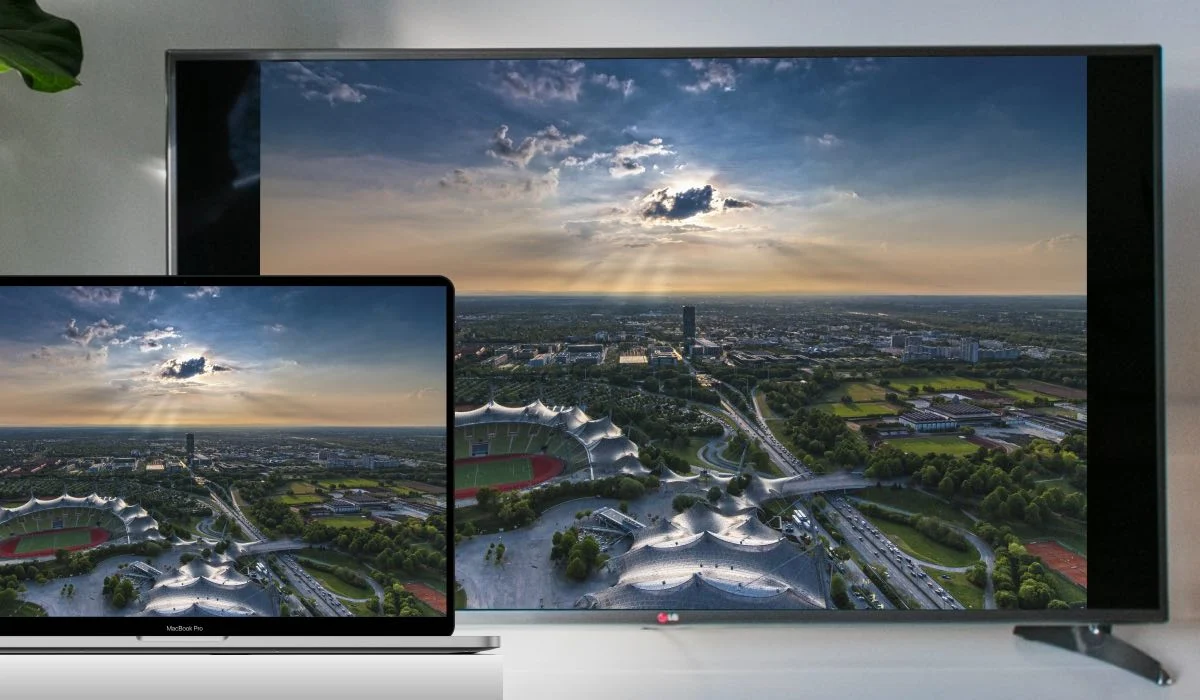
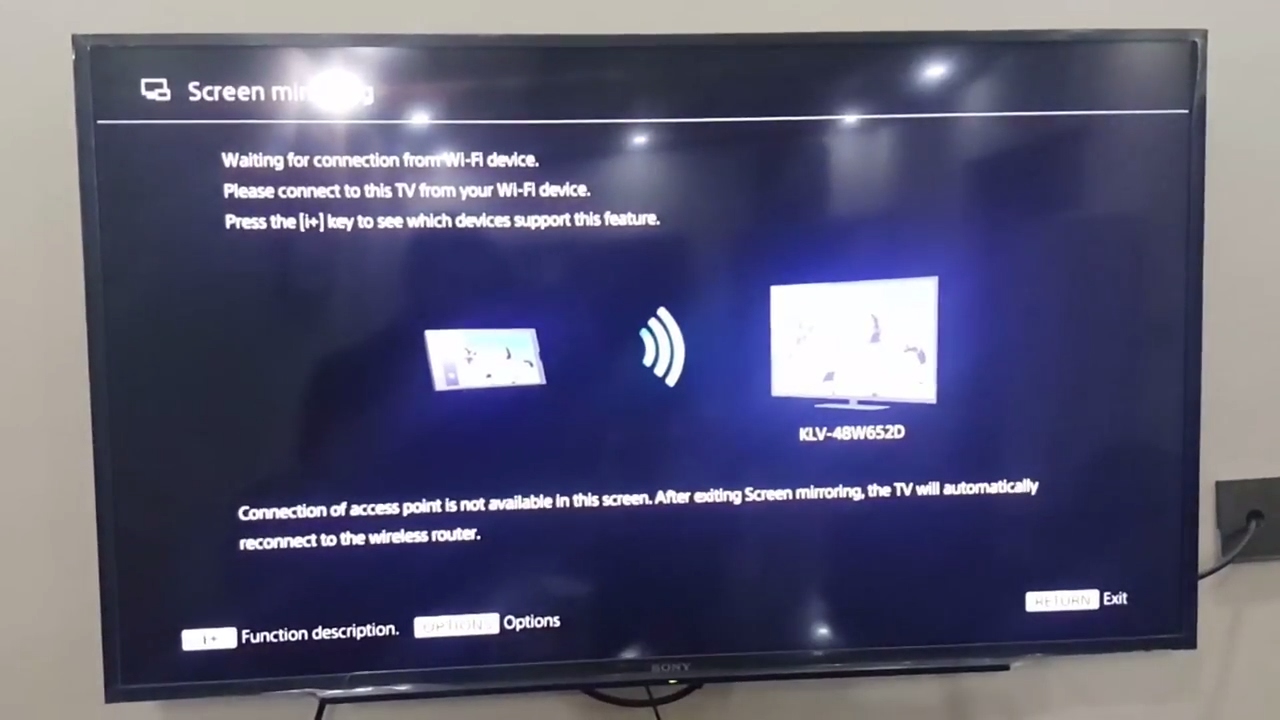
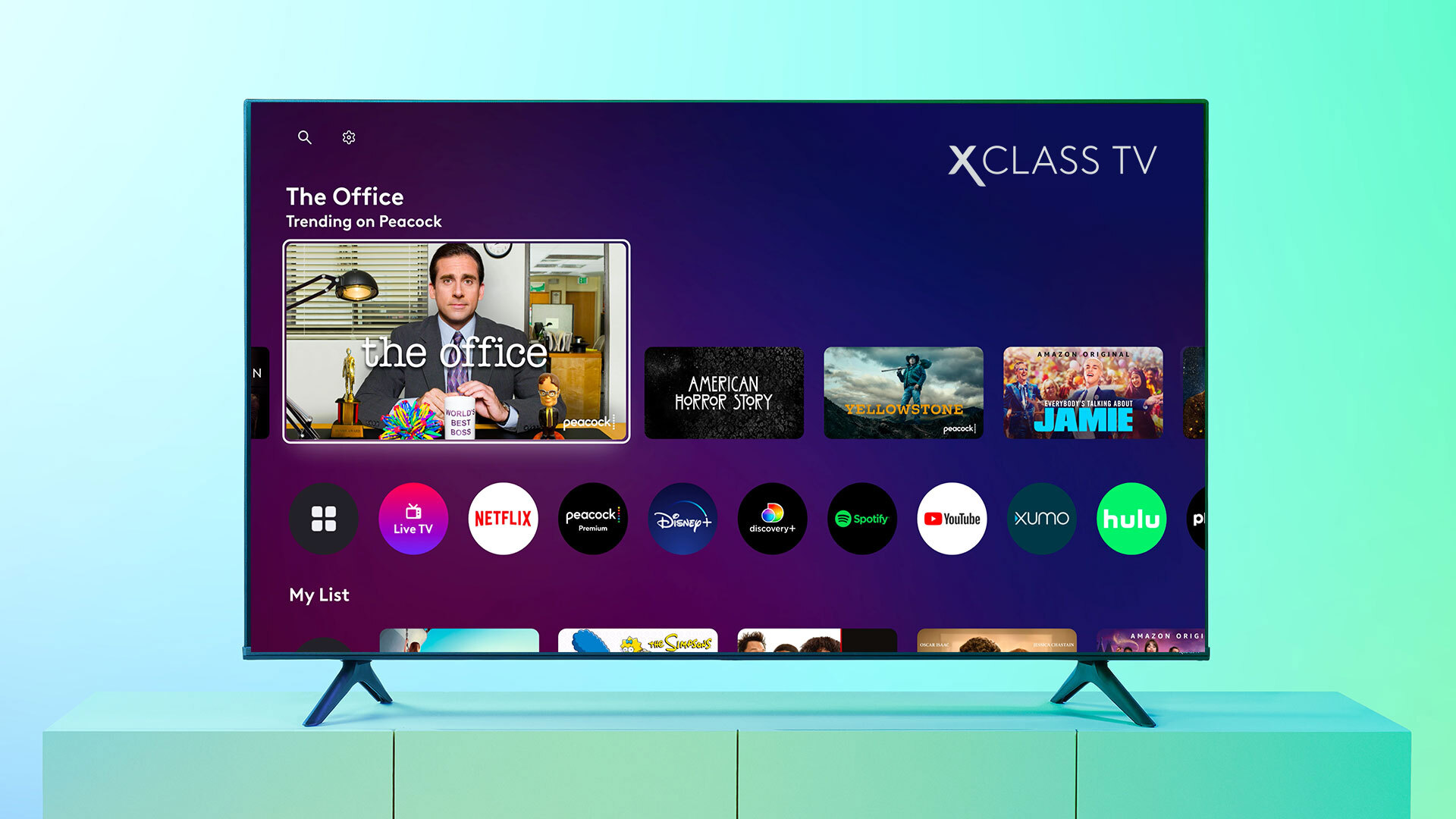
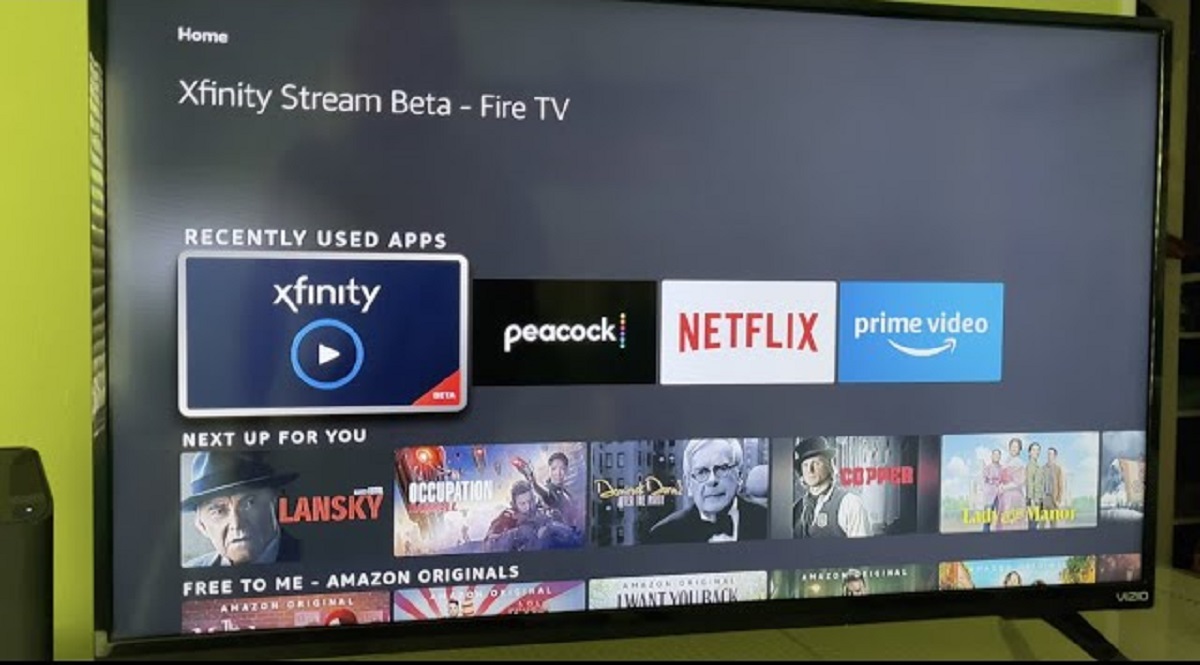
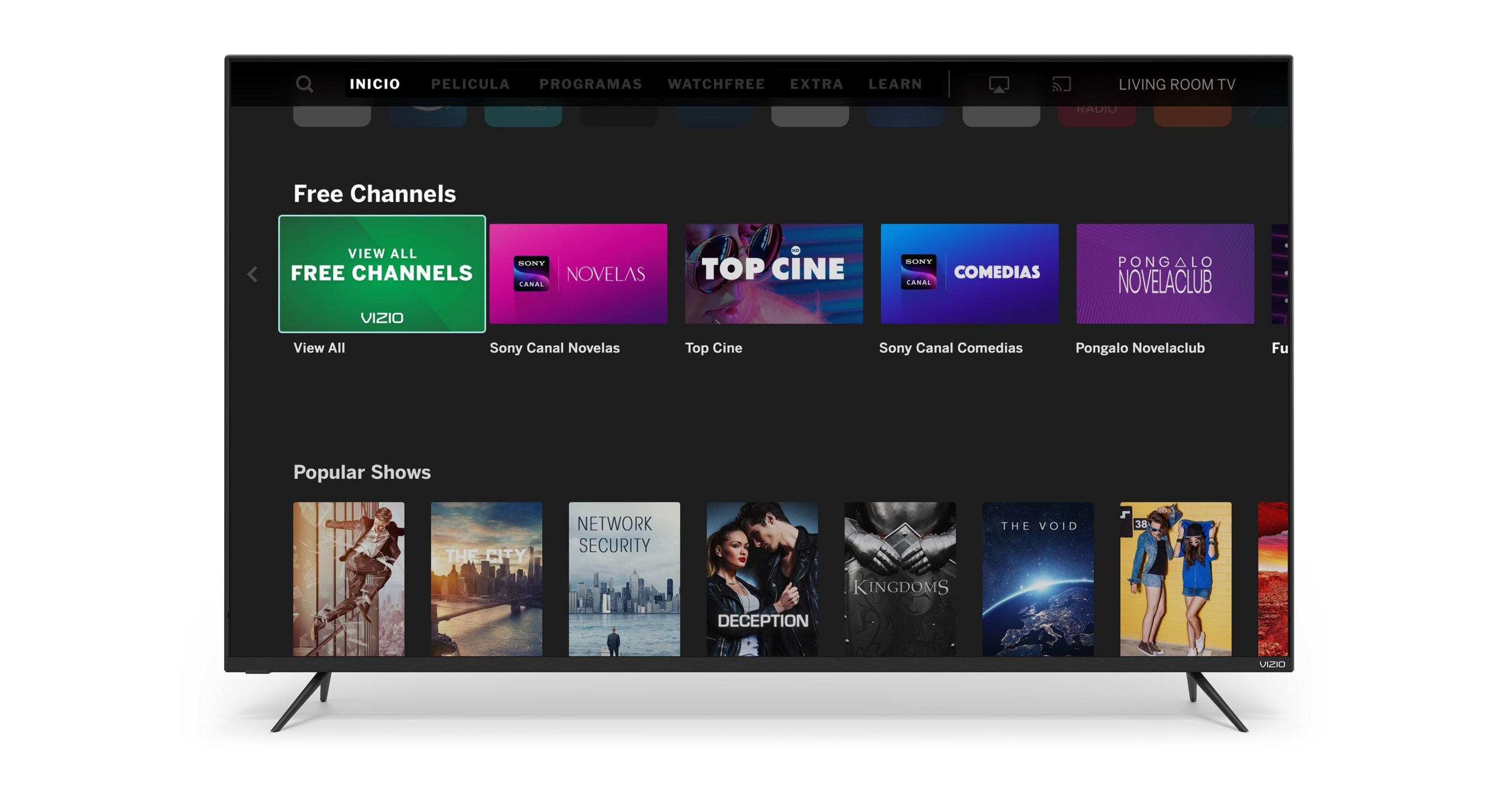
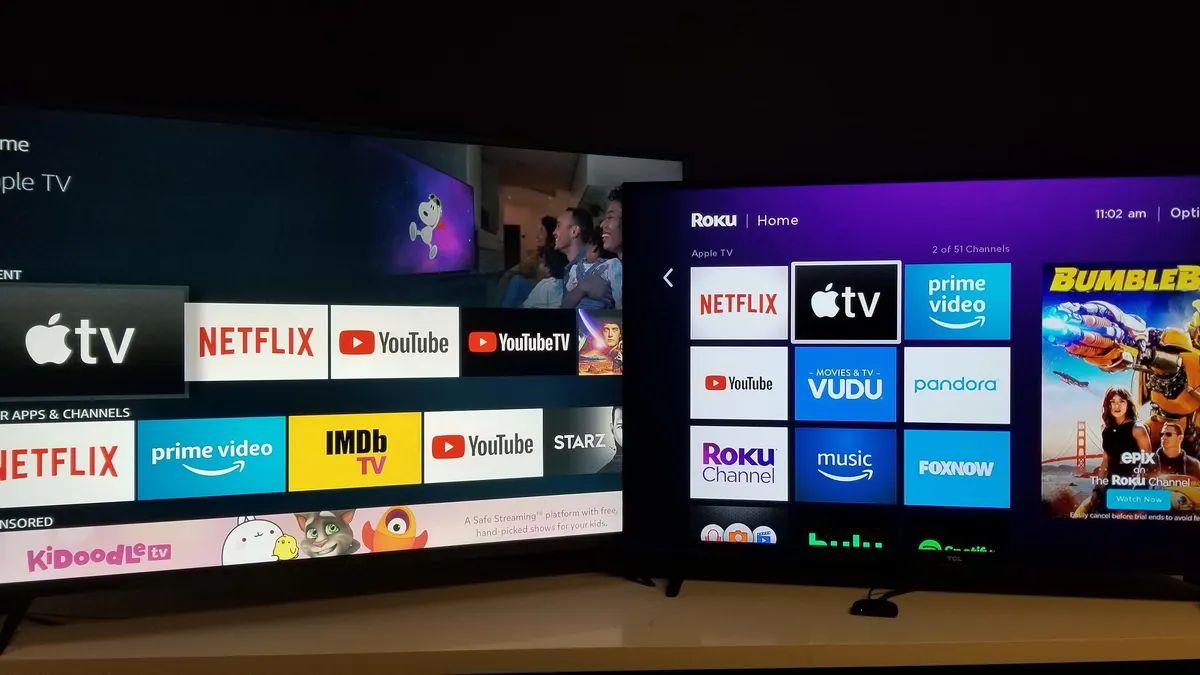
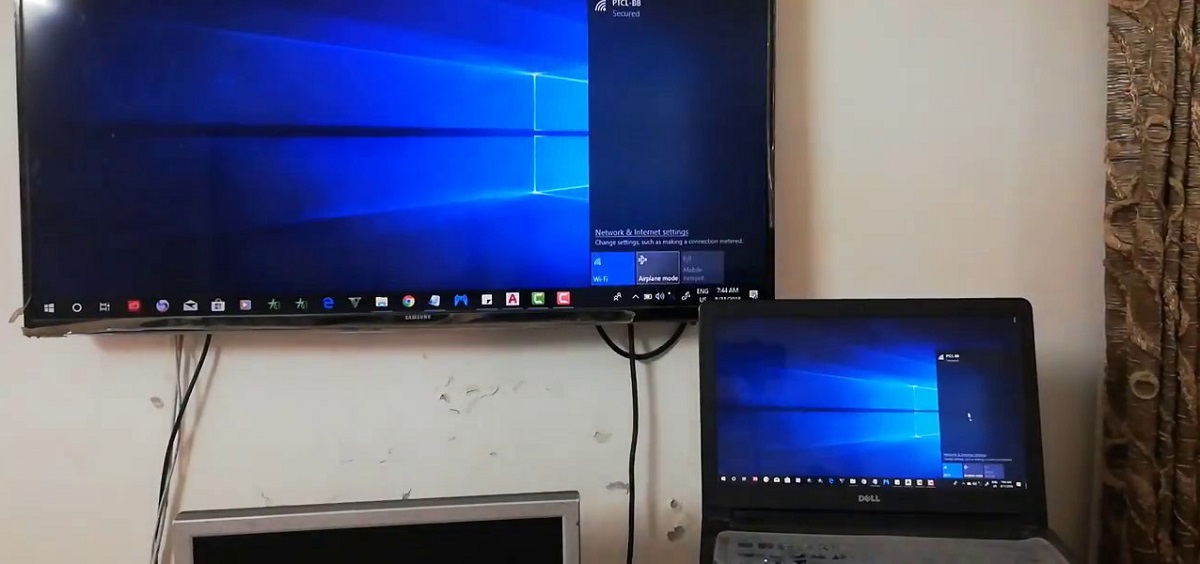
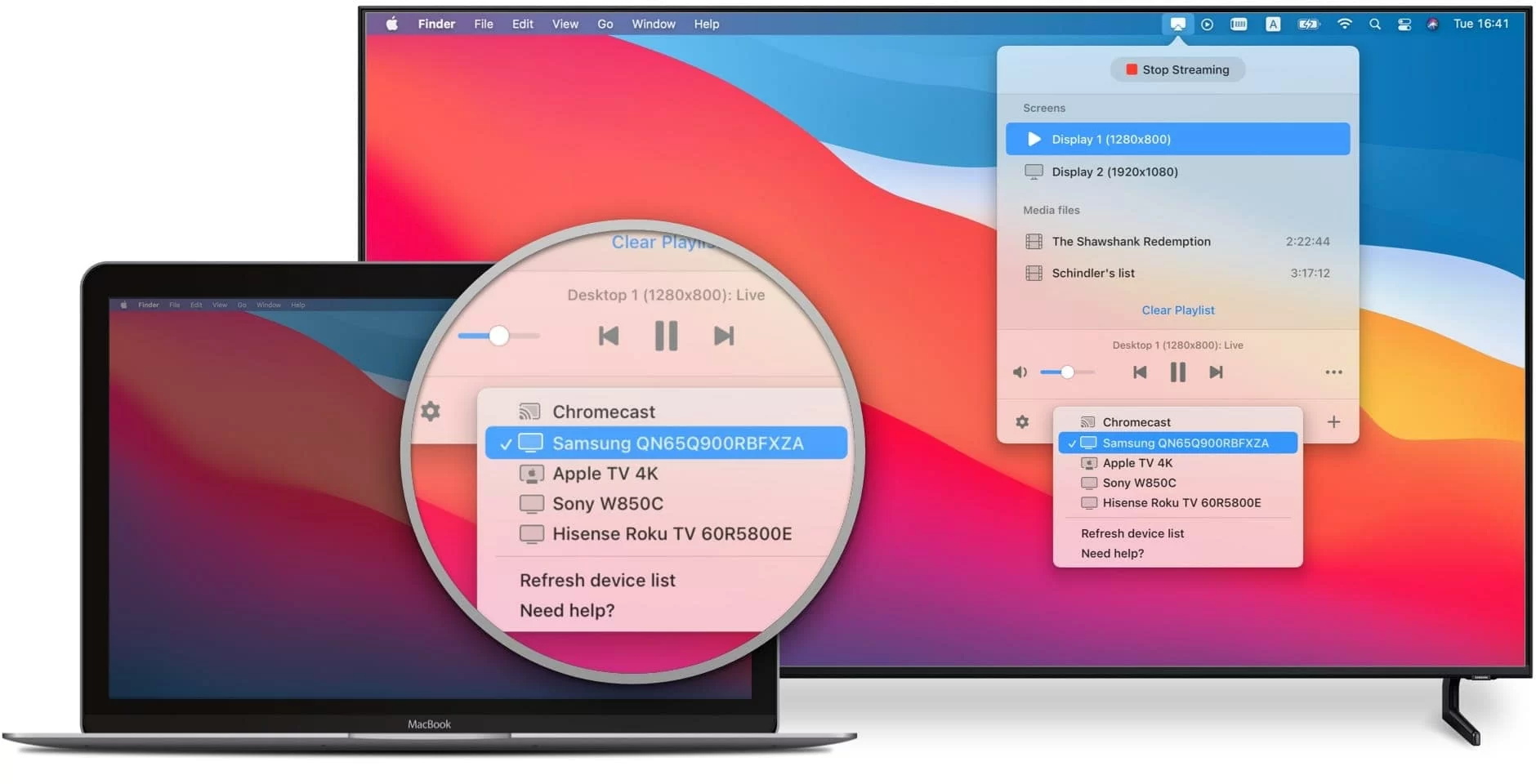
The problems solved here fall into two main groups. The first is wireless casting and mirroring between devices: you’ll find guides for sending a MacBook’s screen to a Samsung or LG TV, mirroring an iPhone to a TCL set, and connecting a laptop to a Vizio or Sharp TV without cables. The second group covers getting specific streaming services onto a TV, for example, adding Xfinity Stream to a Hisense or Vizio TV, or watching the NFHS Network on a Samsung set. A few articles also address less obvious display needs, such as projecting a laptop screen onto a wall without a projector, or searching the web directly on a Vizio TV.
Where relevant, the guides take a safe, legal approach: they show you how to use built-in features like AirPlay, Chromecast, or the TV’s own app store to access content you already have or are entitled to stream. They do not cover bypassing restrictions, pirating broadcasts, or hacking device software, instead, they help you make the most of the legitimate wireless options your hardware already supports.