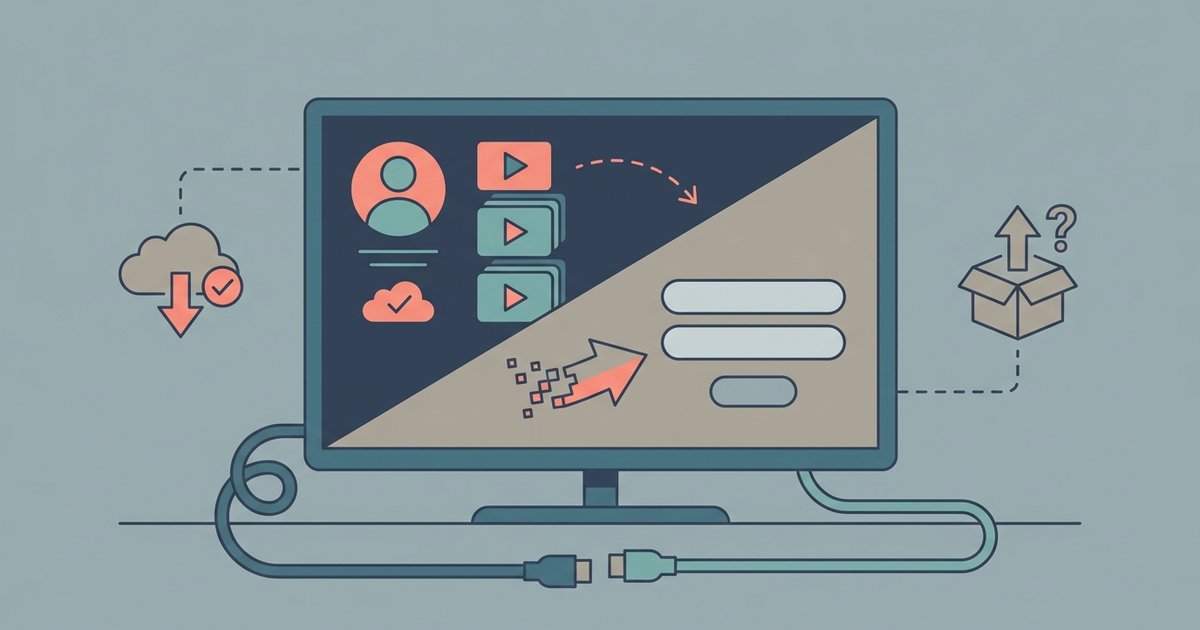
No, A&E only allows one live stream per TV provider account at a time. You cannot watch the live channel on two different devices simultaneously.
The watch A&E live one-stream limit explained
If someone in your household is already watching A&E live on the TV through the A&E app, and you try to start a live stream on a tablet using the same TV provider login, the first device will immediately be stopped. Otherwise you will see an error message on the second device.
A&E’s live feed is tied to a single active session per TV provider login. This means that when using the A&E app directly, the app enforces a hard cap of one live stream at a time, even if your cable or streaming subscription allows multiple simultaneous streams from the provider itself. The system checks your authentication token each time you press “Watch Live” in the app. If a live stream is already running under that same TV provider account, the app will reject any additional live stream request. This applies whether the stream is on a Roku, Apple TV, Fire Stick, mobile phone, or web browser. This restriction is set by A&E’s licensing agreements, not by your internet speed or device count. You can have the app installed on dozens of devices, but only one can play the live channel at any given moment.
What happens when a second person tries to watch
When a second user attempts to launch a live stream, the A&E app displays a specific error message: “You have reached the maximum number of simultaneous streams.” On some devices, the app may instead show a black screen with a notice that the stream is unavailable. In either case, the first device that was already playing the live feed continues uninterrupted unless the second stream is started from a different TV provider login. If the second stream is initiated, the app may also forcibly stop playback on the first device, kicking it back to the channel selection menu. This behavior is consistent across all platforms, smart TVs, streaming sticks, tablets, and phones. When using the A&E app, the only way to switch the live stream to a different screen is to manually stop the stream on the first device, then start it on the second.
What you can watch instead on a second screen
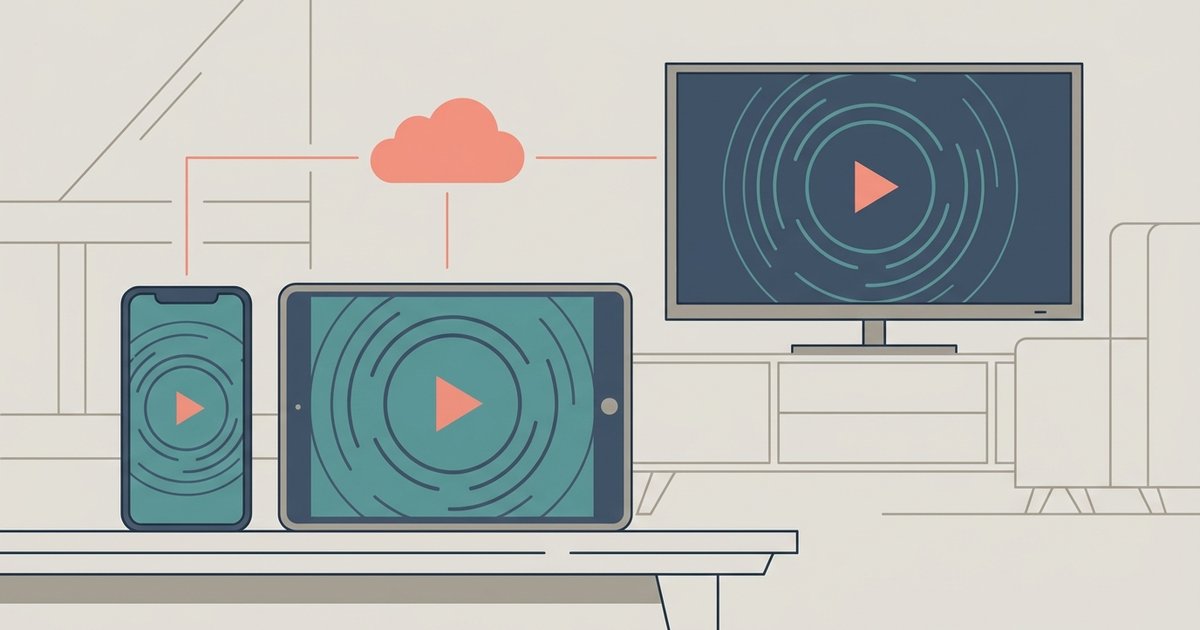
While the live channel is locked to one screen, you are free to watch on-demand episodes and the A&E app’s library content on multiple devices simultaneously. For example, if one person is watching a live episode of *Storage Wars* on the living room TV, another can stream a full season of *60 Days In* from the on-demand section on a tablet in the bedroom. The app’s library includes full episodes of current and past seasons, clips, and exclusive digital extras. These on-demand streams are not subject to the one-stream limit because they are not “live” feeds.
This means you can watch A&E on one screen live and watch A&E on another screen via on-demand without any conflict. For comparison, other networks handle live streaming differently. You can watch TLC with a similar single-stream limit on its app. Services that allow more simultaneous live streams include how to watch Fox News and how to watch truTV, each with their own device caps. To avoid confusion, always check the “Watch Live” button. If it is grayed out on a second device, switch to the on-demand tab instead.
The A&E app lets you watch a live channel on one screen while simultaneously streaming full on-demand seasons on another screen without any subscription upgrade.