Use your operating system's built-in Camera app (Windows) or Photo Booth (Mac), or visit a browser-based testing site like webcamtests.com. These show your live feed instantly without installing anything or connecting to another person.
Test my webcam with the built-in camera app
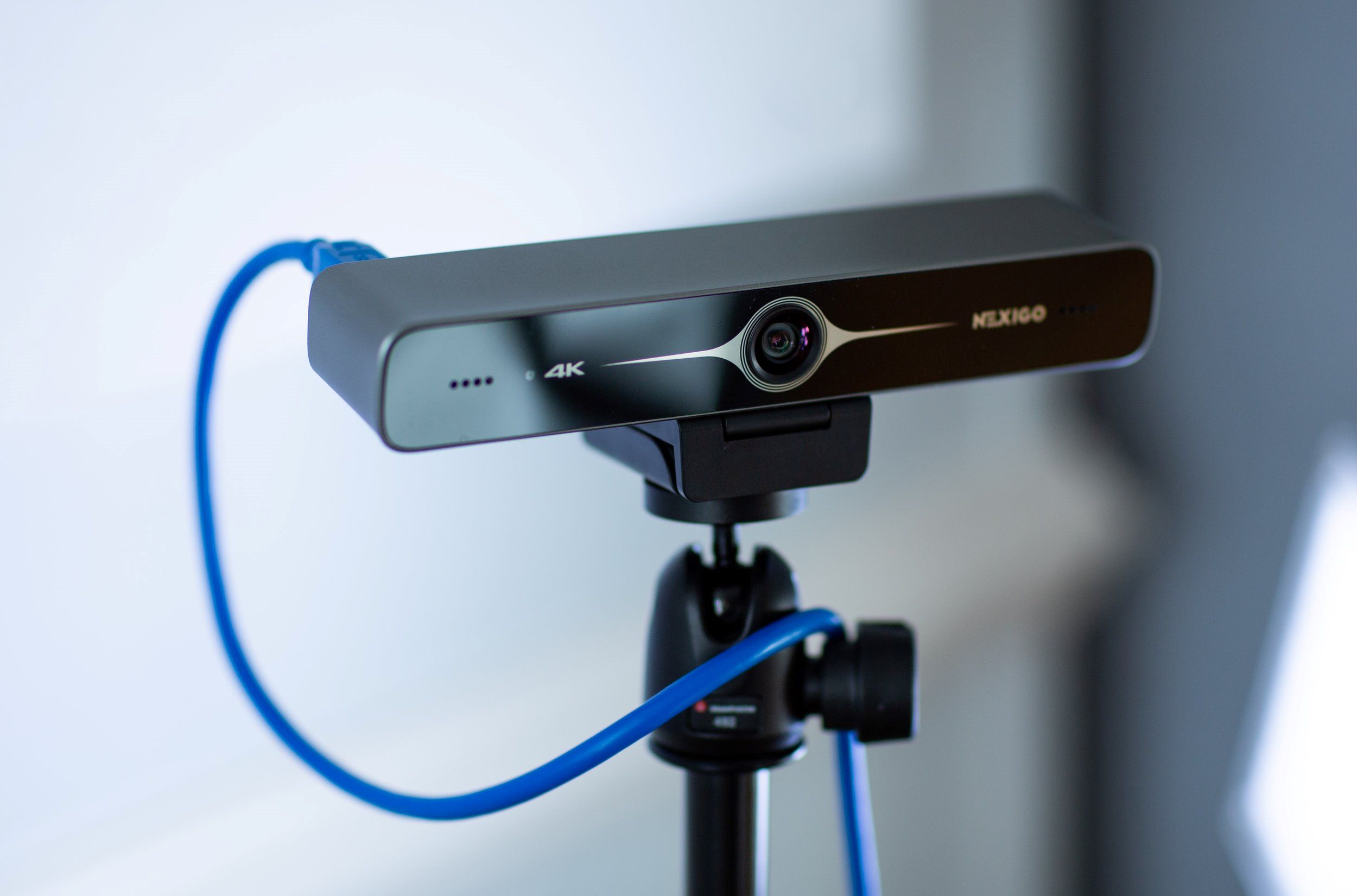
Windows 10 and 11 include a Camera app that opens directly to a live webcam feed with no login. On a Mac, launching Photo Booth from the Applications folder instantly activates the camera and shows a live preview in the main window. Both apps work entirely offline, so you can confirm your lens is clean, your lighting is okay, and your face is centered without ever touching a network. If you recently set up a nexigo webcam and the feed appears blank, double-check that the privacy shutter is fully open. If you are using an HP machine and need to activate the physical shutter or toggle the hardware switch, you might need to look up how to turn on the webcam on your HP laptop before the app will see your camera.
Browser-based testing without downloads
Chrome, Edge, and Firefox can navigate to webcamtests.com, which asks for camera permission once and then displays a live video feed inside a local box where nothing is uploaded, recorded, or shared. To make this work on a locked-down computer, you may need to check your browser’s site settings to turn on camera permissions. For the first visit, you might also need to allow camera access in your browser by clicking the lock icon in the address bar and toggling the camera setting to “Allow.” The test is instant: if you see yourself moving, your webcam is ready. A gray or black box means the camera is blocked or not detected.
A black screen or no signal
A black screen usually means the camera is not receiving a signal. Many laptops and external webcams have a tiny physical privacy shutter, switch, or sticker covering the lens. Any app that might be holding the camera, like Zoom, Teams, or Skype, must be closed because most webcams can only be used by one program at a time. On Windows, Device Manager reveals a yellow exclamation mark under “Cameras” or “Imaging devices” when a driver is missing or corrupted. On a Mac, System Information under the Apple menu lists a device under “Camera” if the hardware is connected; if nothing appears, the hardware may be disconnected or failed. Malicious actors try to hack a webcam remotely, but that scenario is extremely rare and requires prior malware infection, and your immediate black-screen issue is almost always a physical block or a competing app. Restart the computer, try the Camera app again, and if it still fails, run Windows Update or macOS Software Update to reinstall the driver automatically.