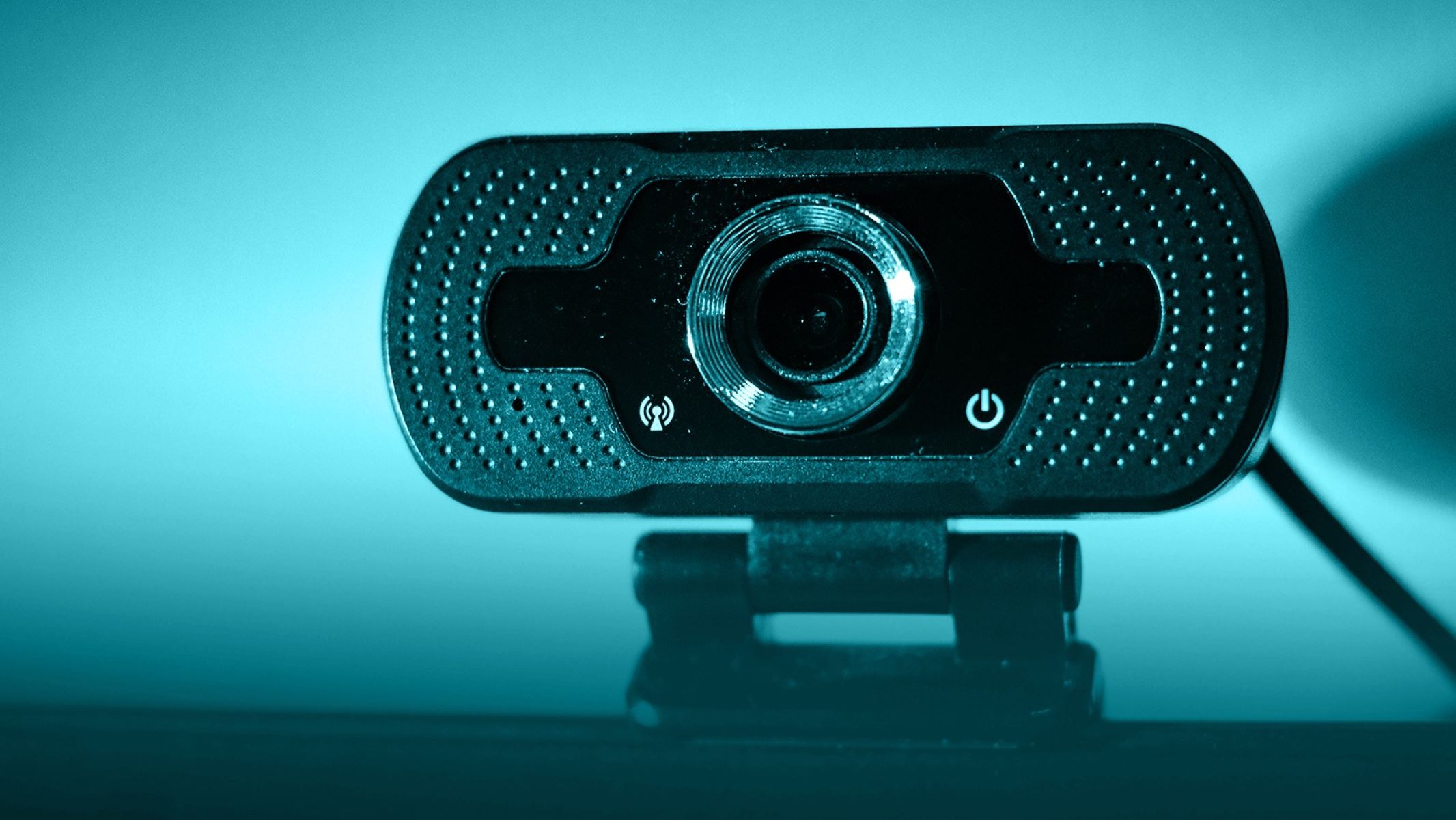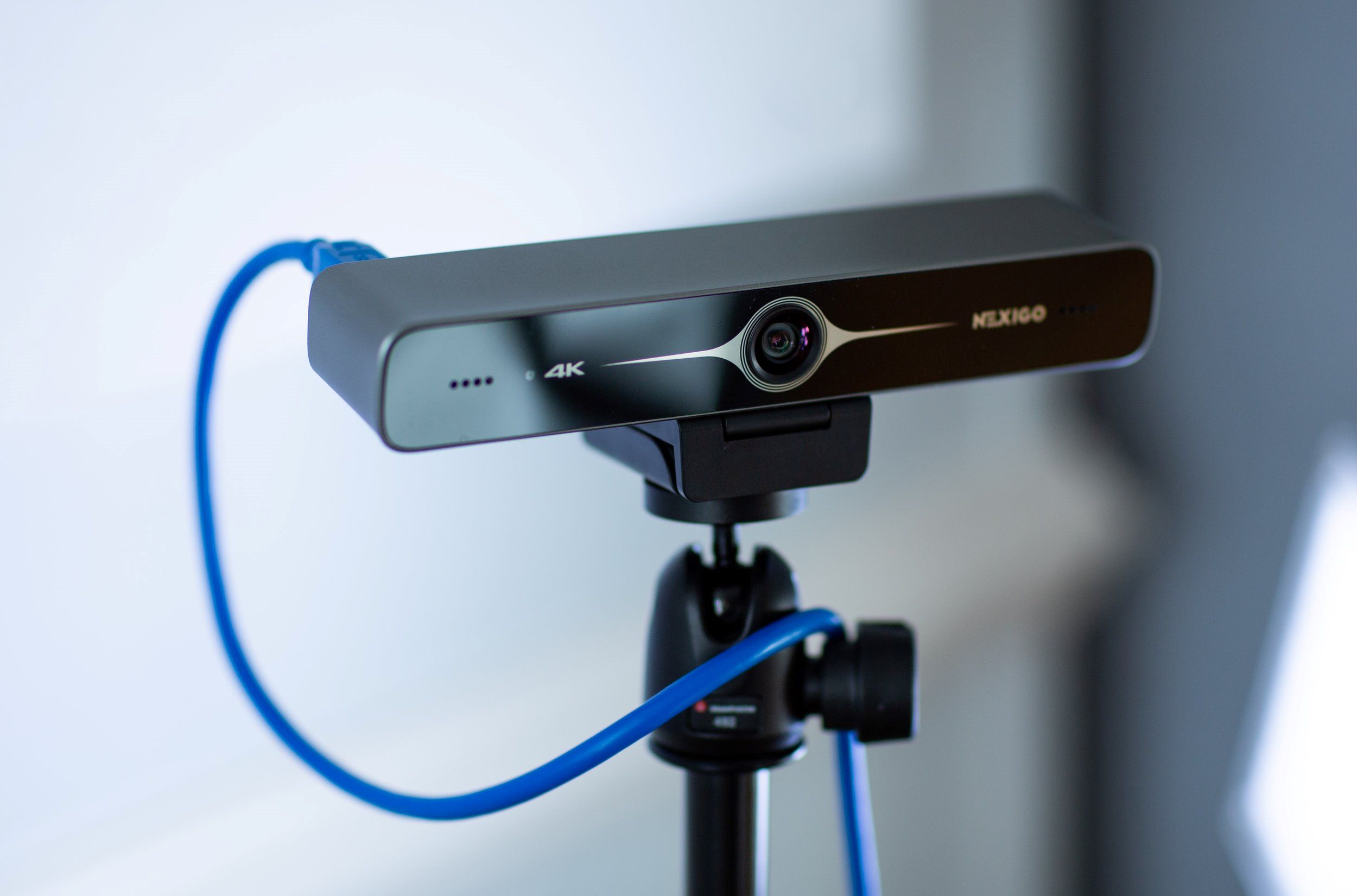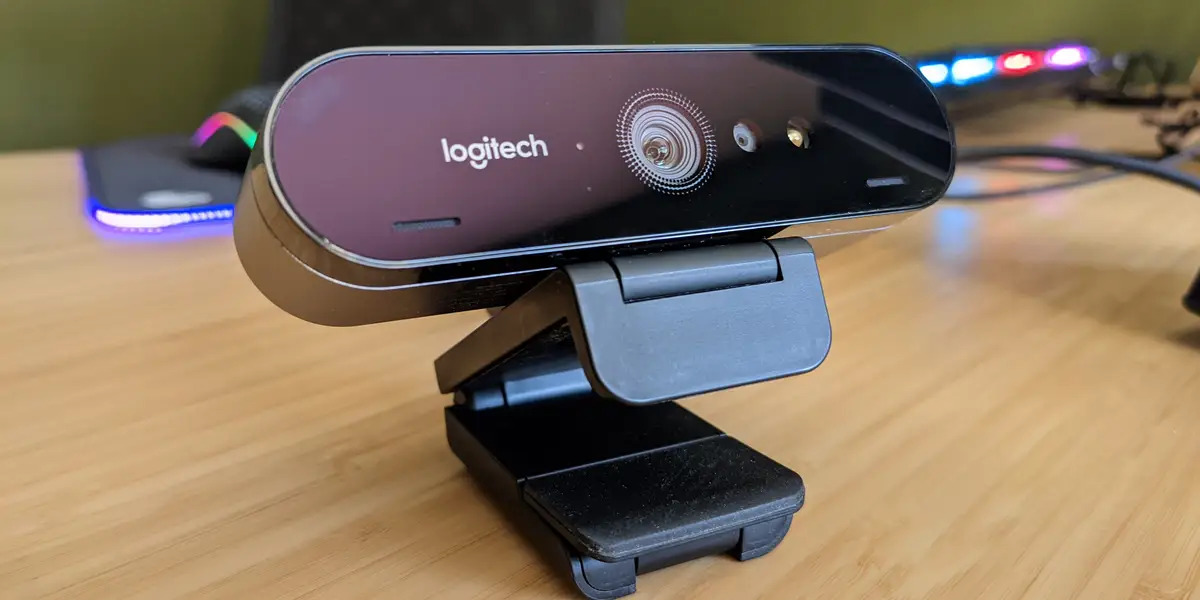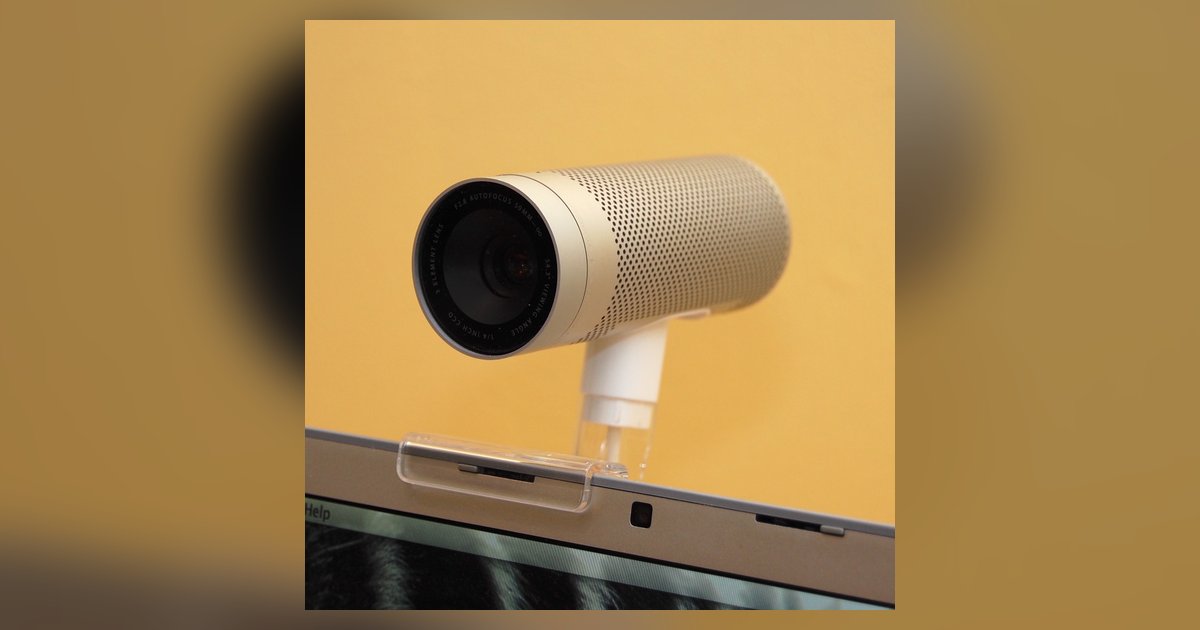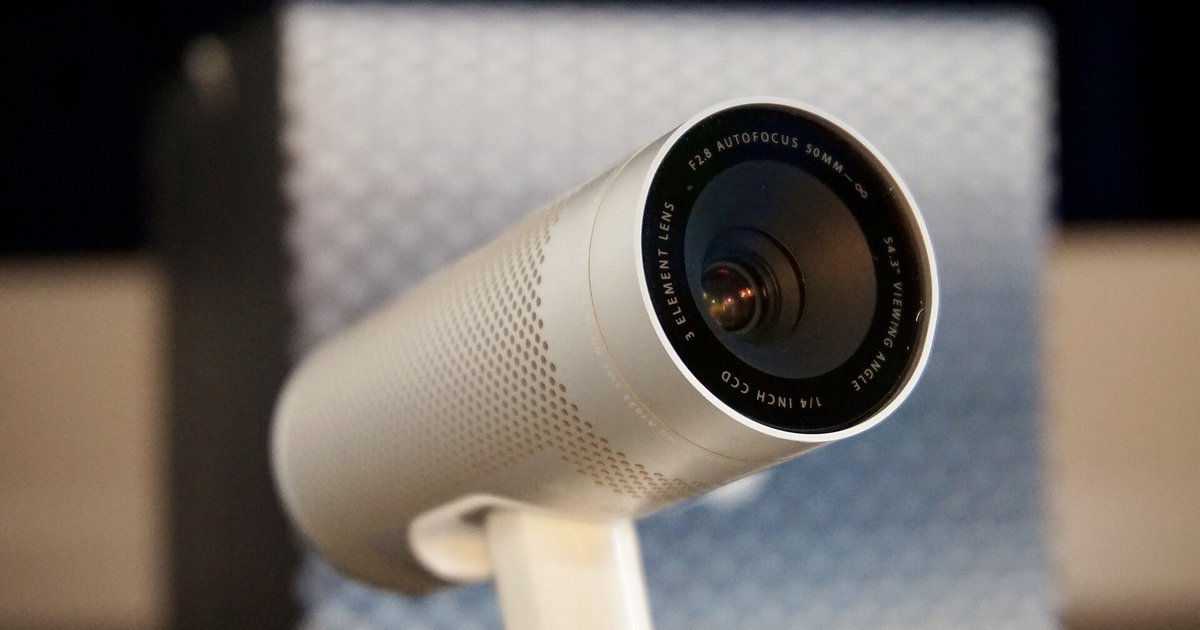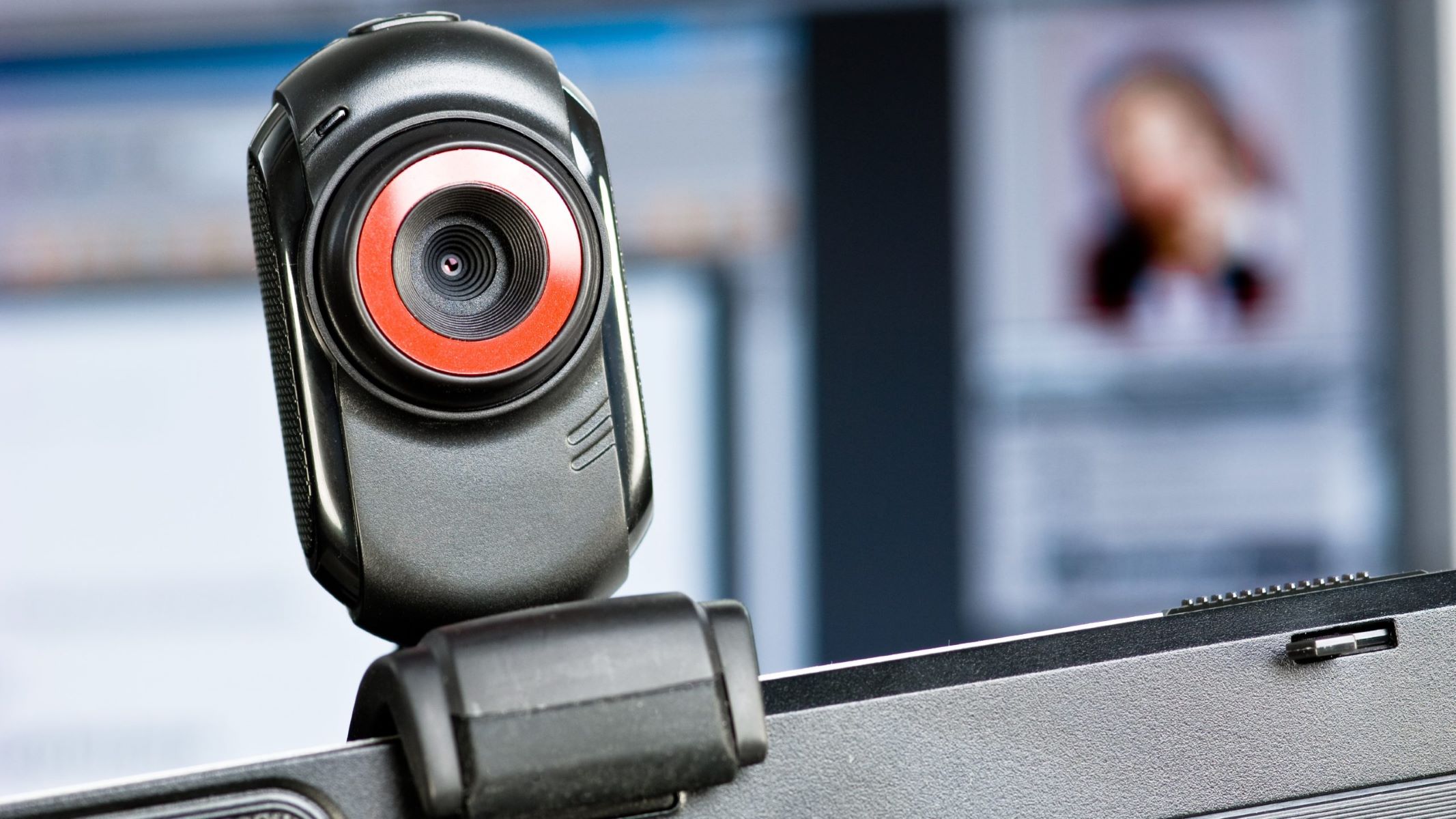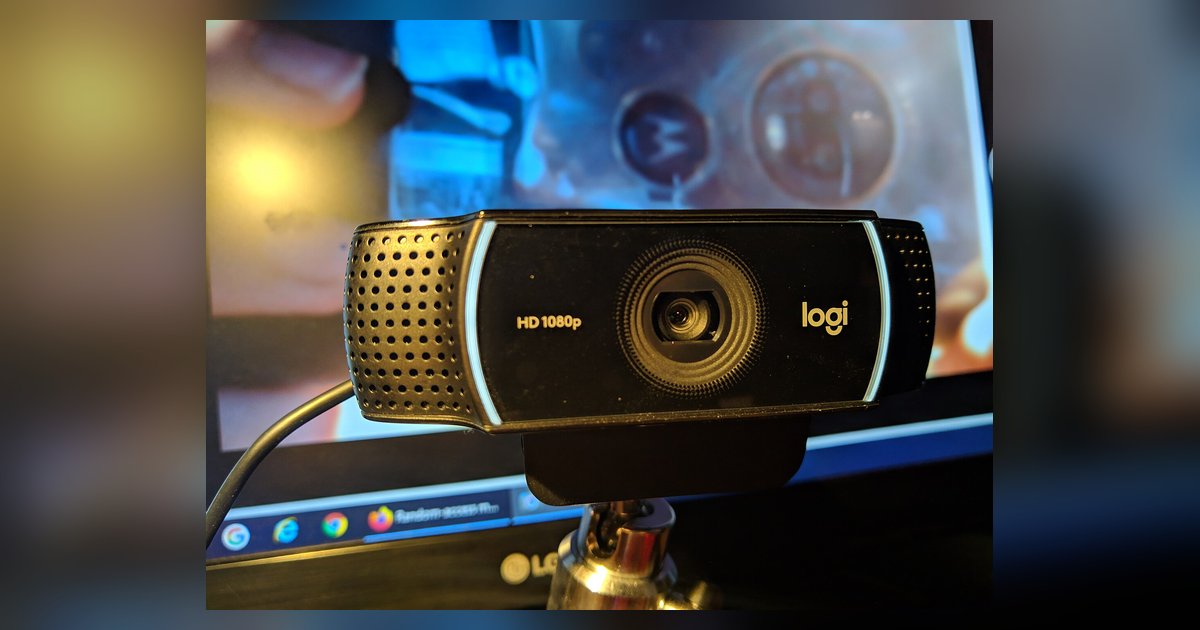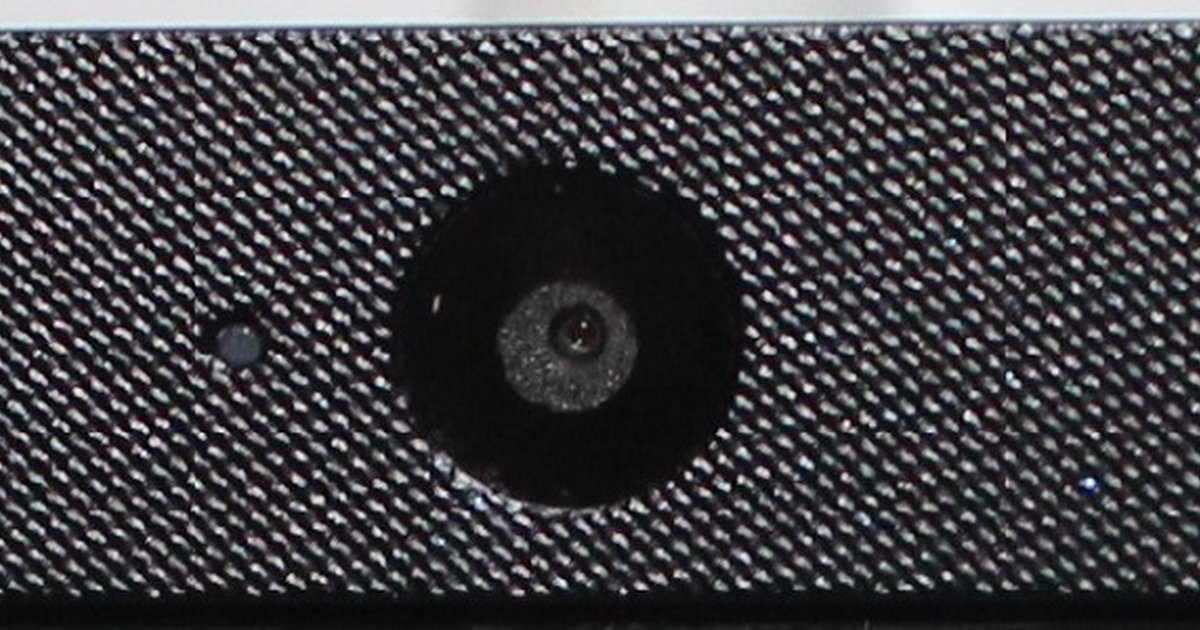
A black screen with permissions on almost always means another application is secretly holding the camera feed, or the physical privacy shutter is closed. Check for other apps using the camera and look for a tiny sliding cover on the lens.
Why another app is causing a webcam black screen
When you see a black screen despite permissions being granted, the most common culprit is a background application that has already locked the camera hardware. Most operating systems allow only one program to access the camera at a time. A forgotten Zoom meeting, a stuck Messenger video call, or a rogue browser tab can silently hold the feed. Every other program then gets a dead feed. On Windows, open the built-in Camera app from the Start menu. If it shows a "Something went wrong" error or a "Close other app" message, you know another program is blocking it. Open Task Manager (Ctrl+Shift+Esc). Look under the Processes tab for any app listed as "Camera" or using significant CPU. Right-click it and select "End task." On macOS, open Activity Monitor and search for processes like "Zoom," "Teams," or "Chrome." Force-quit them. This exclusive lock is why you cannot simply grant permission to use my webcam while another app has already claimed it. The OS enforces a single-client rule. If you have ever searched online for how to hack a webcam, you would find that exploiting this exclusivity is a common attack vector. In your case, it is just a forgotten session.
The physical shutter you forgot about
The most common hardware failure case is a built-in laptop privacy slider or external lens cap physically blocking the sensor. This makes software permissions irrelevant. Many modern laptops, including ThinkPads, Dell Latitudes, and HP EliteBooks, include a tiny mechanical slider directly over the camera lens. It is often barely visible, flush with the bezel, and slides left or right by a millimeter. If the slider is closed, the camera sees pure black regardless of how many times you turn on camera permissions for my browser or toggle settings in the OS. On external webcams, a rotating lens cap or a clip-on cover can produce the same effect. Examine the area around the lens closely under good light. A small notch or ridge indicates the shutter position. If you slide it open, usually toward a green dot or an open icon, the camera will instantly show a live feed. This physical block is the only scenario where no software change will help. The hardware simply cannot receive light.
When the driver is the problem, not the permission
A corrupted or generic UVC driver on Windows can feed a black signal even when the camera is technically 'available' to the OS. Uninstalling the device in Device Manager fixes it. A common scenario: you open Device Manager and expand "Cameras" or "Imaging devices." The webcam shows up as "USB Video Device," a generic UVC driver, instead of the manufacturer's specific driver like "Integrated Camera" from Realtek or Sunplus. This generic driver can fail to initialize the sensor correctly. It sends a black frame to every app. To fix it, open Device Manager, right-click the webcam entry, and select "Uninstall device." Check "Attempt to remove the driver for this software." Then restart your computer. Windows will reinstall the driver, often a correct one, and the camera will start working again. This is distinct from permission issues. Even after you allow camera access on my browser and confirm the OS permission, the driver can still deliver a black feed. It never properly received the sensor data. On macOS, driver corruption is rarer. Restarting your Mac can resolve similar hardware-level blackouts.