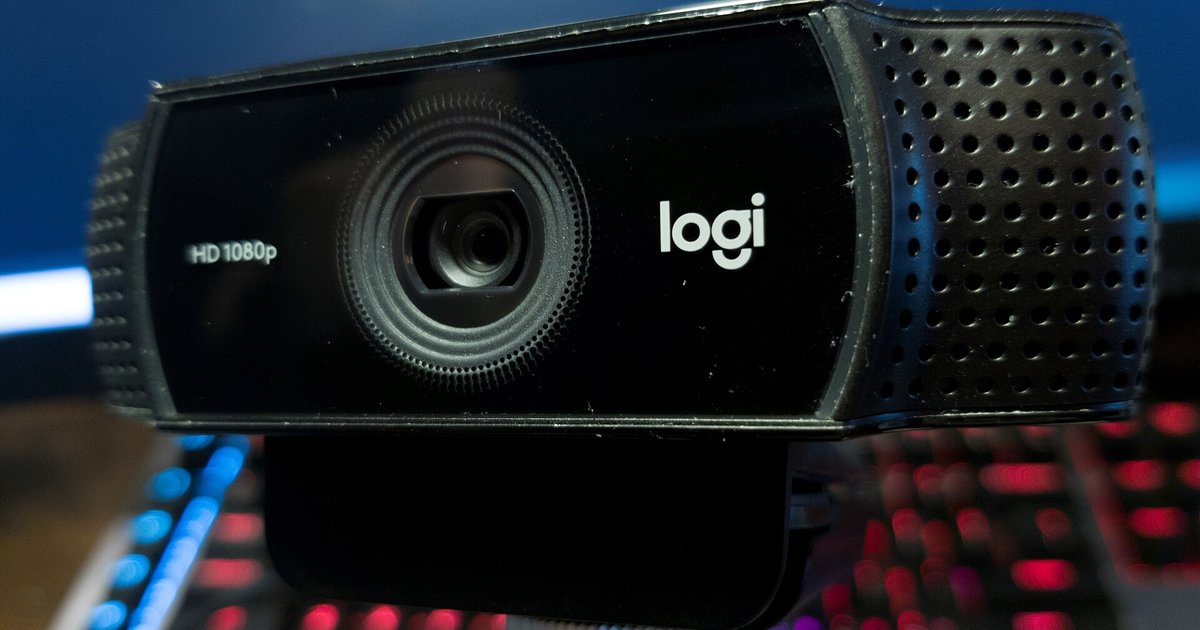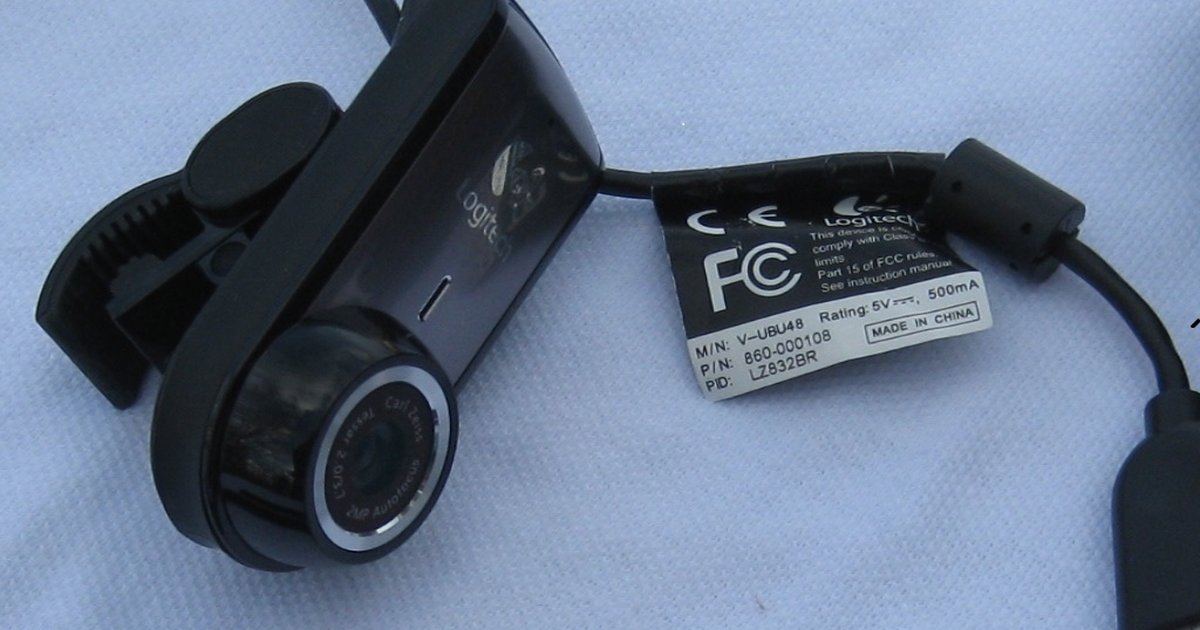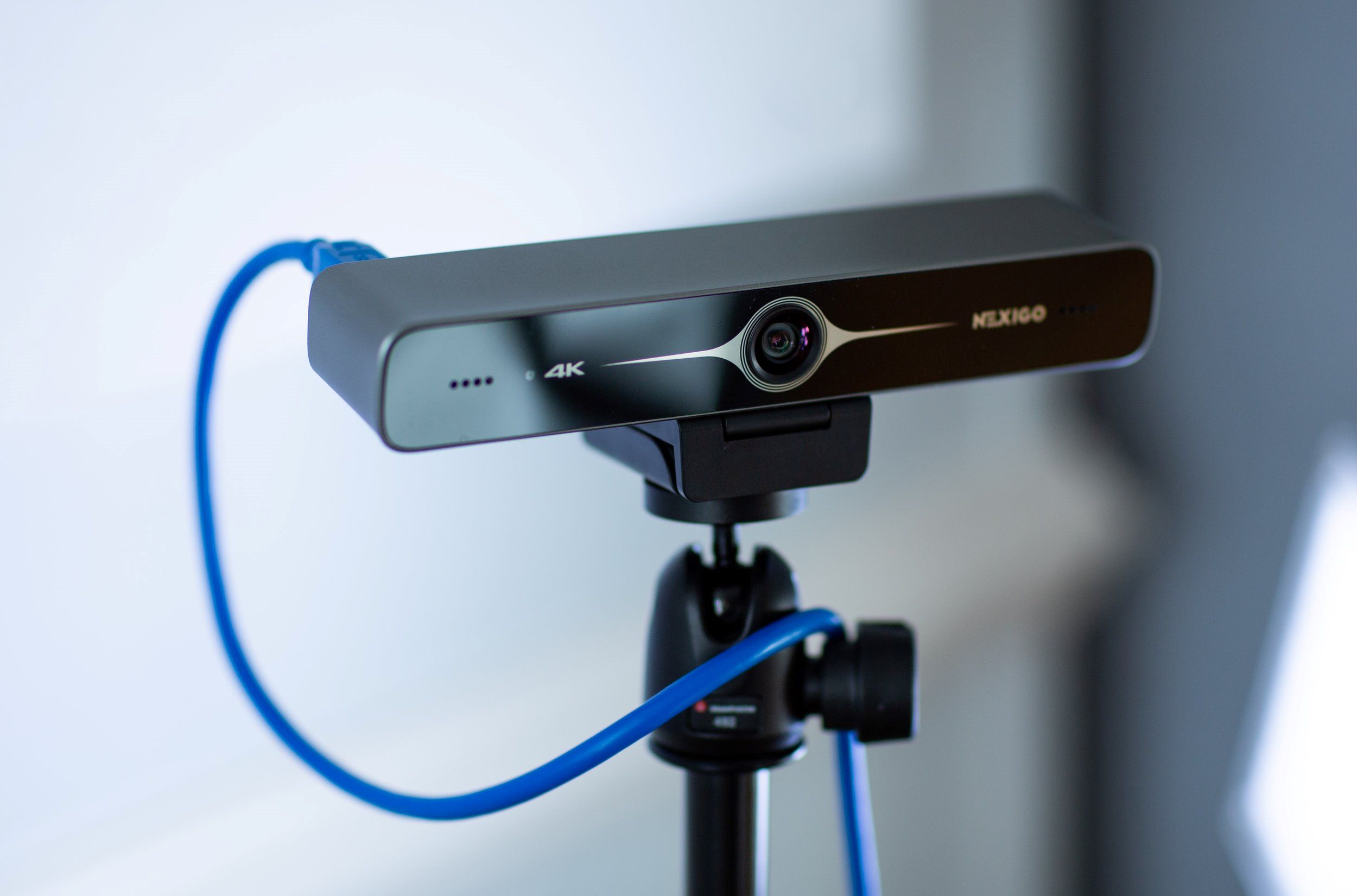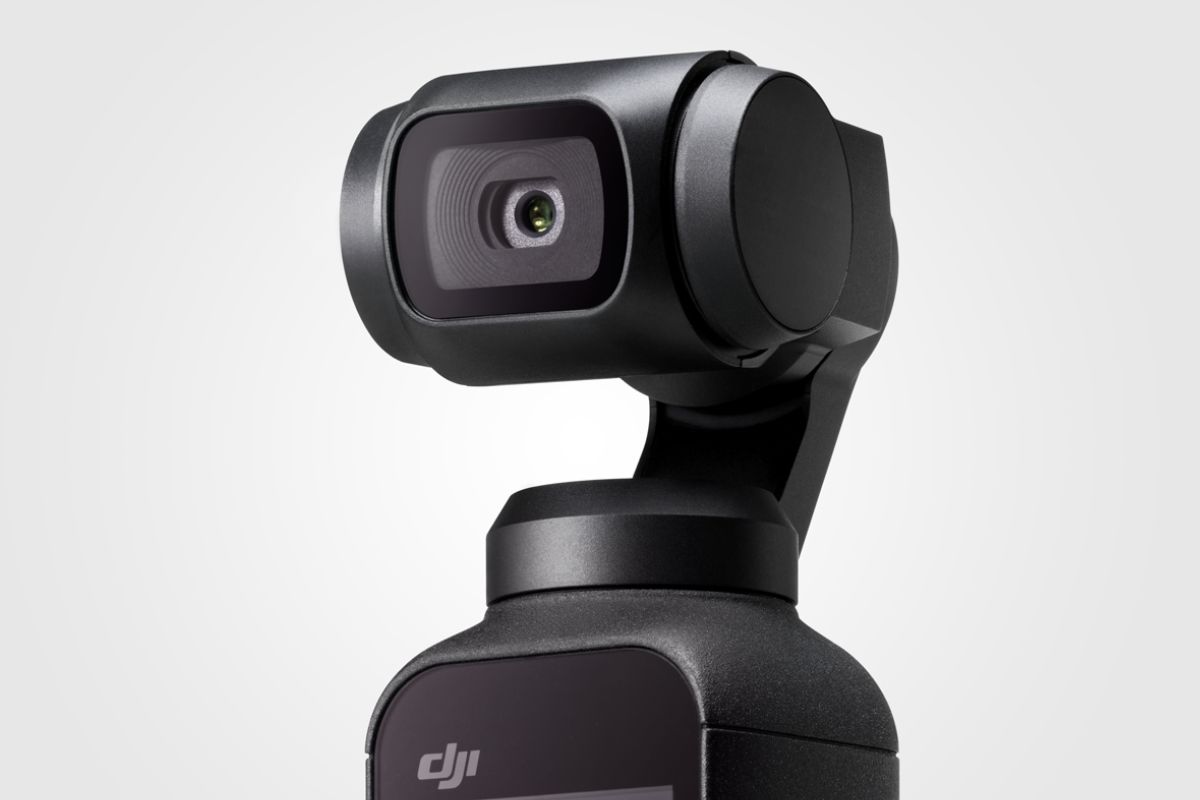
Practical, step-by-step guides for anyone using a built-in laptop camera or an external USB webcam, whether it’s a Logitech model, a NexiGo, a phone doubling as a camera, or a device like the DJI Osmo Pocket. It is written for everyday consumers, remote workers, students, and streamers who need clear answers without wading through jargon. The articles focus on setup, troubleshooting, and getting the most out of the hardware you already own.
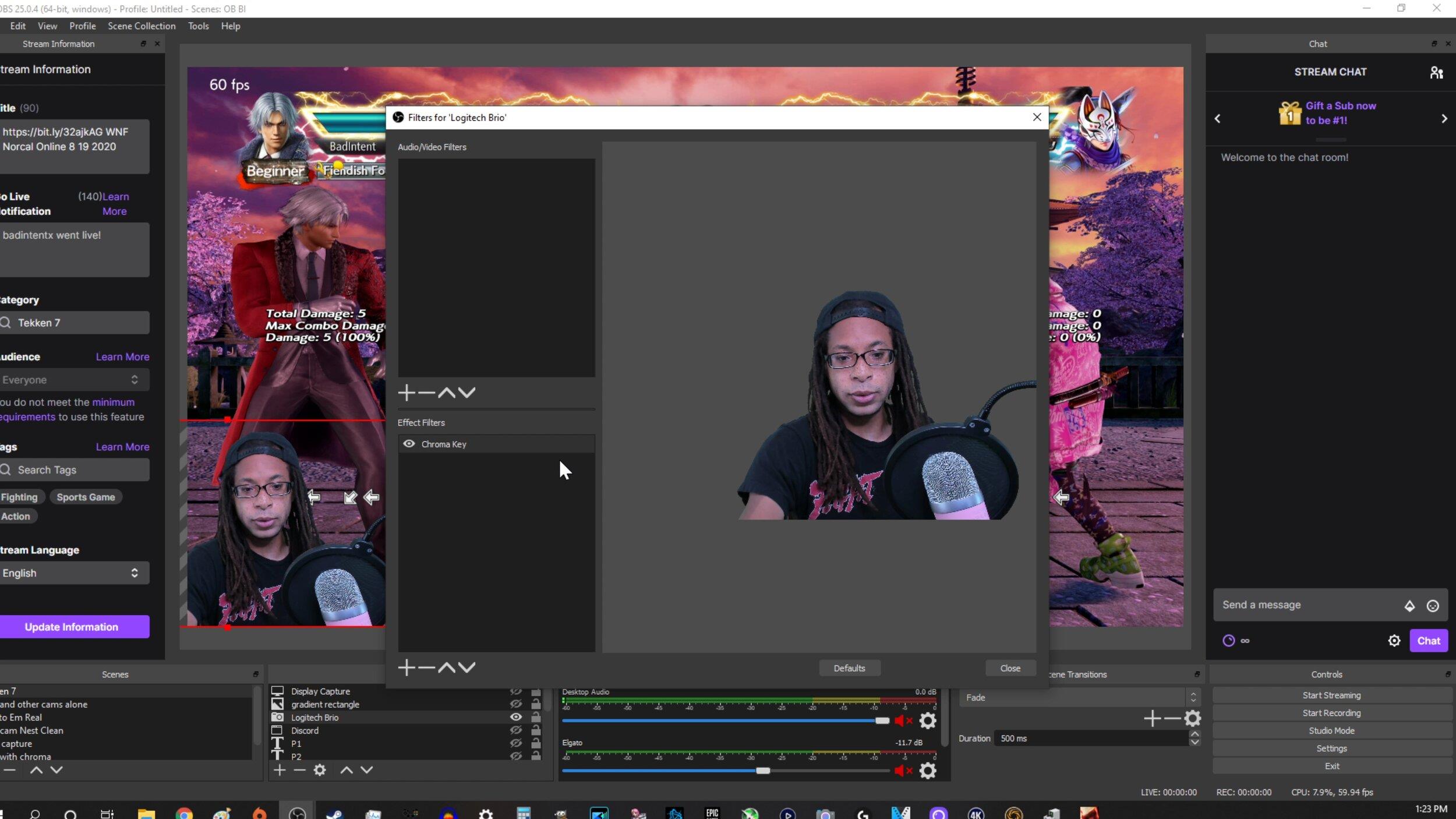
Several articles tackle configuration and image quality, helping you adjust zoom, invert the picture, or enable background blur on Logitech cameras, including fixes when that blur stops working in Google Meet or on a Mac. Setup guides walk you through installing a C920 or C922 on Windows 10, configuring a Brio, or connecting a phone as a webcam for Discord. Another group of articles solves common failures, such as a black screen despite permissions, granting camera access, testing your webcam without joining a call, or getting an external camera working with lockdown browser software. A few pieces take a security-aware angle: one explains how someone might attempt to access a webcam without consent so you can understand and prevent that risk, and another covers recording gameplay and webcam separately in OBS, useful for content creators who want to stay safe and legal while streaming.