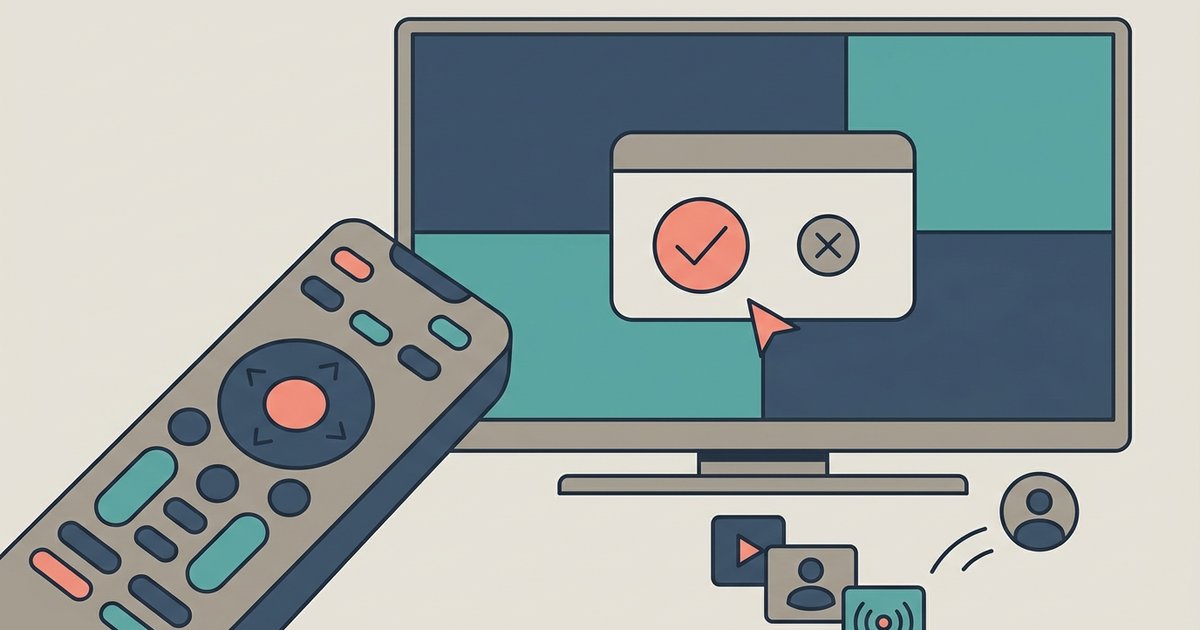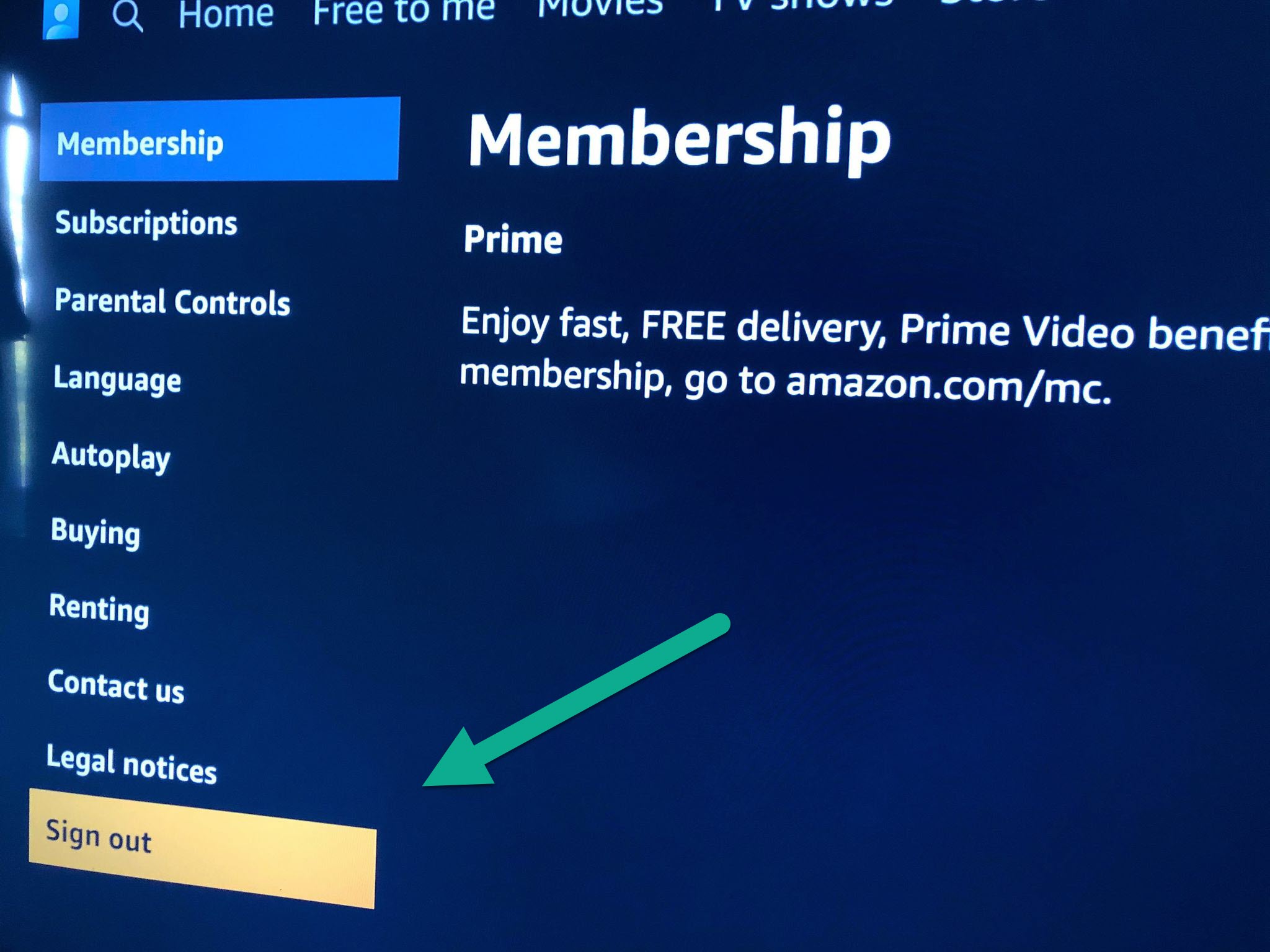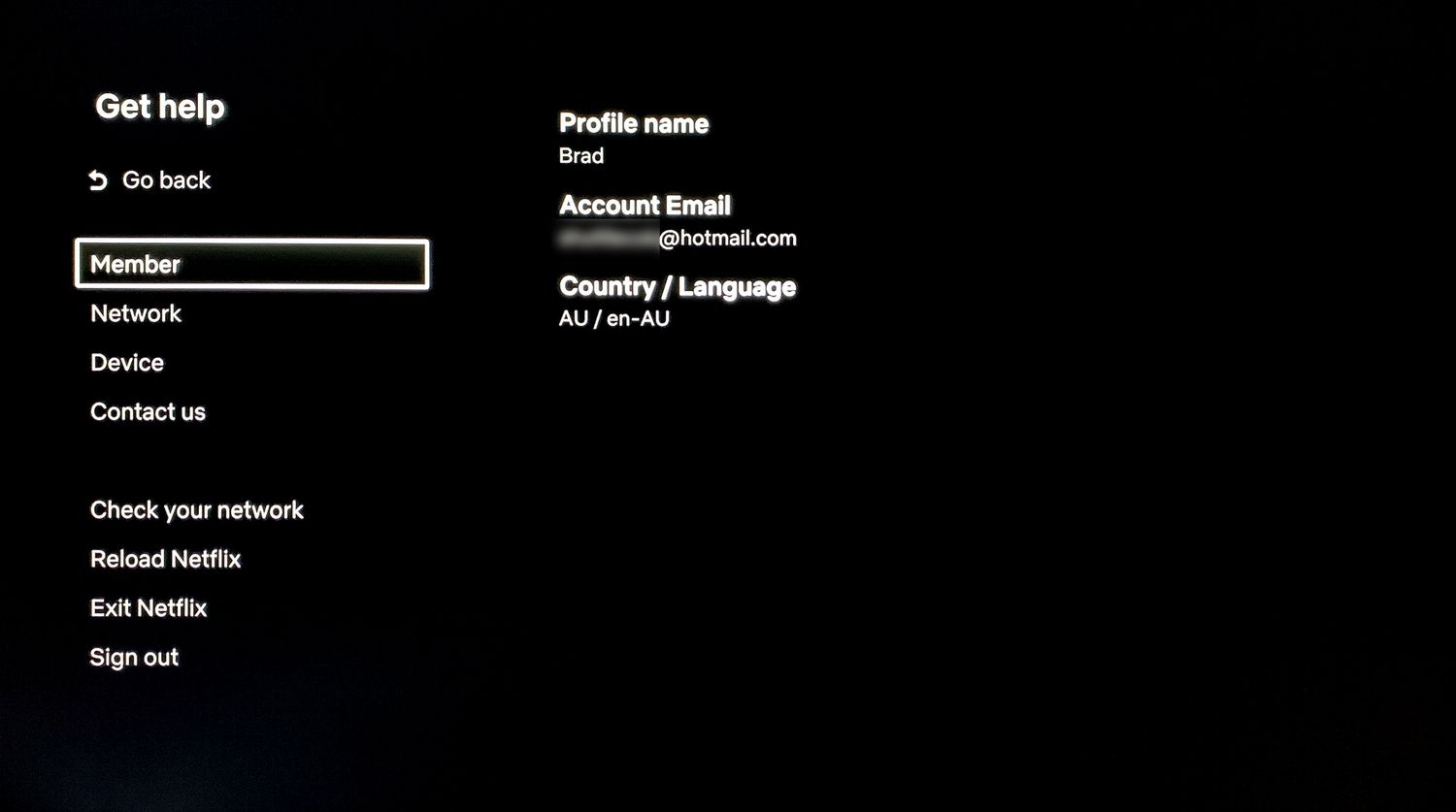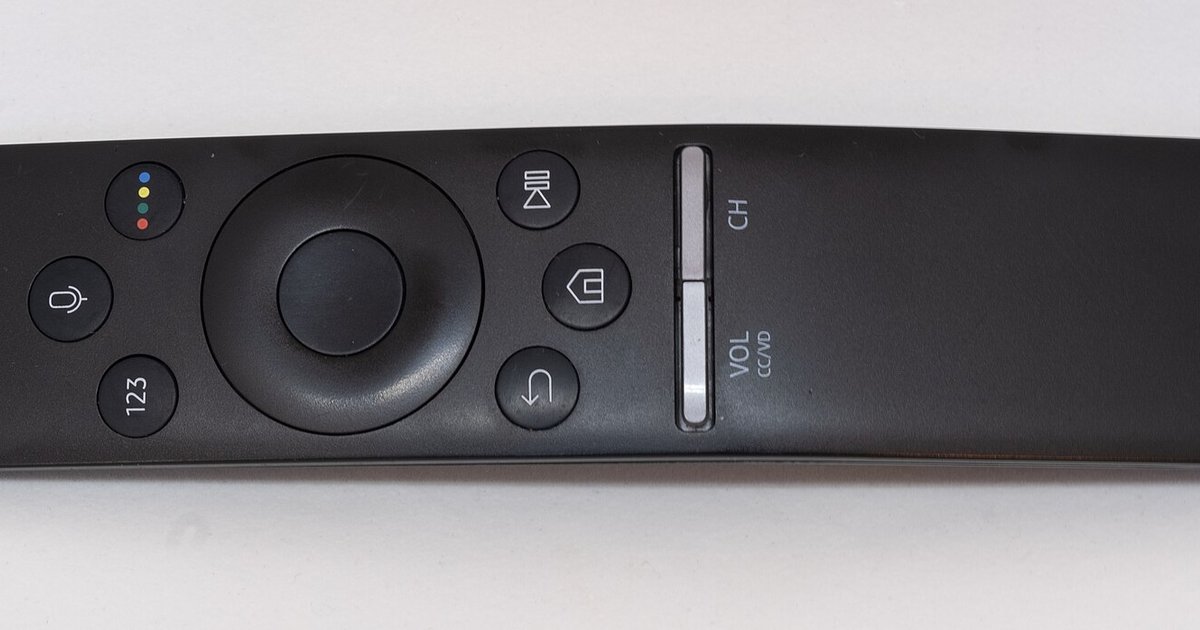
Press the star (*) button on your remote while the app is open; this opens a side menu where you can usually find the sign-out option. If that menu doesn't show a sign-out option, you'll need to remove and reinstall the app to force a sign-out.
Use the star button to sign out of a streaming app
On a basic Roku remote, the asterisk (*) button is the universal shortcut for accessing an app’s internal settings menu. When you are inside a streaming app, such as Netflix, Hulu, or Disney+, pressing the star button brings up a vertical side panel on the right side of the screen. This panel contains options that a dedicated gear button would normally provide. Those options include audio settings, subtitles, video quality, and often the account exit command. For example, in the YouTube app, pressing the star button reveals a menu with “Settings.” To sign out remotely, open myaccount.google.com/device-activity. This same pattern applies when you need to sign out of YouTube on smart TV. The star button acts as the missing menu key, letting you navigate to the account section without a gear icon. If the app does not show an account exit option in that initial panel, scroll down to the bottom of the menu. Some apps hide the logout choice under a submenu labeled “Account,” “Privacy,” or “General.” The star button is your primary tool for this task, as it replaces the absent hardware button on older or simpler remotes. Before you complete the sign-out, you may want to understand what happens to your saved shows and watch history on a shared TV.
If that menu doesn’t show an account exit option, you’ll need to remove and reinstall the app to force a fresh start. This method works for any streaming app on a Roku TV when the remote lacks a dedicated gear or menu button, covering everything from how to sign out of Roku TV itself to individual services like YouTube and Prime Video.
When the star menu doesn’t have an account exit option
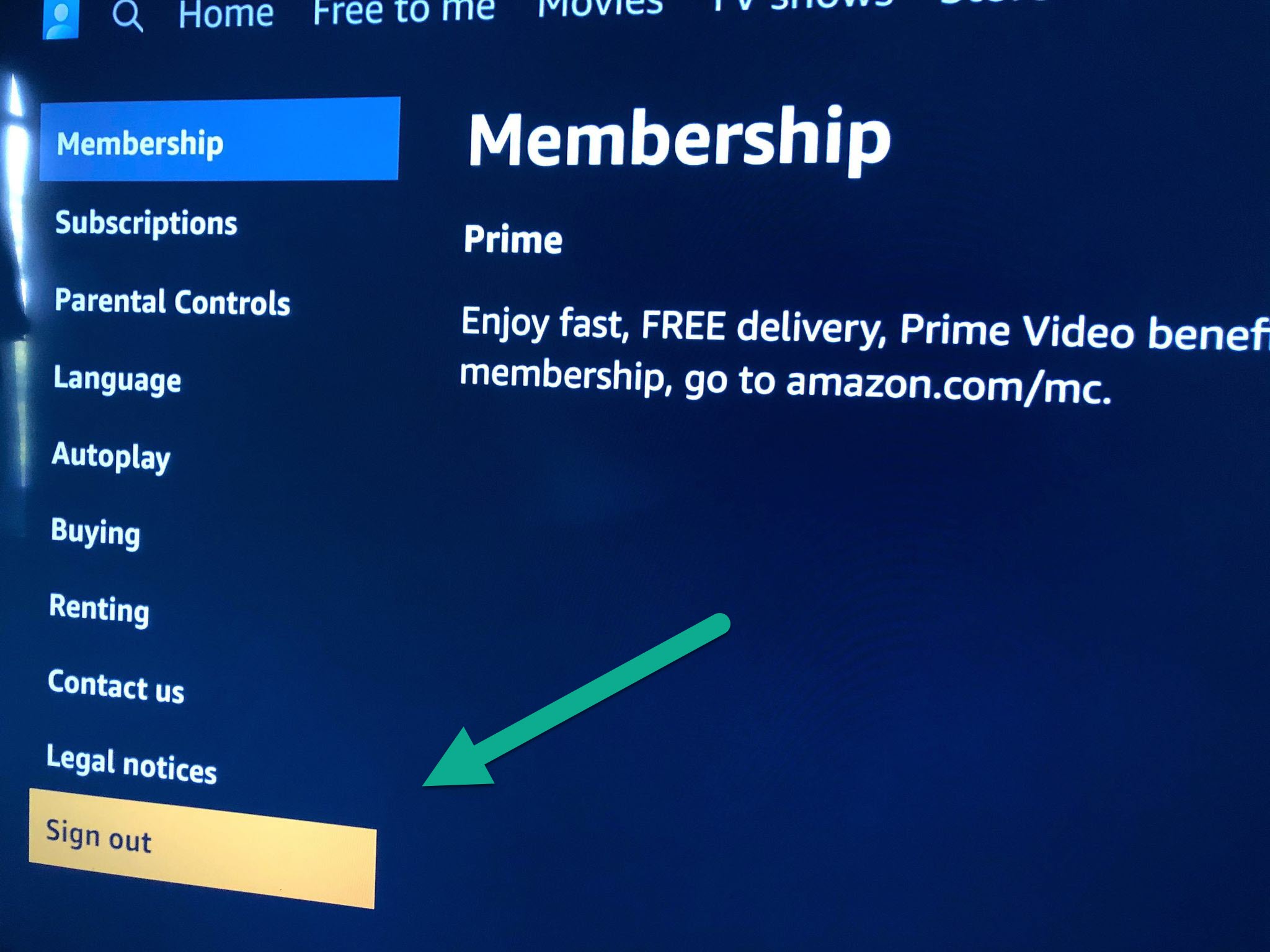
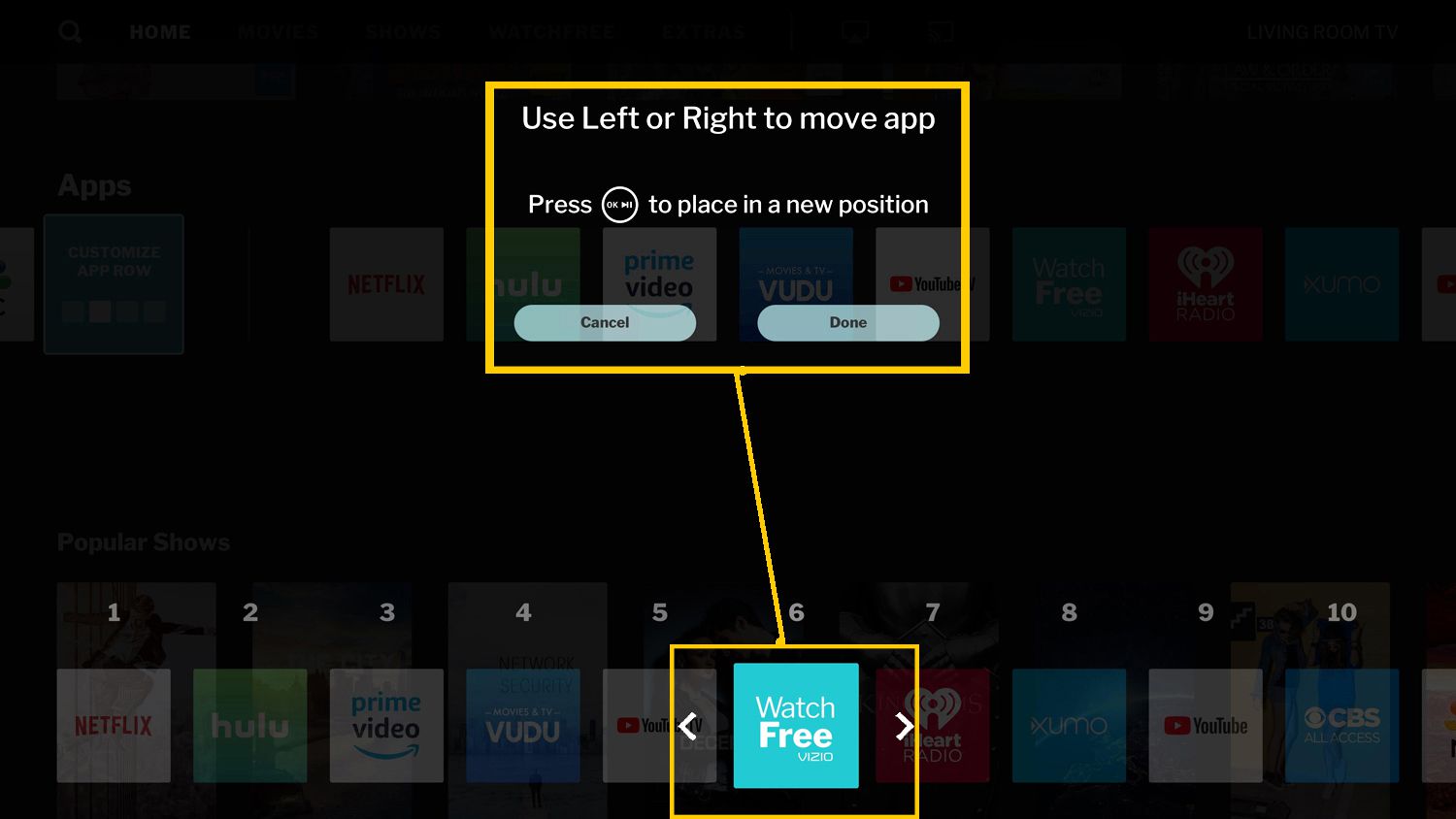
Some streaming apps, particularly older versions, do not include an account exit command in the star-button menu. The Prime Video app on Roku often omits a direct account exit option from the side panel, forcing you to use a workaround. When you encounter this, you must force a logout by removing the app entirely. From the Roku home screen, highlight the app’s tile, press the star button on the remote, and select “Remove channel.” Confirm the removal. This action clears all stored login credentials and session data for that app. After removal, go to the Roku Channel Store, find the same app, and reinstall it. When you open the reinstalled app, it will prompt you to sign in again, effectively achieving the logout you wanted. This method is one way to sign out of prime video on smart TV when the star menu fails, but signing out remotely via the Amazon website is often more reliable. The same approach works for other stubborn apps. You can also try signing out remotely or via the app's internal profile settings. The reinstallation resets the app’s authentication, so you can start fresh without a dedicated button. Note that this process does not affect your Roku TV system settings; it only clears the app-specific login. If the app is a pre-installed system channel, you cannot remove it, but you can typically find an account exit option by navigating to your profile icon within the app. For all third-party apps, removal and reinstallation is the guaranteed fallback, and understanding this technique is essential for signing out of streaming apps across various smart TV platforms.