This tag collects straightforward, practical guides for signing out of streaming services and online accounts across a range of devices, smart TVs, streaming sticks, computers, and mobile platforms. It is written for everyday consumers who are troubleshooting a stuck account, sharing a device with family or roommates, or preparing to sell or return a piece of hardware. The articles assume no deep technical knowledge, and they focus on the exact steps to end a session cleanly.
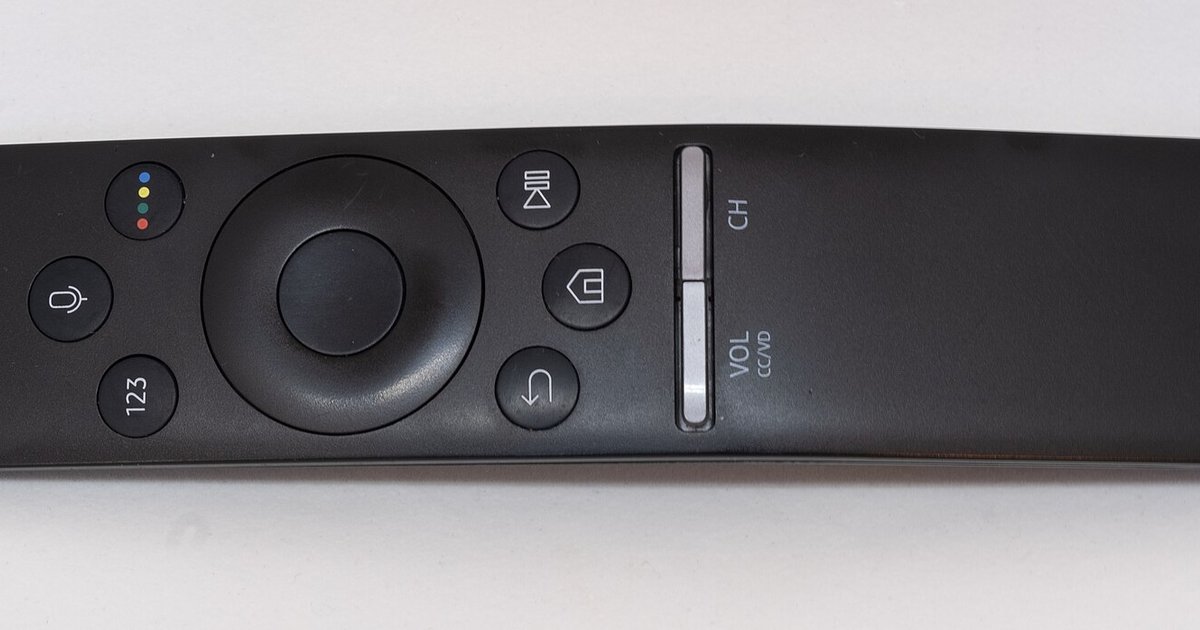
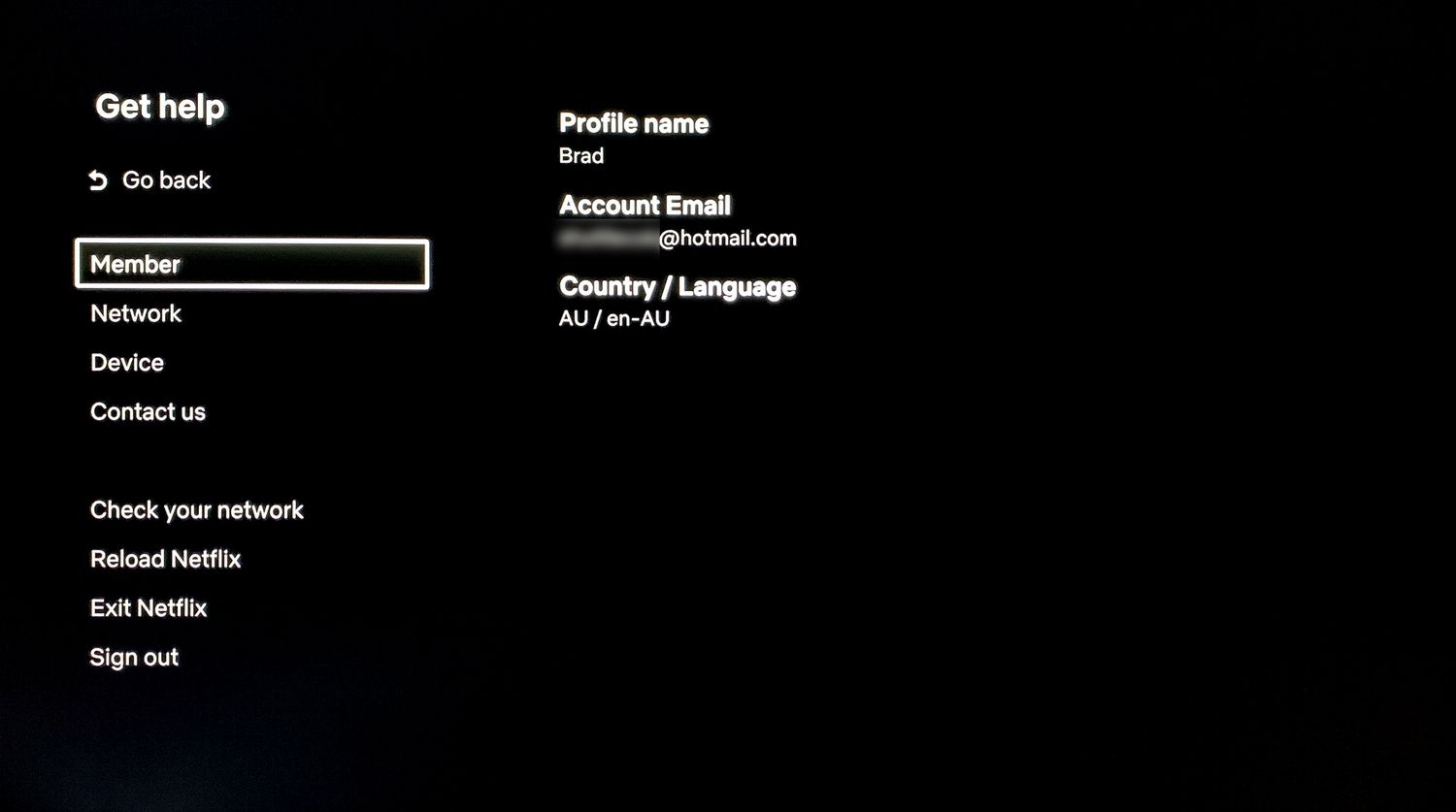
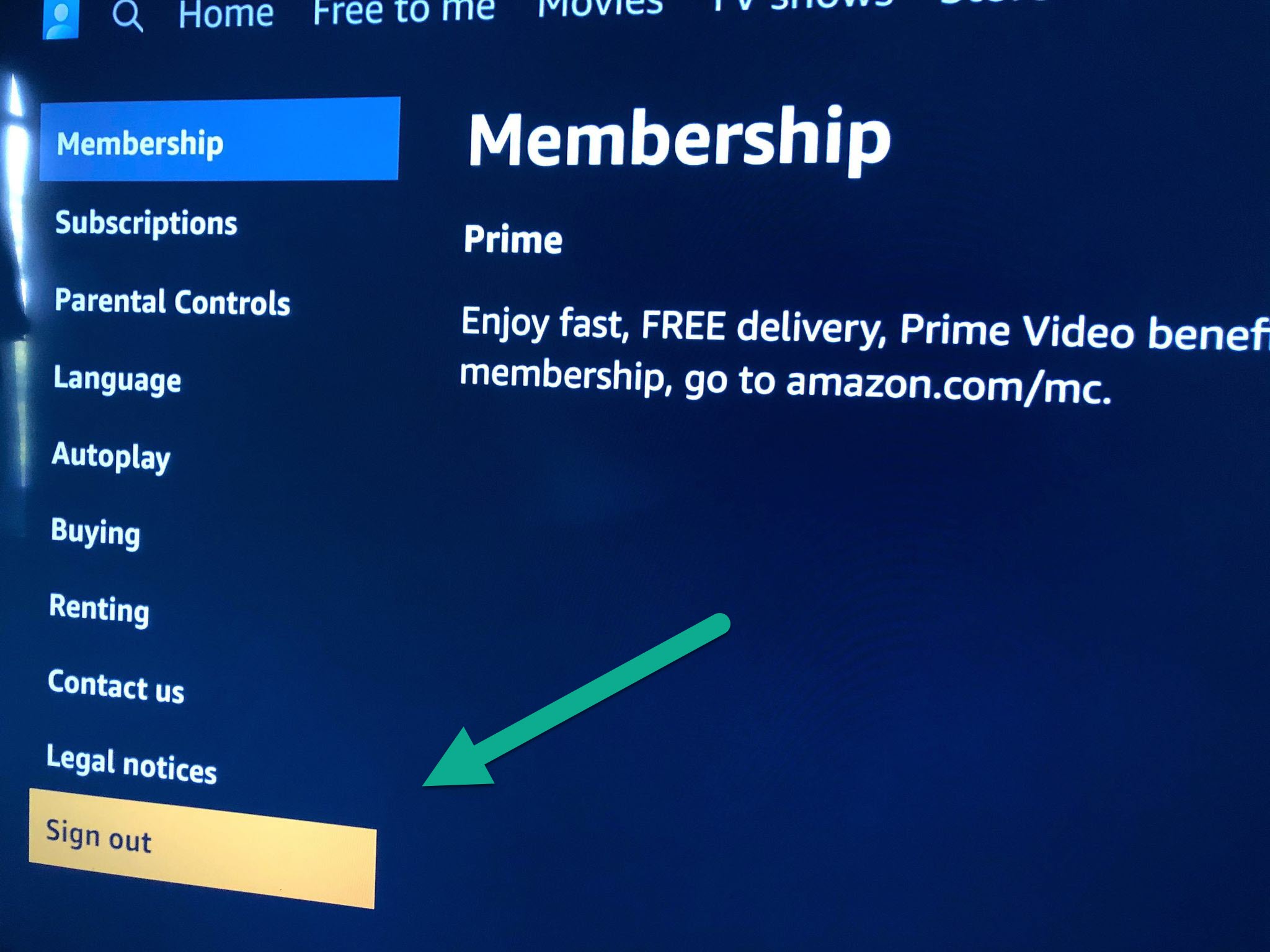
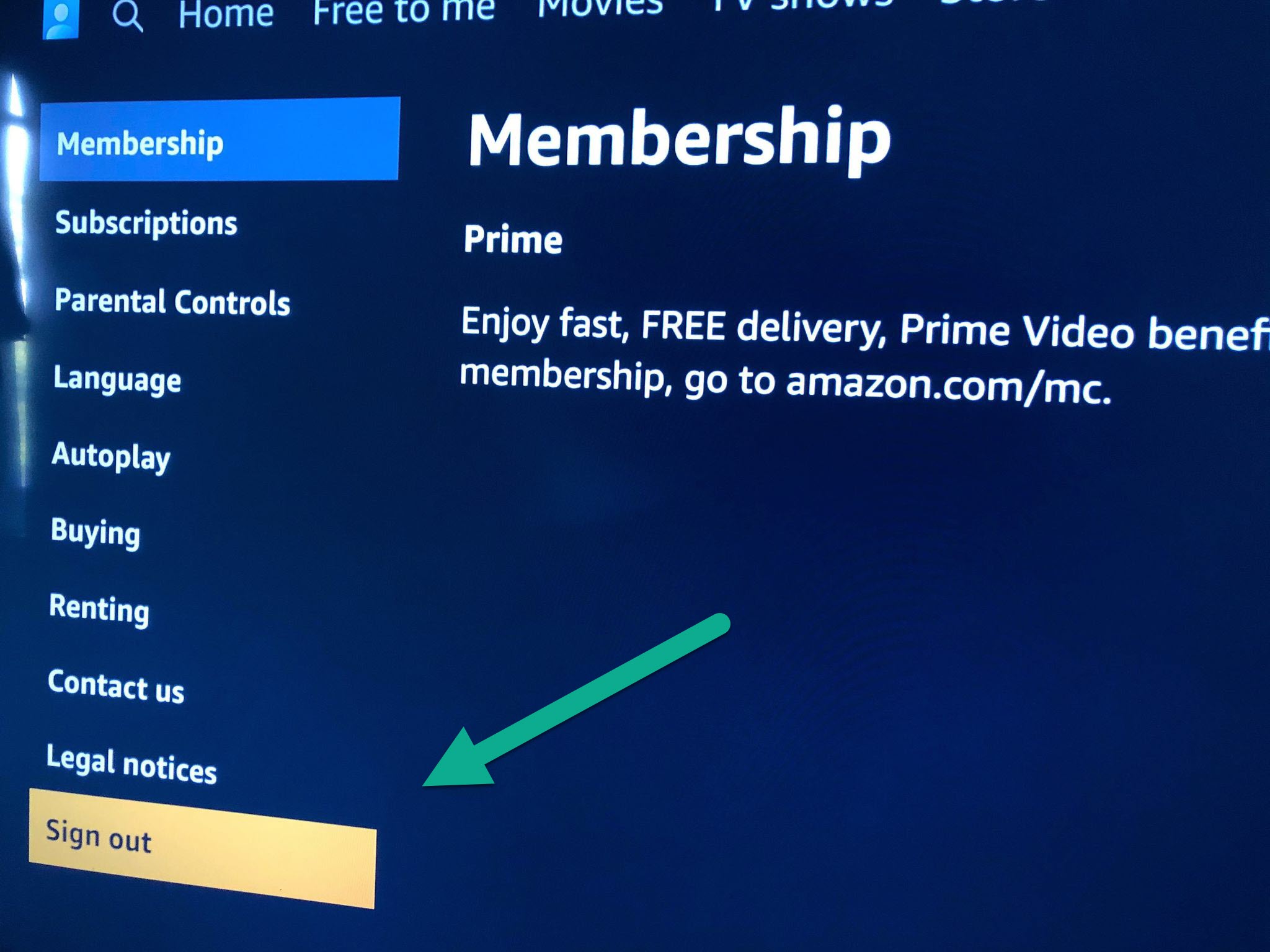
Several of the guides address the common problem of locating a sign-out option that is buried in menus or absent altogether. For example, the piece on signing out of a streaming app when the remote has no gear or menu button offers a workaround for minimal remotes, while the guide to removing a Netflix account from a smart TV walks through the account-management path on the device itself. Another theme is cross-platform account management: you will find instructions for logging out of Netflix on a Vizio TV, signing out of HBO Max on a shared device, and removing Prime Video from a Roku or a Samsung smart TV, each tailored to that specific interface.
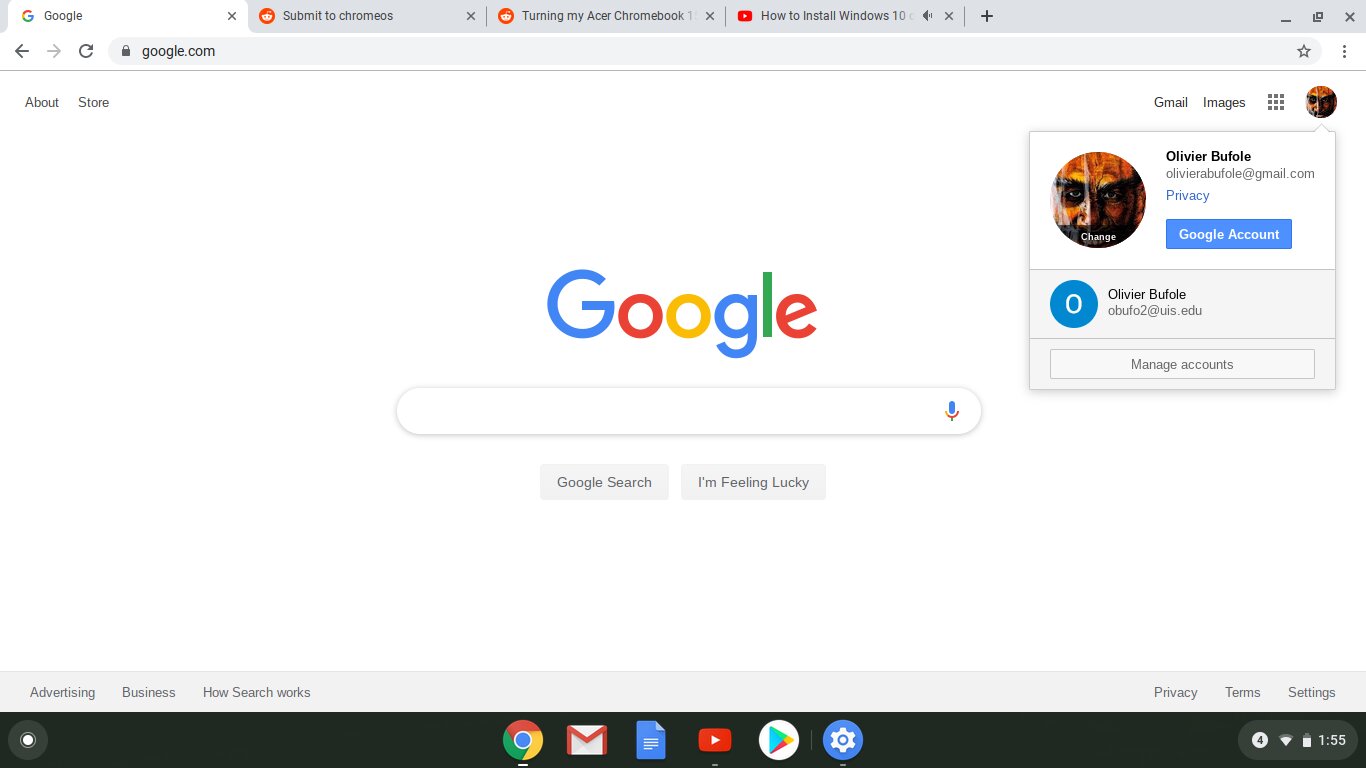
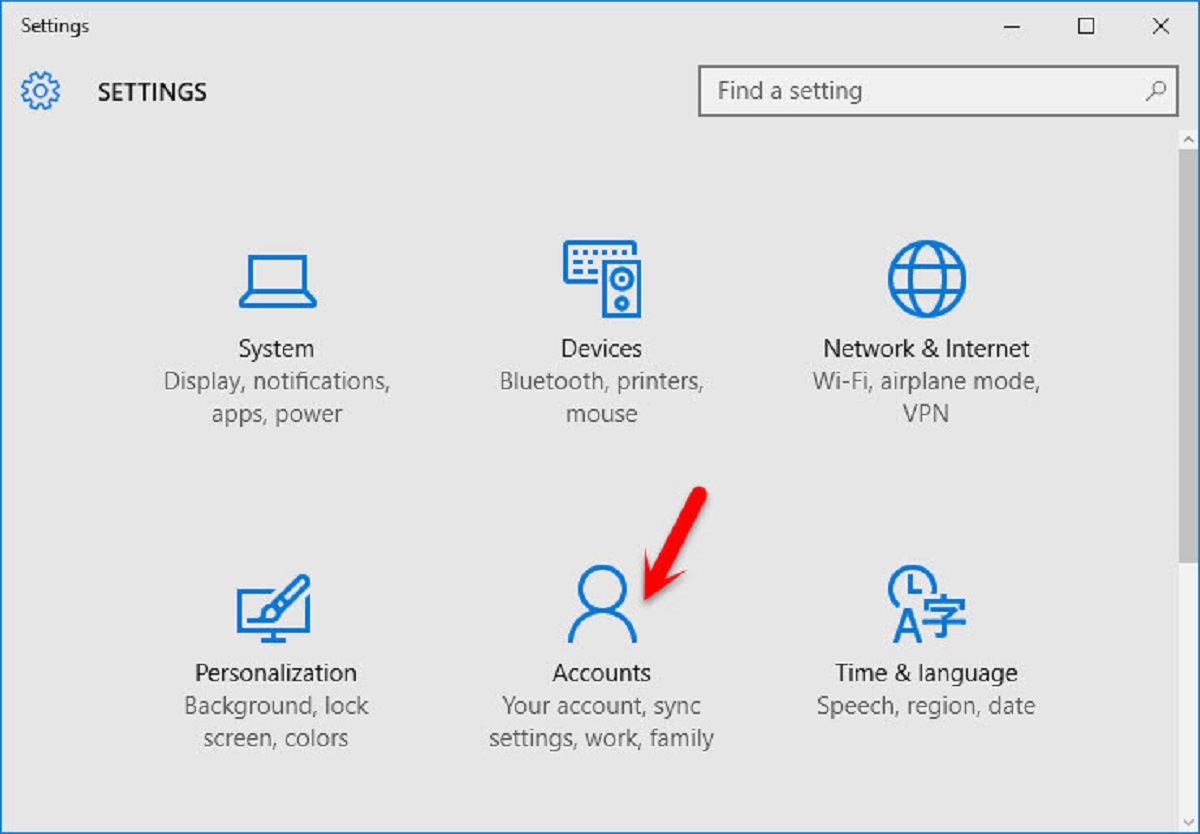
A smaller but important group of articles covers the security and privacy side of signing out. The guide to signing someone out of HBO Max, for instance, explains how to end a session remotely, useful if you suspect an ex-partner or a former guest still has access. Similarly, the articles on signing out of a Microsoft account on a PC and a Google account on a Chromebook help you protect your data before handing over a machine. These pieces are not about bypassing any restrictions; they are about regaining control of your own accounts and keeping your personal information safe.