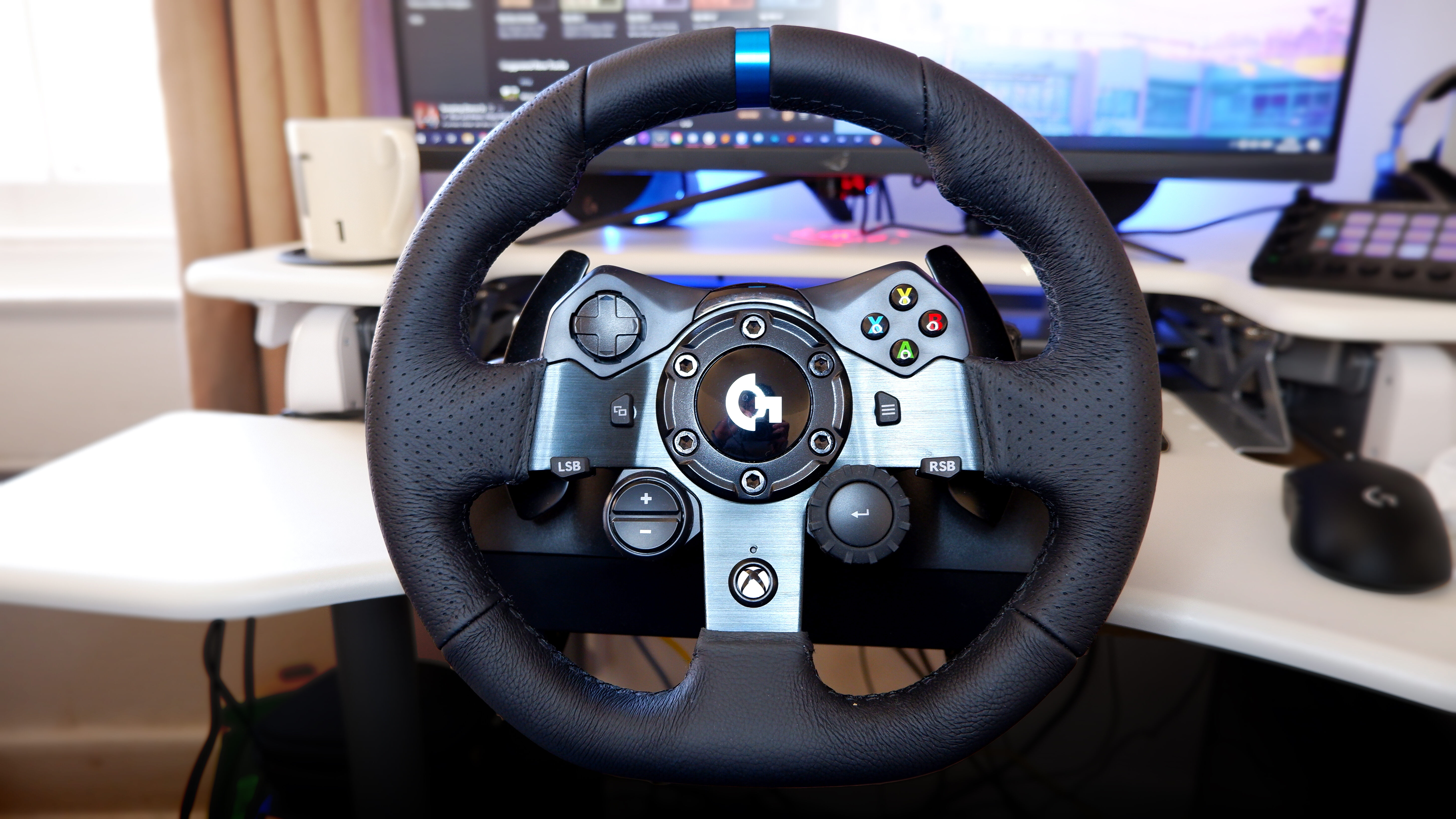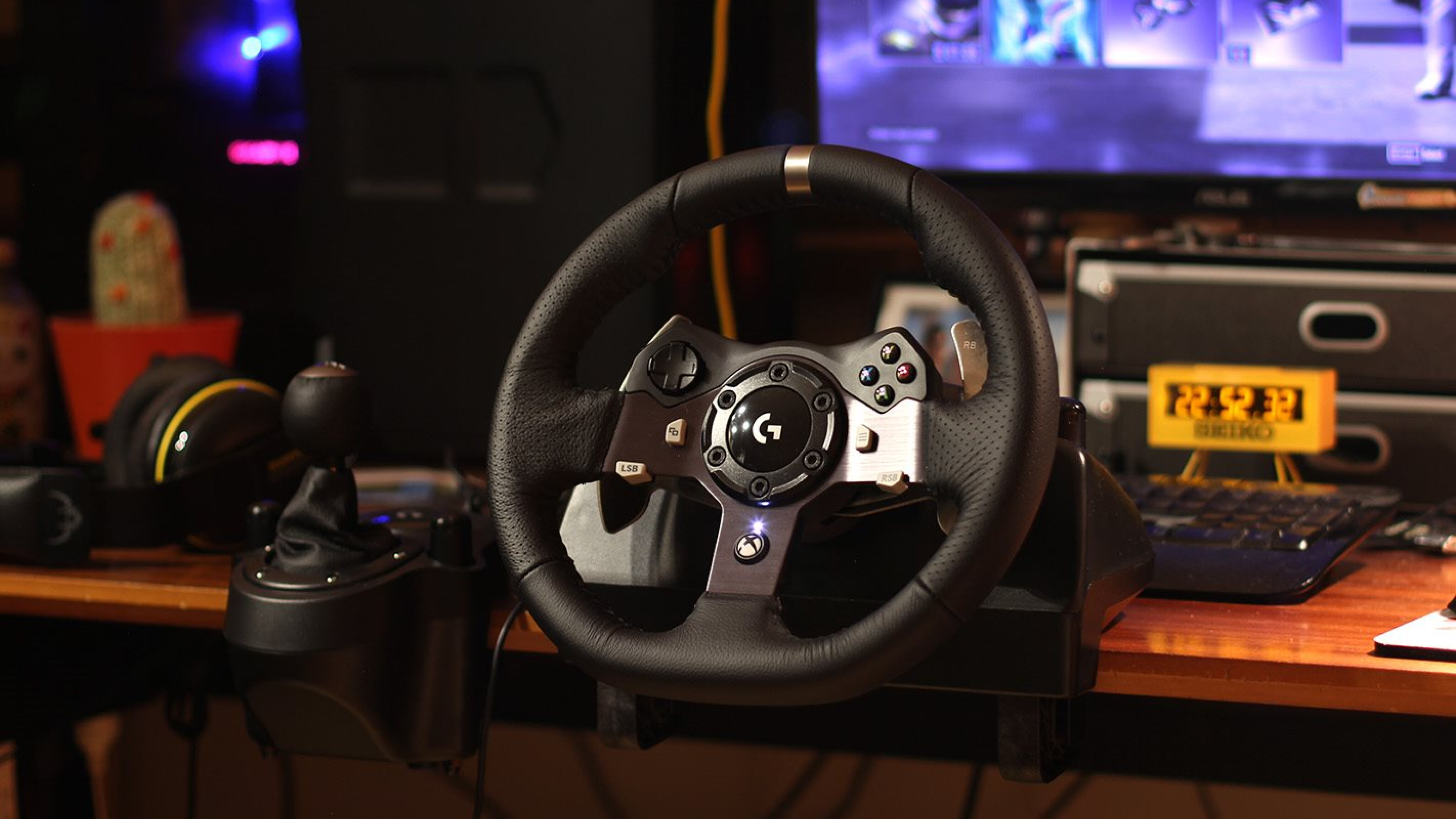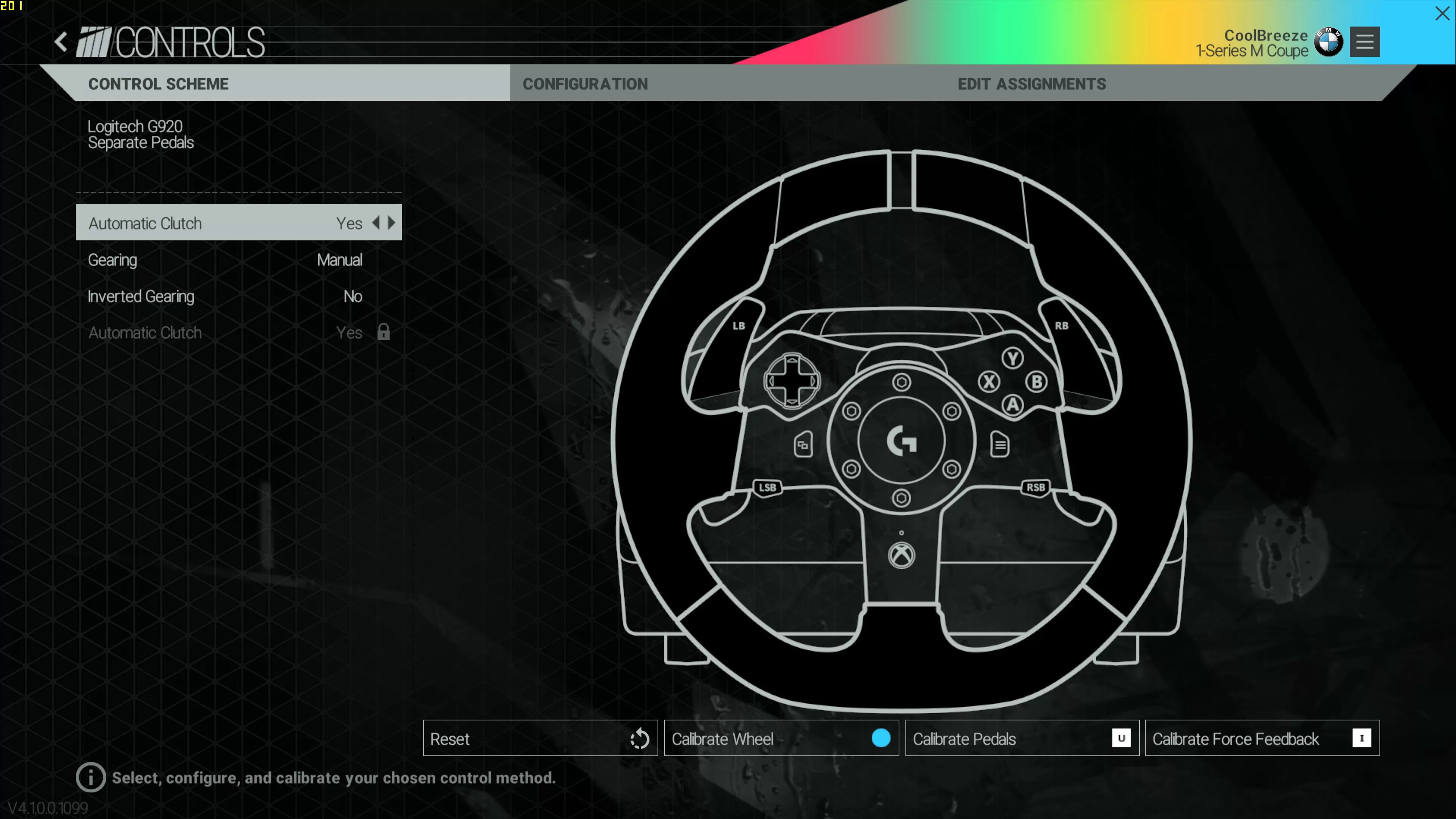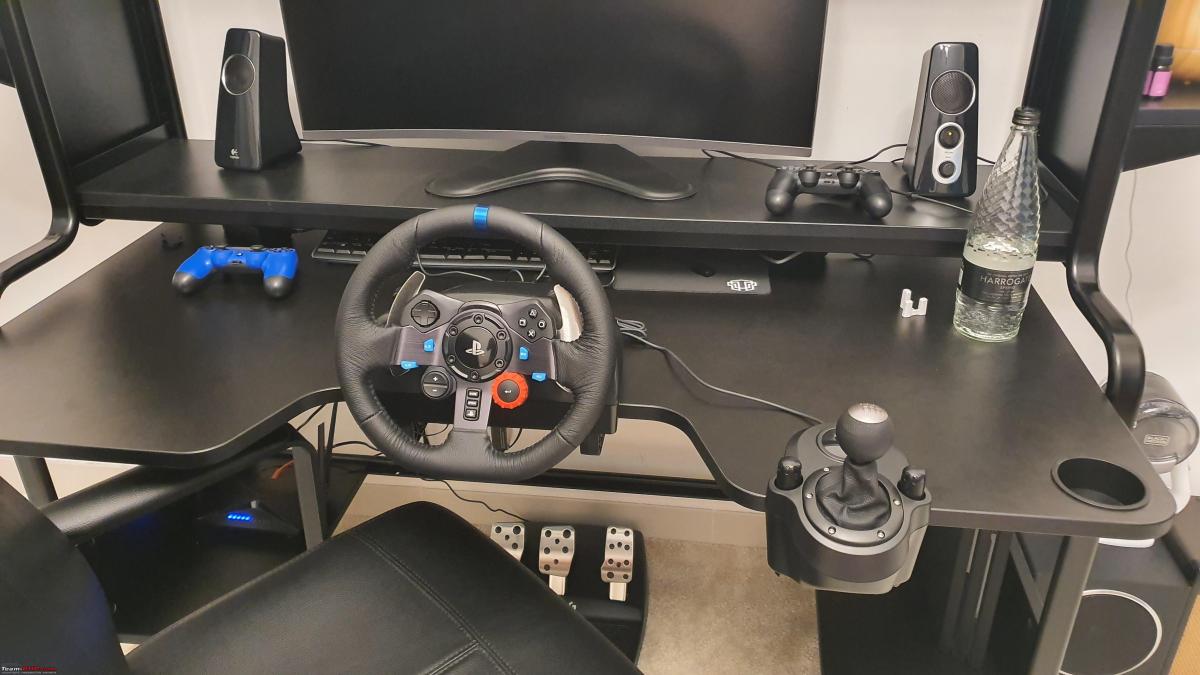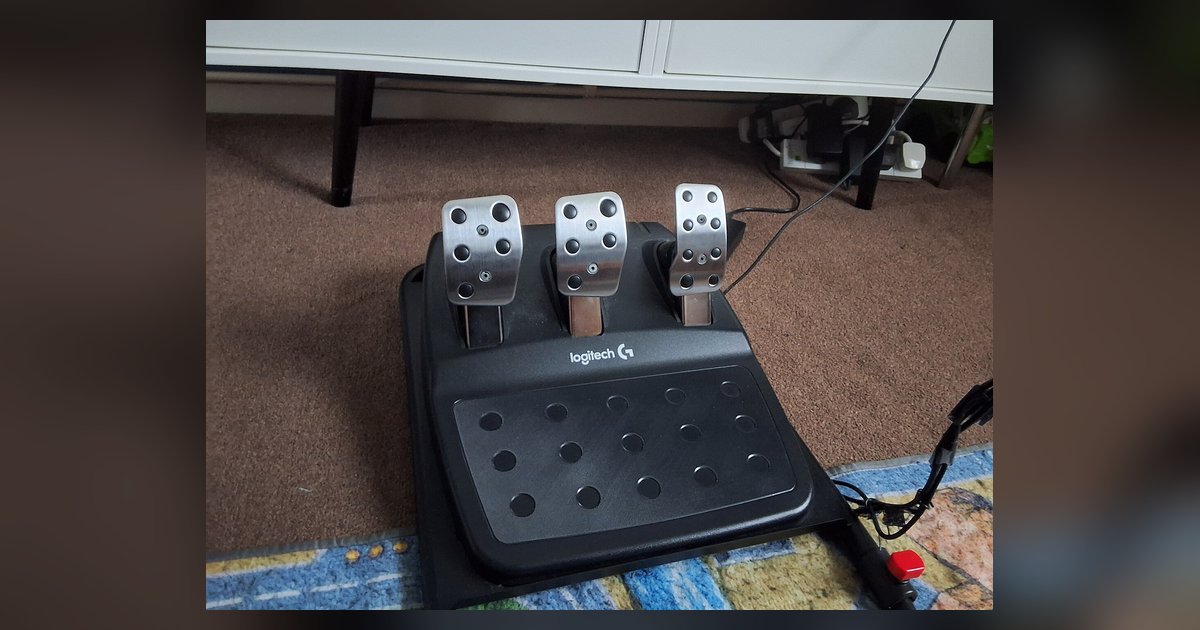
The pedal potentiometer connector has likely come loose inside the pedal base during shipping, or the rubber stopper under the pedal face has shifted, causing a constant input. Open the pedal base, firmly reseat the black RJ-style plug on the small circuit board, and check that the rubber block isn't wedged behind the pedal arm.
Check the internal connector for a Logitech G29 pedal fix
If your gas or brake pedal is completely dead, registering zero input no matter how hard you press, the internal RJ11-style connector has likely shaken loose during shipping or while mounting the pedals to a rig. To fix it, unplug the pedal set from the wheel base or PC. Flip the pedal base over and remove the six Phillips-head screws on the bottom plate. Lift the plate carefully; you will see a small green circuit board near the cable entry point. Look for a black plug with a tab on top, similar to an old telephone cable connector. Gently push it all the way onto the board until you hear a click. Do not force it sideways, it only fits one way. Reassemble the base and test the pedals. If they now work, you have solved the dead-pedal issue. If you still see no signal, proceed to check the rubber stopper.
Inspect the rubber pedal stopper
A stuck-at-100% input, where G Hub shows the gas or brake pegged to full without touching it, is almost always caused by a dislodged rubber block under the pedal face. Logitech places a small rectangular rubber stopper inside the pedal base to cushion the pedal arm when fully pressed. During shipping or aggressive use, this block can slide out of its channel and wedge itself behind the arm, holding the pedal in a permanently depressed position. To fix it, open the pedal base again (same six screws). Look under each pedal: you will see a black rubber block sitting in a molded plastic slot. If it has moved, reposition it so it sits flush in the slot, with the pedal arm resting on top of it when fully released. Close the base and confirm the input drops to zero. If the stopper is missing or torn, you can temporarily use a small piece of dense foam until you order a replacement.
Test in Windows without the wheel base
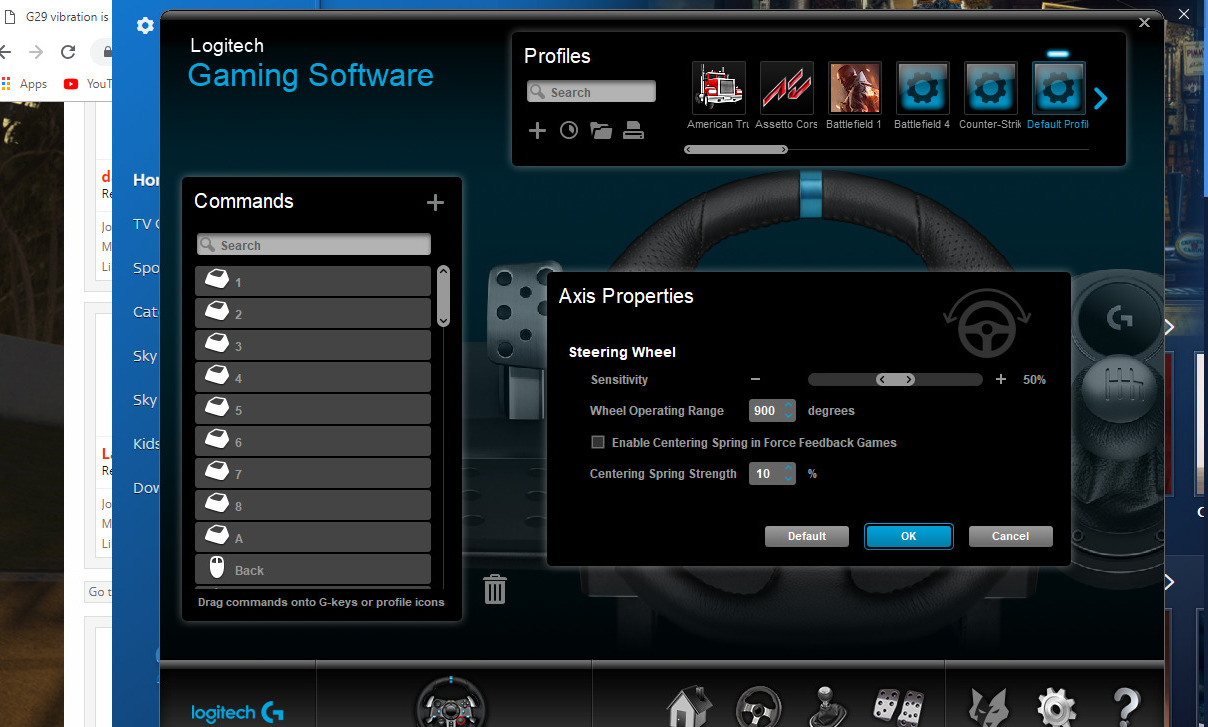
If reseating the connector and fixing the stopper does not restore function, the problem may be in the wheel base’s DIN port or the cable between the pedals and the wheel. To isolate this, you can test the pedals directly via a USB adapter. Logitech does not sell a separate USB adapter for the pedals, and third-party RJ12-to-USB cables do not match the G29's RJ45 connector. Plug the pedals into your PC with this adapter, then open the Windows Game Controllers panel. If the pedals now register correctly, the fault lies in the wheel base’s port or its internal wiring, not the pedals themselves. You can then recalibrate the wheel through G Hub, and to calibrate a Logitech G29, you must run the calibration tool inside G Hub’s settings while the pedals are connected through the wheel base. If the pedals still show no input even with the USB adapter, the sensor itself has failed, and you may also want to check your Logitech g29 force feedback too weak or not working in game settings once the hardware is resolved.
When the potentiometer itself has failed
If reseating cables and checking the stopper fail, and the direct USB test still shows a dead or erratic pedal, the potentiometer inside the pedal mechanism is likely dirty, worn, or broken. This is less common but happens after years of use or if dust or debris entered the base. To confirm, watch the G Hub pedal graph while slowly moving the pedal through its full range. If the value jumps wildly, sticks at one number, or stays at zero, the potentiometer needs cleaning or replacement. Open the pedal base and locate the small white plastic sensor on the pedal hinge. Spray a contact cleaner into the slot where the wiper arm rotates, then work the pedal twenty times. If that does not help, you must replace the potentiometer.
This page is the only resource that traces a dead or stuck pedal directly to the specific internal RJ45-style connector and the dislodged rubber stopper inside the Logitech pedal base, rather than treating them as generic calibration failures. For a complete guide to optimizing every component of your racing wheel setup, explore the broader topic of Racing Wheels: Setup for PC, PlayStation and Xbox.