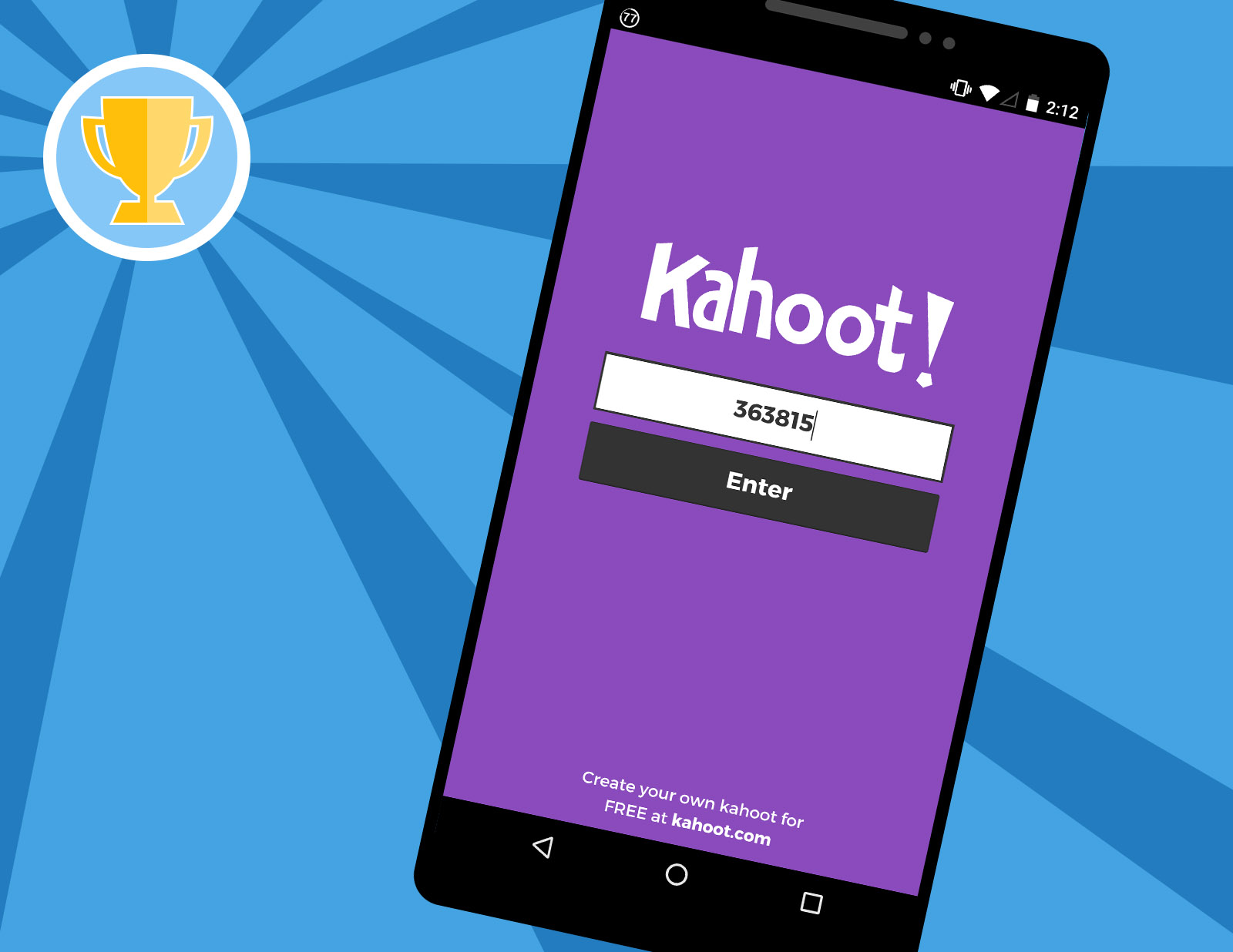
You can't reliably find a random live PIN because game codes expire minutes after the host ends the session and are never reused immediately. The only consistent way to join a live game is to get a fresh PIN directly from a host who is actively streaming or sharing their screen right now.
Why live Kahoot pins are always dead
Kahoot game PINs are temporary one-time tokens that deactivate the moment the host closes the lobby or ends the game. When a host clicks “End Now” on the results screen, the server immediately invalidates that PIN forever. It will never be reused by the same host or reassigned to a different game. Searching social media platforms like Twitter, TikTok, or Reddit for “free Kahoot PIN” almost always returns codes from past sessions that were posted minutes or hours ago. Even if you find a PIN posted just ten minutes earlier, the game likely ended seconds after the host saw the final leaderboard. Random PIN generators are equally useless because they simply guess numbers within the 6-digit range. The Kahoot server rejects any PIN that isn’t currently tied to an active lobby, so you’ll get a “Game not found” error every time. No database of live PINs exists anywhere because each code is generated on the fly and destroyed within seconds of the host ending the session. If you try to brute-force guess a PIN, you’ll likely be blocked from making further attempts. For a more reliable approach, you can find random Kahoot pins by joining communities where hosts share active codes in real time.
Where hosts share active pins
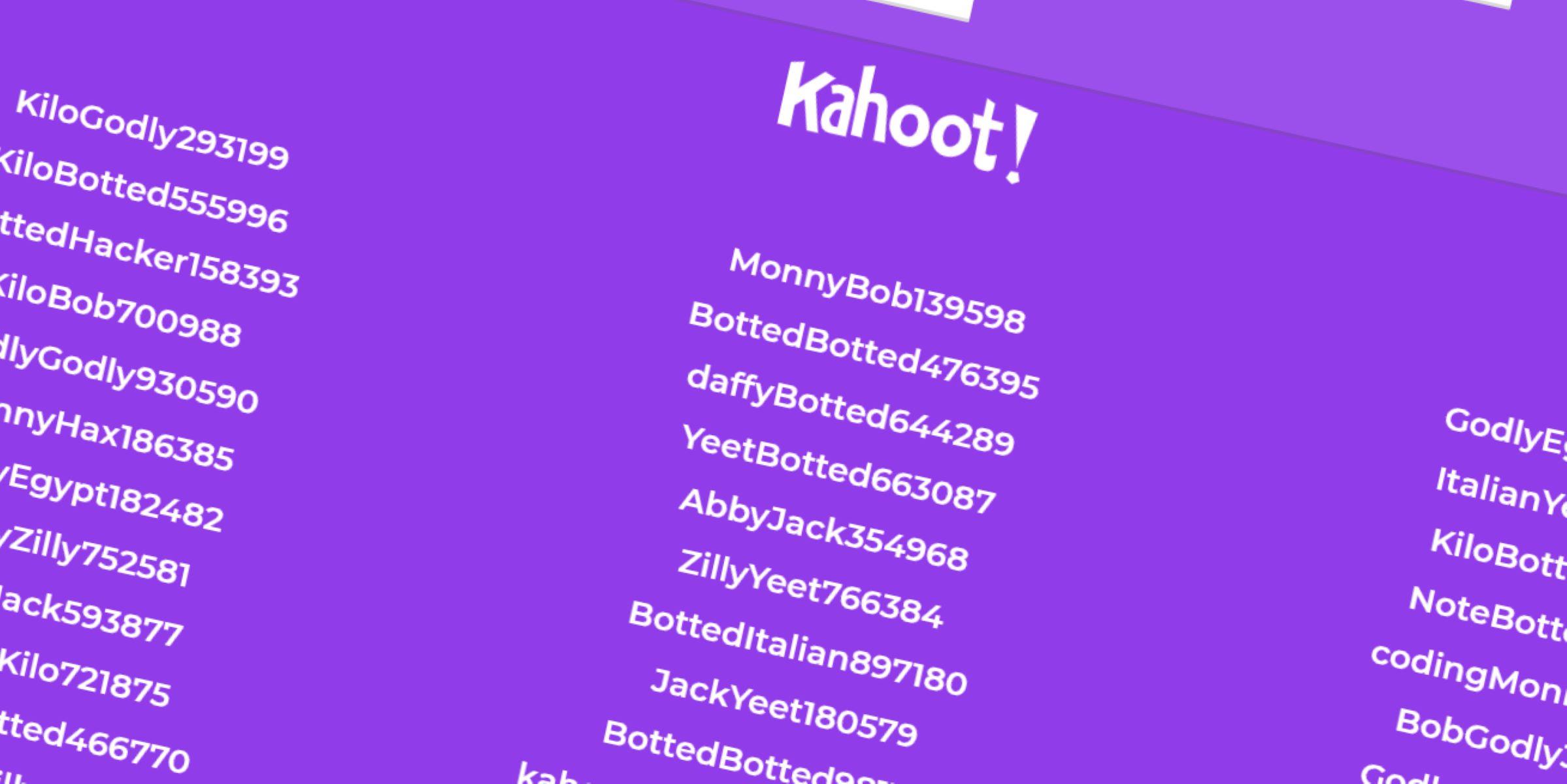
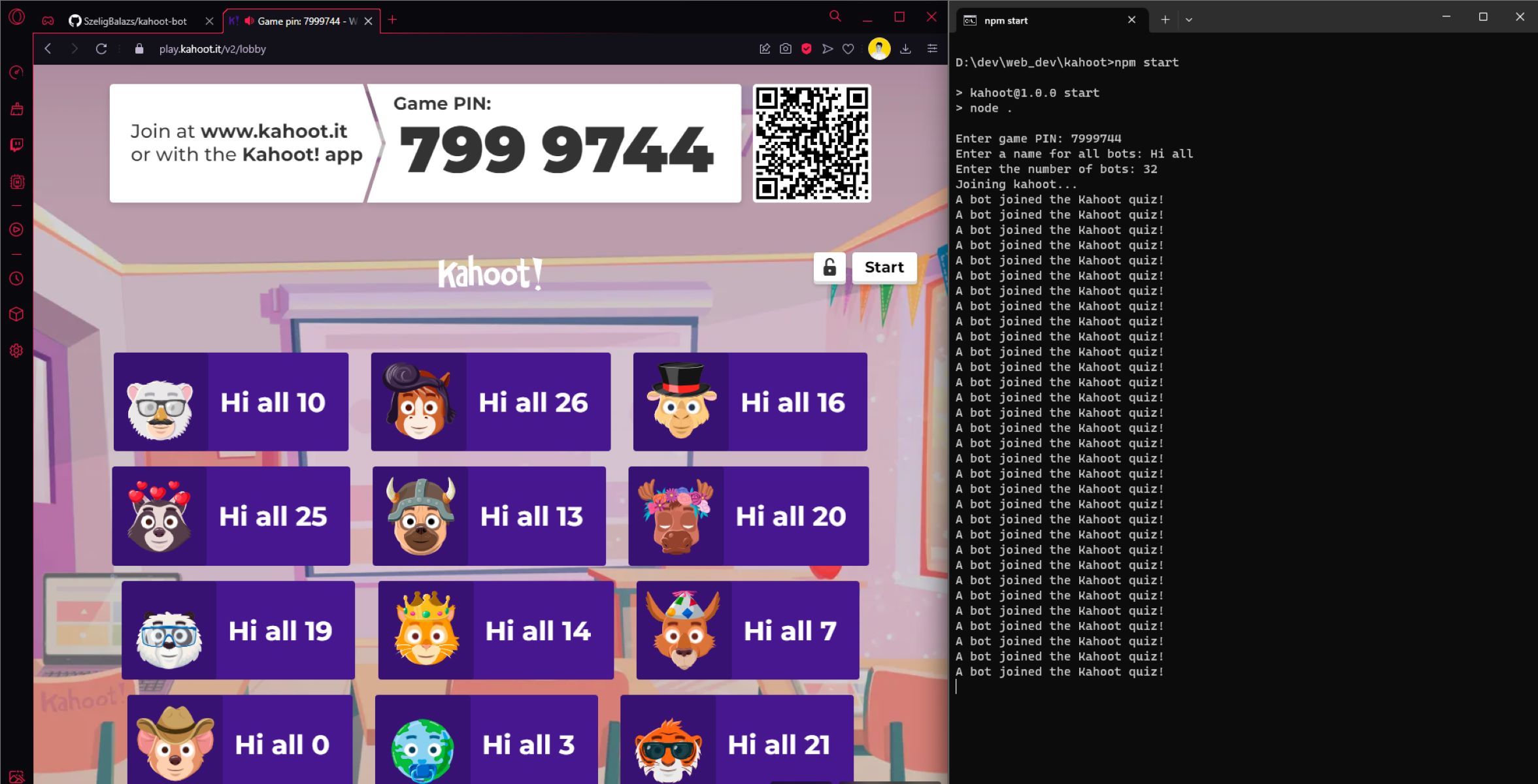
The only places you can reliably get a live, unexpired PIN are platforms where a host is actively running a session at that exact moment. On Twitch, streamers who play Kahoot with their chat will display the PIN on screen in real time. You must join before the host closes the lobby and starts the game. Discord servers dedicated to trivia nights or classroom-style Kahoot sessions often share a screen or type the PIN into a voice channel while the lobby is open. If you miss the window, the PIN is dead. Teachers projecting a Kahoot onto a classroom whiteboard also show the PIN for a brief period as students enter the lobby. That PIN expires as soon as the teacher closes the lobby to start the game. Some YouTube live streams host scheduled Kahoot events where the PIN appears while the lobby is open. In every case, you must be watching or listening live. Recorded videos or old screenshots cannot provide a working PIN because the code was deleted the instant the host ended the session. If you want to host your own game instead of hunting for one, you can make a Kahoot using your own account and share the PIN with friends in real time. Remember that trying to disrupt a live game by using third-party tools is counterproductive. Many hosts ban players who spam Kahoot bots, so it’s better to play fairly. If you are tempted to interfere, understand that the tools to get bots in Kahoot often require a live PIN anyway, which you don’t have. A more productive approach is to use Kahoot rocks to create a practice game on your own, but that generates its own PIN that only works for your private session.
What to do when you have no host
Without a live host actively running a session, no public list of working PINs exists, period. You cannot find a random active PIN because Kahoot’s architecture is designed to prevent exactly that. Your only options are to host a game yourself or wait for a scheduled live event. To host, log into your Kahoot account, click “Play” on any quiz, choose “Classic” or “Team” mode, and share the PIN that appears on your screen with friends who are ready to join immediately. If you want to play alone, you can use the “Practice” mode in your own account. That mode lets you play solo without needing a game PIN. For scheduled events, check the “Kahoot! Academy” section on the official website or follow specific Twitch streamers who announce game times in their Discord or social media BIOS. There is no shortcut, no hidden website, and no trick to bypass the expiration system. Every working PIN comes from a live host, and every second you spend searching old posts or random numbers is time you could have spent playing a real game by simply asking a friend to host one.
Every working Kahoot PIN comes from a live host sharing it in real time, and no public database of active game codes exists anywhere.