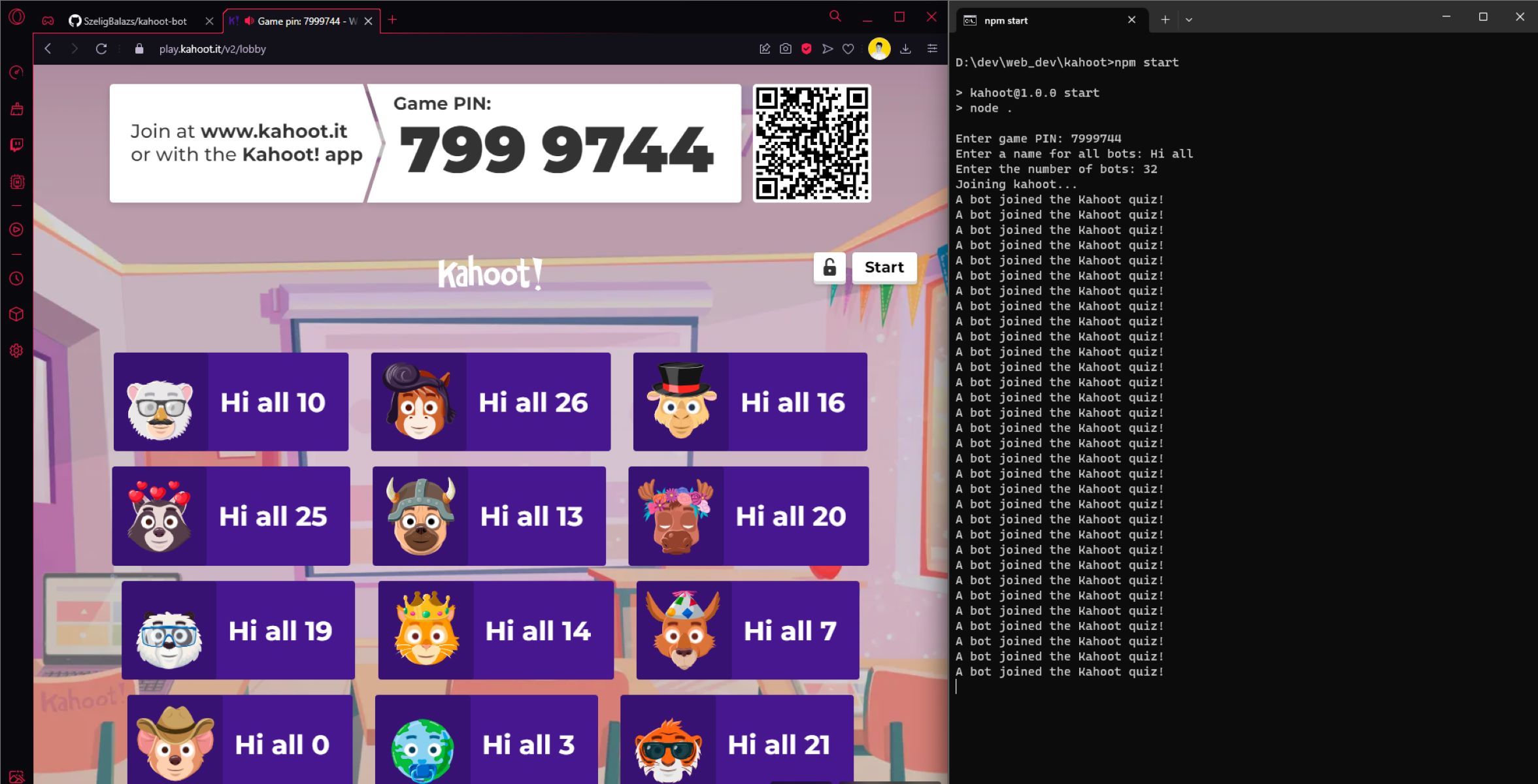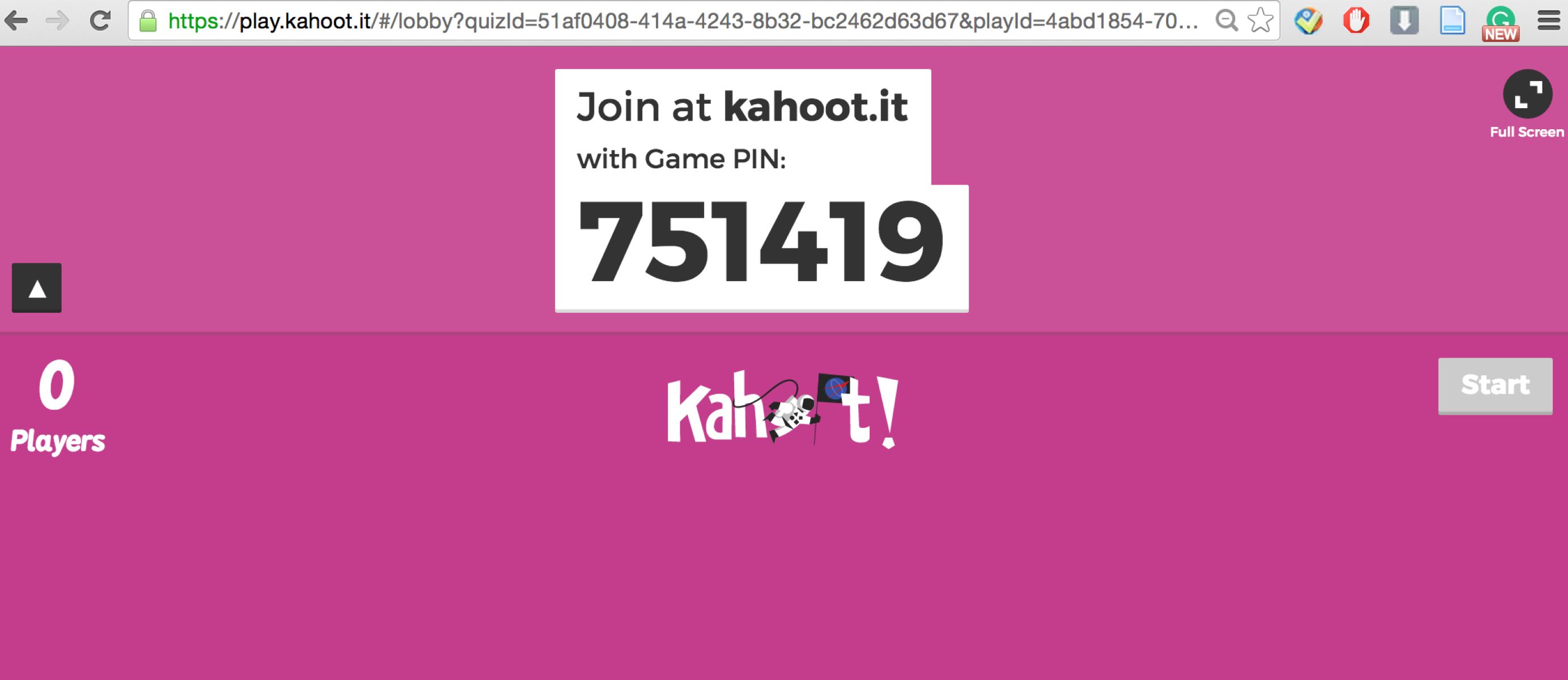
You can't reliably find random Kahoot pins because every game PIN is a temporary, private code generated for a specific host session and is never listed publicly. The honest answer is that trying to find random Kahoot pins is almost always a dead end, but there are legitimate ways to play Kahoot without a teacher or host giving you a PIN.
Can you actually find random Kahoot pins?
No, not in any reliable or consistent way. Kahoot PINs are designed to be private session keys that expire once the host ends the game. The platform does not maintain a public directory of active game PINs, and hosts are explicitly warned not to share their PIN publicly. If you see a website or tool claiming to offer "live random Kahoot pins," it is almost certainly providing expired, fake, or non-functional codes. Setting realistic expectations from the start saves you time and frustration, so you can instead focus on strategies to find a live kahoot PIN that hasn't expired through legitimate means.
Why random Kahoot pins are so hard to find
There are technical and policy reasons that make random PINs nearly impossible to find. Each time a host starts a live game, Kahoot generates a unique PIN for that single session. The host controls when the game starts and ends, and the PIN becomes invalid as soon as the game finishes. Kahoot also advises hosts not to share their game PIN on social media because doing so can invite unwanted participants or bots. To further block random joiners, hosts can enable a 2-step join option, which requires players to enter the PIN and then reproduce a short on-screen pattern. This means even if you somehow got a valid PIN, you might still be blocked by the host's security settings.
The only method that sometimes works: social media and forums
If you want to try finding a random PIN, your best, and essentially only, bet is to search social media platforms where hosts occasionally share their live game PINs publicly. This is a cautious, low-expectation approach. If you find a PIN, join the game immediately because it may expire within minutes. Always respect the host's game: do not disrupt the session, use inappropriate nicknames, or share the PIN elsewhere. Remember, the host likely did not intend for strangers to join, so be a respectful guest.
How to join a Kahoot game with a pin you found
Once you have a PIN, joining is straightforward. No Kahoot account is required to participate. Follow these steps:
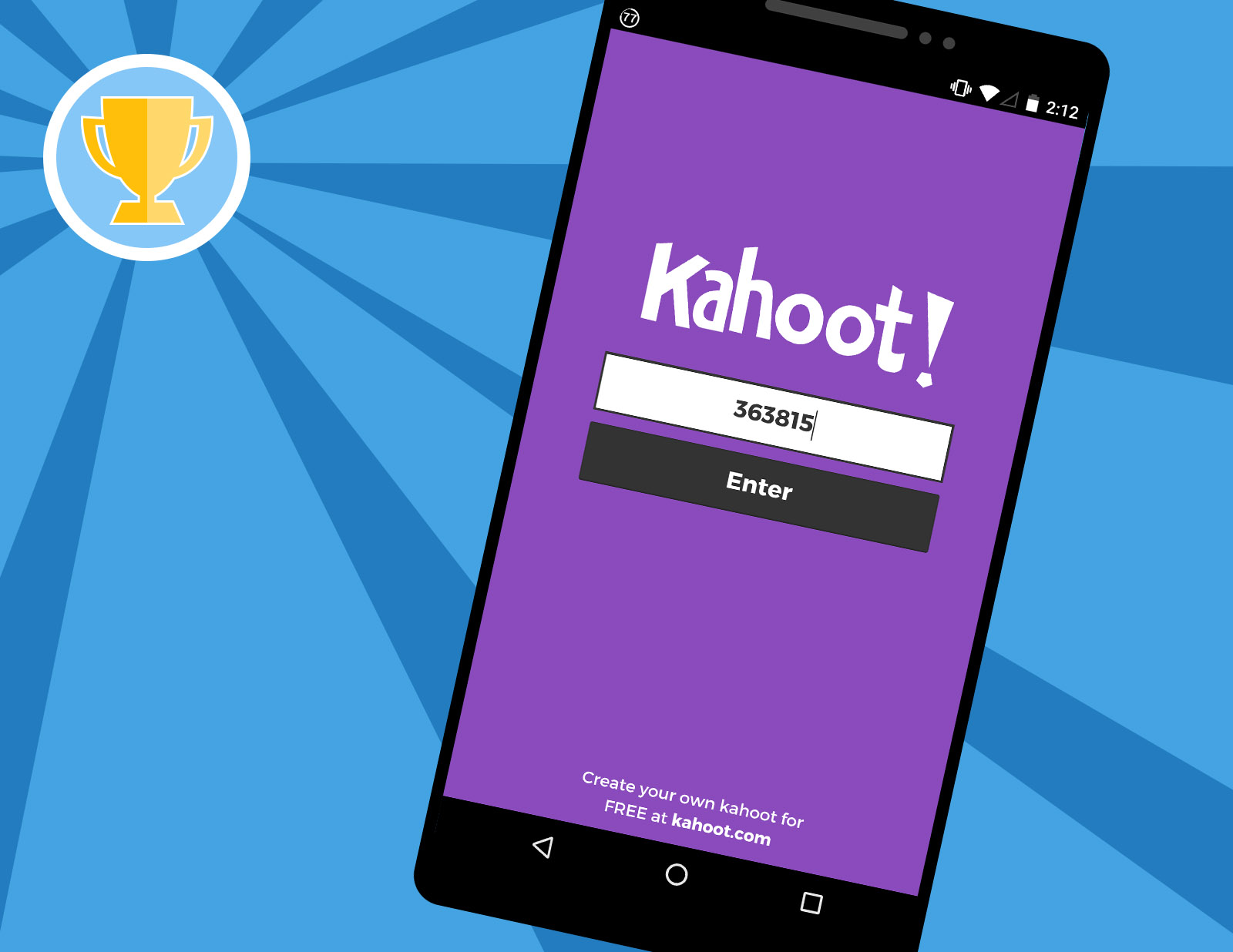
- Open a supported web browser and go to kahoot.it, or open the Kahoot mobile app.
- Click or tap the field labeled "Enter PIN."
- Type the game PIN exactly as you found it.
- Click "Join" or "Enter" to go to the game lobby.
- Enter a nickname when prompted and wait for the host to start the game.
That is the entire process. If the PIN is valid and the game is still active, you will enter the lobby. If the PIN is expired or incorrect, you will see an error message.
Why pin generators and sharing sites don't work
Websites that claim to generate or list random Kahoot PINs are not legitimate. These tools typically pull from old, expired databases or generate fake PINs that never worked. Even if a generator occasionally produces a real PIN, it is almost certainly from a game that has already ended. Relying on these sites wastes your time and may expose you to ads or malicious content. Instead of using a generator, your better option is to learn how to join random Kahoot games through the methods described here or by exploring the platform's own features.
What to do when you can't find a random pin: Legitimate alternatives
When you cannot find a random PIN, there are several legitimate ways to play Kahoot without relying on a host. You can browse the Discover tab on the Kahoot website or mobile app to find public quizzes created by other users. These are not live games with a PIN, but you can play them solo for practice or fun. Another option is to create your own quiz. If you want to make a Kahoot, you can sign up for a free account and build a quiz from scratch or duplicate an existing one. Finally, if a friend is hosting a game, ask them to share the direct link or QR code instead of the PIN, both methods work to join the game. These alternatives are reliable, safe, and give you full control over your experience.