This tag collects Robots.net’s coverage of Kahoot, the popular quiz-based learning game. It is written for teachers, students, and casual players who want to get more out of the platform, whether that means building better quizzes, managing their account, or troubleshooting common technical hiccups. The articles here are practical guides, not shortcuts to unfair play.

Several pieces focus on the mechanics of creating and sharing quizzes. You will see help with making a Kahoot from scratch, sharing one for collaborative editing, exporting questions, and publishing a draft that seems stuck in limbo. Alongside those, there are troubleshooting articles that address why a quiz only saves as a draft and how to locate a quiz ID for your own files. These solve everyday workflow problems for hosts and co-editors.

Another group of articles deals with live game logistics and the security side of public lobbies. Topics include joining random games, finding active PINs that haven’t expired, and understanding how bots work, but always framed as a warning or a defensive measure. For example, the pieces on spam bots and “Kahoot Rocks” explain what these tools do and why you should avoid using them, rather than instructing you to cheat. Similarly, articles about getting answers or points are written to help you spot and block such behavior in your own sessions, not to exploit the system. Finally, account management is covered with guides on canceling a subscription and publishing drafts. Overall, these articles help you run fair, smooth, and well-organized Kahoot games while protecting your quizzes from disruption.


How To Publish Kahoot Draft

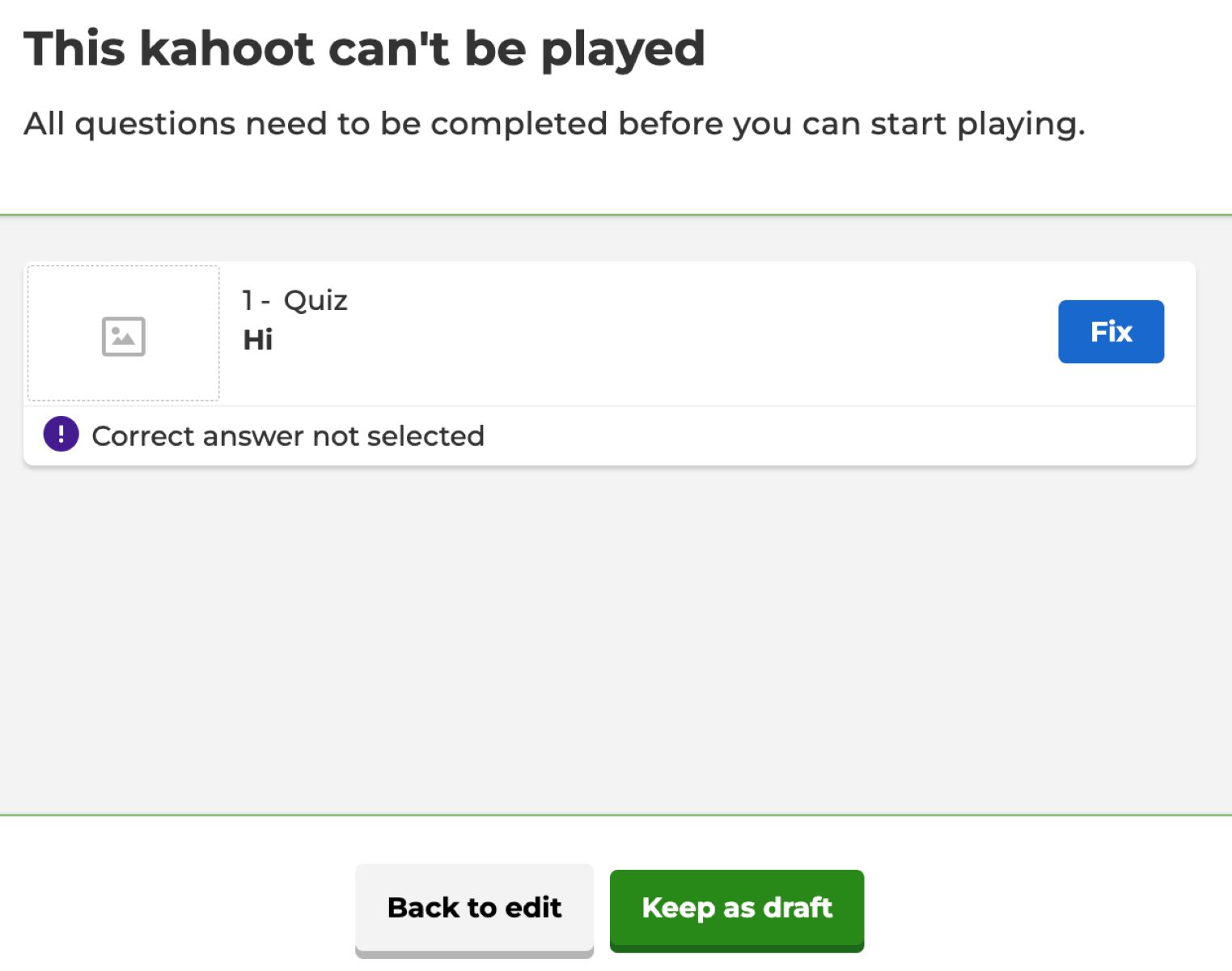
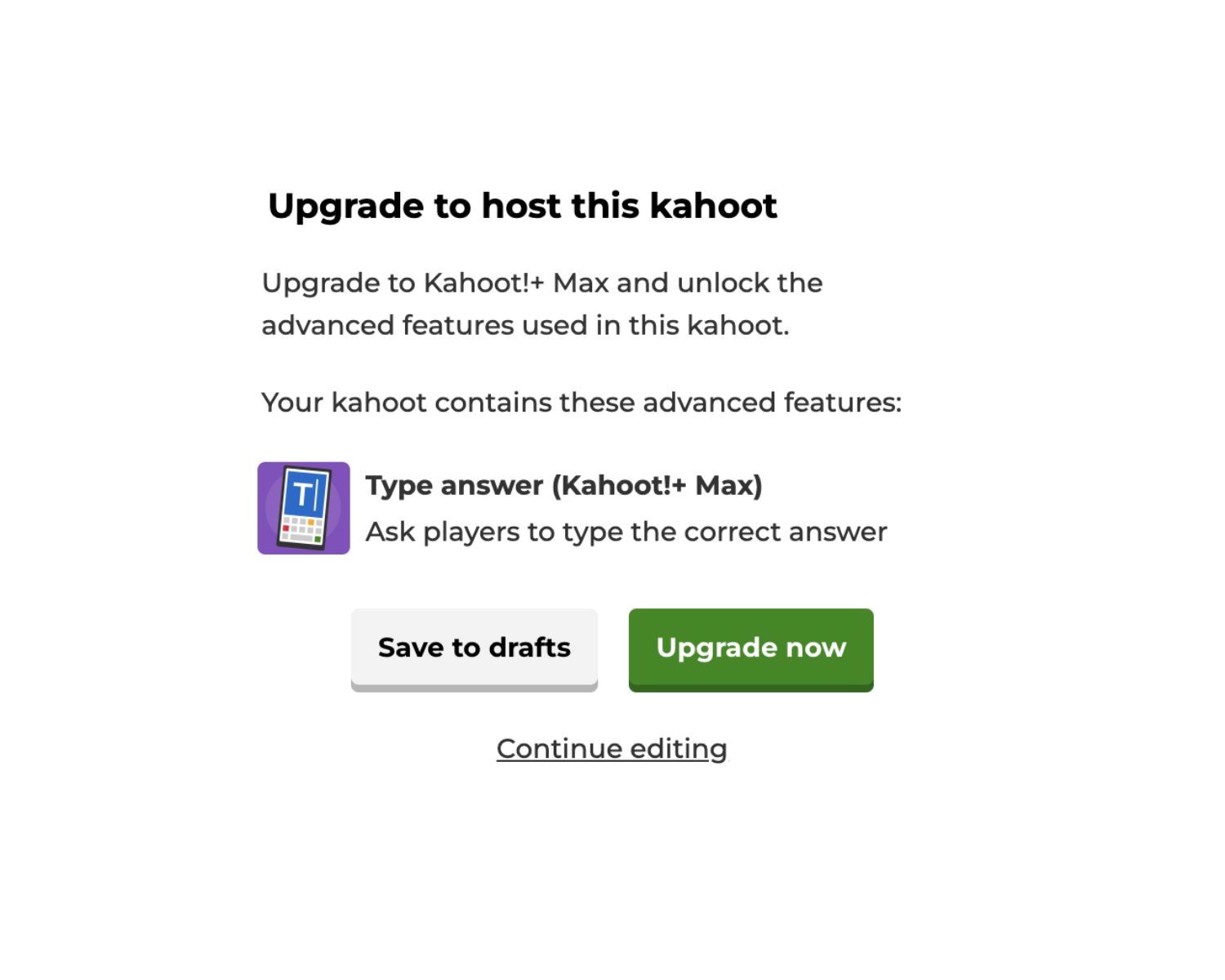
If your Kahoot is stuck as a draft, the Publish button is hidden because the game is missing a required element or contains a feature your plan doesn’t include. To...

How To Export Kahoot Questions

You cannot export Kahoot questions directly using a built-in button or feature. To export Kahoot questions, you must use one of two official workarounds: downloading a game report or printing...

How To Get Kahoot Quiz Id

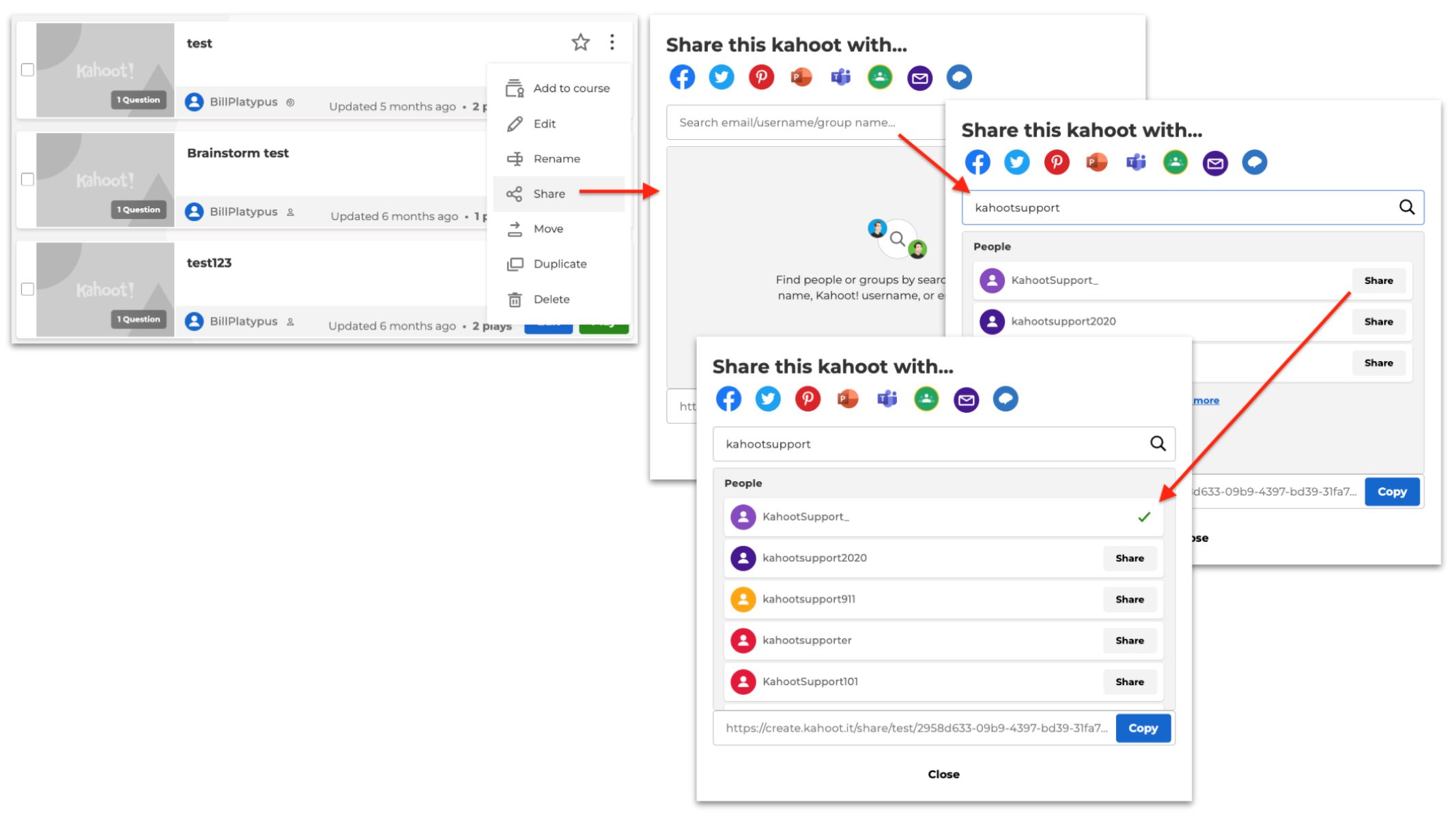
To get a Kahoot quiz ID, open your Kahoot library and click the three dots (⋮) next to the quiz you want to share. Select "Share" from the menu, and...

Why Is My Kahoot Only Saving As A Draft

If your Kahoot is only saving as a draft, it’s almost always because the quiz is incomplete or because you’re using a premium feature that isn’t included in your current...

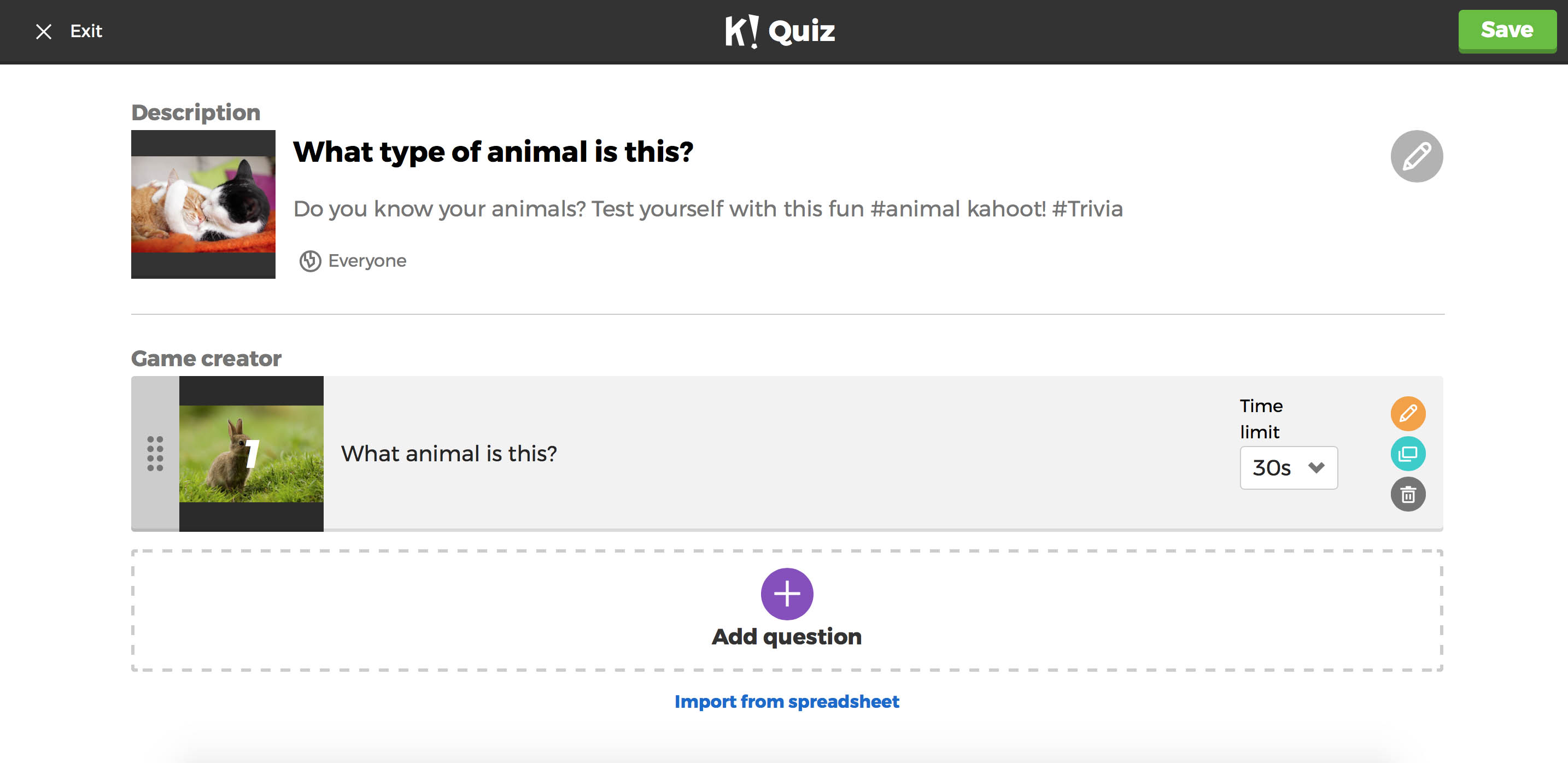
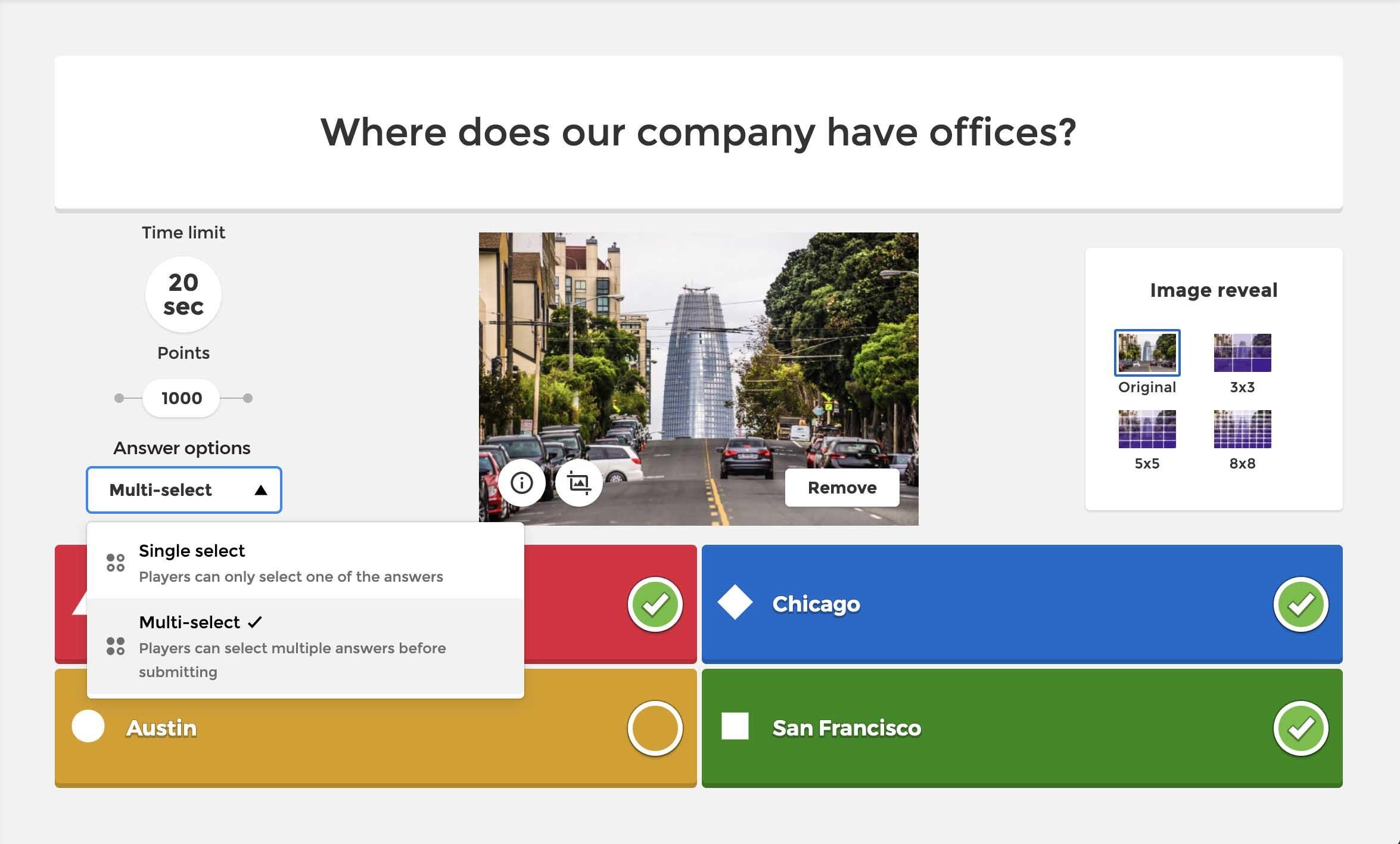
How To Make A Kahoot

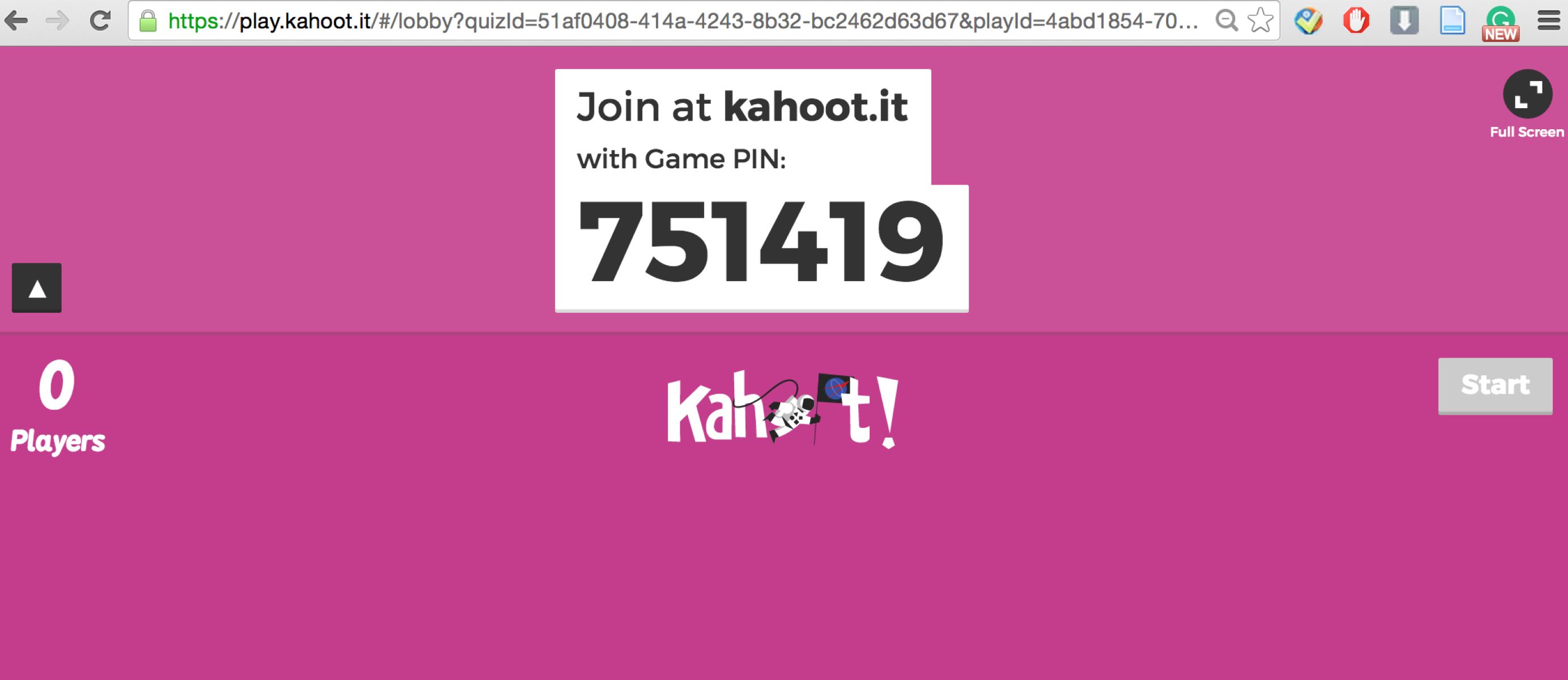
Find a live game to make a kahoot To join a live Kahoot game, you need a real, active session where a host starts a live game and shares the...

How To Share A Kahoot To Edit

To share a Kahoot to edit means granting specific colleagues the ability to modify questions, answers, and settings within a Kahoot! team workspace, not merely sending a playable link or...

How To Use Kahoot Rocks

Kahoot Rocks is a third-party cheating tool, not an official Kahoot! product, that was originally used to flood games with bots or auto-answer quiz questions. If you are searching for...

How To Win In Kahoot Every Time

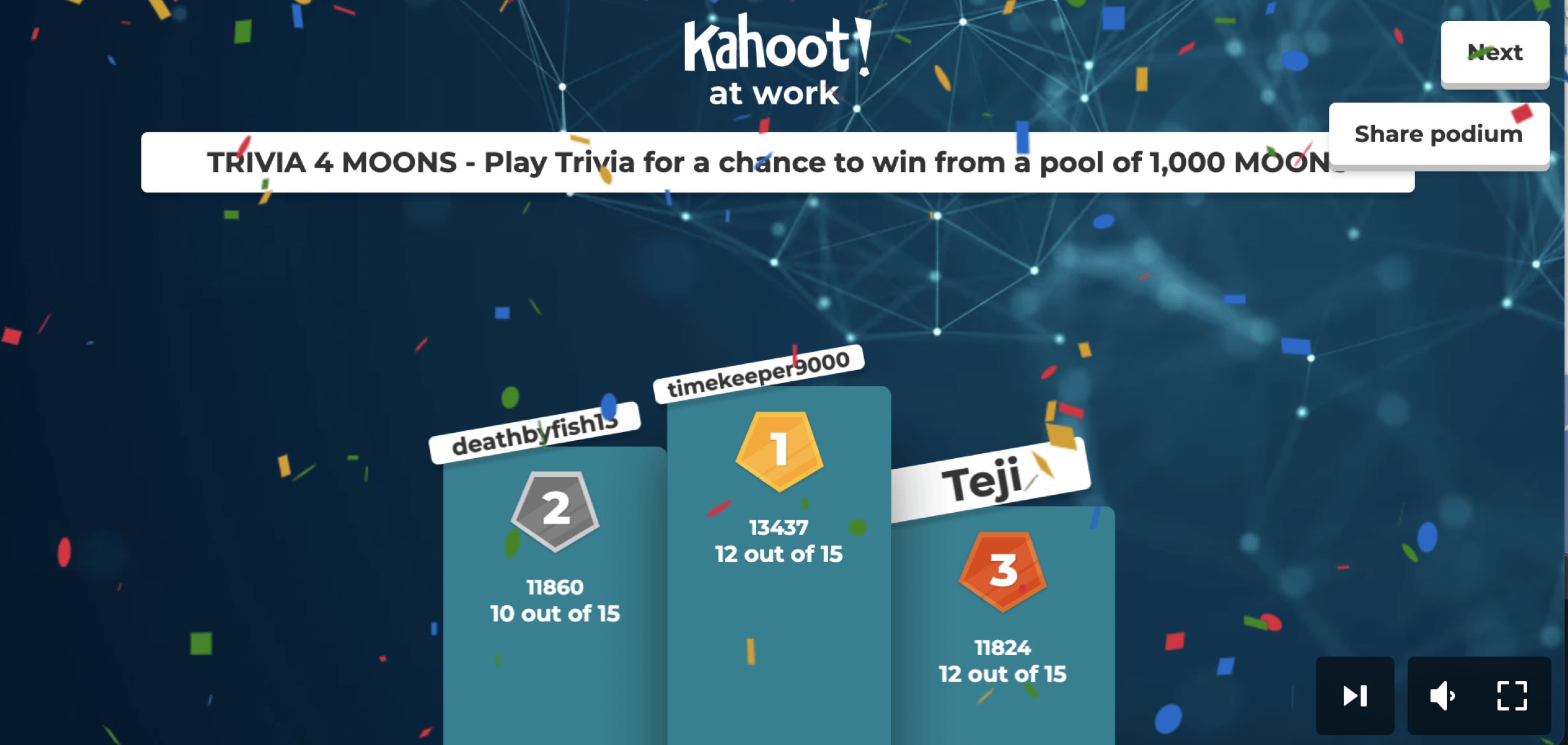
To win in Kahoot every time, you need to answer correctly as fast as possible, because the core scoring rule in Classic mode rewards both speed and accuracy. The maximum...

How To Get Answers In Kahoot

To get answers in Kahoot during a live game, the host must enable the “Show questions and answers on player devices” setting in Game Options before starting. This free feature...

How To Find Random Kahoot Pins

You can't reliably find random Kahoot pins because every game PIN is a temporary, private code generated for a specific host session and is never listed publicly. The honest answer...