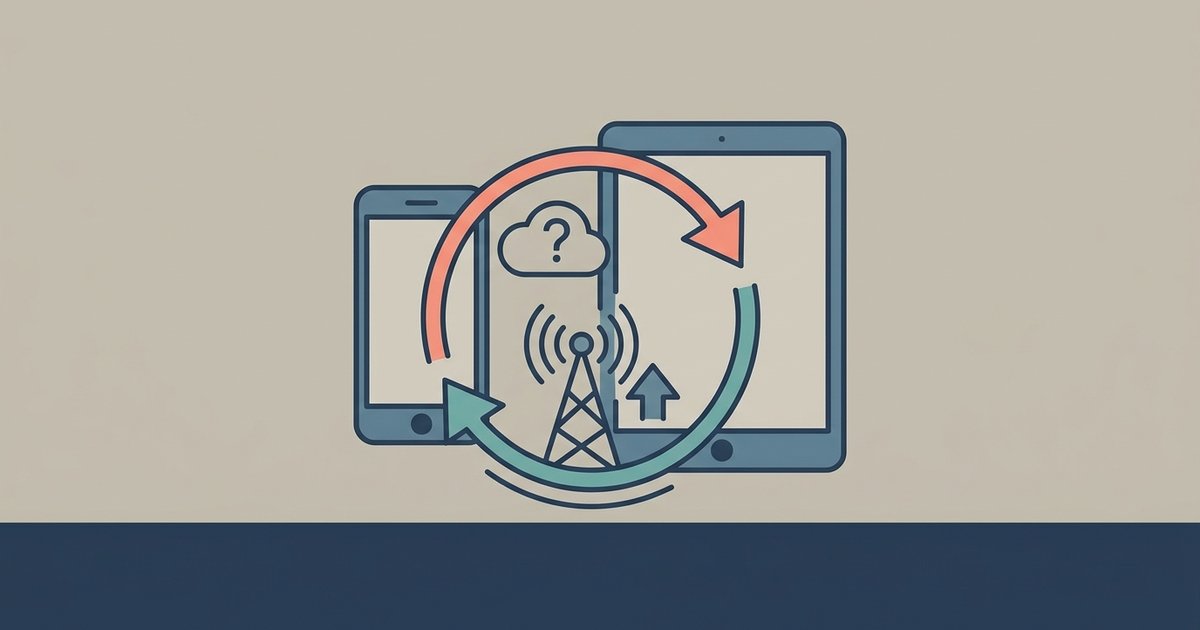
No, a direct local sync between your phone and tablet does not use mobile data. It transfers files over a direct Wi‑Fi connection or Bluetooth, so it works even with cellular data turned off and won’t touch your plan’s allowance.
Why sync phone tablet data doesn't need a cell tower
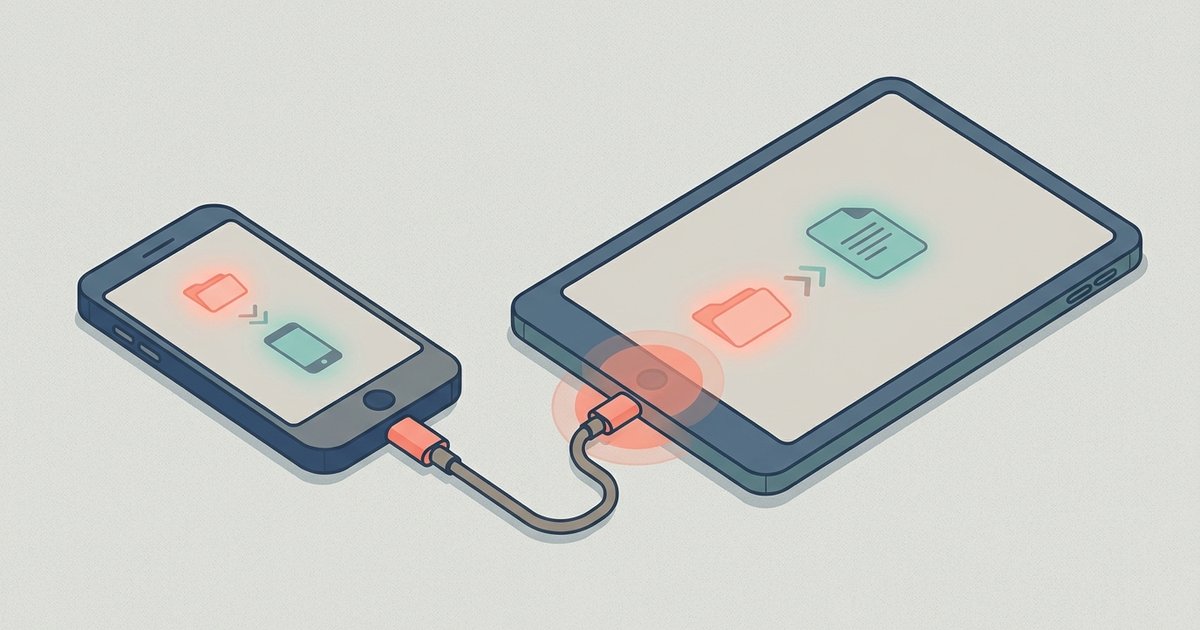
Local sync features like Quick Share (on Samsung devices), Nearby Share (on stock Android), and Bluetooth file transfer can create a peer-to-peer link that bypasses the internet, though Quick Share may use mobile data if configured to do so when Wi-Fi is unavailable. When you initiate a transfer, one device broadcasts a Wi‑Fi Direct or Bluetooth signal. The other device picks it up. This direct connection uses no cellular bandwidth because the data packets travel over a radio link that is separate from your phone’s LTE or 5G modem. For example, when you transfer pictures from Android phone to tablet via Nearby Share, the two devices negotiate a temporary local network. They often use Wi‑Fi Aware or Bluetooth LE. The files move at full speed without ever touching your ISP or carrier. Even if you have no SIM card inserted, the transfer completes normally. The only requirement is that both devices have the feature enabled and are within about 30 feet of each other. If you need a step-by-step setup, see moving files between phone and tablet for pairing instructions and compatible apps.
It transfers files over a direct Wi‑Fi connection or Bluetooth. It works even with cellular data turned off and won’t touch your plan’s allowance. If you followed a guide to sync your Android phone to your tablet using tools like Nearby Share or Bluetooth file transfer, the data never reaches a cell tower. It stays between the two devices.
The one mistake that does eat your data
The confusion arises when people mistake local sync for cloud sync. If you have automatic backup enabled, say, Google Photos or Samsung Cloud, and you try to connect my tablet to my computer wirelessly or sync your phone to a cloud service first, that upload and download uses mobile data unless you restrict it. For instance, your phone might be set to “Back up over mobile data.” When you take a photo, that photo uploads to Google’s servers over your cellular connection. Then your tablet pulls that same photo from the cloud. It downloads it again using its own mobile data. This double hit can burn through hundreds of megabytes before you notice. The same trap applies to services like Dropbox, OneDrive, or any “sync all devices” setting in your account. The key difference: local sync is a direct handshake between two devices; cloud sync is an internet relay that counts against your plan.
How to make absolutely sure you're not using data
The quickest reassurance test is to turn off mobile data on both devices. Go to Settings > Network & Internet > Mobile network and toggle it off. Then try to connect your phone to your tablet using your chosen local method (e.g., Nearby Share or Bluetooth). If the file transfers without any error, you have proven no cellular connection is involved. For extra certainty, enable Airplane Mode on both devices, then manually turn Wi‑Fi and Bluetooth back on. Airplane Mode kills the cellular radio but leaves local radios active. A successful transfer in that state confirms zero mobile data usage. If you want to prevent accidental cloud uploads, open your Google Photos app, navigate to its backup settings, and select the option to back up over Wi‑Fi only. Do the same in your Samsung Cloud or any other backup app. That way, even if you forget to turn off mobile data, your sync stays local and your plan stays intact.