This tag collects articles about Wi-Fi Direct, the wireless technology that lets two devices connect to each other directly without needing a router or an internet connection. It is written for everyday consumers who own Android phones, tablets, and streaming remotes and want to move files or control their entertainment hardware without fussing with cables or cloud services. The guides assume you have a basic familiarity with your device’s settings but do not require any technical background.
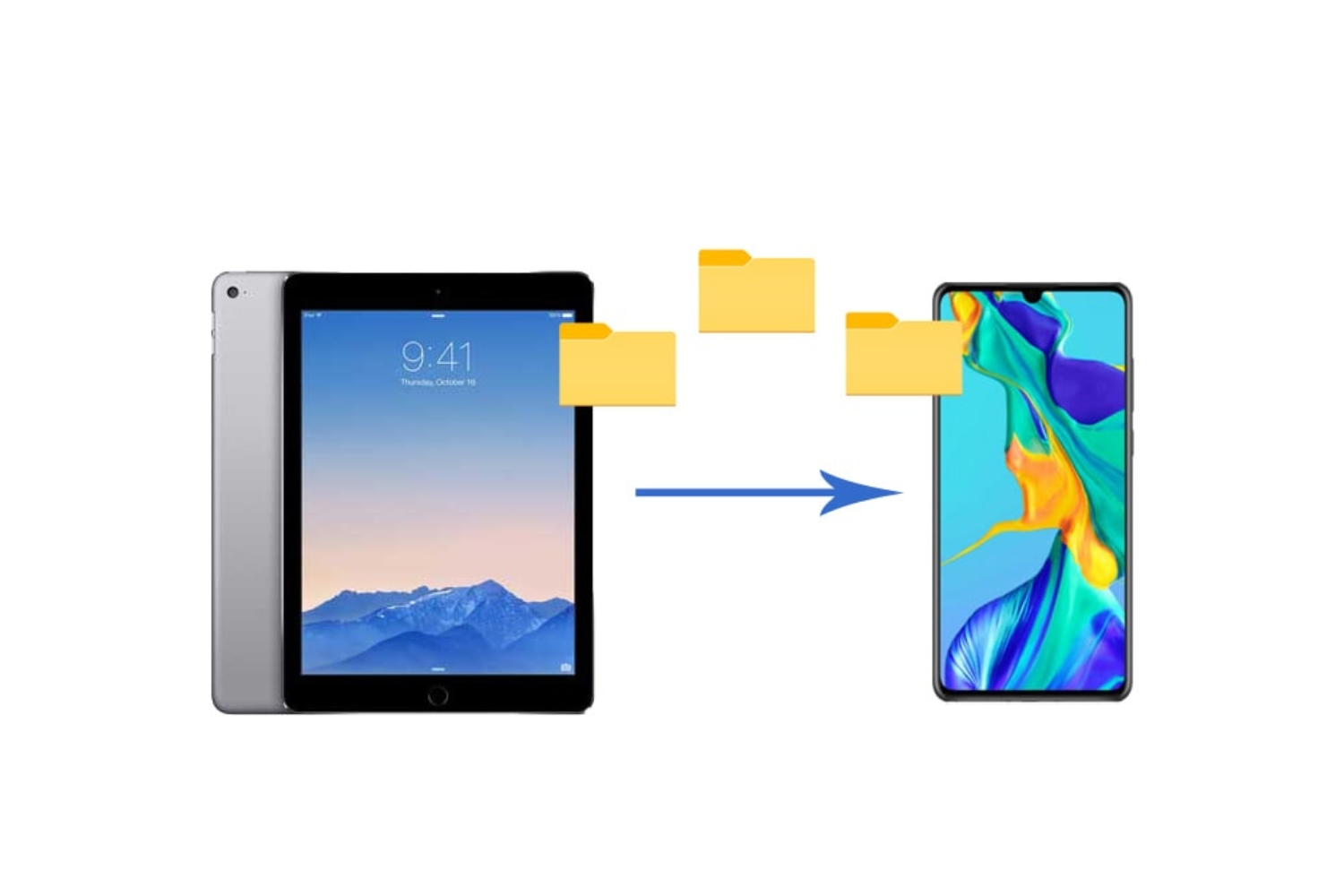
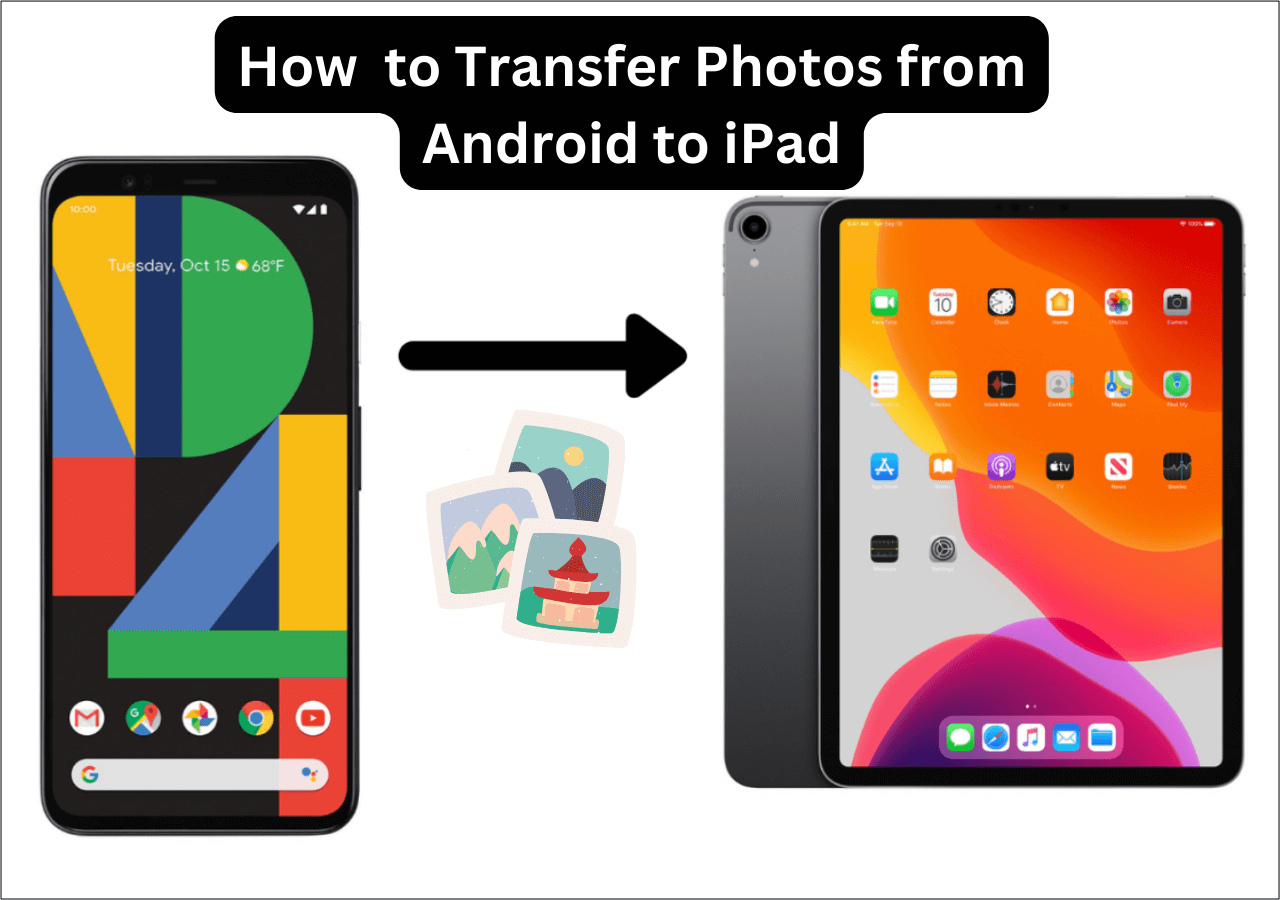
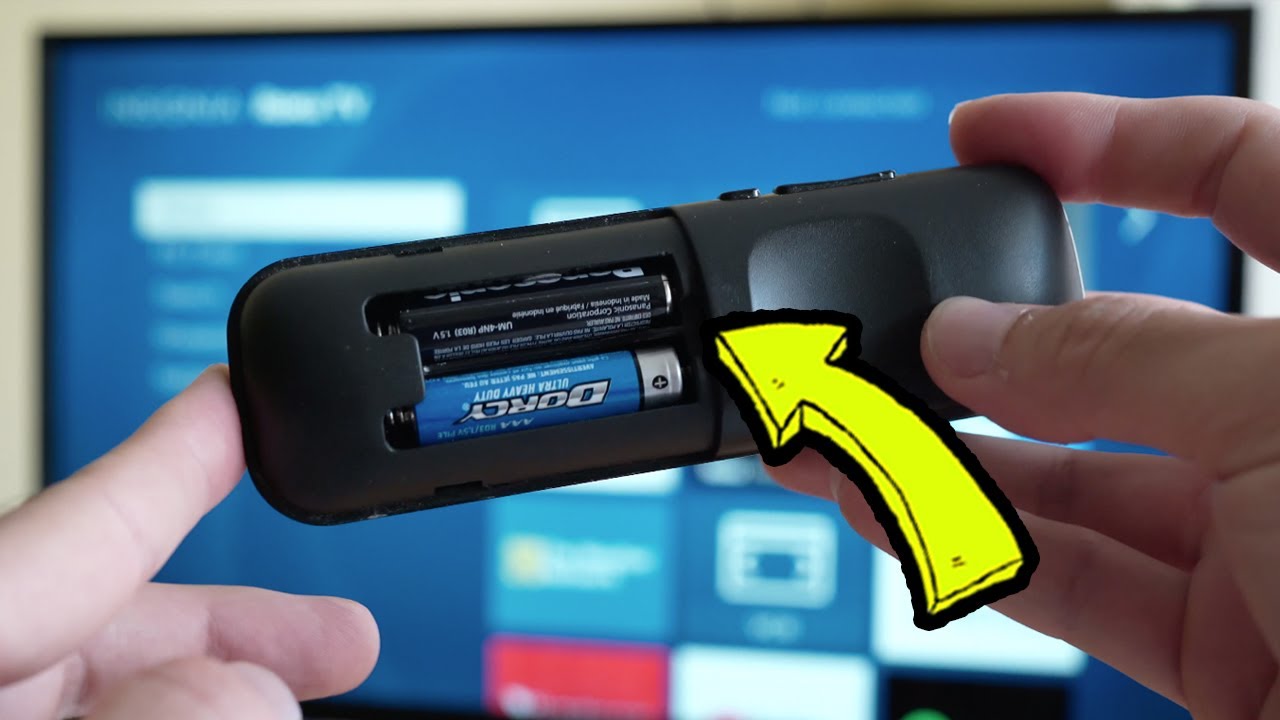
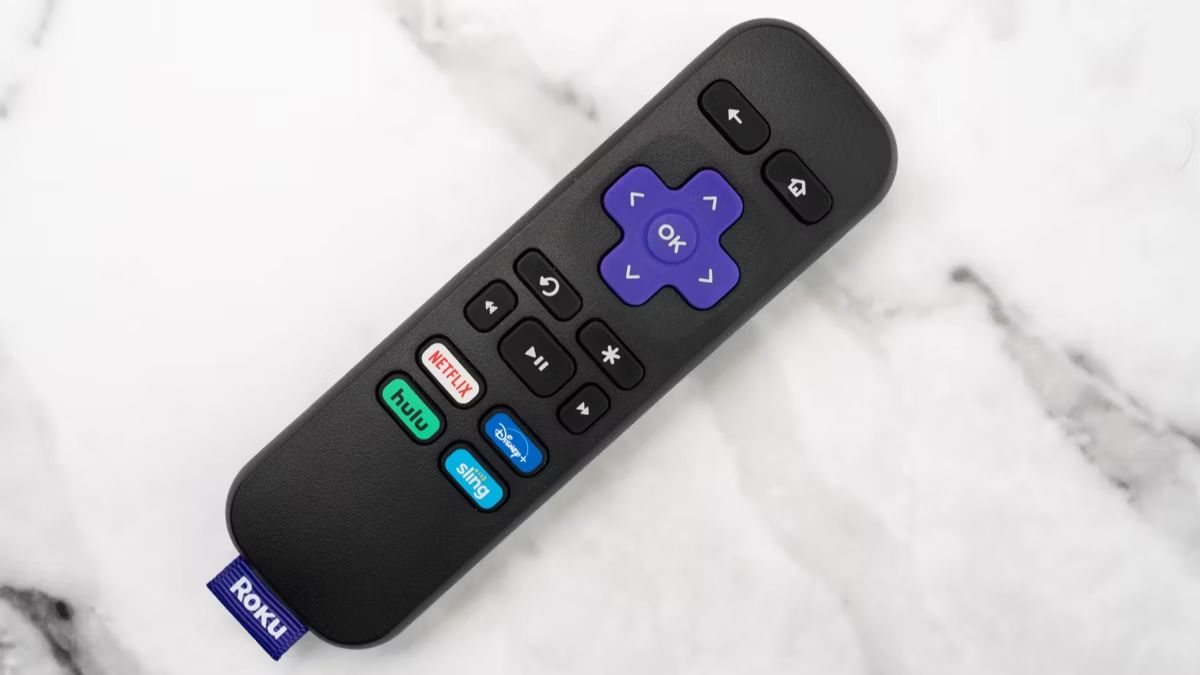
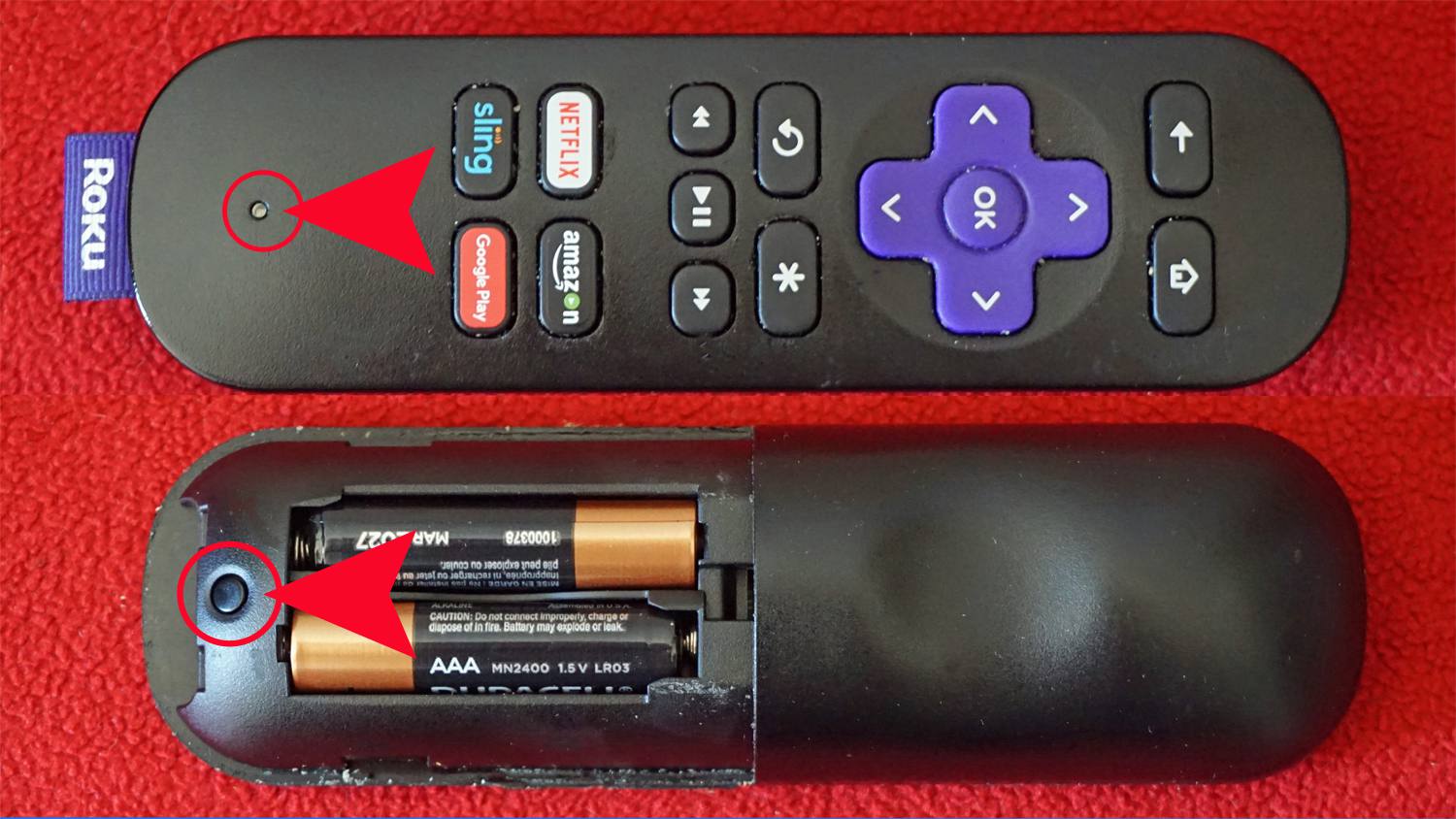
The articles here solve two main kinds of problems. The first is remote control pairing and syncing. If you have lost the connection between your Roku remote and your Roku player, or you just bought a replacement remote, the guides walk you through the exact button presses and menu steps to get them talking again. They cover where the pairing button is located on different Roku remote models and how to sync a remote that has stopped responding. The second theme is transferring data between your own Android devices. These articles help you move pictures from your phone to your tablet, or copy files from a tablet to a phone, using Wi-Fi Direct’s peer-to-peer connection rather than relying on mobile data or a home network.
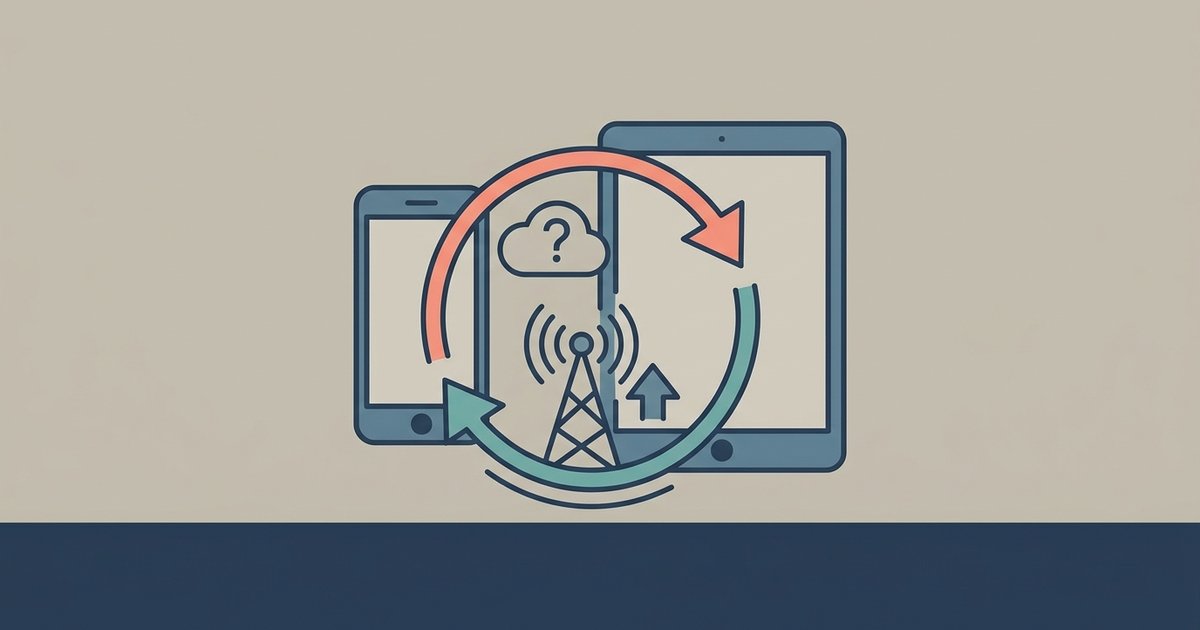
A few specific topics appear by name, such as “Where Is Pairing Button On Roku Remote” and “How To Transfer Pictures From Android Phone To Tablet.” One article, “Does Syncing My Phone To My Tablet Use Mobile Data,” addresses a safety and cost concern directly: it explains when a direct connection uses no cellular data and how to verify that your transfer stays off your mobile plan. The collection is practical and focused on legitimate, everyday uses, restoring a remote’s function or moving your own files between your own devices, with no shortcuts, hacks, or workarounds.