You can play PS4 games from an M.2 SSD on PS5, and they load and run perfectly from that slot. Load times are often faster than from an external USB drive. If you have already installed an M.2 drive, move your PS4 library there. The console treats the internal expansion slot as a fully compatible location for last-gen titles.
The bad advice Sony gave you about PS4 games on M.2 SSDs
Sony’s official guidance recommends using a USB external drive for PS4 games to conserve the internal SSD for PS5 titles. This advice is a suggestion to maximize space for native PS5 games, not a technical restriction. Many PS5 owners read that recommendation and assume the M.2 slot is somehow incompatible with PS4 software. That is false. The M.2 slot is designed to hold any game the PS5 can run, including PS4 titles. Format an M.2 SSD in the PS5’s system software under the storage settings. The console then treats it identically to the built-in drive for game execution. Sony pushes USB drives for PS4 games for one reason: to help you get more storage on PS5 for the titles that actually require the ultra-high-speed architecture.
The real speed you get
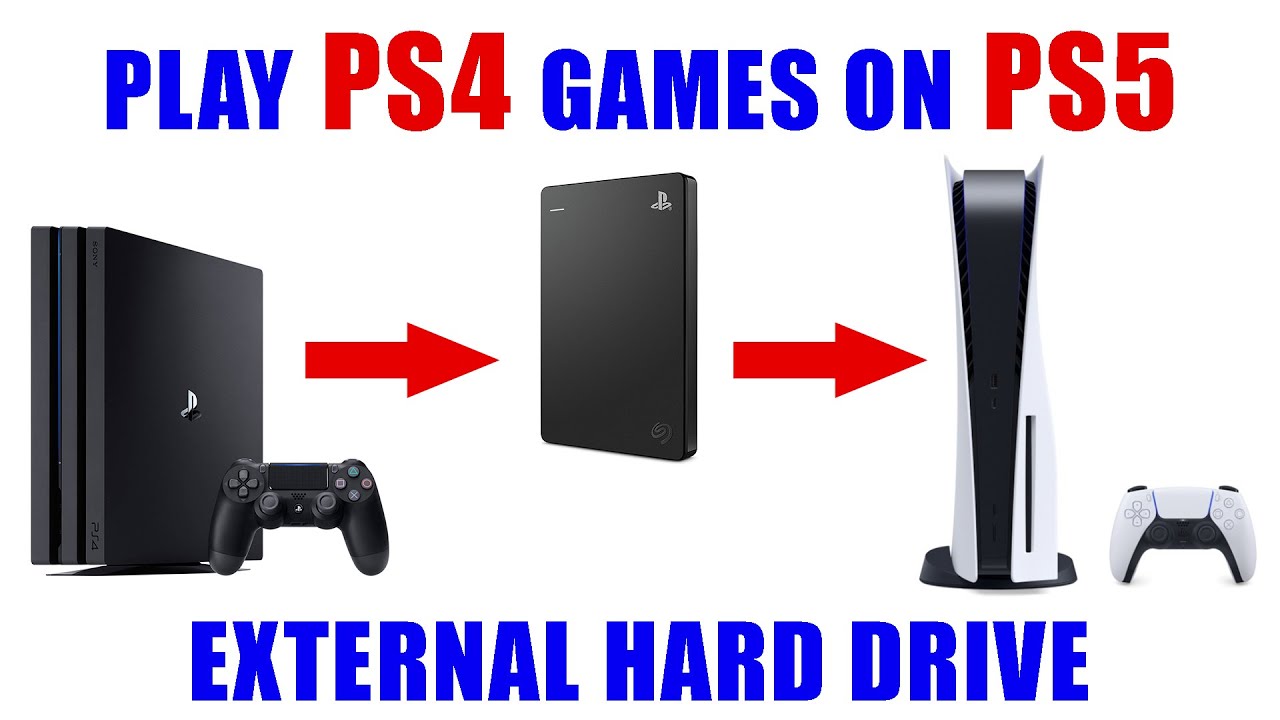
PS4 games run without any issues from the M.2 slot. They do not benefit from the full speed of the drive like native PS5 games do. PS4 titles are designed around the slower SATA and optical drive speeds of the PS4. Even a fast PCIe Gen4 M.2 drive cannot make them load faster than the game’s engine allows. Expect a 20- to 30-percent improvement over a USB external HDD. You will not get the near-instantaneous loading that PS5 games achieve. The real trade-off is capacity. Your M.2 SSD is premium real estate meant for PS5 titles that can only live on internal or M.2 space. Filling it with PS4 games reduces the number of native PS5 games you can keep installed. Use a USB drive for the PS4 library and reserve the M.2 slot for PS5 games. To set that up, follow the steps to play games from an external hard drive on PS5.
The one thing you cannot do
The actual restriction people confuse with the M.2 slot rules is that you cannot play PS5 games from an external USB drive. Move a PS5 game to a USB drive. The console refuses the operation and displays an error. This is the real hardware limitation. PS5 games require the custom I/O throughput of the internal or M.2 SSD. The M.2 slot has no such restriction for PS4 games. Freely move PS4 titles between your internal space, M.2 SSD, and USB drives using the Storage menu. To move a large collection without re-downloading, learn how to transfer PS4 games from one external hard drive to another. To set up a new M.2 drive for the first time, follow the steps to install a WD Black SSD in your PS5.
The M.2 slot runs PS4 games without a single compatibility check or warning, something no USB drive can claim for PS5 titles. For a deeper dive into the broader topic of PS5 storage capacity, discs and expansion, including how internal and external drives handle different game libraries, you can explore our full guide.