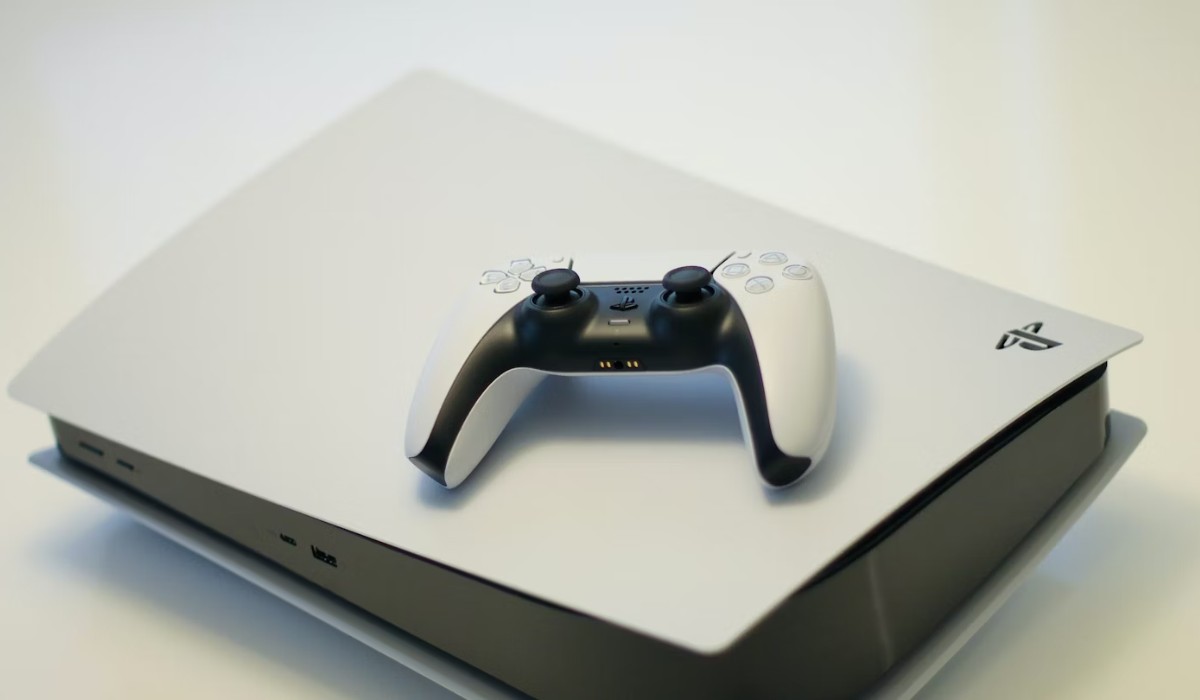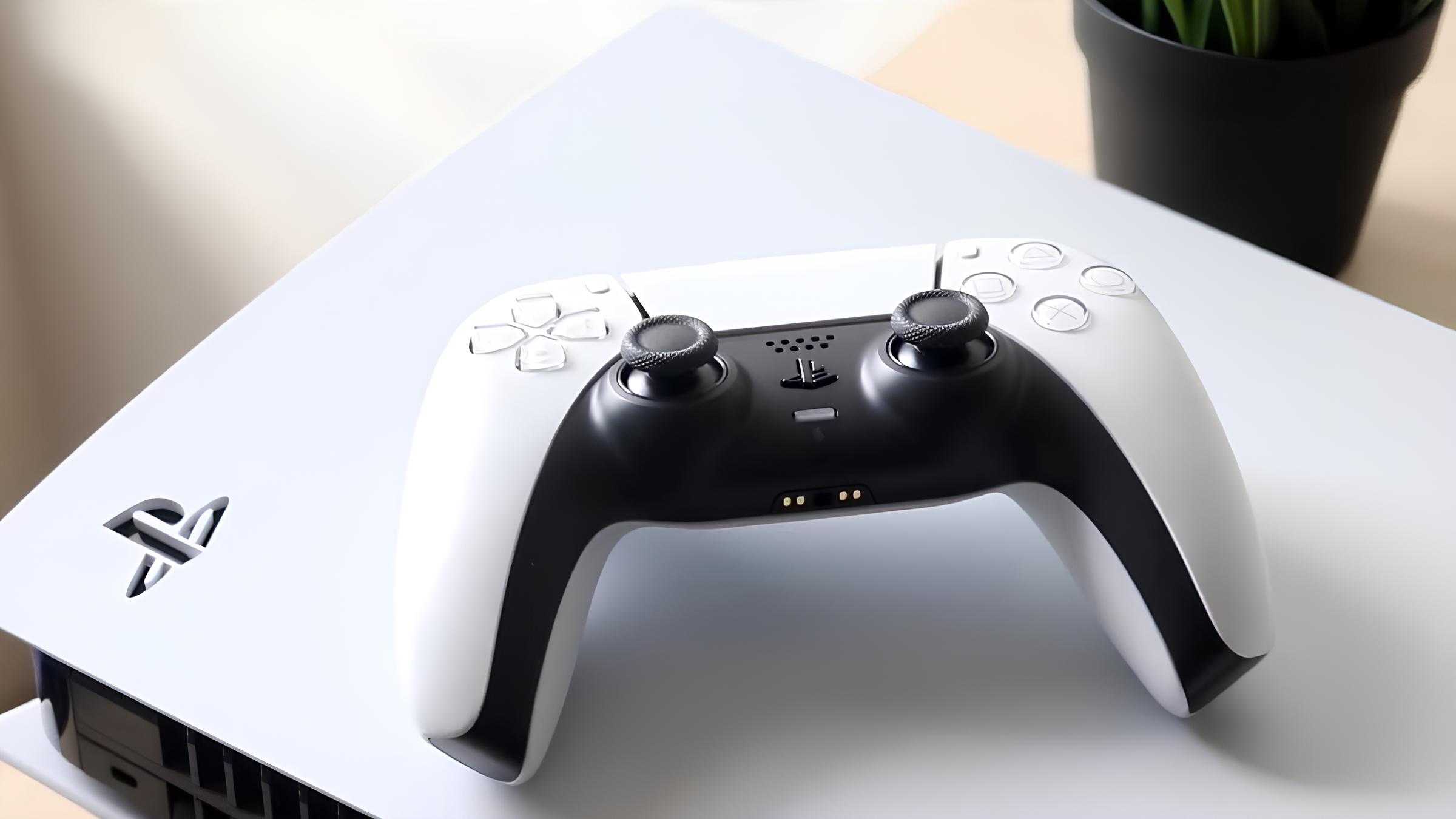
To connect mobile hotspot to PS5, turn on your phone’s hotspot feature, then on your PS5 go to Settings > Network > Settings > Set Up Internet Connection, choose your hotspot’s Wi-Fi name, and enter its password. That’s the entire core process, once the PS5 links to your phone’s signal, you can play online games anywhere you have cellular data.
Before you connect mobile hotspot to PS5: Quick prerequisites
Confirm your phone plan actually supports hotspot tethering, some carriers restrict it or charge extra. You’ll also need the hotspot password handy, since the PS5 will ask for it during setup. For a detailed walkthrough of the entire process, see connecting hotspot to PS5. If you are specifically trying to get online with an Xfinity public hotspot, the setup steps differ, so see connecting PS5 to Xfinity hotspot for that method. Sony’s official minimum for basic online features on PS5 is 5 Mbps download and upload, but cloud streaming at 1080p requires at least 13 Mbps. If your mobile connection regularly dips below those numbers, expect lag or poor streaming quality.
Enable the mobile hotspot on your phone
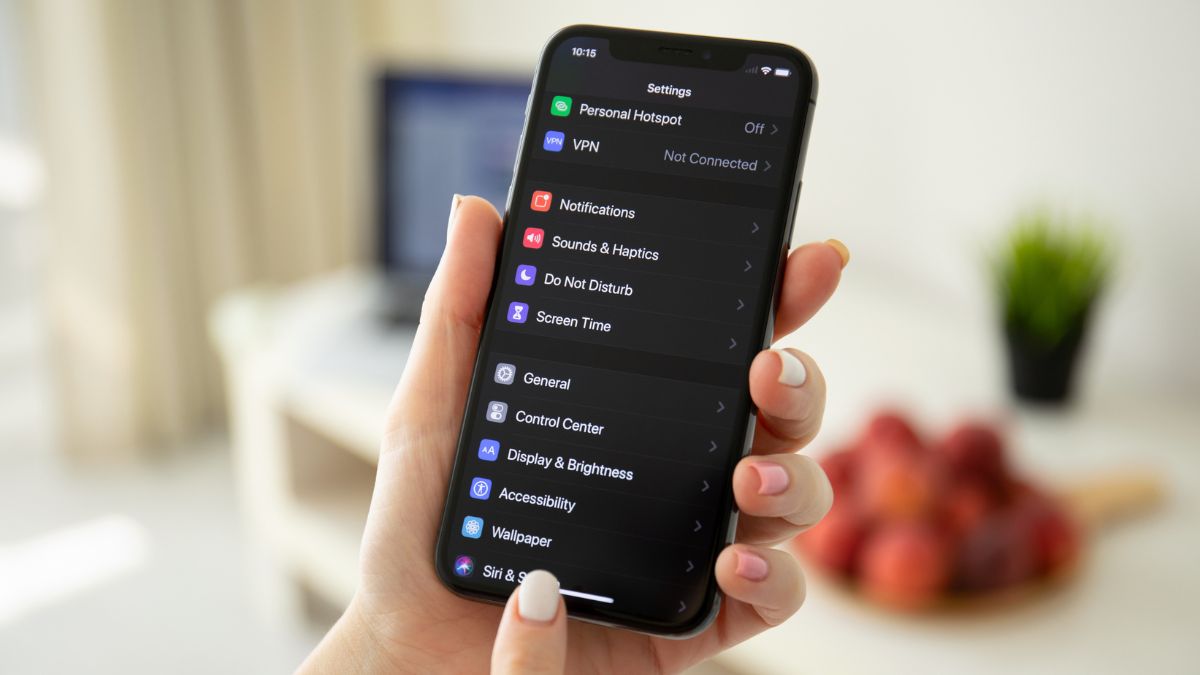
On an iPhone, go to Settings > Personal Hotspot and toggle “Allow Others to Join” on. On Android, open Settings > Network & internet (or Connections) > Hotspot & tethering (or Mobile Hotspot and Tethering), then toggle Mobile Hotspot (or Wi-Fi hotspot) on. Both systems let you set or change the network name and password from the same screen, use something you’ll recognize on the PS5’s Wi-Fi list, and choose a password that’s easy to type with a controller.
Connect your PS5 to the hotspot Wi-Fi
- On the PS5, go to Settings > Network > Settings > Set Up Internet Connection.
- Select Wi-Fi as the connection method, then choose Easy mode.
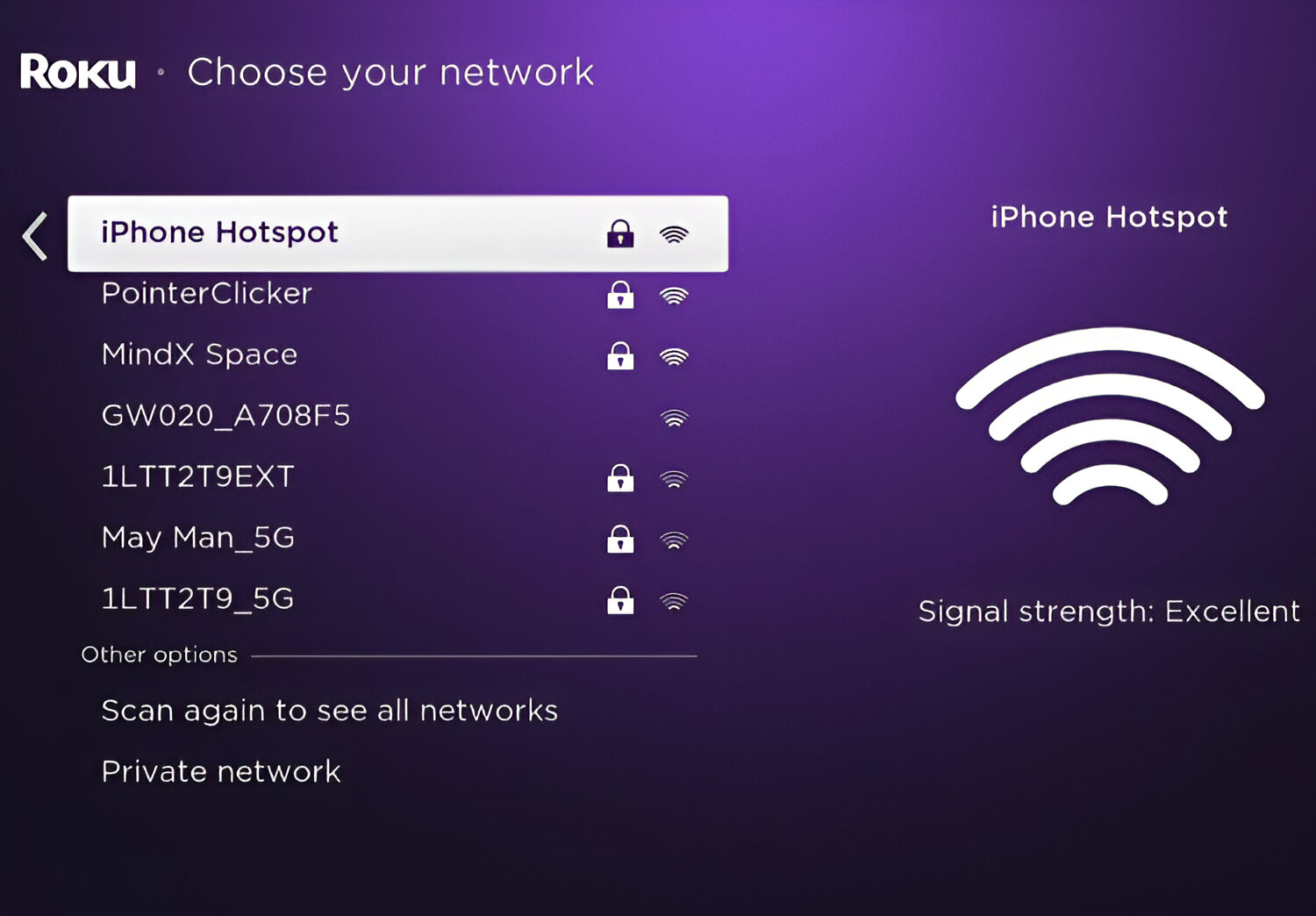
- Wait for the list of available networks to populate, then select your mobile hotspot’s name.
- Enter the hotspot password when prompted.
- Confirm the connection, the PS5 will attempt to link to the hotspot immediately.
Once connected, the PS5 shows a confirmation message with the network name. If it fails, move the phone closer to the console or check that the hotspot is still active, phones often disable the hotspot when the screen locks.
Test the connection for gaming
After the PS5 links to your hotspot, run the built-in network test to verify it’s good enough for online play. Go to Settings > Network > Connection Status, then select Test Internet Connection. The PS5 will measure download speed, upload speed, latency, and connection stability. Compare the results against Sony’s 5 Mbps minimum for basic features and 13 Mbps for cloud streaming. If the test shows speeds far below the minimum, your cellular signal may be too weak, or your plan may throttle hotspot data.
Troubleshooting common connection problems
If the PS5 won’t connect or drops the hotspot repeatedly, start by restarting both the PS5 console and the mobile device. Then verify the hotspot password is correct, a single typo will block the connection. On iPhones, if problems persist, turn off “Maximize Compatibility” within the Personal Hotspot settings, this option sometimes breaks connections with gaming consoles. Also note that PS5 consoles support IPv6 network connections but do not support IPv6-only networks. If your mobile hotspot is configured for IPv6-only, change its settings to use IPv4 instead. Finally, confirm your data plan isn’t exhausted or throttled, hotspot data often runs out faster than regular cellular data.
Next steps for gaming on a hotspot
Once you’re connected, keep an eye on data usage, online multiplayer can consume several hundred megabytes per hour, and system updates can eat gigabytes. Set a data warning on your phone to avoid surprise overages. If you need to use the PS5’s web browser, you can get a browser on PS5 by navigating to the console’s built-in internet browser through the media or settings menu, though it’s not a full desktop experience. Managing your hotspot connection wisely ensures you can keep gaming on the move without burning through your entire monthly data allowance.