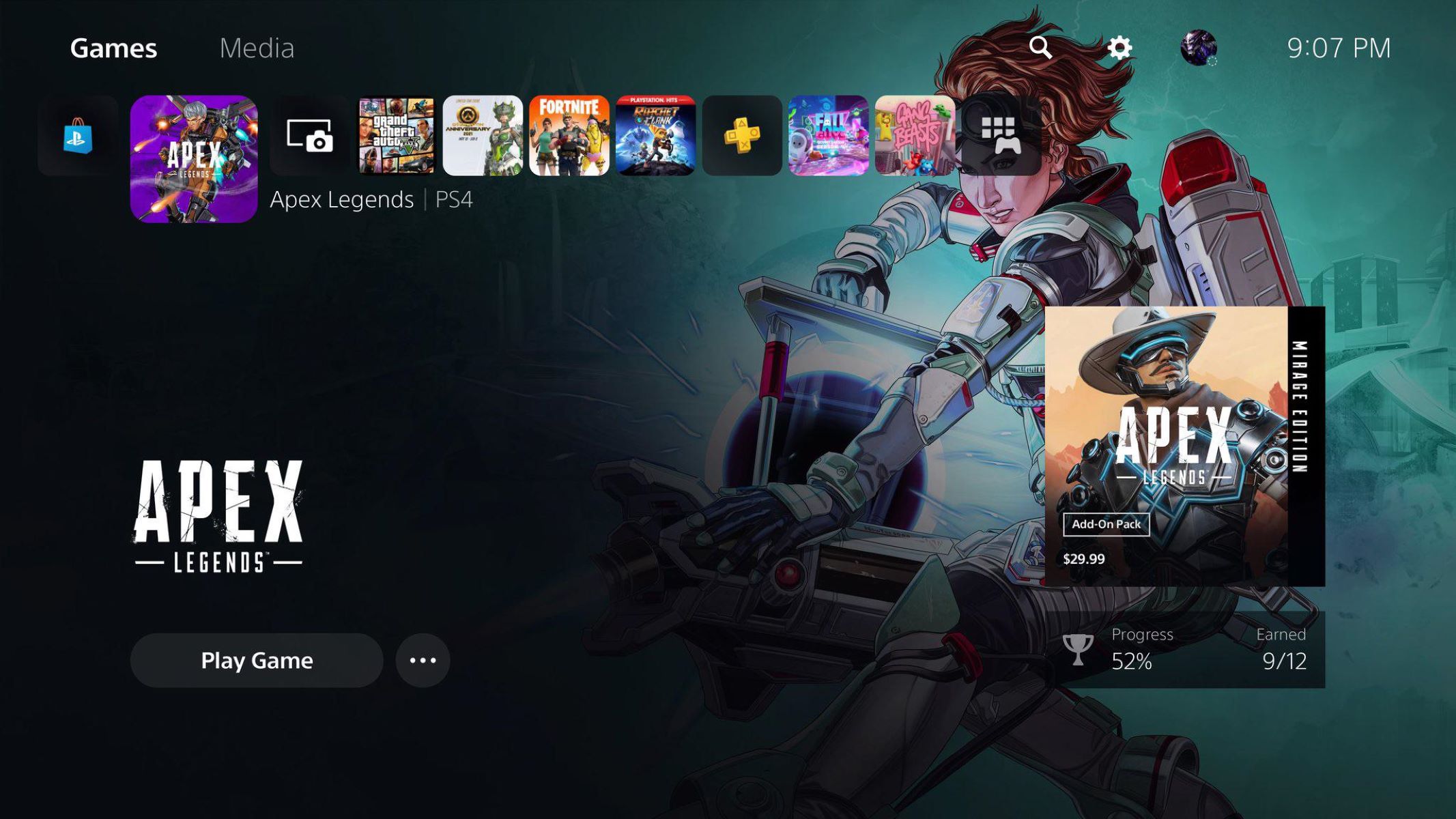
You cannot change the main system background on your PS5, but you can change the background of the Welcome Hub. This is the only way to change PS5 background on your console, and it lets you personalize the screen that greets you when you start up your system.
How to change your PS5 Welcome Hub background
To customize the Welcome Hub background, start by navigating to the Welcome Hub on your PS5 home screen. Once you are on the Welcome Hub, press the Options button on your controller to bring up the settings menu.
- Select "Change Background" from the options presented.
- Choose an image from one of the available tabs: "From PlayStation," "Games," or your "Media Gallery" tabs.
- Confirm your selection to apply the new background.
You can choose backgrounds from "From PlayStation," "Games," or your "Media Gallery" tabs to find the perfect look for your console.
How to use slideshow mode for your background
If you want more variety, you can enable slideshow mode to set an album as your Welcome Hub background and rotate through images. This keeps the background feeling fresh without requiring manual changes.
- Open the Welcome Hub settings by pressing the Options button.
- Select "Slideshow mode" and turn it on.
- Choose an album from your Media Gallery to use as the image source.
- Set your preferred interval for how often the image changes.
You can enable "Slideshow mode" to set an album as your Welcome Hub background and rotate through images, making each visit to the hub feel unique.
How to enable showcase mode for a full-screen view
Showcase mode lets your background take center stage when you are not actively using the console. You can turn on this feature to display a full view of your Welcome Hub background when the console is idle.
- Press the Options button on the Welcome Hub.
- Select "Showcase mode" from the menu.
- Toggle the feature on to activate it.
"Showcase mode" can be turned on to display a full view of your Welcome Hub background when the console is idle, turning your PS5 into a digital art display.
\nRelated reading: How To Change Theme On PS5, How To Insert PS5 Disc, and How Much Is A PS5 Controller.