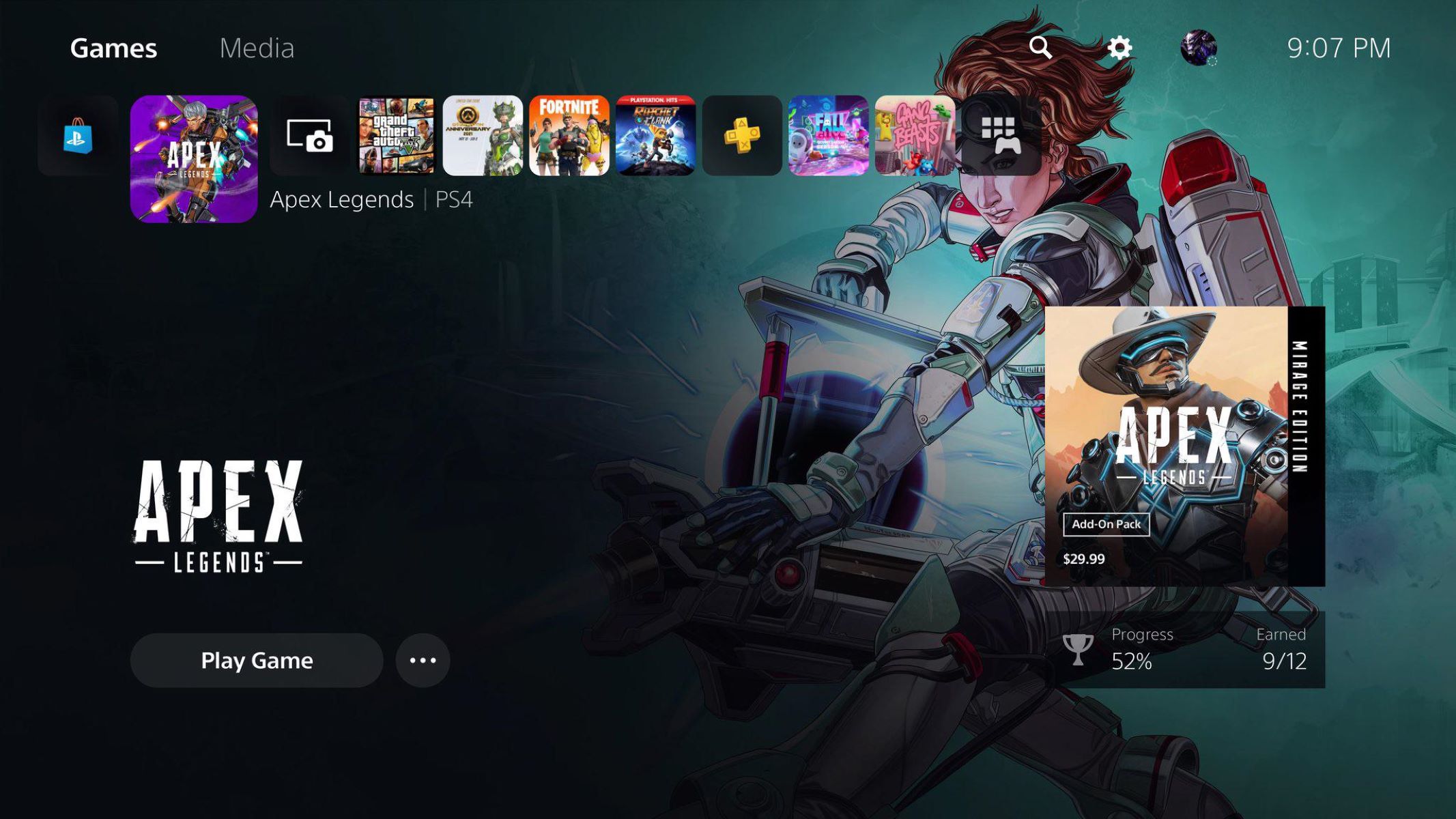
Our practical, hands-on coverage of Sony’s current-generation console. It is written for owners, prospective buyers, and anyone troubleshooting a PS5 at home. The articles here are straightforward guides and reviews, not speculative rumor roundups, so you can use them to make purchase decisions, set up your hardware, or fix common annoyances without digging through forums.
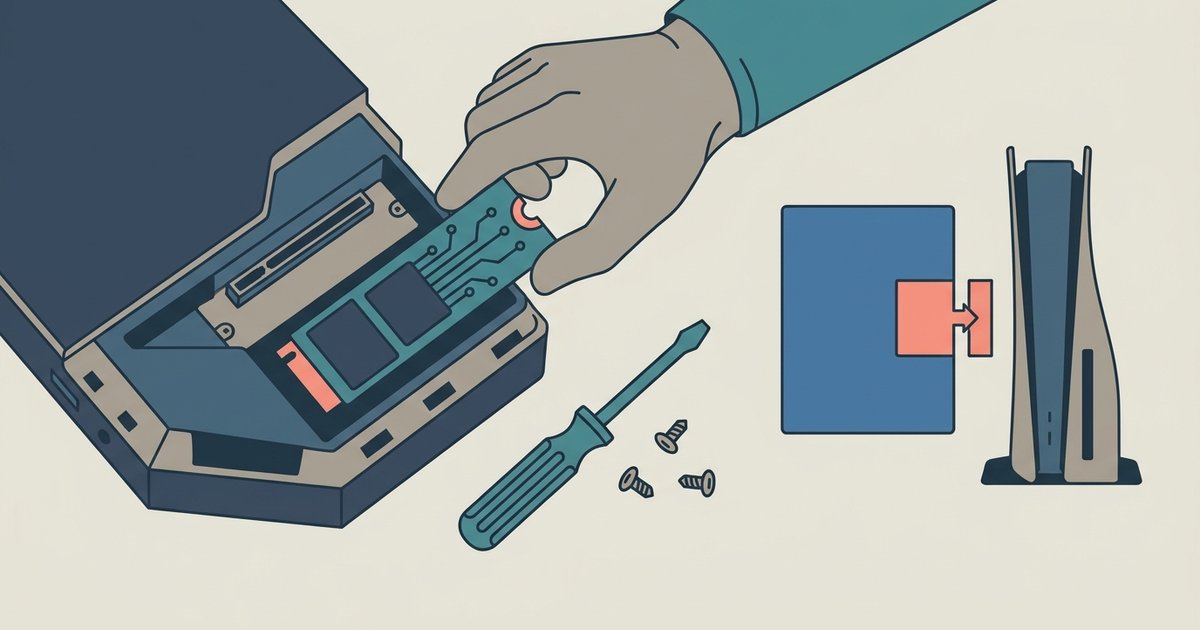
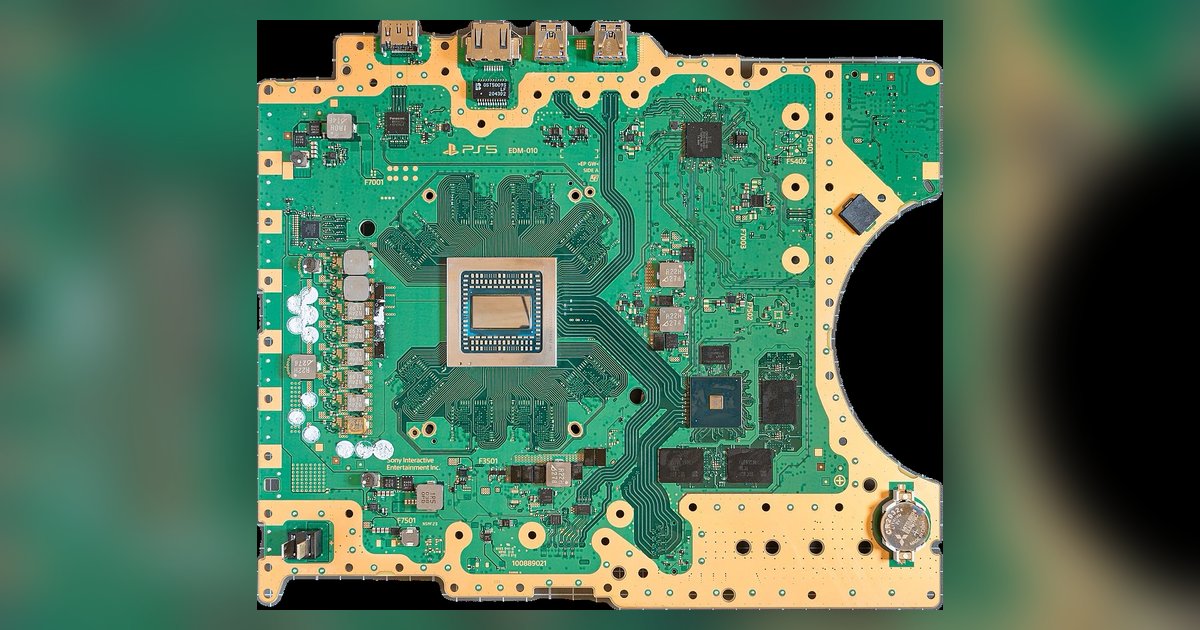
Several pieces focus on getting the console up and running and keeping it healthy. You will find clear instructions on pairing a DualSense controller, turning the system on, and making your primary PS5 the default for game sharing. Other articles address everyday frustrations, such as fixing controller drift, resolving PlayStation Network sign-in failures, and linking Discord for chat. A few tackle hardware questions, like how many HDMI ports the PS5 has and which port on a Sony Bravia TV supports 4K, which helps you connect everything correctly the first time.
Another group of articles is about buying and managing your account. Cost-related guides cover how much a PS5 is and how to get PlayStation Plus free, while others explain how to remove a payment card from your account, useful for keeping your billing details secure. The tag also includes game previews and reviews, such as Returnal, Godfall, and Destruction AllStars, so you can decide what is worth your time and money. Backwards compatibility and console-versus-Xbox comparisons round out the collection, giving you a clear view of the PS5’s value before you commit.