GeForce Now almost never works on a school-managed Chromebook because the network firewall blocks the streaming ports, and the admin console usually blacklists the entire games category.
The GeForce Now school Chromebook network block
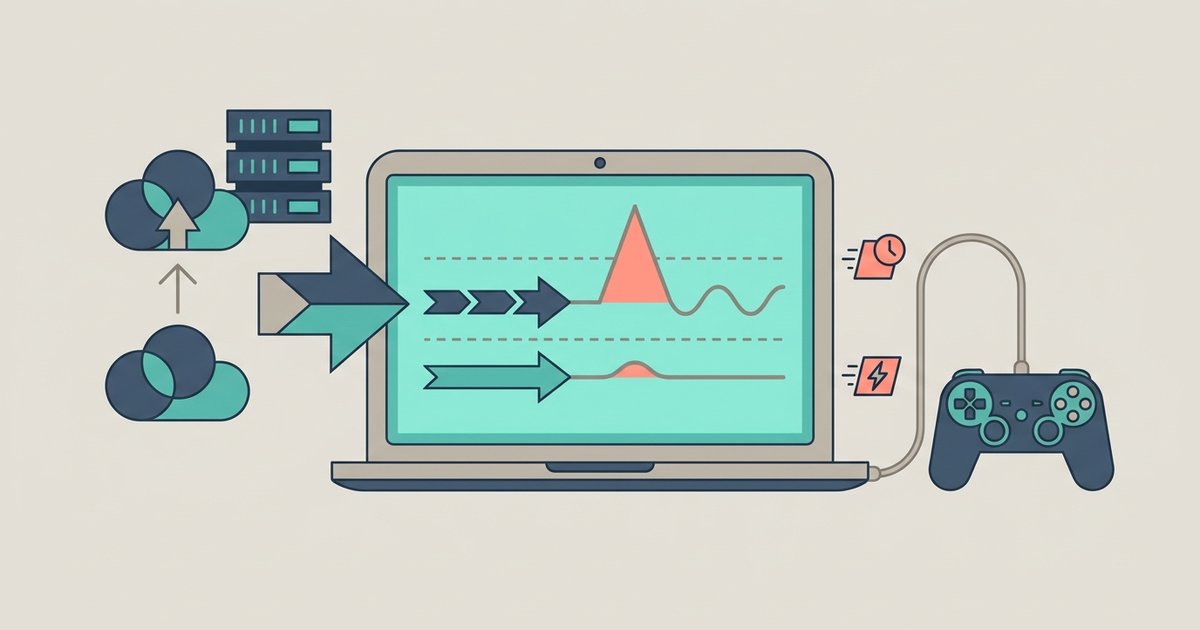
School firewalls are configured to block the UDP ports GeForce Now uses for streaming. GeForce Now uses UDP ports for real-time video and audio streaming. Unlike web browsing, which uses TCP, cloud gaming relies on UDP because it is faster and does not wait for lost packets to be resent. Your school’s system administrator may have configured rules that block UDP traffic on ports used for streaming. Even if the GeForce Now website loads, the actual game stream never reaches your Chromebook. You might wonder if a VPN could fix this. On a school-managed device, the Google Admin Console prevents you from installing VPN apps unless the IT team has specifically allowed them. Even if you sideload a VPN, the school’s firewall can still block the VPN’s UDP traffic or simply blacklist the VPN server’s IP address. This is the same reason you cannot reliably use a VPN to play Minecraft on school Chromebook without download, and the same restrictions often apply when you try to download stuff on school Chromebook from blocked sites. The infrastructure layer is locked down through software policy settings, not just a hardware configuration.
The admin console blacklist
Beyond the firewall, your Chromebook’s management policy includes a URL blocklist that IT administrators configure in the Google Admin console. Even if the GeForce Now website briefly loads, the admin console silently kills the connection by blocking the entire games category. In the Admin console, administrators can add "NVIDIA.com" and all related subdomains to a blocklist. They can also apply a category filter that blocks gaming-related content. When you type "play.geforcenow.com" into the address bar, the Chromebook’s policy engine may block the request. It may show a blocked page or fail to load. Similar category filters may prevent downloading game apps on Chrome OS. The admin console may block game apps in the Play Store, making it impossible to install them. Even if you try to use a different browser or an incognito window, the blocklist may still apply to all profiles on the device.
The one edge case where it might work
There is one rare scenario where GeForce Now might actually work on a Chromebook at school. This happens if your school has a BYOD (Bring Your Own Device) policy and a separate guest Wi-Fi connection with a less restrictive filter. On a personal Chromebook that is not enrolled in the school’s Google Admin console, the URL blocklist and app restrictions do not apply. If the guest connection does not block the necessary ports, you might be able to start a GeForce Now session. However, you still need to check whether the guest setup uses a captive portal that requires a login, which may affect connectivity. In this edge case, you could potentially get The Sims 4 on a Chromebook by connecting to the guest Wi-Fi, launching the GeForce Now app, and hoping the UDP ports remain open. This is also the only situation where you might download Roblox on a Chromebook without the Play Store, because the Play Store is not blocked on an unmanaged device. But if your school’s guest connection has the same firewall rules as the main infrastructure, even a personal Chromebook will fail to stream.
School-managed Chromebooks block cloud gaming through a combination of firewall-level UDP throttling and OS-level policy enforcement that cannot be bypassed by the student.