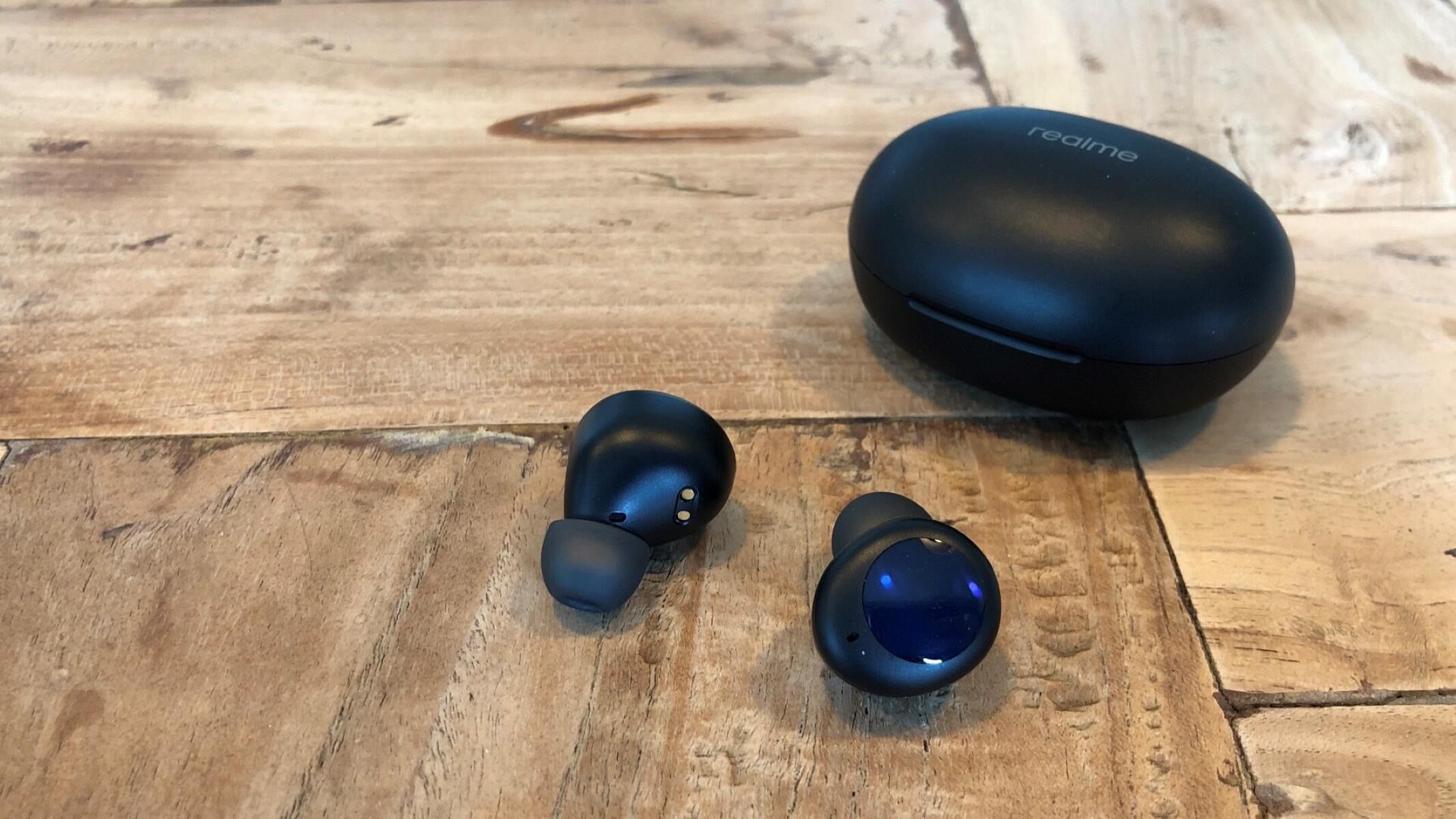
To find lost Realme earbuds, open the Realme Link app and use the "Find My Earbuds" feature to make them ring, or check their last known location on Google Find My Device. These two official methods are your fastest options for tracking down misplaced Realme wireless earbuds.
How to find lost Realme earbuds with the Realme Link app
The Realme Link app is the primary tool for locating your earbuds when they are nearby and still connected to your phone. This feature makes your earbuds emit a loud ringing sound, helping you pinpoint them even if they are tucked under a cushion or in a bag.
- Open the Realme Link app on your paired phone.
- Tap on the card for your Realme earbuds from the list of connected devices.
- Look for the "Find my earbuds" option and select it. The earbuds will begin to ring.
Note that some Realme TWS earbuds, such as the Realme Buds Air 7 series, also offer a "Find my phone" feature. This is a separate function that makes your phone ring when you tap the earbud four times, it is not designed to help you locate the earbuds themselves.
How to track your Realme earbuds with Google Find My Device
If your earbuds are out of Bluetooth range or powered off, Google Find My Device can show their last known location on a map. This service is especially useful when you want to find lost Bluetooth headphones that are turned off, as it records the most recent place they were connected.
Before using this method, ensure the following prerequisites are met:
- Your earbuds are connected to a Google Account.
- The connected phone has Location and Find My Device turned on.
- The earbuds were powered on and connected to mobile data or Wi-Fi when they were last used.
- Go to Google.com/android/find on a computer or open the Find My Device app on another device.
- Log in with the same Google ID that is used on the phone paired with your earbuds.
- Select your earbuds from the list of devices. You will see their last known location on a map. If the earbuds are still connected, you can also play a sound to help locate them.
Understanding the limits of finding your earbuds
Both methods have important limitations that set realistic expectations. The location shown by Google Find My Device is approximate, and if the earbuds cannot be found in real-time, it will only display their last known location. This means if the earbuds were moved after losing connection, the map pin may not show their current position.
Additionally, Realme itself cannot track or locate your device due to privacy regulations. The company relies entirely on Google's built-in "Find My Device" feature for location services. There is no way for Realme or any third party to remotely access your earbuds' location without your Google account permissions.
For the Realme Link app's "Find My Earbuds" feature, the earbuds must be within Bluetooth range and powered on. If they are in their case with the lid closed or have a dead battery, the ringing feature will not work. Always check the charging case, pockets, and bags first, then use these digital tools to narrow your search.
\nRelated reading: How To Find Lost Jib True Wireless Earbuds and How To Find Missing Wireless Earbuds.