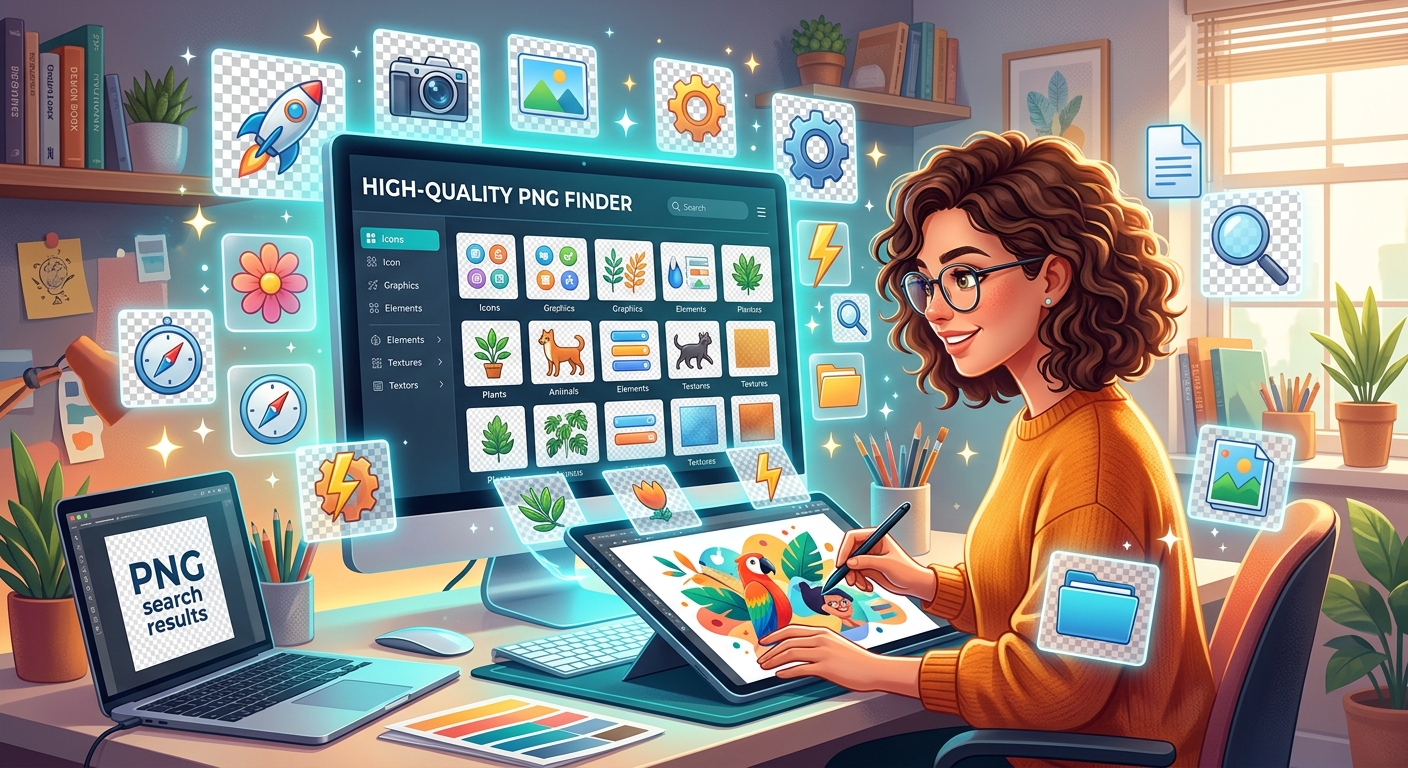
Every designer knows the feeling. You have a clear brief in front of you, a deadline approaching, and you need a specific image, a transparent cutout of a wolf, a clean gaming controller icon, a soft floral element for a blog header. The problem is not finding images. The problem is finding the right images without burning an hour digging through irrelevant results. Knowing where to look, and how to look, changes everything.
Key Takeaways:
- The PNG format's transparency support makes it the preferred file type for layered design work.
- Browsing by category is the most reliable method when you already know your subject matter.
- A daily asset habit helps you build a personal library before you actually need it.
- Over 1,000 organized collections exist for subject-specific searches across nature, anime, gaming, and more.
- Consistent designers treat asset collection as an ongoing practice, not a last-minute scramble.
Why PNG Is the Designer's Default Format
Before getting into where to find assets, it helps to understand what makes the PNG format so valuable in the first place.
PNG, or Portable Network Graphics, was developed as an open-standard replacement for GIF with better compression and full support for transparency. That transparency layer, known as an alpha channel, is what sets PNG apart from JPEGs. When you place a PNG of a bird on a colored background in your design software, the bird appears cleanly without any white box around it. That behavior is non-negotiable for professional design work.
PNG files also retain image quality through lossless compression. Unlike JPEG, which discards data every time you save the file, a PNG holds its original detail. For logos, icons, overlays, and illustrated elements, that matters enormously.
The Two Approaches to Finding PNGs
Most designers fall into one of two camps when searching for assets.
The first group searches reactively. They type a keyword into a search engine when a project demands it, click through multiple pages, evaluate image quality on the fly, and hope for the best. This works, but it is slow and inconsistent.
The second group searches proactively. They know which libraries to visit, how those libraries are organized, and they have built up a local collection of reusable assets over time. When a project comes in, they already have something to work with.
The second approach produces better results and lower stress. Both methods are worth knowing, but structured discovery is the foundation.
Start With the Category Index When You Know Your Subject
When you arrive at a project brief with a clear subject in mind, browsing by subject category is faster than typing vague keywords into a generic search bar.
The PNG categories index organizes assets across more than 1,000 collections. If you are designing for a gaming brand, you can go directly to gaming-related collections and review assets that are relevant to that context. If a client needs nature imagery for a wellness app, the nature category pulls together organized groups rather than scattering results across unrelated subjects.
This structure matters more than most designers realize. When you search by keyword in a broad asset library, the algorithm decides what is relevant. When you browse by category, you are making that decision yourself. You see the full scope of what exists in a subject area, which often surfaces options you would never have thought to search for directly.
Some of the most useful categories for recurring design projects include:
- Animals and wildlife, useful for educational and environmental content
- Anime and manga characters, in high demand for fan projects and social media graphics
- Food and beverage assets, widely needed for restaurant and lifestyle brands
- Technology and devices, reliable for app screenshots and product mockups
- Flowers and plants, consistently requested for wellness, beauty, and event design
Spending five minutes with a category index at the start of a project is a better investment than twenty minutes of scattered keyword searching mid-project.
How to Evaluate PNG Quality Before You Download
Not all PNGs are equal. Before committing to an asset, run through a fast visual checklist.
- Check the edges. Zoom into any cutout areas, around hair, fur, or foliage, and look for jagged pixels or obvious masking errors. A low-quality PNG will show hard, pixelated edges where a smooth curve should be.
- Assess resolution. Open the file at actual size. If it pixelates at the dimensions you need, it will not hold up in print or large-scale web layouts.
- Look at the transparency. Place the PNG on a dark background and a light background in your editor. Semi-transparent areas should blend naturally on both. Muddy or milky edges suggest a poor export.
- Consider the source style. A photorealistic PNG will clash with flat illustration elements if you mix them carelessly. Match the visual style of your assets to the design language of the project.
- Check for artifacts. Compression artifacts appear as blocky patches, especially near high-contrast edges. These are hard to fix in post and often invisible until you zoom in.
Running this checklist takes under two minutes and saves you from discovering a problem after the asset is already embedded in a layered file.
The Daily Habit That Builds a Better Asset Library
Reactive asset hunting is exhausting precisely because it happens under pressure. The antidote is a simple daily habit that most designers underestimate.
Spend a few minutes each day browsing the daily PNG feature. A fresh asset is surfaced each day, spanning different categories and styles. You are not looking for something specific. You are building exposure.
Over weeks and months, this habit produces a personal library of high-quality assets organized by project type, subject, and style. When a brief comes in for a tech product launch, you have already saved a collection of device frames, UI overlays, and icon sets. When a seasonal campaign lands on your desk, you are not starting from scratch.
This is especially valuable for designers who work on a content calendar model, producing graphics week after week on recurring themes. The daily review habit compounds in the same way a morning reading habit does. Each individual session feels small. The accumulated library feels significant.
Graphic design as a discipline has always rewarded designers who maintain well-organized resource collections. Before digital libraries existed, professionals kept physical swipe files and reference folders. The habit is the same. Only the medium has changed.
Organizing What You Download
Finding the right PNG is only half the job. Organizing it so you can find it again is the other half.
Most designers develop a simple folder system after enough projects have passed. A structure that works well looks something like this, sorted by subject at the top level, then by project or style within each subject. A PNG of a mountain landscape goes into a Nature folder, not into a random Downloads dump.
Name files descriptively when you save them. A file named `mountain-sunset-transparent-wide.png` is infinitely more findable than `pngimage043.png`. Rename on download, not later, because "later" rarely comes.
Some designers use a dedicated app for asset management. Others maintain a simple folder hierarchy on an external drive. The tool matters less than the consistency. Whatever system you choose, maintain it after every project, not just when the folder gets overwhelming.
Matching Assets to the Design Context
A PNG that is technically perfect can still be wrong for a project. Fit matters as much as quality.
A highly detailed photorealistic PNG of a lion looks jarring inside a flat-design mobile interface. A hand-drawn style illustration of the same lion might suit that layout perfectly. Before browsing categories or downloading assets, write down three words that describe the visual tone of your project. Clean and minimal. Bold and playful. Dark and cinematic. Those words become your filter.
When browsing category indexes with a defined tone in mind, you can scroll past technically fine assets that simply do not match. This saves time and prevents the common mistake of downloading dozens of options that never make it into a final design.
Your PNG Sourcing Strategy, Ready to Use
Finding high-quality PNG files is not a matter of luck. It is a matter of structure. Use category browsing when you know your subject. Use the daily habit to build your library before the pressure is on. Evaluate quality at the edges and in transparency before committing to any asset. Organize what you download from the start.
Designers who treat asset discovery as a system, not a scramble, consistently produce better work in less time. The resources are there. The method just needs to be intentional.
\nRelated reading: Why SVG Files Need Optimization Before Going on Your Website, Clean Makeover: Removing Stickers From Phone Cases, and Can I Still Use Wireless Charging Through An RFID Blocking Card.