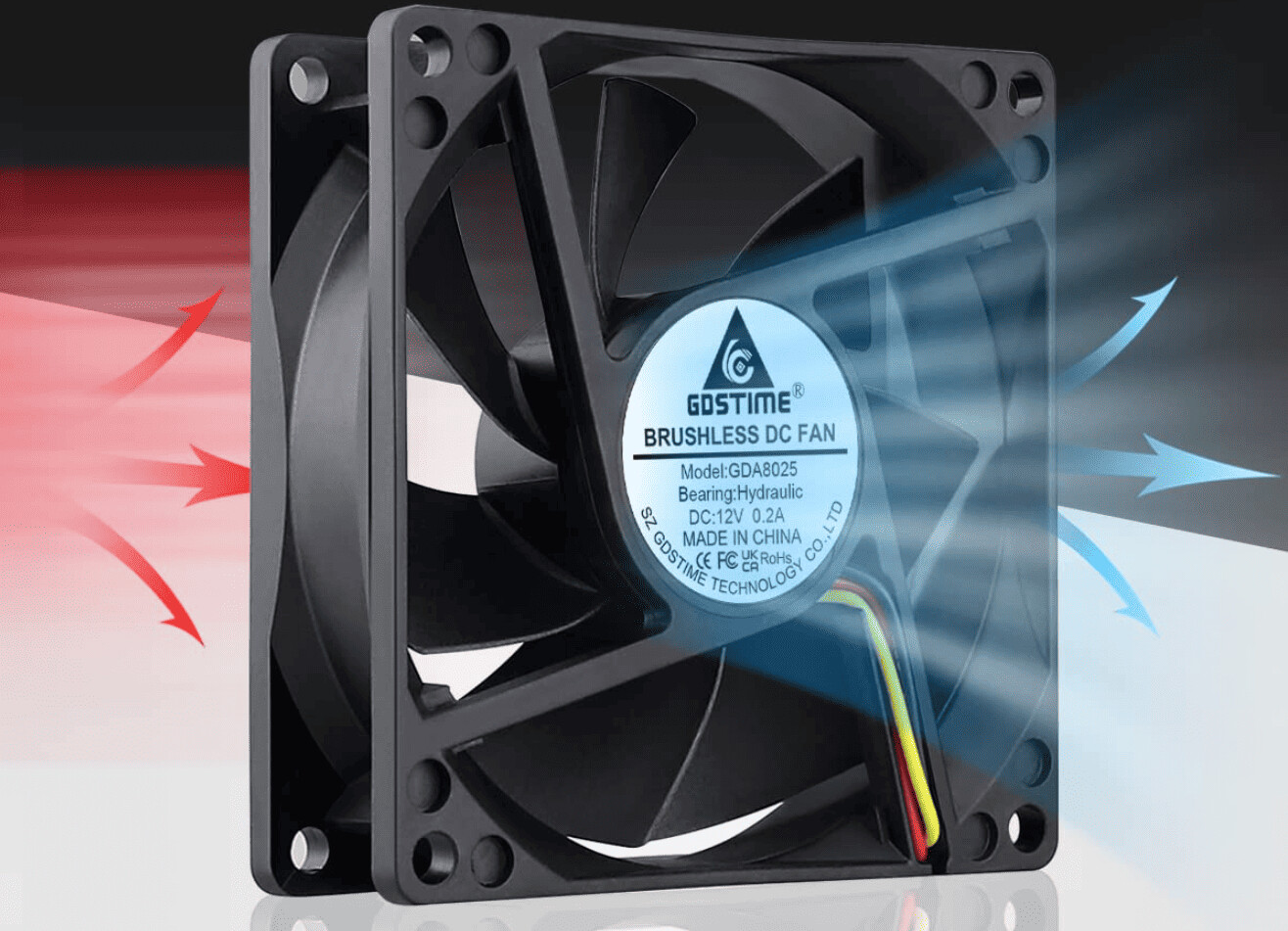
CFM, or Cubic Feet per Minute, measures the volume of air a fan moves in one minute under open, unobstructed conditions. For a CPU cooler, understanding what CFM means for a CPU cooler is essential, but this single specification can be misleading because it does not reflect how the fan performs when mounted against the dense fins of a heatsink or radiator.
What Is CFM Mean For A CPU Cooler
CFM stands for Cubic Feet per Minute, and in the context of a CPU cooler, it quantifies the total volume of air the fan can push through its blades in sixty seconds. Manufacturers typically measure this figure in a "free air" scenario, meaning the fan is running with no obstructions in front of or behind it. This is why a fan might be rated at 80 CFM on the box, yet deliver far less airflow once it is bolted onto a tower cooler or a liquid cooling radiator. The number is useful as a baseline for comparing fans of similar size and design, but it is not a direct prediction of cooling performance on your CPU.
Why CFM Alone Is Not Enough For CPU Coolers
The advertised CFM rating is measured in free air, which is a laboratory condition that never exists inside a PC case. When a fan is installed against a CPU cooler’s heatsink, the dense array of aluminum or copper fins creates significant resistance to the airflow. This resistance, combined with the case mesh, dust filters, and even nearby RAM modules, forms what is called system impedance. System impedance drastically reduces the actual CFM a fan can deliver, often cutting it by 30% to 50% or more compared to the advertised free-air rating. A fan with a high CFM number but weak pressure will simply stall when pushed against a tight fin stack, moving very little air and leaving your CPU hotter than expected.
Static Pressure: The Missing Spec For CPU Cooling
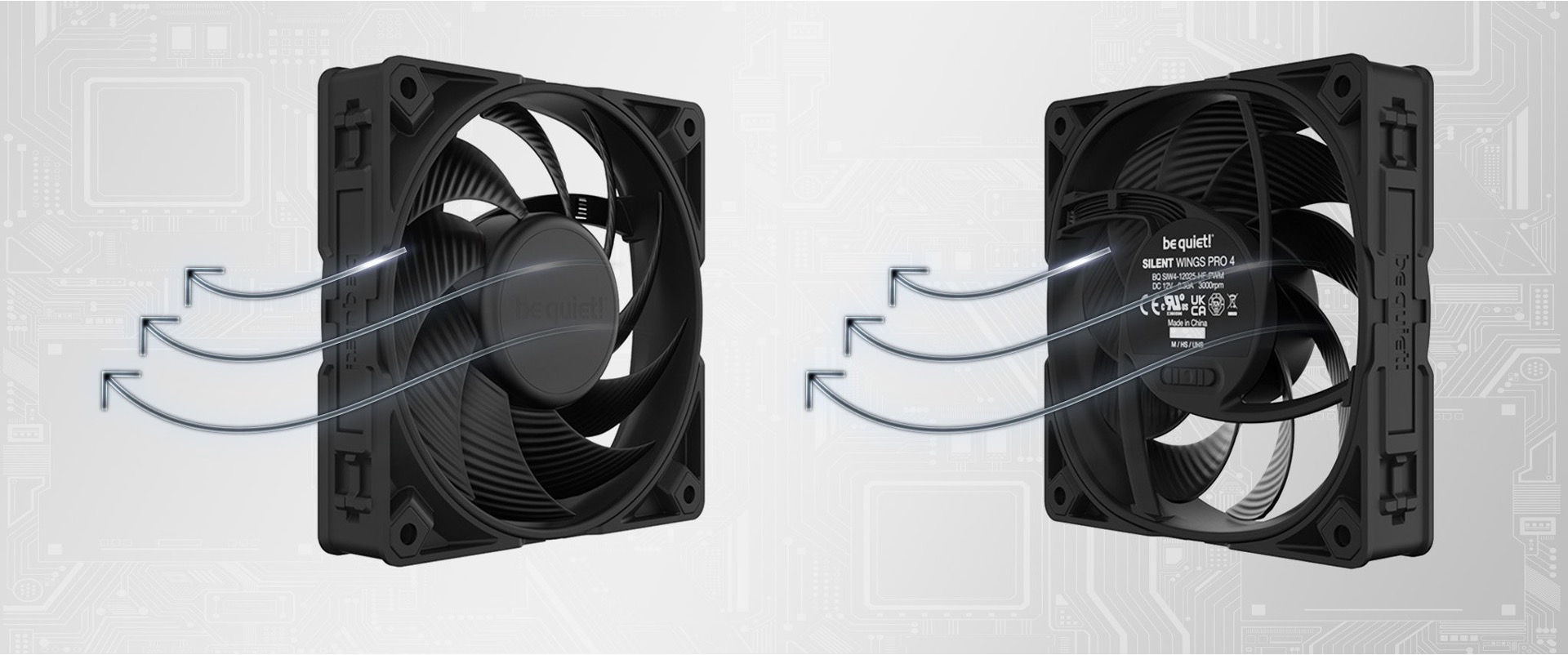
Static pressure is the specification that tells you how forcefully a fan can push air through resistance. It is measured in millimeters of water column (mmH₂O) or Pascals (Pa), and it represents the fan’s ability to overcome the impedance of heatsink fins, radiator cores, and dust filters. For CPU coolers, static pressure is crucial because the heatsink’s fin density creates a physical barrier that airflow must penetrate. Fans designed for high static pressure typically have steeper blade angles, more blades, and a slower maximum RPM to maintain that force. In contrast, airflow (AF) fans are optimized for moving large volumes of air with minimal resistance, making them ideal for case intake or exhaust where there are few obstructions. Static pressure (SP) fans, on the other hand, are essential for pushing air through the dense fins of a CPU cooler or a liquid cooling radiator. Knowing the difference between these two fan types is the first step toward choosing a cooler that actually performs under real-world conditions.
How To Use CFM And Static Pressure When Choosing A Cooler
When evaluating a CPU cooler, you should look at both the CFM and static pressure ratings of its fan, not just the CFM number alone. Here is a practical approach:
Check the Fan’s Spec Sheet
Look for the fan’s CFM rating (usually between 60 and 120 CFM for CPU coolers) and its static pressure rating (typically above 1.5 mmH₂O for a good heatsink fan).
Match the Fan to the Heatsink Density
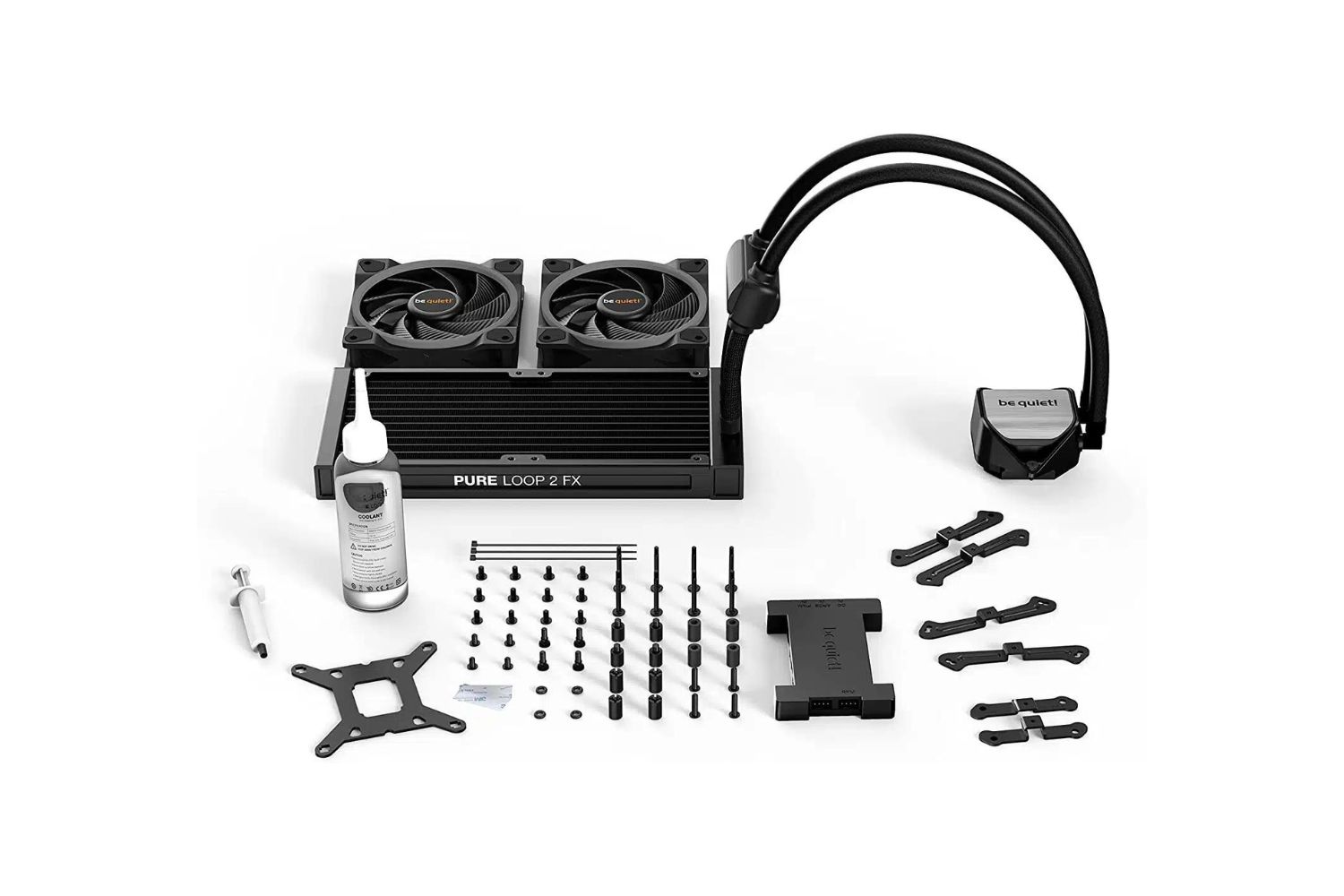
If you are buying a low-profile or stock-style cooler with widely spaced fins, a high-CFM airflow fan may work fine. For large dual-tower coolers or 240mm+ radiators, prioritize static pressure over raw CFM.
Balance Noise and Performance
Higher CFM and static pressure usually come at the cost of noise. Check the fan’s noise rating in decibels (dBA) and look for PWM control, which lets the fan ramp up only when the CPU is under load.
Consider Your CPU’s TDP
Your processor’s Thermal Design Power (TDP) tells you how much heat it generates under maximum load. Always check the cooler’s TDP rating from the manufacturer and ensure it exceeds your CPU’s TDP by at least 20% for headroom.
Other Factors That Affect Real-World Cooling Performance
Beyond CFM and static pressure, several other elements determine how well a CPU cooler actually performs. Fan blade design plays a major role: blades with a high pitch (angle) move more air per revolution, but they also create more turbulence and noise. Motor torque is equally important, a fan with a strong motor can maintain its RPM under backpressure, while a weak motor will slow down when pushing against a heatsink. RPM (Revolutions Per Minute) indicates how fast the blades spin, but it does not tell you how efficiently they move air; Case airflow also matters: even the best CPU cooler fan will struggle if the case has poor intake and exhaust, causing hot air to recirculate inside the chassis. Finally, the thermal interface material (TIM) between the CPU and the cooler’s base plate, along with the cooler’s base flatness, directly impacts heat transfer efficiency. A cooler with excellent CFM and static pressure but a poorly lapped base will still underperform compared to a slightly lower-rated cooler with a perfect mounting surface.
\nRelated reading: How To Refill Liquid CPU Cooler, CPU Case Fan: How To Reverse Flow Direction, and Can I Still Use Wireless Charging Through An RFID Blocking Card.