A one-hour Zoom recording typically ranges from 90 MB for a gallery-view SD file to over 1 GB for a single-speaker 1080p HD file, with cloud recordings generally producing smaller files than local recordings at the same resolution.
Local zoom recording sizes by quality and layout
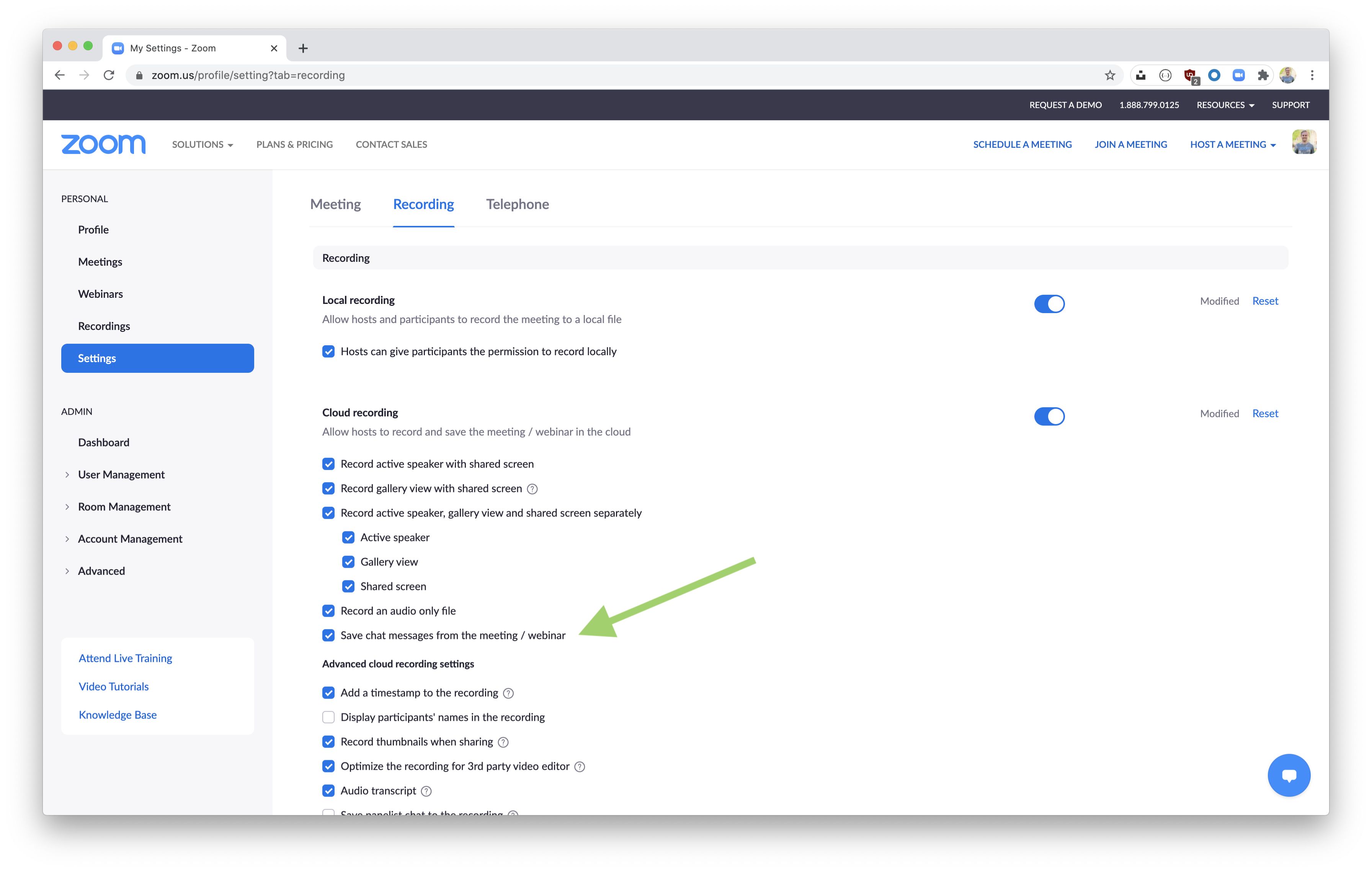
When you record locally to your computer, the file size scales predictably with resolution and the number of video streams captured. For a one-hour meeting with a single active speaker and no screen sharing, a 360p gallery view recording produces roughly 100-120 MB. Switching to 720p HD gallery view raises that to about 400-500 MB. A 1080p HD active speaker view records only the speaker’s video, not the full gallery, and lands around 700-900 MB. If you enable screen sharing, the file size jumps significantly. Sharing a static slide deck adds roughly 20-30% more data. Sharing a high-motion application like a video or animation can double the output to 1.5-2 GB per hour at 1080p. The key setting to adjust is found under your Zoom recording settings, where you can disable video capture during screen sharing. Disabling this when you don't need the camera feed can cut size by nearly half.
Cloud recording sizes vs local
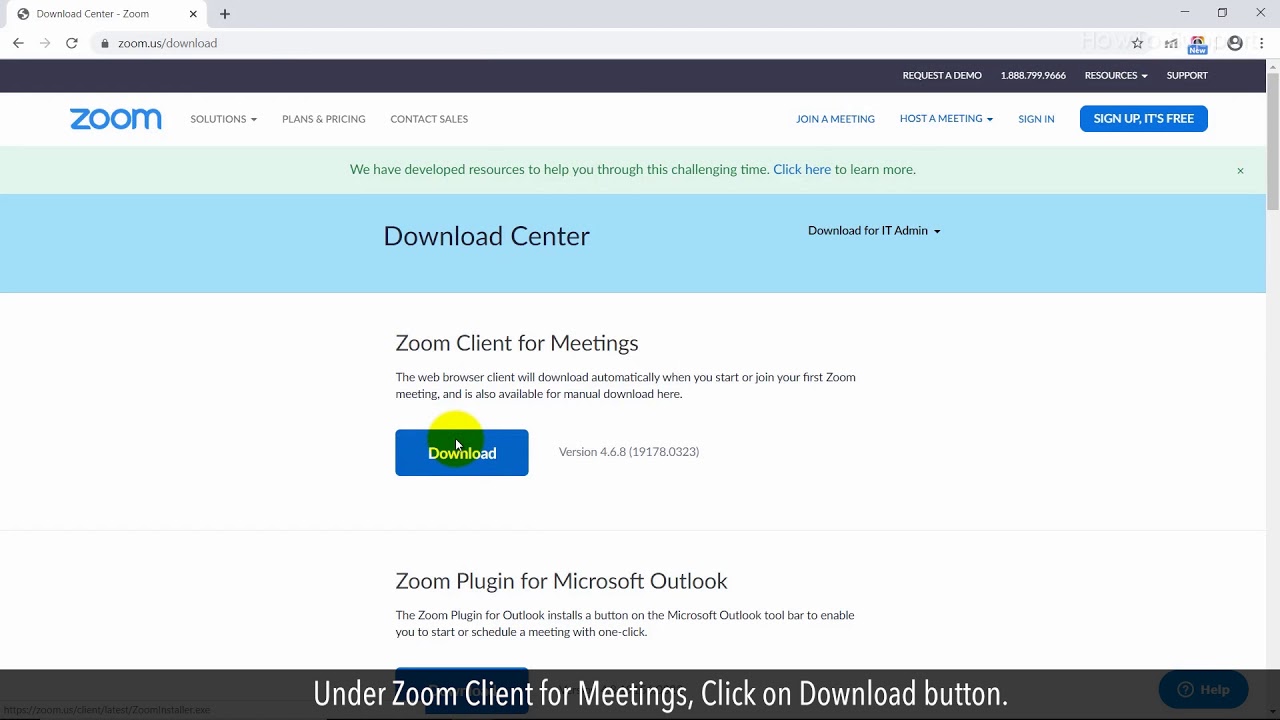
Cloud recordings are consistently 30-50% smaller than equivalent local recordings because Zoom applies server-side compression before saving the file. For a one-hour 720p gallery view meeting that would locally take 500 MB, the cloud version typically arrives at 250-350 MB. At 1080p active speaker, a local file of 900 MB shrinks to roughly 450-600 MB in the cloud. This compression is automatic and cannot be disabled. Zoom's servers re-encode the video using a more efficient codec and drop duplicate frames from static screens. The trade-off is that cloud recordings have a 30-day retention limit on free accounts, after which you must manually download them. To save a cloud copy permanently, you need to use the "download zoom" function from your Zoom web portal. For a direct retrieval, you can download a zoom recording from a shared link when a host shares the recording URL.
Why your file might be much larger than expected
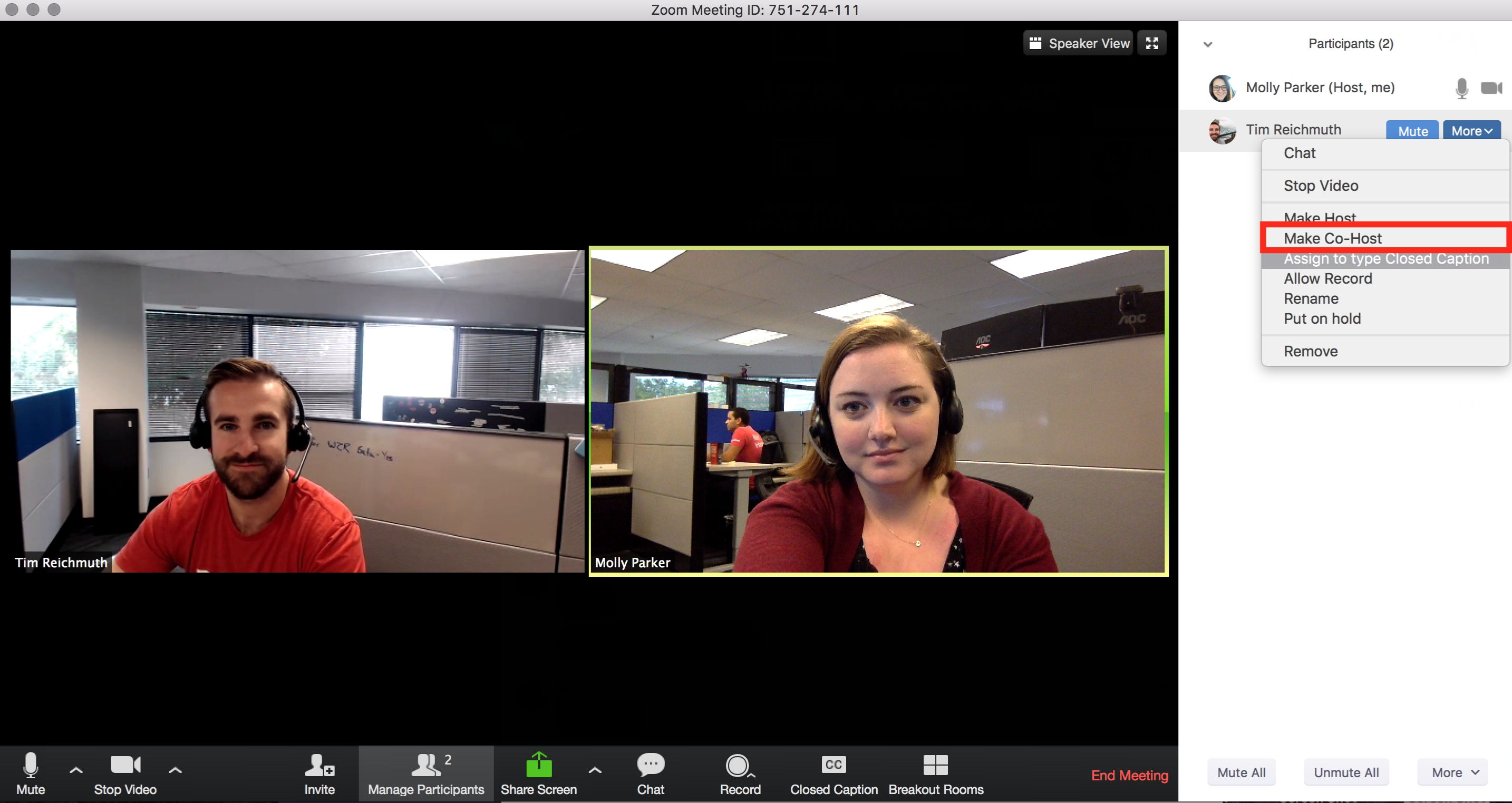
The most common surprise occurs when a host assumes all HD recordings are the same size, but the number of participants dramatically inflates the output. A gallery view recording with 10 active video feeds at 720p can exceed 1.5 GB per hour because Zoom records each participant's video in a separate stream within the same file. Screen sharing with a high-resolution monitor like a 4K display can push a 1080p recording past 2 GB per hour. Zoom captures the shared screen at its native resolution, not the meeting's video resolution. Additionally, if you forget to stop recording before leaving the meeting, the file continues capturing audio and a static video frame, adding hundreds of megabytes. To avoid surprises, always check the file size immediately after the meeting ends in your Zoom recording location. You can also check your zoom meeting history from your Zoom web portal to confirm the exact duration and recording settings applied. For meetings you "host a zoom meeting" for, you can pre-set recording limits in your account recording settings to cap resolution and disable gallery view, preventing oversized files from the start.
Cloud recordings generally produce smaller files than local recordings at the same resolution. This wide range means that a single meeting can consume anywhere from a tiny fraction of your device's storage to a significant chunk, depending entirely on the recording settings you choose and the meeting activity.