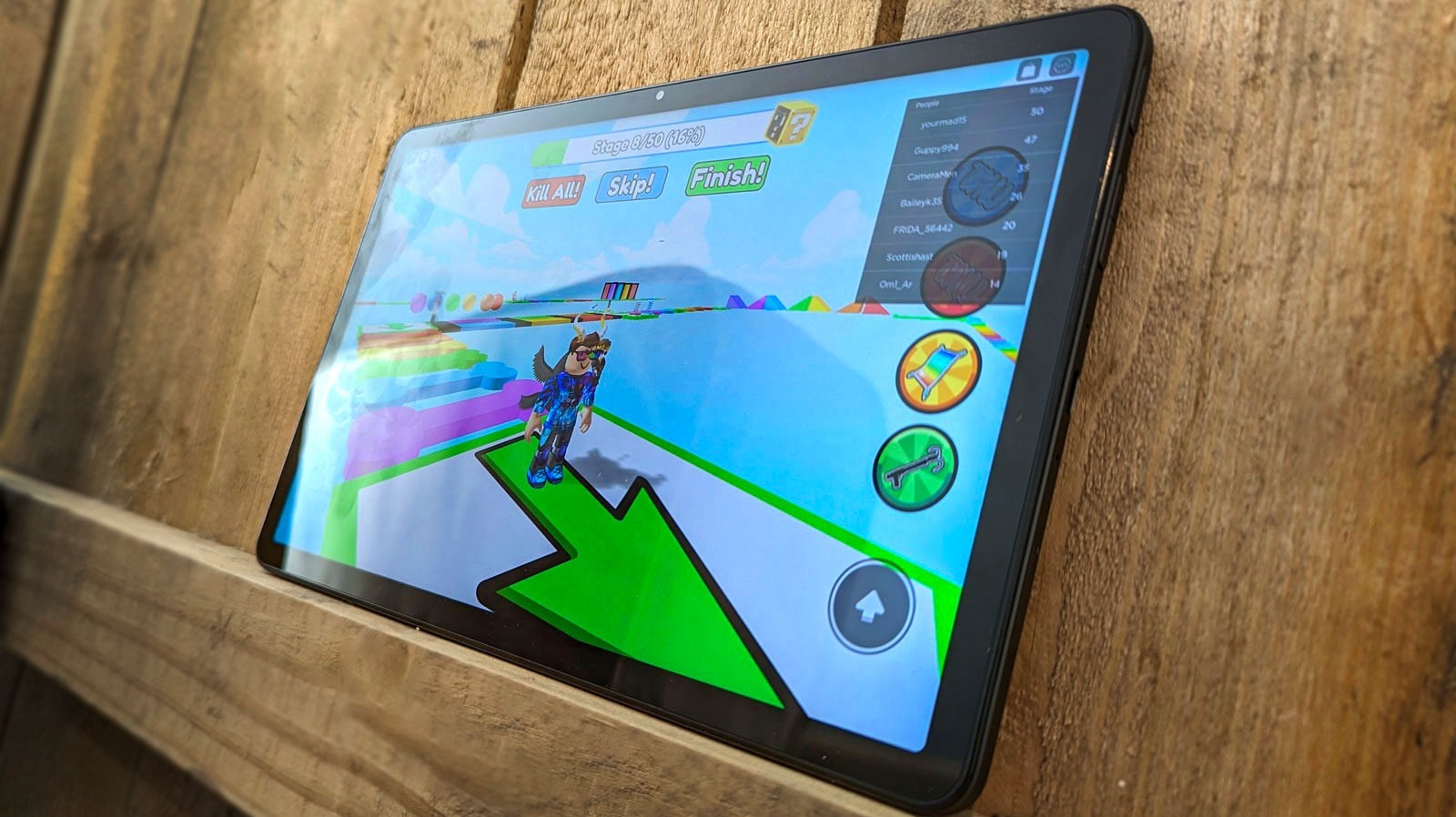
Browser redemption often fails on Fire tablets due to region mismatches or because the system detects you are on a mobile device and expects you to use the app. You must ensure your account's location setting matches the currency of the card exactly, or switch to redeeming on a desktop web browser.
Roblox gift card not working? Check region vs currency
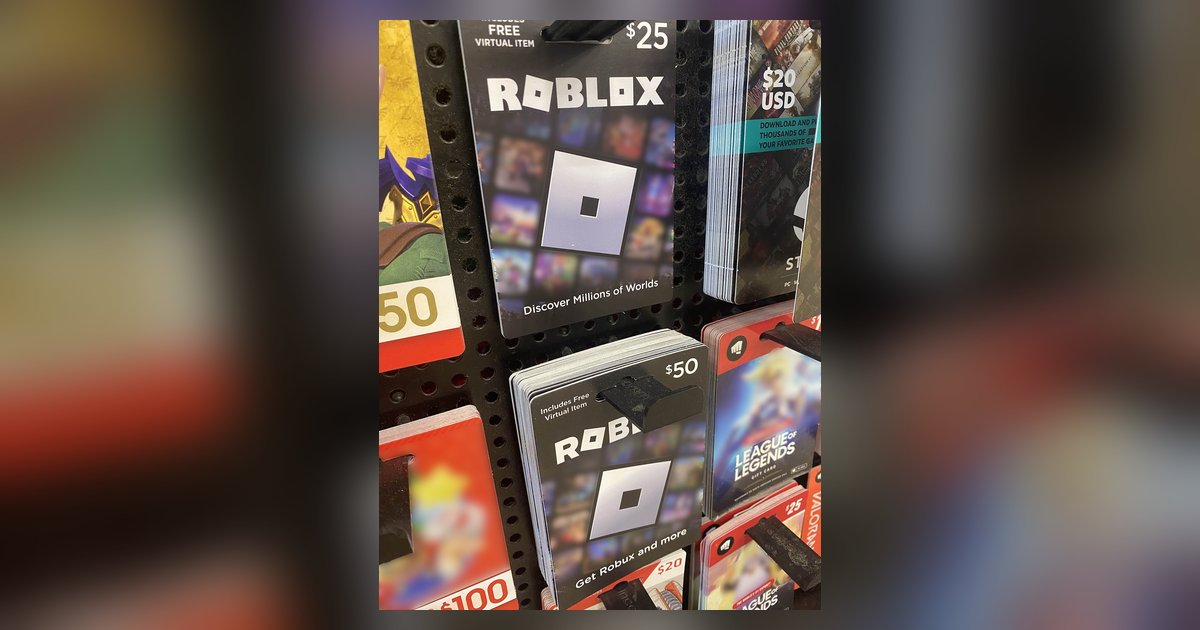
A region mismatch is the most common reason for a rejected code. Roblox gift cards are issued for specific currencies, for example, a USD card purchased in the United States will only work on an account whose region is set to United States. If you bought a card from a store in one country but your Roblox account’s location is set to another, the website will show a generic “invalid code” error rather than a clear explanation. To verify your setting, log into the Roblox website on any device, go to Settings (the gear icon), then select Account Info. Under “Personal,” check the country listed next to “Location.” If it does not match the currency on your gift card, you cannot redeem the code until you change it, but note that you can only change your region once every 180 days. If you recently moved or bought the wrong card, you may need to purchase a card that matches your account’s current region instead.
The browser vs. app conflict on Fire tablets
Even when your region is correct, the Roblox website deliberately blocks code redemption on mobile browsers, including Silk and Chrome on Fire tablets. The site detects the tablet’s user-agent string and assumes you are on a phone, redirecting you to a page that says “redeem in the app” or simply showing an error. The hub’s workaround, using the browser instead of the app, works for downloading the game but fails for this step because the redemption endpoint is specifically disabled for mobile web. You must open the Roblox app on your Fire tablet, which you can get by following the steps in the hub for this topic that explain how to download Roblox, and redeem the code through the app’s settings menu. Inside the app, tap the three-dot menu, select Settings, and look for a gift card redemption option, though official guidance states redemption is generally not available directly within the standard Roblox mobile app. This bypasses the browser block entirely. If you prefer to avoid the app, you can also use a desktop computer or laptop, as the website allows code redemption on desktop browsers. For non-Fire Android tablets, you might try requesting the desktop site in your browser, but Fire tablets often ignore this override. If you need a full walkthrough for this specific device, see how to redeem Roblox gift card on Amazon tablet.
When the code is actually already redeemed
If you see a specific error message saying “This code has already been used” or “Gift card has already been redeemed,” the code’s balance is zero. This can happen if someone else used the card before you bought it, or if you accidentally redeemed it earlier and forgot. Roblox sometimes applies the credit silently, the currency is added to your account but the interface shows an error dialog. To confirm, check your Roblox transaction history by navigating to your account's billing or transaction settings. Look for a recent entry matching the gift card’s value. If you see the credit, the code worked despite the error message. If you do not see the credit and the error persists, contact Roblox Support with the card’s PIN and a photo of the receipt. If you are managing a child’s Fire tablet, remember that you may need to update Roblox on the Amazon Kids tablet to the latest version before attempting redemption, as older app versions can fail to process codes even when the code is valid. For a completely app-free experience, you can play Roblox in your browser on a desktop, but that option does not support gift card redemption either, only the desktop website allows it, not the mobile or tablet browser.
Unlike other guides, this page explains that the Roblox website deliberately blocks code redemption on mobile browsers by detecting the user-agent string, which is why the common “use the browser” workaround fails specifically at the redemption step.