This tag collects straightforward, practical guides for anyone trying to manage the login, profile, and payment details on their everyday digital accounts. It is written for regular consumers, people who use streaming services, social platforms, shopping sites, and money apps, and who need clear, non-technical steps to update their own settings without calling support or digging through help menus. The articles focus on common tasks like changing an email address, updating a birthdate, or finding a username or ID that has become hard to locate.
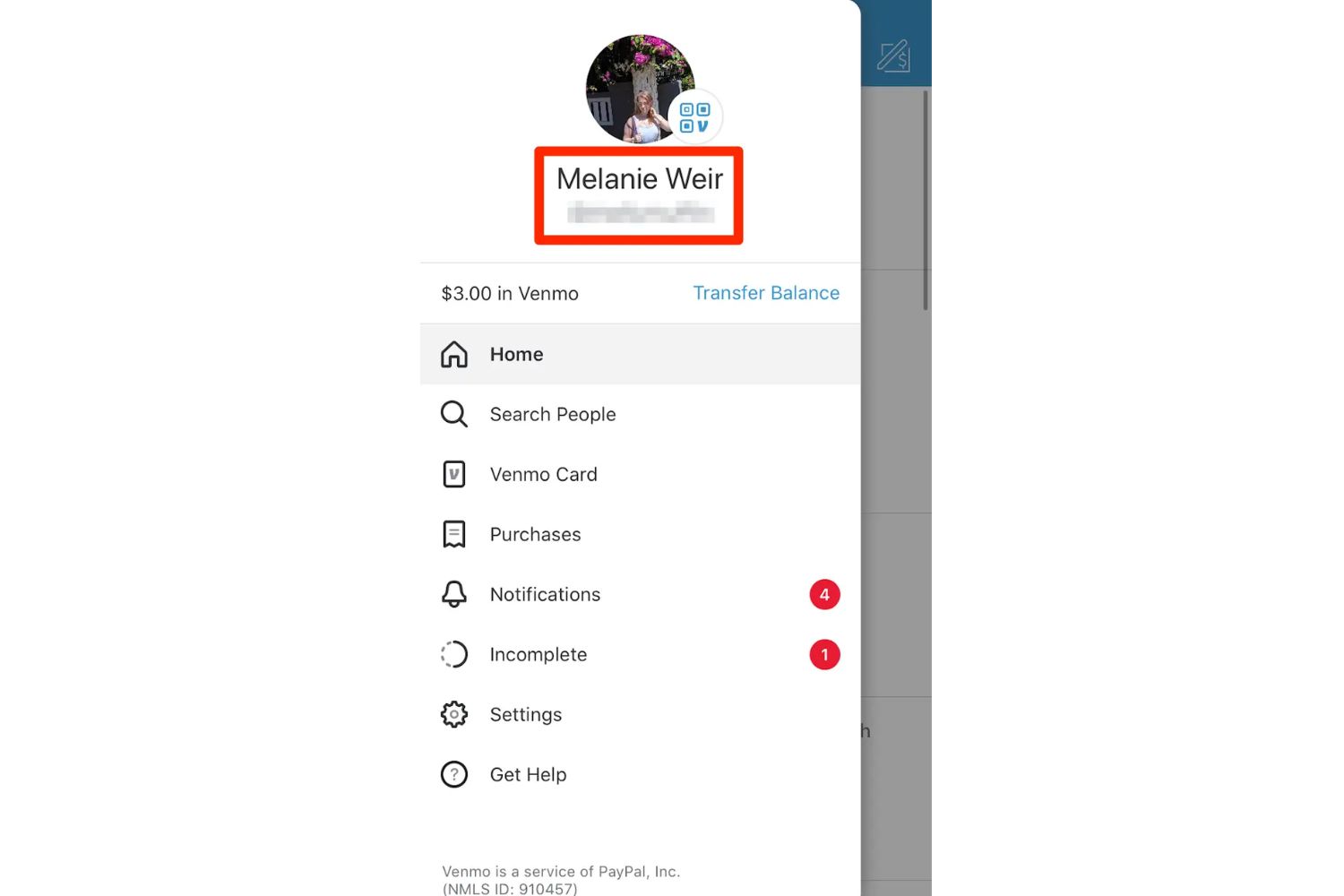
Several pieces help readers regain control of their account access and visibility. For example, you can learn how to see your Netflix password, figure out your Roku PIN, or confirm what name is attached to your Venmo profile. Others deal with correcting outdated or incorrect profile information, such as changing your age on a PlayStation account, updating your birthday on Cash App, or switching the email tied to Etsy or Shein. A second theme involves payment methods and linked financial tools, articles explain how to change the payment method on Amazon Prime Video, turn off purchase protection on Venmo, or find every payment method linked to a Roku account.
A third set of articles addresses troubleshooting and security-related concerns, framed as safe, legitimate fixes. For instance, you can find out why a Roblox gift card code might not work on the website, why your Venmo handle isn’t showing up in searches, or how to turn off autopay on Lending Club. Some guides also cover downloading your own data, like an Indeed resume or all your Instagram photos, which is a privacy-conscious way to keep copies of your information. None of these pieces encourage bypassing, hacking, or cheating, they simply help you manage the settings you already own, with clear steps for doing so safely and legally.