This is the quickest way to see your Netflix password when you need to share it with a family member or set up a new device.
How to see your Netflix password when you're logged in
This method works because the password is stored locally on your device or within your account settings.
View saved passwords in your browser
If you use a web browser to stream Netflix, your password is likely saved in the browser's built-in password manager. You can reveal it by following the steps for your specific browser.
Google Chrome
- Open Chrome and click the three-dot menu in the top-right corner.
- Select "Settings" from the dropdown.
- Under "Autofill," click "Passwords."
- Find the Netflix entry in the list of saved passwords.
- Click the eye icon next to the password field to reveal it.
Mozilla Firefox
- Open Firefox and click the menu icon (three horizontal lines) in the top-right corner.
- Select "Options" to open the settings page.
- In the left sidebar, click "Privacy & Security."
- Scroll to the "Logins and Passwords" section and click "Saved Logins."
- Locate Netflix in the list and click the eye icon to show the password.
Apple Safari
- Open Safari and click "Safari" in the top menu bar.
- Select "Preferences" from the dropdown.
- Go to the "Passwords" tab and authenticate with your computer's password or Touch ID.
- Scroll to find the Netflix entry and click the checkbox next to the password to display it.
Find your password in the Netflix mobile app
If you are logged into Netflix on your phone or tablet, you can navigate to your account settings within the app to view or copy the password. This is useful when you want to transfer the password to another device without typing it manually.
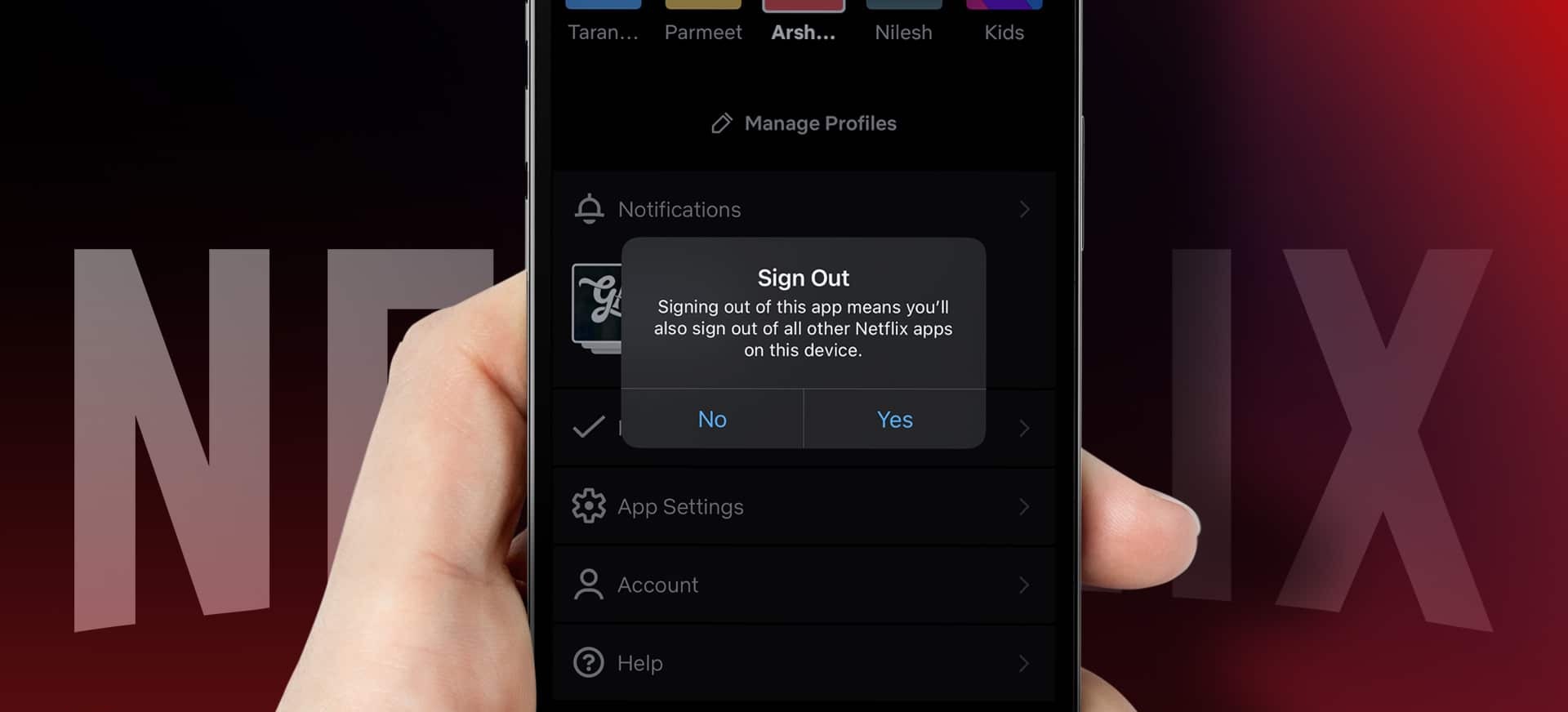
- Tap your profile icon or the menu button to access the account screen.
- Select "Account" from the options.
- The account settings page does not display your current password; you can only change it. Tap the eye icon or "Show" button to reveal it.
Use a dedicated password manager
If you use a third-party tool like LastPass, 1Password, or Dashlane, you can search for your Netflix entry and reveal the password from within the app. This is especially convenient if you store all your login credentials in one secure place and need to access them across multiple devices.
- Open your password manager application or browser extension.
- Search for "Netflix" in the search bar or browse your saved accounts.
- Select the Netflix entry from the results.
- Click the reveal or copy button next to the password field (you may need to enter your master password first).
What to do if you're locked out of Netflix
If you cannot log in because you have forgotten your password, you will need to reset it rather than view the old one. Netflix will send a password reset link to the email address or phone number associated with your account. Follow the instructions in that message to create a new password. If you no longer have access to that email or phone, contact Netflix support as a last resort; they can verify your identity and help you regain access to your account. Note that Profile PINs, used to lock individual profiles, are separate from your main Netflix account password and can be reset if forgotten.
\nRelated reading: How Do I Log Out Of Netflix, How To Block A Show On Netflix, and How To Change Subtitles Size On Netflix.