This tag collects our guides to buying, redeeming, and managing gift cards and prepaid balances across major gaming and retail platforms. It is written for everyday consumers who have received a gift card, want to purchase one digitally, or are troubleshooting a balance that will not apply. If you are trying to load funds into a PlayStation wallet, use a Spotify code, or send an Amazon card by email, these articles walk through the official steps in a straightforward way.
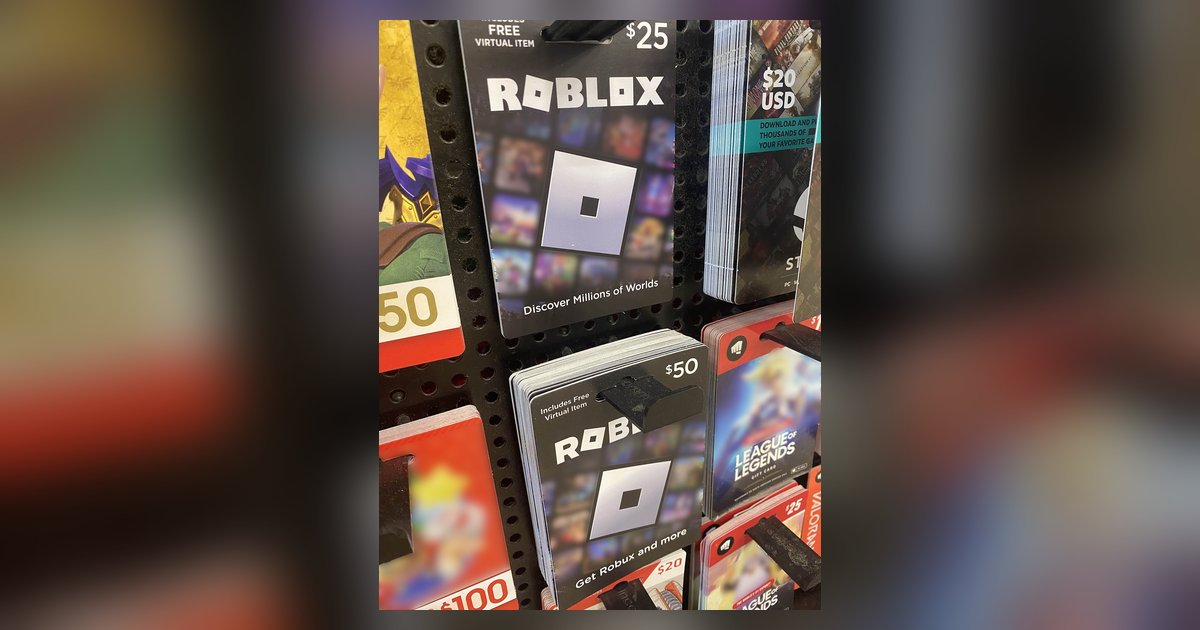
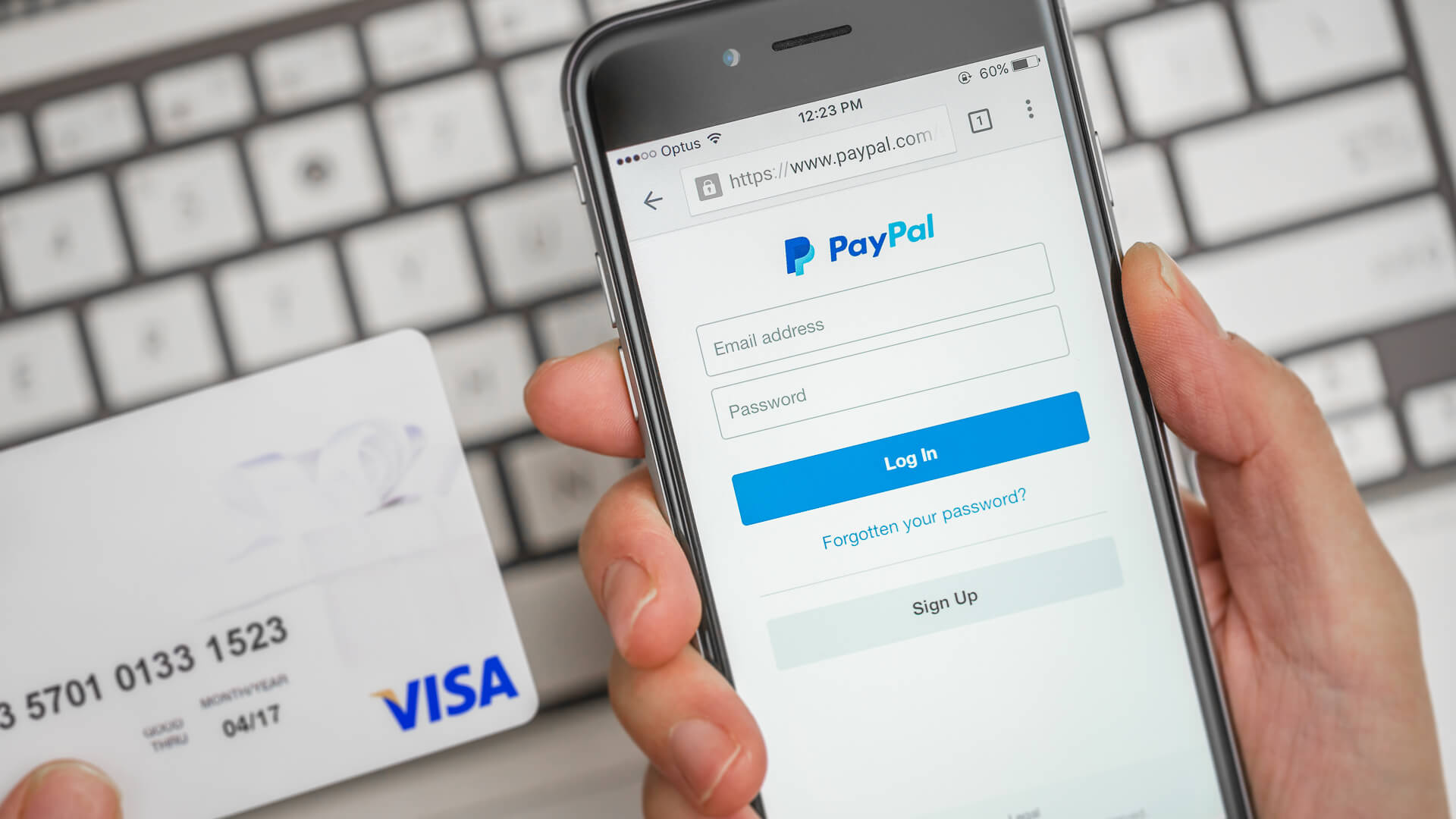
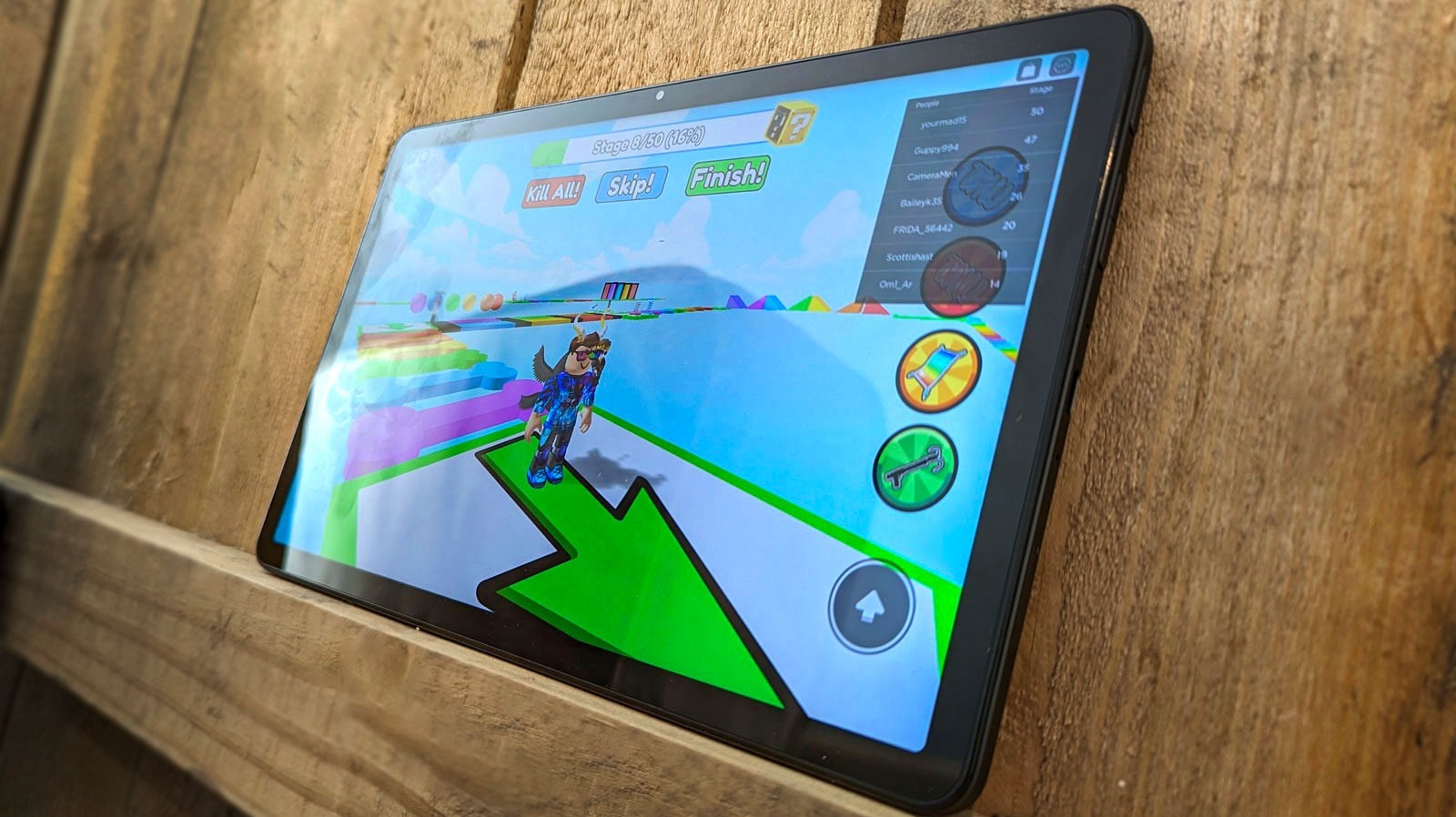
The pieces here fall into two practical themes. The first is the basic mechanics of adding value: how to top up a PSN wallet, redeem a PlayStation gift card, or apply a Roblox gift card on an Android tablet. The second theme is problem-solving and safe alternatives. For example, one article explains why a Roblox code might fail on the website and what to check before contacting support, while another covers the legitimate method for moving money from a Vanilla gift card to a PayPal account, using the card’s own transfer feature, not workarounds. A separate guide shows how to gift games on PlayStation, which is useful when you want to send a title without handing over a code.
Readers will learn how to complete these tasks without risking their account or their funds. The emphasis is on doing things the way the platform intends, whether that means verifying the region on a Spotify card or confirming that your Amazon tablet is compatible with Roblox redemption. These are practical, everyday instructions for people who just want their digital balance to work.