Vzw Wifi is Verizon's Wi-Fi Calling feature, which lets you make and receive calls and texts over a Wi-Fi connection instead of the cellular network. It's a built-in tool for extending coverage and improving call quality, especially indoors or in areas with weak cell signal. Instead of relying solely on cell towers, your phone uses a nearby Wi-Fi network to connect your calls and messages.
What is Vzw Wifi?
At its core, Vzw Wifi refers to Verizon's Voice over Wi-Fi (VoWiFi) service. This high-definition voice feature allows your compatible smartphone to route calls and texts through any available Wi-Fi internet connection, rather than depending on the cellular network. It's designed to fill coverage gaps, such as basements, elevators, or rural areas where cell signal is unreliable, giving you a more consistent connection for voice calls and text messaging.
How Vzw Wifi Calling works
Vzw Wifi Calling operates by using your phone's Wi-Fi radio to connect to the internet and route calls through Verizon's network. To use this feature, you need a few technical prerequisites. First, your smartphone must have HD Voice activated, all currently available Verizon smartphones are HD Voice-capable. Second, you must be connected to a Wi-Fi network or the Verizon network to complete the initial activation. Third, you need to accept the Wi-Fi Calling Terms & Conditions and set up a valid US address as your "Registered Location" for emergency 911 calls. This registered location is used by first responders to approximate your position if you call 911 over Wi-Fi, since your IP address may not reveal your physical location.
How to turn on Vzw Wifi Calling on your phone
Activating Vzw Wifi Calling takes less than a minute on both Android and iPhone devices. Follow the steps below for your specific device type.
On Android devices
- Open the Settings app on your Android phone.
- Use the search bar at the top to type "Wi-Fi Calling" and tap the relevant result.
- If you don't see it, look under Connections or Advanced Calling in the Settings menu.
- Tap the toggle to turn Wi-Fi Calling on.
- Follow any on-screen prompts to confirm your registered location and accept the terms.
On Apple iPhones
- Open the Settings app on your iPhone.
- Tap Cellular (or "Mobile Data" outside the US).
- Tap Wi-Fi Calling.
- Toggle the Wi-Fi Calling on This iPhone switch to the green position.
- Tap Enable in the confirmation pop-up that appears.
Vzw Wifi Calling billing and usage details
Calls and texts made over Vzw Wifi to US numbers are completely free and do not use your mobile plan's data allowance. This applies even when you're traveling internationally, as long as you're connected to a Wi-Fi network. However, calls made to non-US numbers will be billed as international calls according to your plan's international rates. Before the call connects, a voice prompt will warn you about potential charges, so you can decide whether to proceed. Remember, these international rates apply regardless of whether you're in the US or abroad when making the call.
Important things to know about Vzw Wifi
While Vzw Wifi Calling is convenient, it has limitations you should understand. If you move out of Wi-Fi range during a call, the call will drop, it won't automatically hand off to the cellular network. When calling 911 over Wi-Fi, always verbally tell the operator your exact location, as the "Registered Location" you set up may be outdated or unrecognized, and the call will only route over Wi-Fi if no cellular network is available. Additionally, Wi-Fi Calling settings do not transfer when you switch devices or perform a factory data reset, so you'll need to re-enable and re-register your location each time. Finally, for iOS users, Wi-Fi Calling must be activated while connected to the Verizon network in the US, you cannot turn it on after leaving the country.
Frequently asked questions
Is Vzw Wifi Calling the same as Verizon's Whole-Home Wi-Fi service?
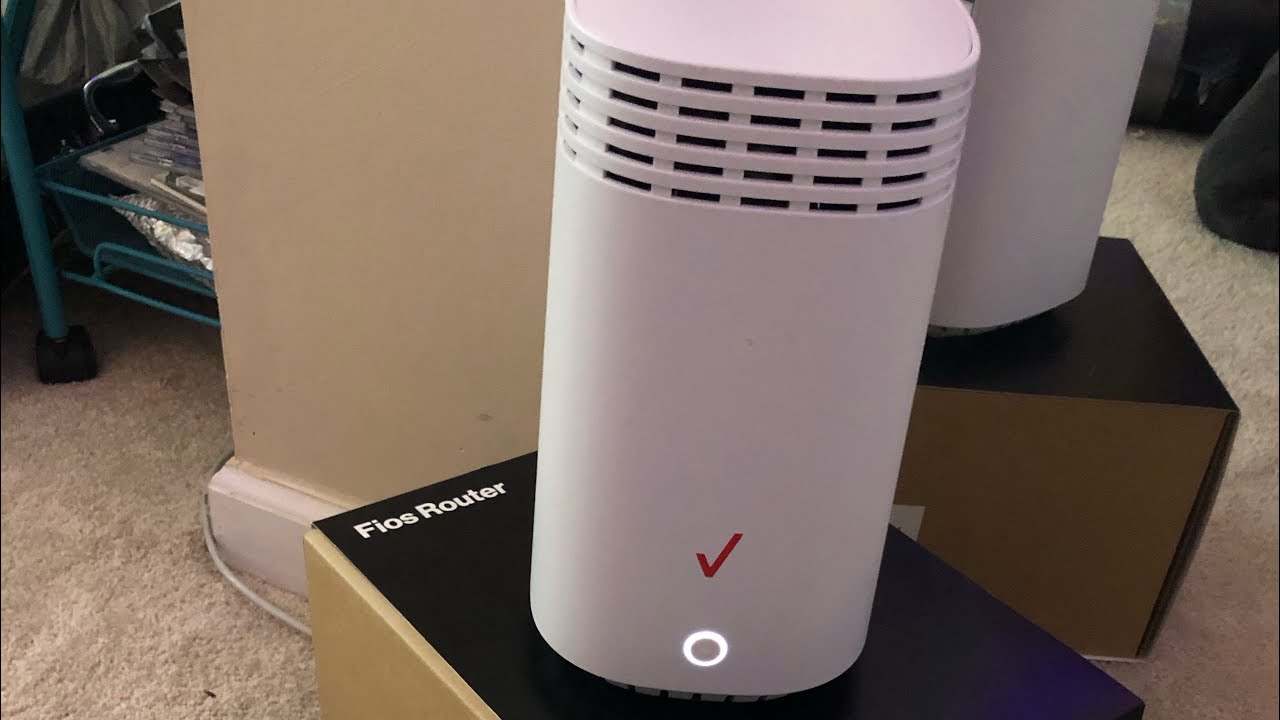
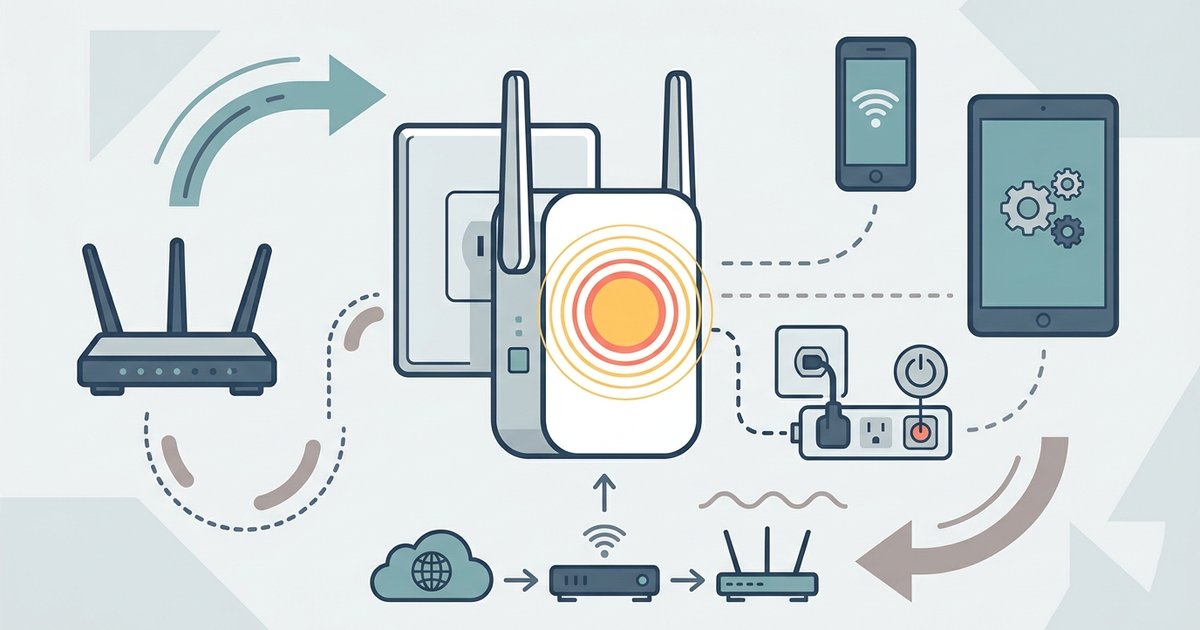
No. Vzw Wifi Calling is a phone feature that routes calls over any Wi-Fi network. Verizon's Whole-Home Wi-Fi is a separate home internet service that improves Wi-Fi coverage using Fios Home Internet and Wi-Fi Extenders. They serve entirely different purposes, one is for calls, the other for home internet connectivity. If you need to improve your home Wi-Fi coverage, you might consider how to setup verizon wifi extender to boost your network's reach.
What happens to Vzw Wifi Calling after a factory data reset?
After a factory data reset, all Wi-Fi Calling settings are erased. You'll need to go back into your phone's Settings, re-enable Wi-Fi Calling, accept the terms, and update your registered location. This is a manual step that must be repeated on every device after a reset.
Does Vzw Wifi Calling use my mobile data?
No. Calls and texts made over Wi-Fi do not consume your cellular data plan. They use the Wi-Fi network's internet connection instead. However, if you're on a limited data plan, the Wi-Fi network itself must have an internet connection, you'll need to ensure the Wi-Fi router is active and has service.
Can I use Vzw Wifi Calling internationally?
Yes, but with conditions. Calls to US numbers are free when connected to Wi-Fi, even abroad. Calls to non-US numbers are billed as international calls. Additionally, iOS users must activate Wi-Fi Calling before leaving the US, it cannot be activated from overseas.
Why does my call drop when I leave Wi-Fi?
Vzw Wifi Calling does not support handoff between Wi-Fi and cellular networks. If you move out of Wi-Fi range during a call, the call will terminate. To avoid this, stay within range of your Wi-Fi router during calls, or make calls when you have a stable cellular signal as a backup.
Related reading: What Does The 6 On My Wifi Mean and How To Update Firmware On Verizon Wifi Extender.