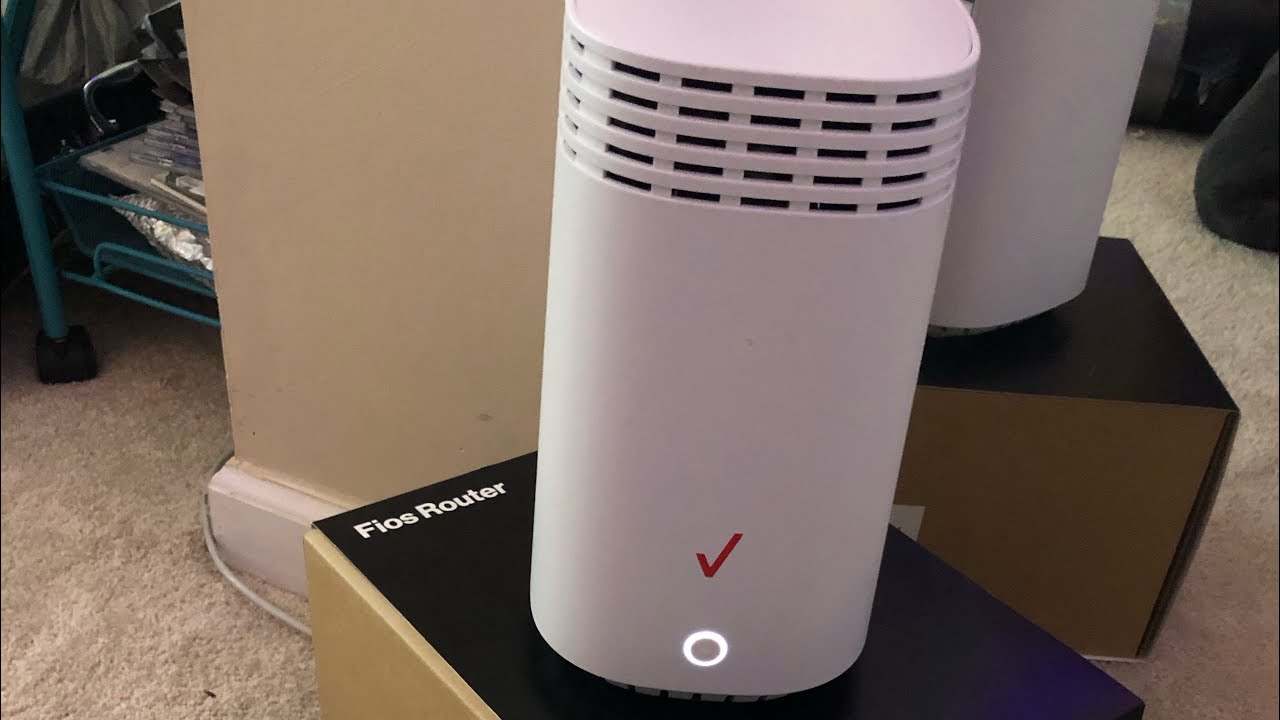
This tag collects seven practical guides for anyone managing Verizon services at home, whether you’re a new customer setting up gear, a long-time subscriber troubleshooting a connection, or someone trying to make sense of an unfamiliar charge or notification. The articles are written for everyday users who want clear, step-by-step help without digging through dense manuals or waiting on hold. If you own a Verizon Wi-Fi extender, use the Fios app on a smart TV, or have ever wondered about a call from Cellco Partnership, these pages are meant for you.
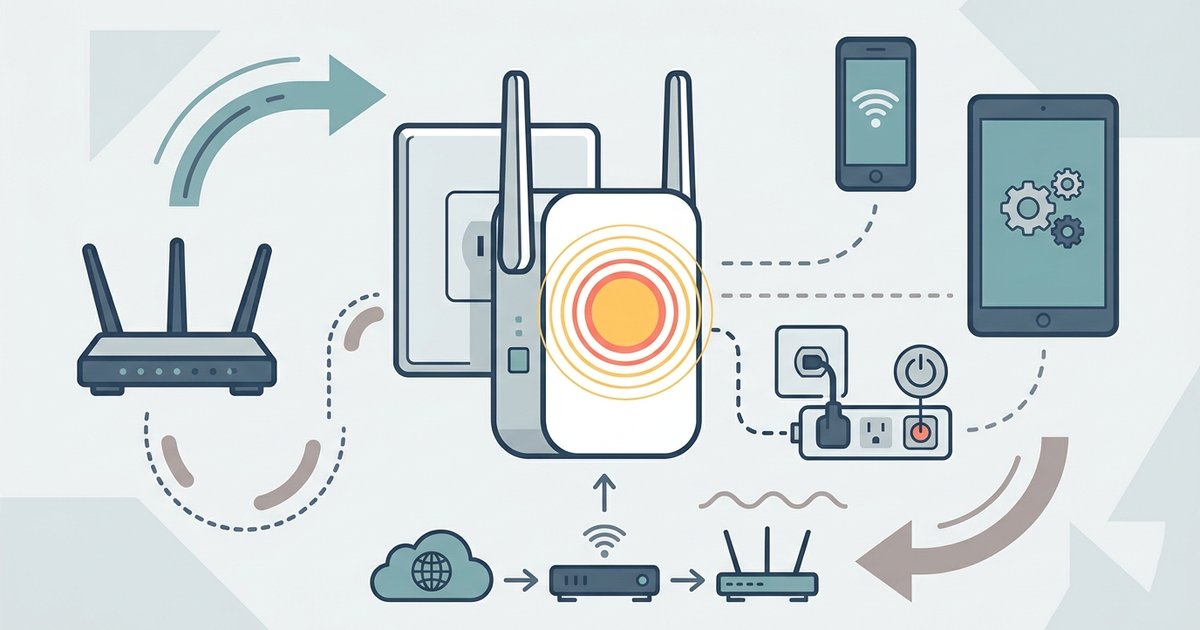
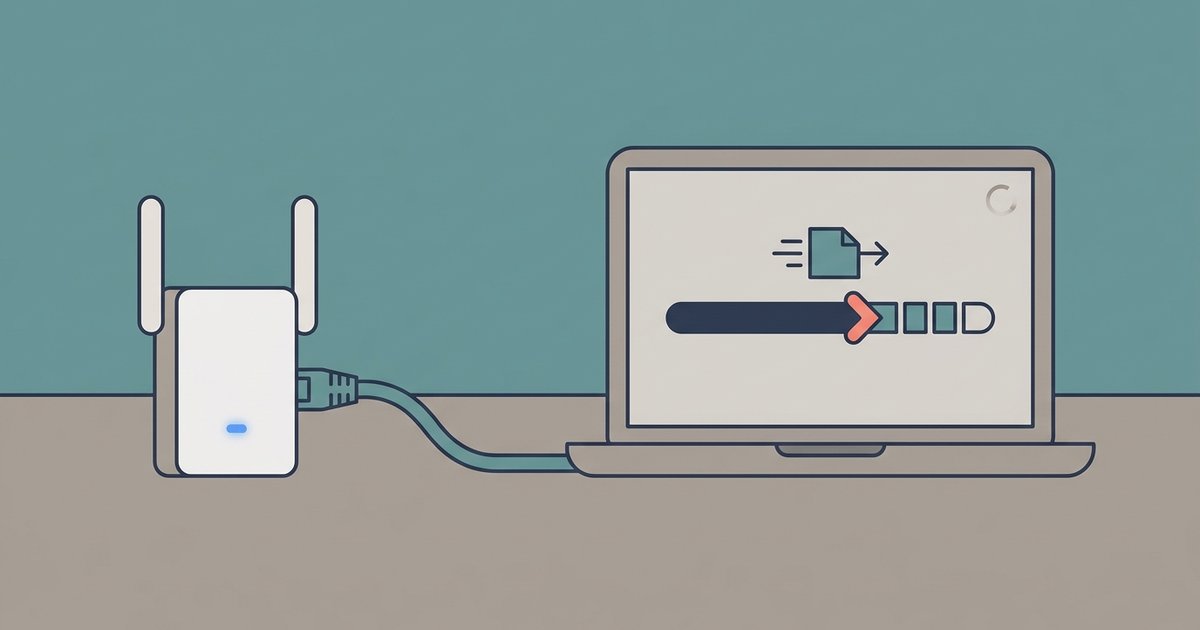
The topics fall into two main groups. First, there are hardware and setup guides: getting a Wi-Fi extender configured, adding the Fios app to a Samsung Smart TV, and updating the extender’s firmware. These walk you through the actual buttons, settings, and menus you’ll touch, so you can get your network running smoothly. Second, there are troubleshooting and account-related pieces. The article on a blinking yellow light helps you diagnose a common extender fault, while the guides about iMessage history on your bill and Tracfone SIM card transfers explain how to read your statements and move service between devices correctly. Importantly, the piece about Cellco Partnership calls is framed as a way to recognize legitimate contact from Verizon’s billing arm, so you can respond safely and avoid confusion, not as a method to dodge or exploit any system.
Across these articles, the goal is straightforward: help you operate your equipment, understand your account, and resolve everyday annoyances with confidence. Whether you’re fixing a connection, moving a SIM card, or just checking why a number called you, the instructions here are meant to be followed as written, no shortcuts, no workarounds, just clear steps for the tasks Verizon customers commonly face.