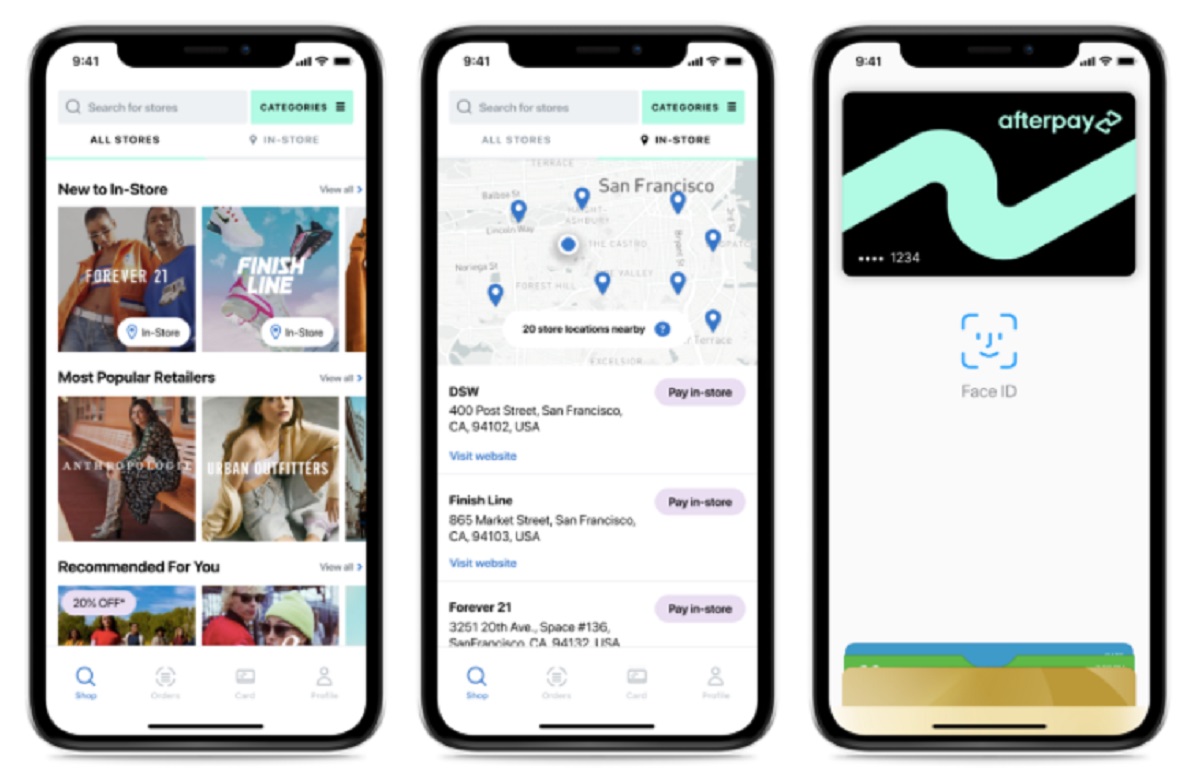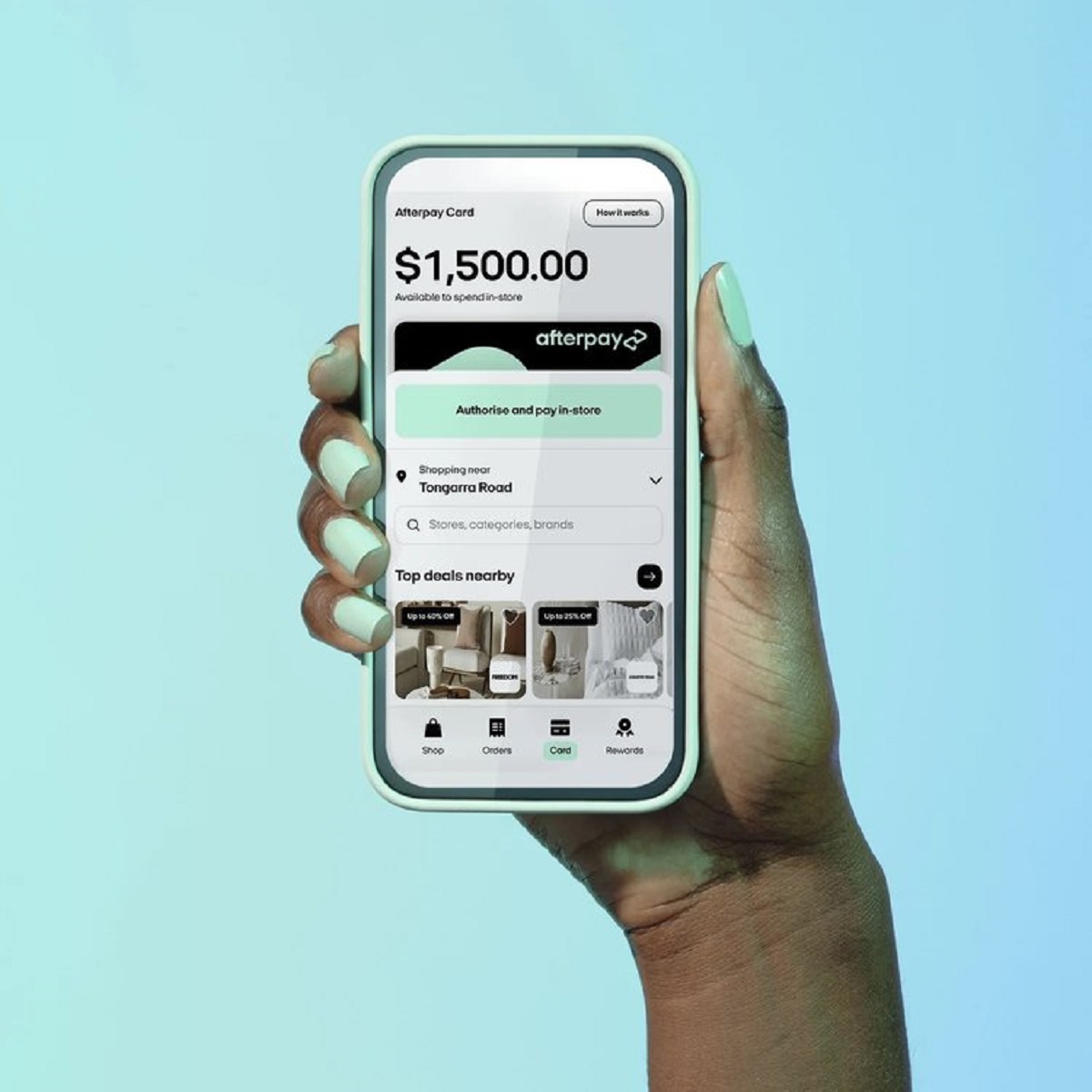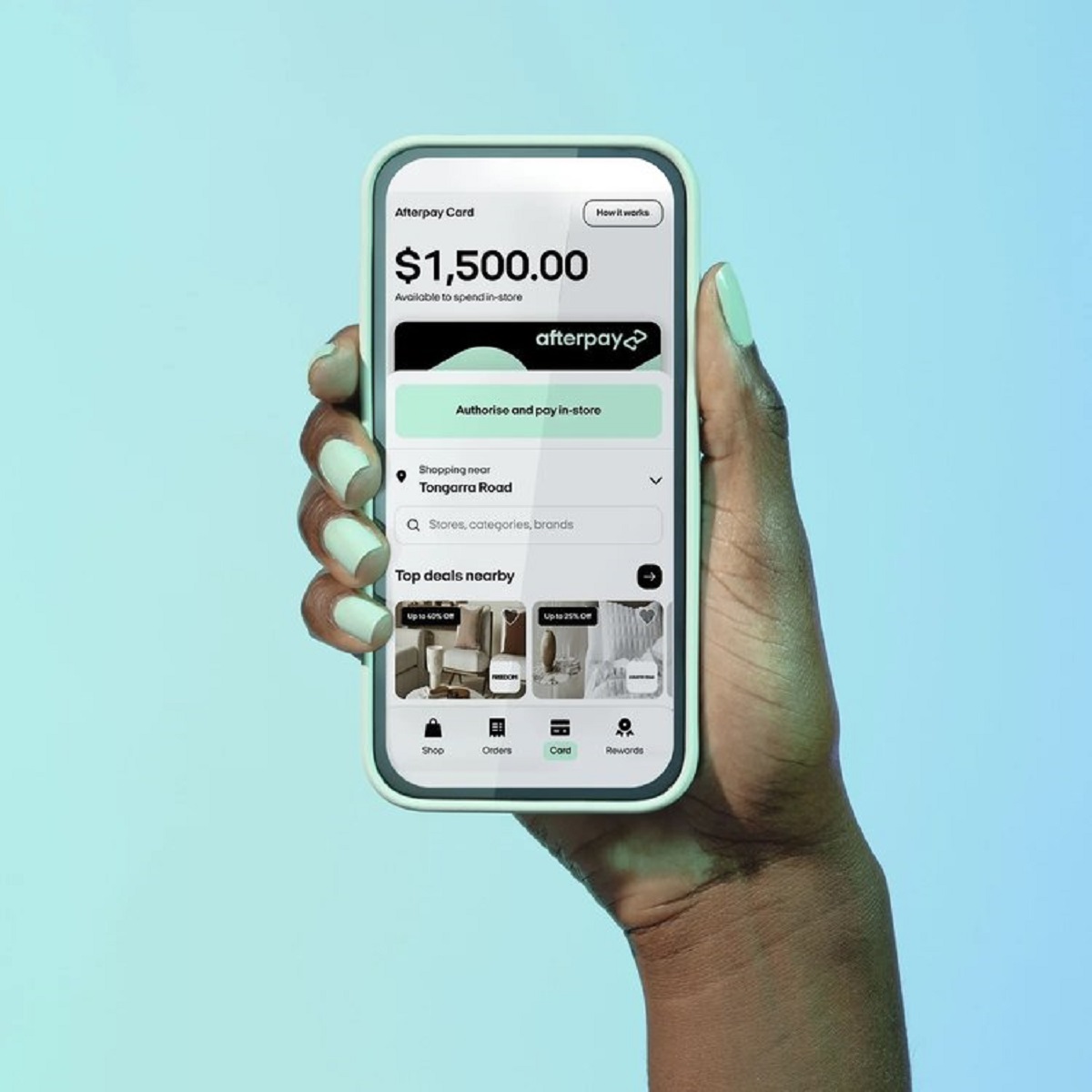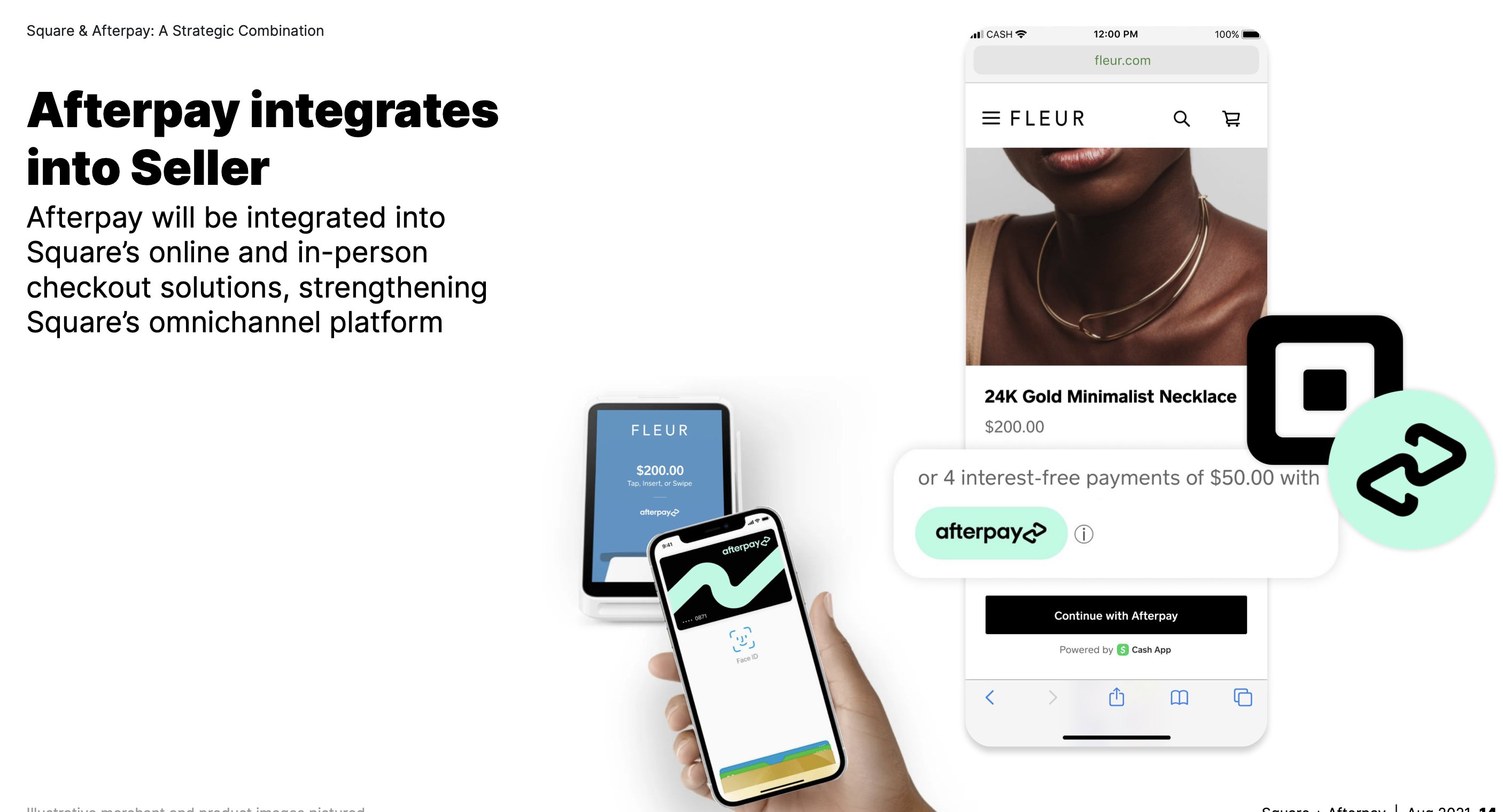
To use Afterpay on Cash App, you can now do so directly within the app without needing a separate Afterpay account. Afterpay is now directly integrated into Cash App, offering three main ways to use it: with your Cash App Card in-store and online, at online checkout on participating merchant websites, and by converting recent eligible payments into installments. This flexibility is especially handy for booking getaways through travel sites that use Afterpay, and you can even get cash with Afterpay to cover incidental expenses while traveling.
How to set up Afterpay on your Cash App Card
Eligible customers can upgrade their Cash App Card and toggle Afterpay on within the app to unlock the ability to use Afterpay with their card. If you already have an existing Afterpay account, it remains separate, and those purchases are managed through the Afterpay app.
How to use Afterpay with your Cash App Card in-store and online
Afterpay on Cash App Card can be used almost anywhere your Cash App Card is accepted, both in-store and online. Afterpay does not apply to transactions like money transfers, cashback, ATM withdrawals, or purchases using overdraft coverage, so keep those excluded transaction types in mind when planning your purchases.
How to select Afterpay at online checkout
For online shopping, select Afterpay as a payment method at checkout on participating merchant websites. You can browse the list of stores that accept Afterpay to find eligible retailers for your next purchase.
How to convert recent payments to Afterpay installments
You can convert eligible recent Cash App Card purchases or payments sent to others on Cash App to Afterpay. Eligible past purchases for conversion must be from the last 30 days, fully processed, and for at least $25.
How Afterpay payments work on Cash App
Payments are typically made in four installments, with the first payment (25% of the price) due upfront, unless otherwise advised. Automatic payments are set up to deduct installments from your preferred card on the due date every two weeks. Afterpay accepts US-issued credit and debit cards from Mastercard and Visa, as well as Cash App Card and US-issued checking accounts, subject to eligibility. Credit cards are only accepted for "Pay in 4" orders, not "Pay Monthly" orders. Afterpay does not accept foreign-issued cards, pre-paid cards, or cards from other Buy Now Pay Later providers. Afterpay on Cash App does not charge interest if payments are made on time and does not impact your credit score.
Managing payments, disputes, and refunds
You can track upcoming payments within Cash App to stay on top of your schedule. For disputes regarding Afterpay loans or purchases made through Cash App, contact Cash App Support via the app or by calling 1 (800) 969-1940. For Afterpay on Cash App - Pay Monthly customers, payment due dates cannot be changed or delayed for pending refunds. When returning items, review the merchant's return policy to understand how refunds are processed.