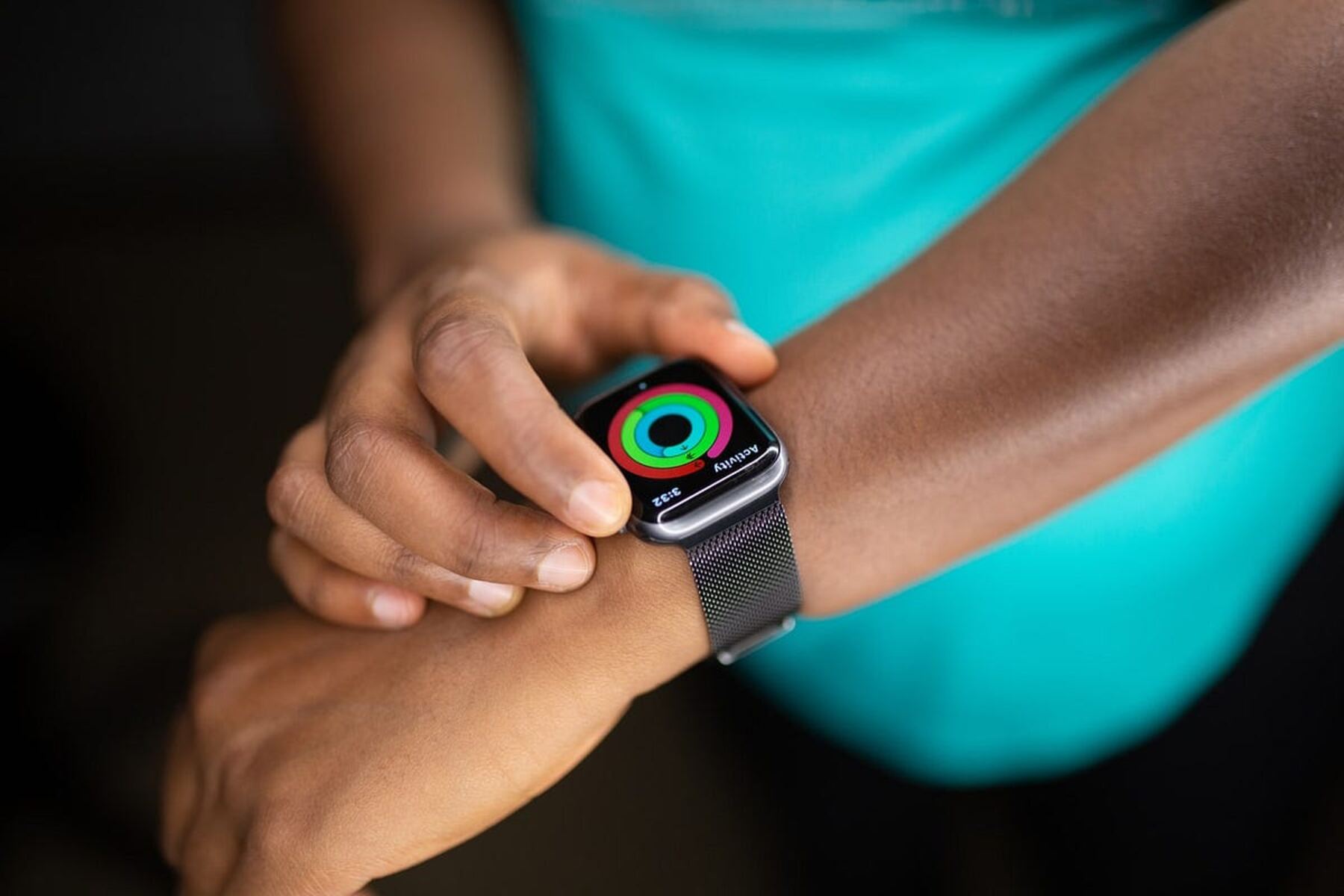
To find your smartwatch model number, start by checking the physical markings on the device itself. This is the quickest method to identify your exact model for smartwatch setup and pairing, buying compatible accessories, or troubleshooting problems.
1. Check the watch body and band slot
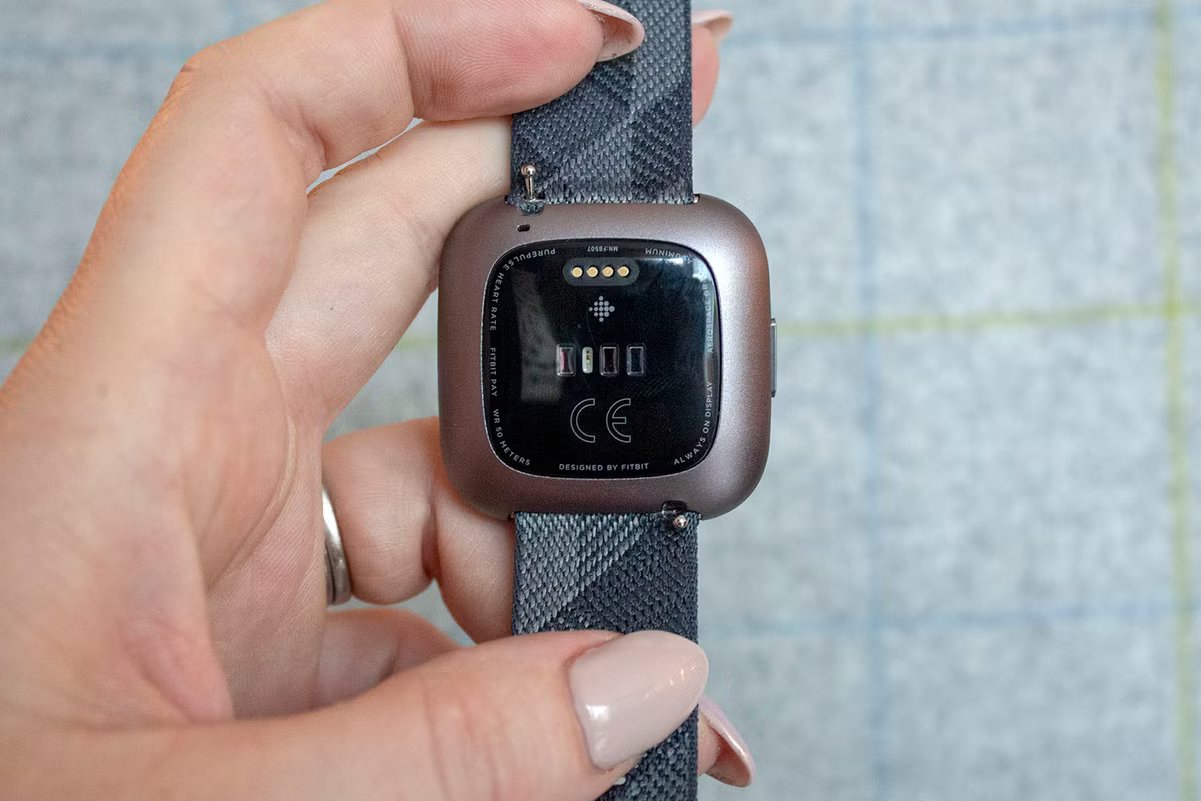
Remove both watch bands and examine the area where the bands connect to the case. On many smartwatches, including the Google Pixel Watch, the IMEI and serial numbers are engraved in this slot. For a Pixel Watch LTE, the serial number appears on one side and the IMEI on the other; a Pixel Watch Wi-Fi model shows only a serial number. Also check the underside of the watch body. For Garmin devices, look for an 8- or 9-character serial number printed on the back, near charging contacts, or under the band.
2. Look in the Settings menu
Navigate to the device information section within your smartwatch’s settings. On a Google Pixel Watch, swipe down, tap Settings, then System, then About. Swipe down to find your IMEI and serial numbers. For Garmin watches, the Unit ID is a 10-digit number located on the system information screen within settings. Once you have your model details, you can follow a tailored smartwatch setup to get the most from its specific features, or if you own that brand, get the exact steps in this spade and co smartwatch setup. This method provides the model number and additional identifiers like the serial number without needing to remove bands.
3. Find the model on the manufacturer's website
Use the serial number or visual details gathered from the previous steps to look up your exact model on the official support page. Manufacturers maintain product databases where you can enter the serial number to retrieve the model name, specifications, and compatibility information. This is especially useful if the model number on the watch is worn or difficult to read.
4. Check the user manual or box
The original packaging lists the model number on the box label. If you no longer have the box, download a PDF of the user manual from the manufacturer’s website. Manuals include visual identification guides and a dedicated section listing model numbers for each variant, allowing you to match physical features to the correct model.
5. Use an identification app as a last resort
Third-party device info apps can attempt to identify your smartwatch by connecting via Bluetooth or scanning images. However, physical checks and settings menus are more reliable because they directly display the manufacturer-stamped identifiers. Only use an app if the watch body is damaged and the settings menu is inaccessible.