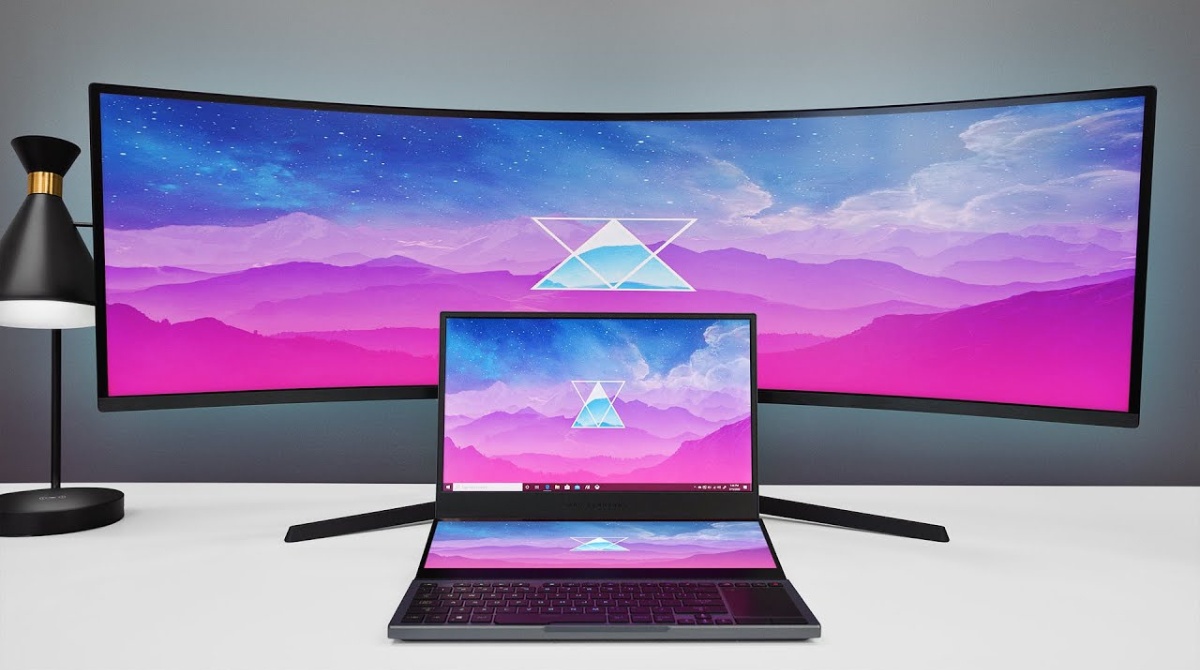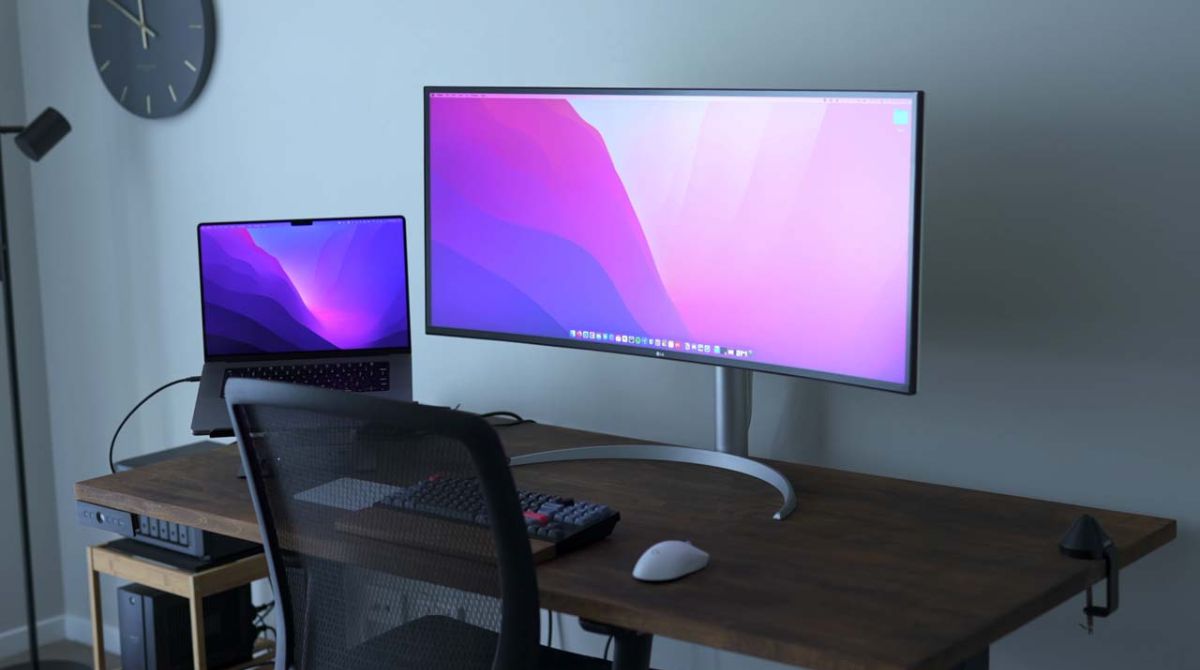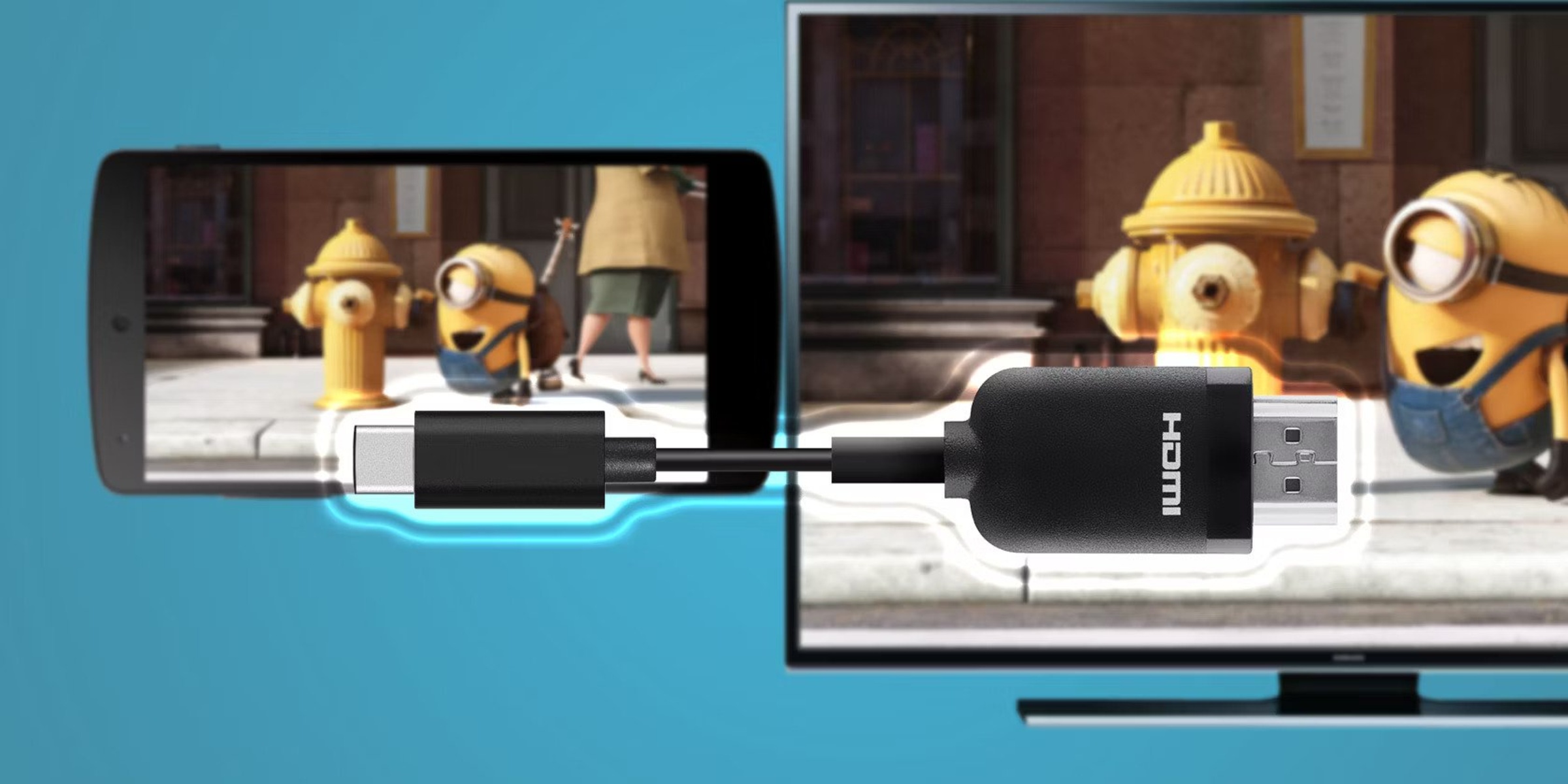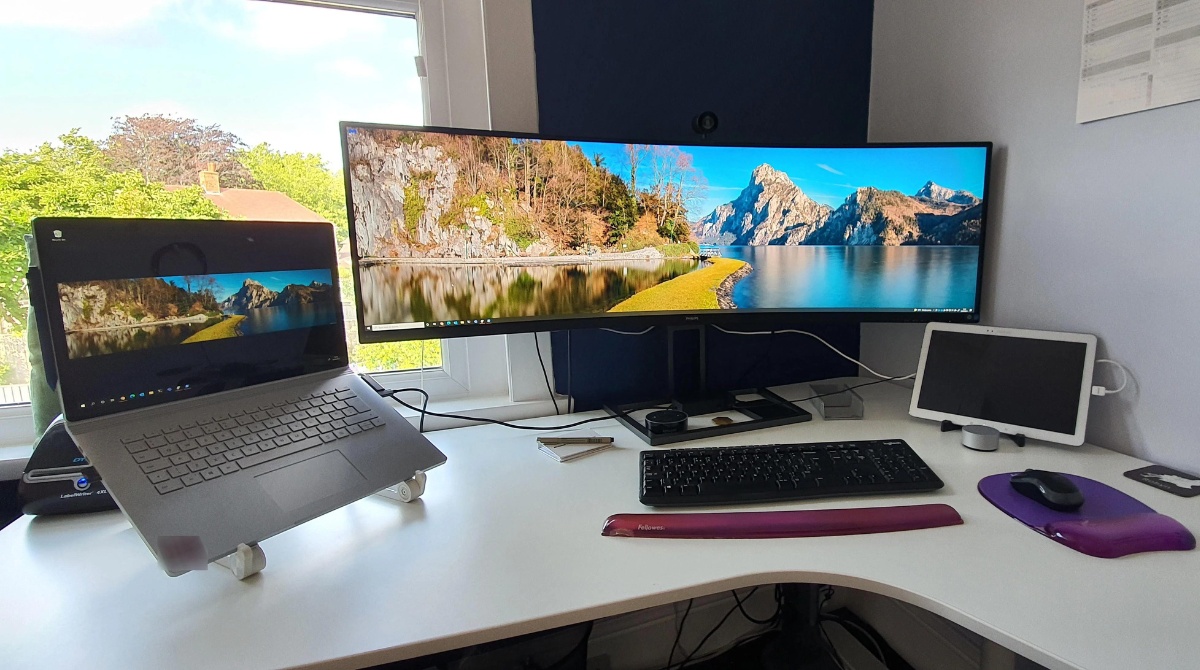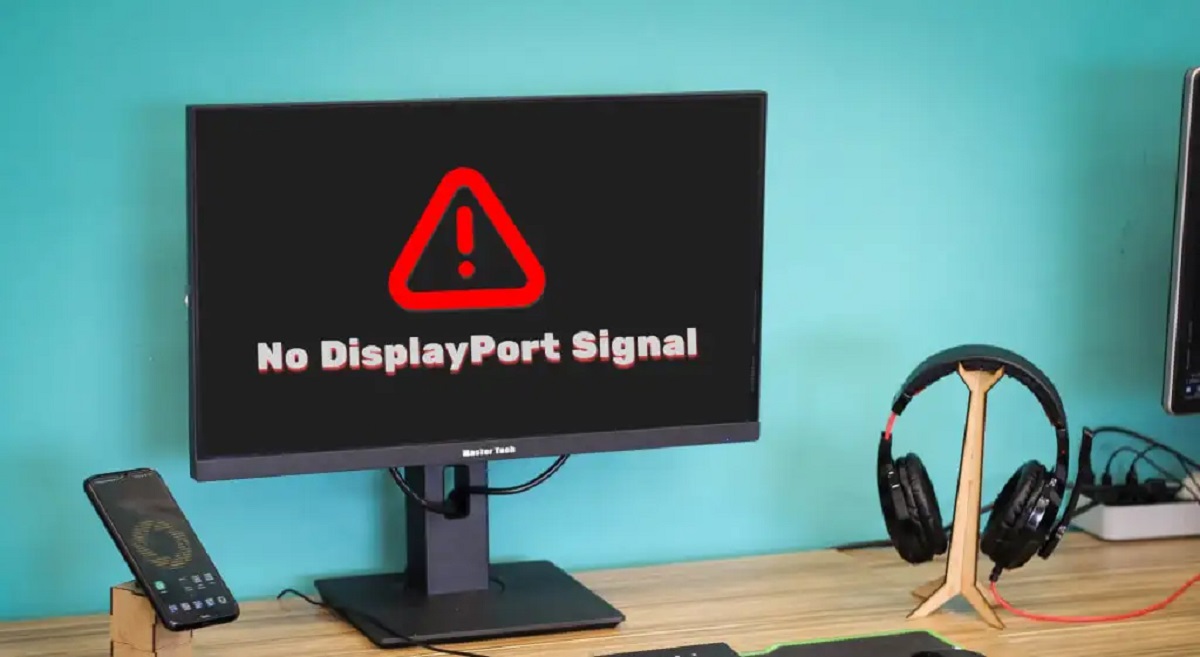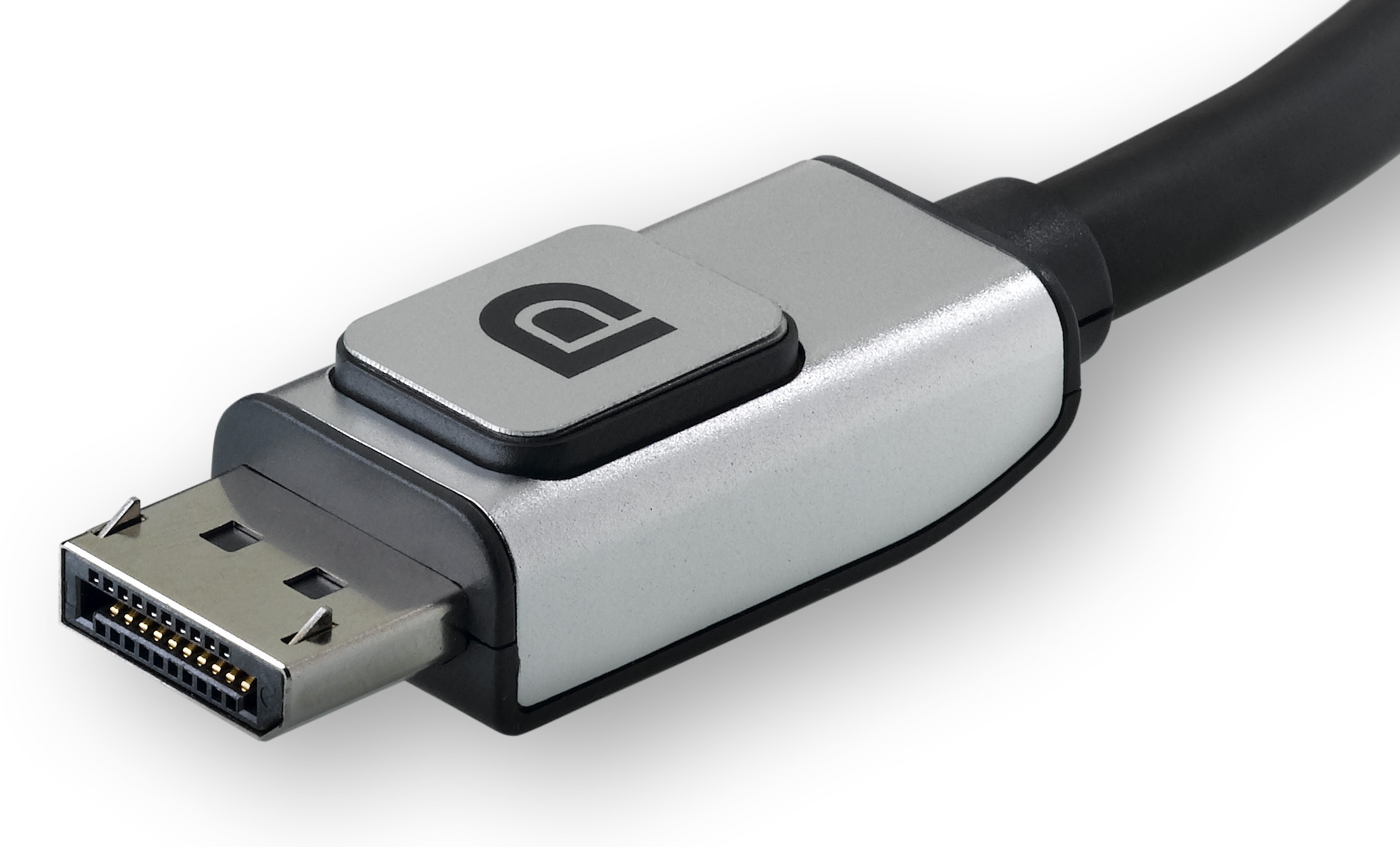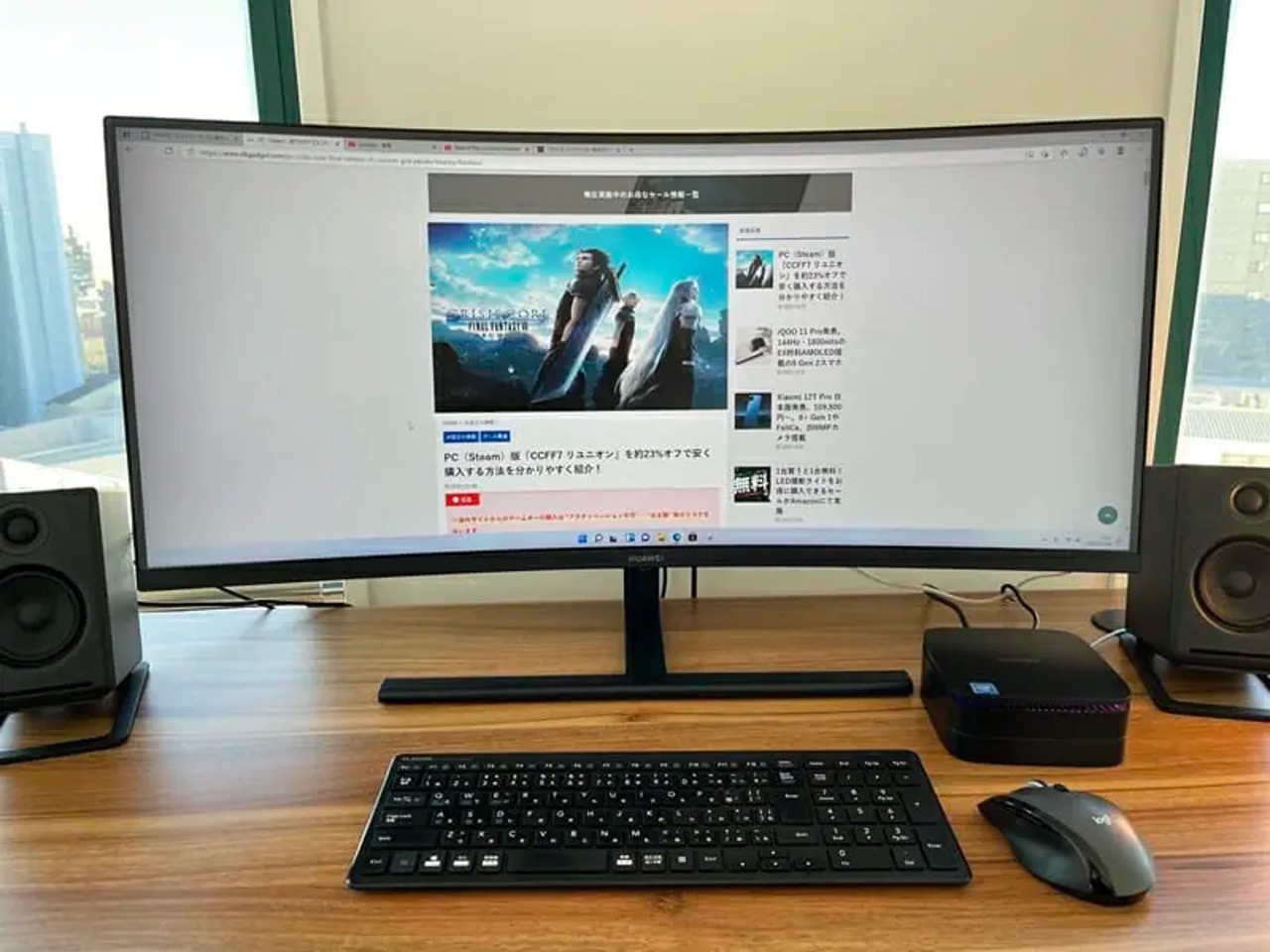
Yes, the cable is a critical bottleneck. For 5K2K or high-refresh 4K ultrawides, you must use a certified Thunderbolt 4 or high-wattage 40Gbps USB4 cable—a standard 10Gbps or charging cable will fail to deliver full resolution, refresh rate, and reliable signal.
Why thunderbolt cable performance matters more than the protocol logo
A cheap USB-C cable that charges your MacBook at 100W and transfers files at 10Gbps looks identical to a Thunderbolt 4 cable. But its internal wiring is fundamentally different. Ultrawide monitors like the 5120x2160 5K2K panels demand roughly 32Gbps of raw bandwidth for 60Hz 10-bit color. A standard 10Gbps USB 3.1 Gen 2 cable physically fits the port and delivers power. However, it starves the display of bandwidth. The Mac detects the monitor and tries to negotiate a high-resolution signal. It fails. Then it falls back to a blank screen, intermittent flickering, or a low 30Hz refresh rate. You also lose USB hub functionality. The monitor’s downstream ports may drop out entirely because the cable cannot handle the combined display and data traffic. This is why even a “USB-C to DisplayPort” cable rated for 4K at 60Hz will fail on a 5K2K ultrawide. The protocol logo on the packaging is irrelevant if the physical conductors cannot carry 40Gbps. This bandwidth starvation can also degrade chroma subsampling, leading to blurry text on an ultrawide monitor with a Mac.
The passive vs active cable trap
Many users buy a Thunderbolt 4 cable that works perfectly at 0.5 meters. They then switch to a 1.8-meter passive cable to route behind a desk. Suddenly, the same flickering returns. Passive Thunderbolt 4 cables longer than 2 meters silently downgrade from 40Gbps to 20Gbps. The copper signal degrades over distance without active retiming chips. That 20Gbps is exactly half of what your 5K2K ultrawide requires. Your Mac will either refuse to enable the full resolution or will run the panel at 30Hz. Active Thunderbolt 4 cables contain signal amplifiers and maintain 40Gbps up to 2 or 3 meters. But they cost two to three times more. If you need to use an ultrawide monitor with a mac across a desk setup, always check the cable’s length and the “active” label on the package. A passive long cable is a guaranteed bottleneck.
When a cheap cable actually works fine
A standard 10Gbps USB-C 3.1 Gen 2 cable is perfectly adequate for ultrawide monitors running at 2560x1080 at 60Hz or 3440x1440 at 60Hz with 8-bit color. If your monitor is a 34-inch 3440x1440 panel, a cheap cable will display on an ultrawide monitor using a laptop without flicker or blackouts. This holds true provided you do not need 10-bit HDR or a refresh rate above 60Hz. The moment you cross into 3840x1600 at 60Hz or any 5K2K resolution, you must upgrade to a 40Gbps cable. Similarly, if you need to get sound from your LG ultrawide monitor via the USB-C connection, a cheap cable may cause audio dropouts. The isochronous stream competes with video bandwidth. A Thunderbolt 4 cable ensures stable audio alongside full resolution. Finally, if you struggle to get your computer screen to fit on an ultrawide monitor due to scaling issues, those problems are software-related. Check Display Settings for “Scaled” resolutions. But a weak cable can prevent the Mac from even offering the correct native resolution as an option. Verify the cable first before diving into macOS menus.