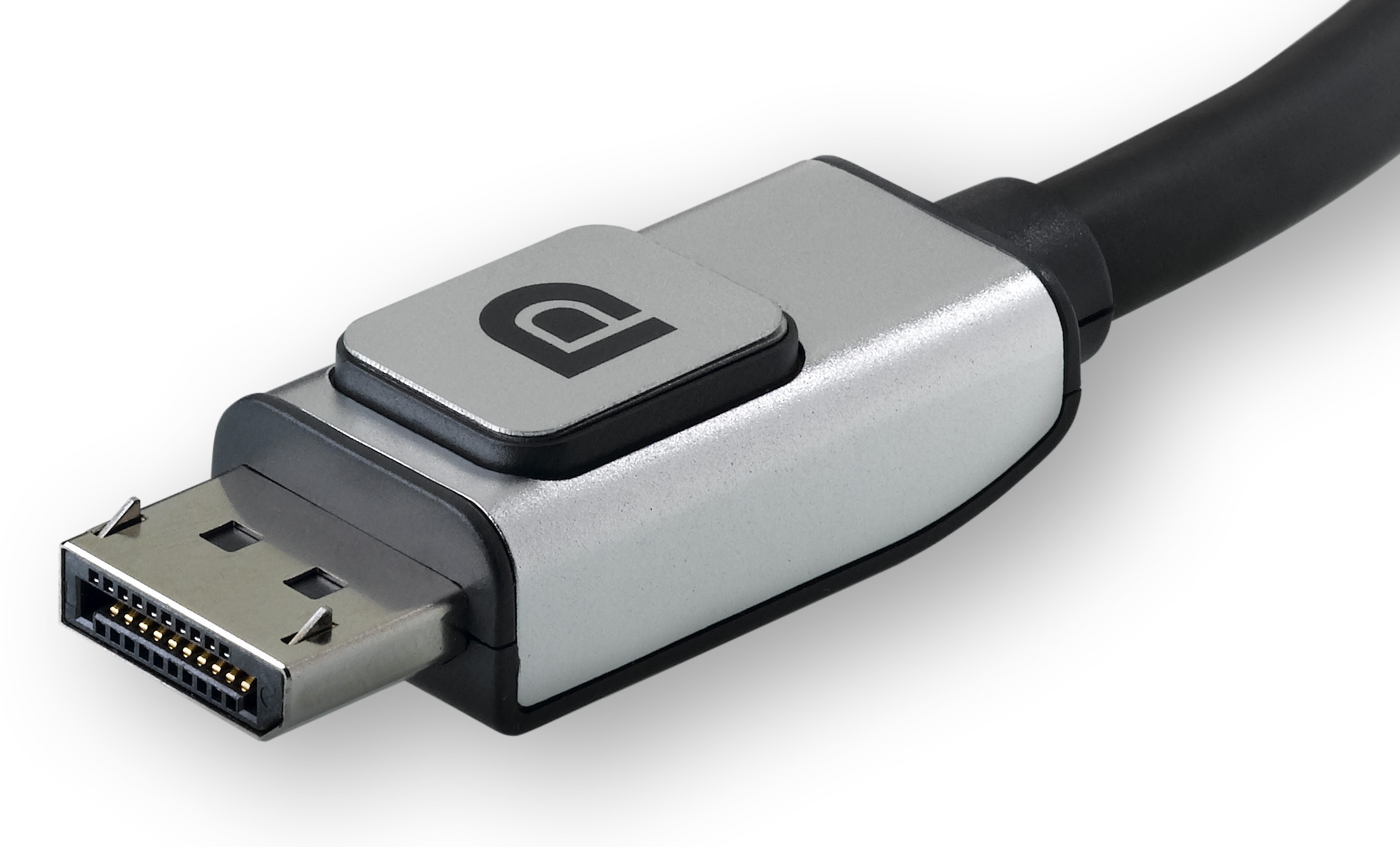
This tag collects articles about connecting, configuring, and troubleshooting DisplayPort and related display technologies on consumer computers and monitors. It is written for everyday users who are setting up a new screen, adding a second display, or trying to get a specific monitor to work with a laptop, mini PC, or all-in-one system. The focus is on practical, real-world connection problems rather than technical deep dives.
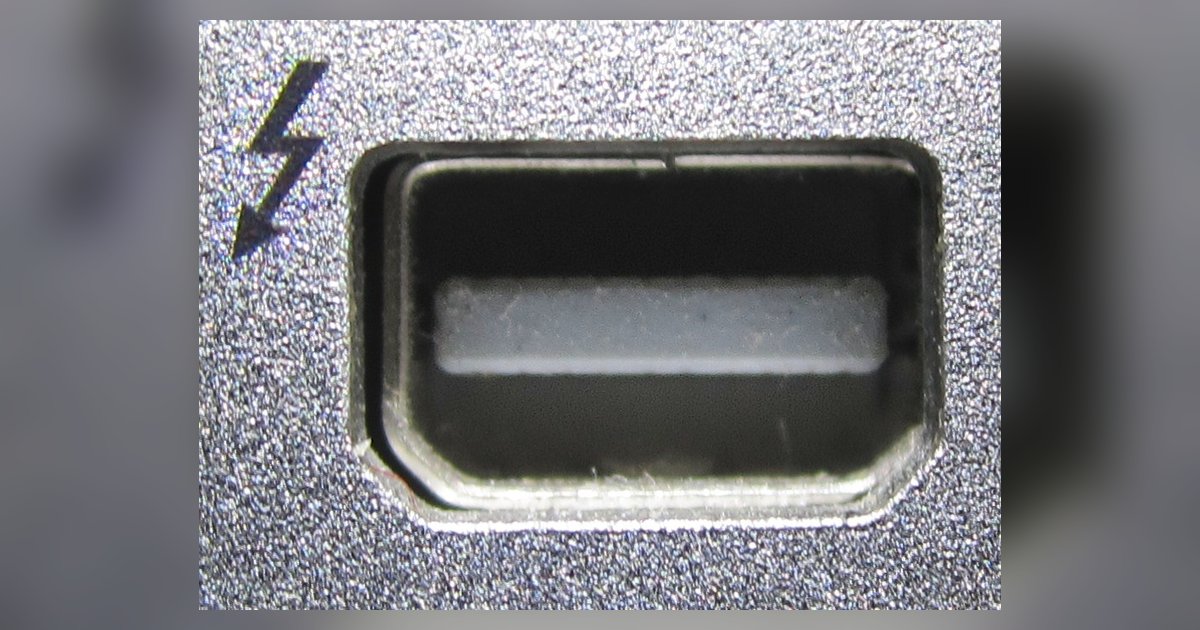
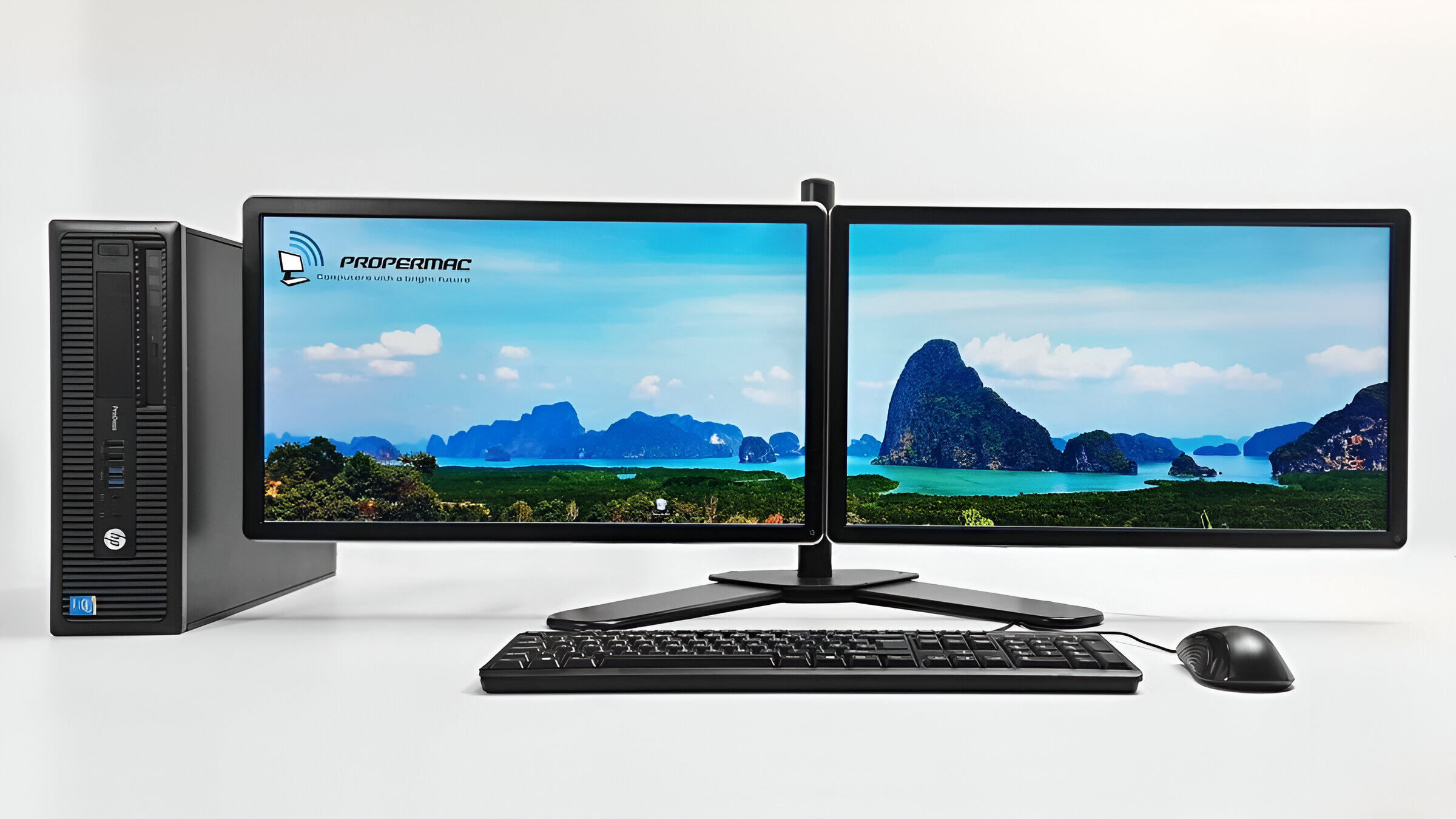
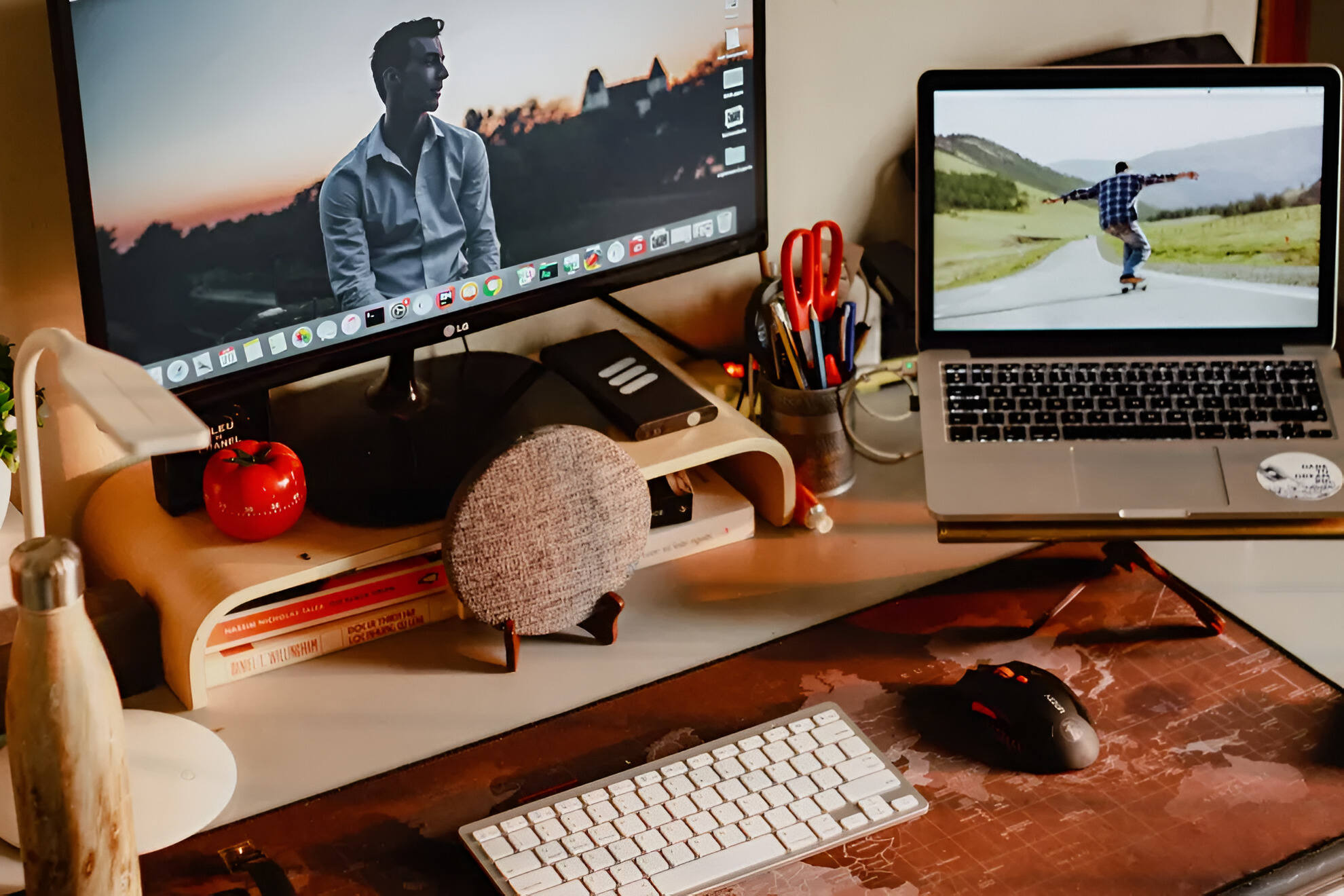
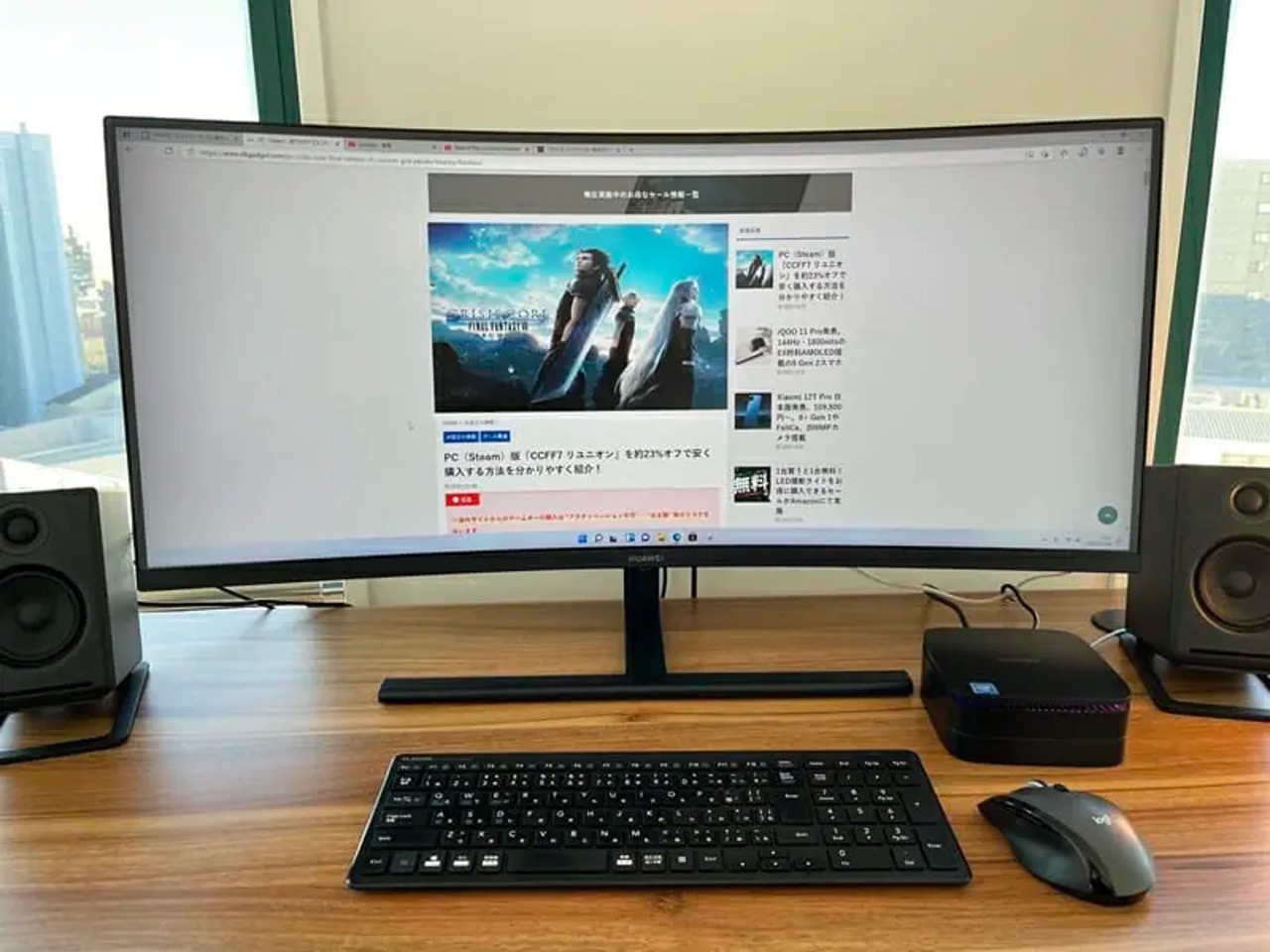
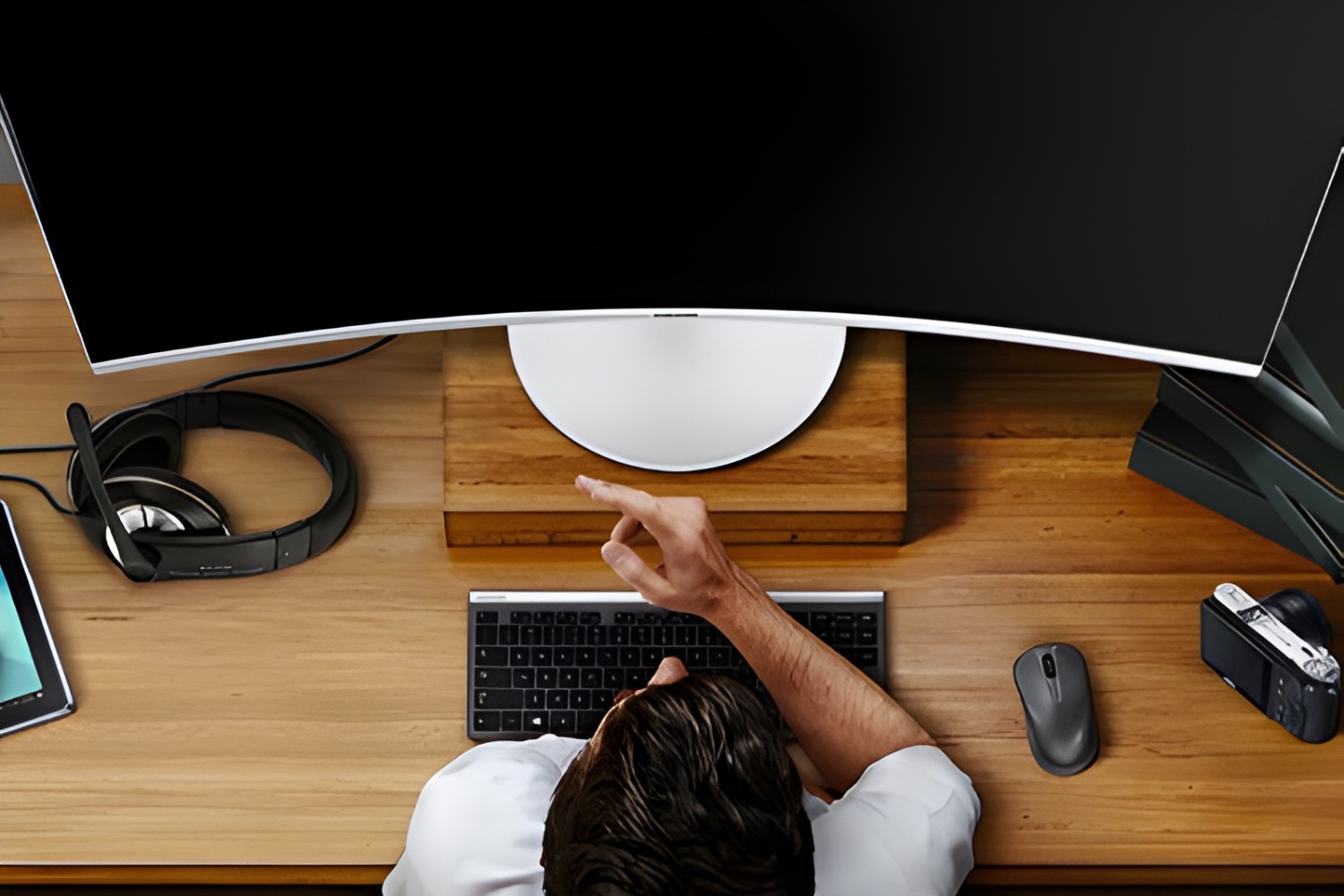
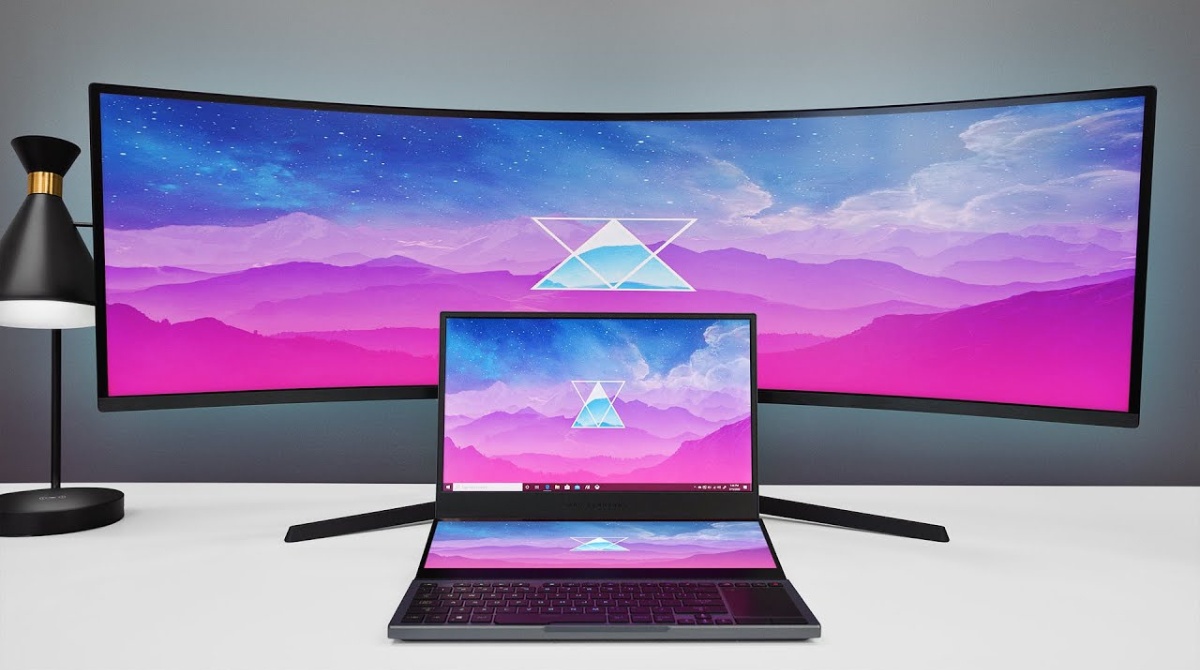
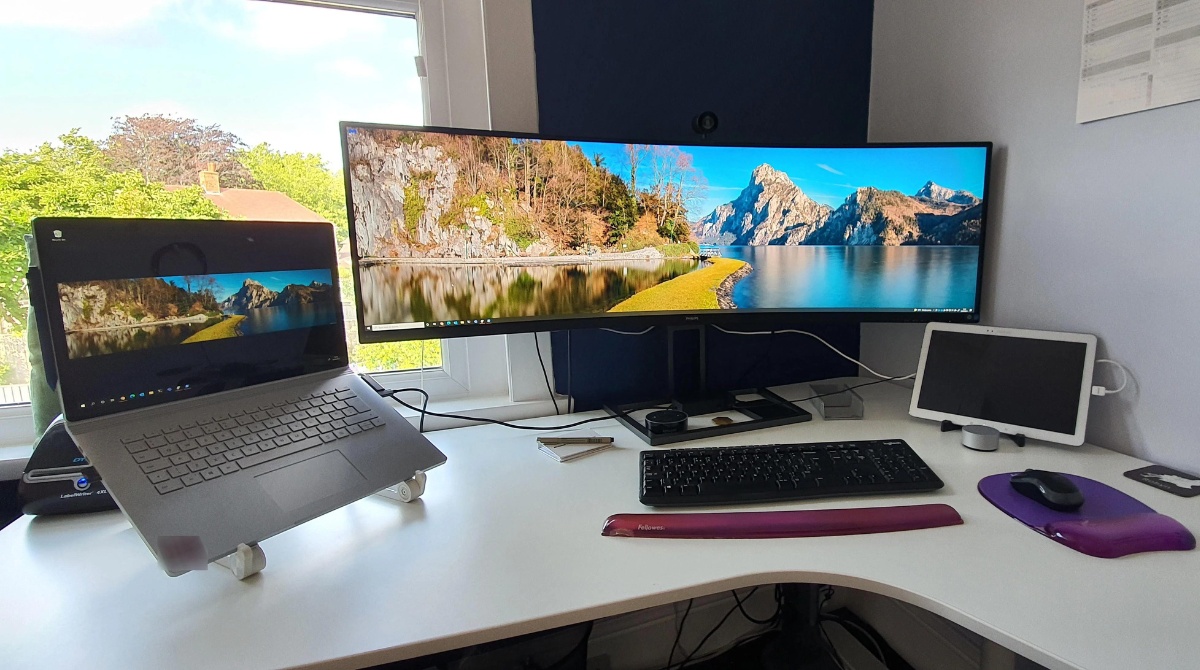
Several articles tackle the theme of making different devices talk to each other through the right cable or port. For example, readers can learn how to connect an HDMI laptop to a DisplayPort monitor, how to enable HDMI Alt Mode, and how to set up a mini PC to a monitor. Another group of articles centers on ultrawide monitors, how to display on them from a laptop, why a PC might not recognize one, and whether a Thunderbolt cable affects performance on a Mac. A third theme is multi-screen setups, including adding a second monitor to an all-in-one PC, turning that all-in-one into a screen for a laptop, and what to do when Windows key + P does not detect a second screen.
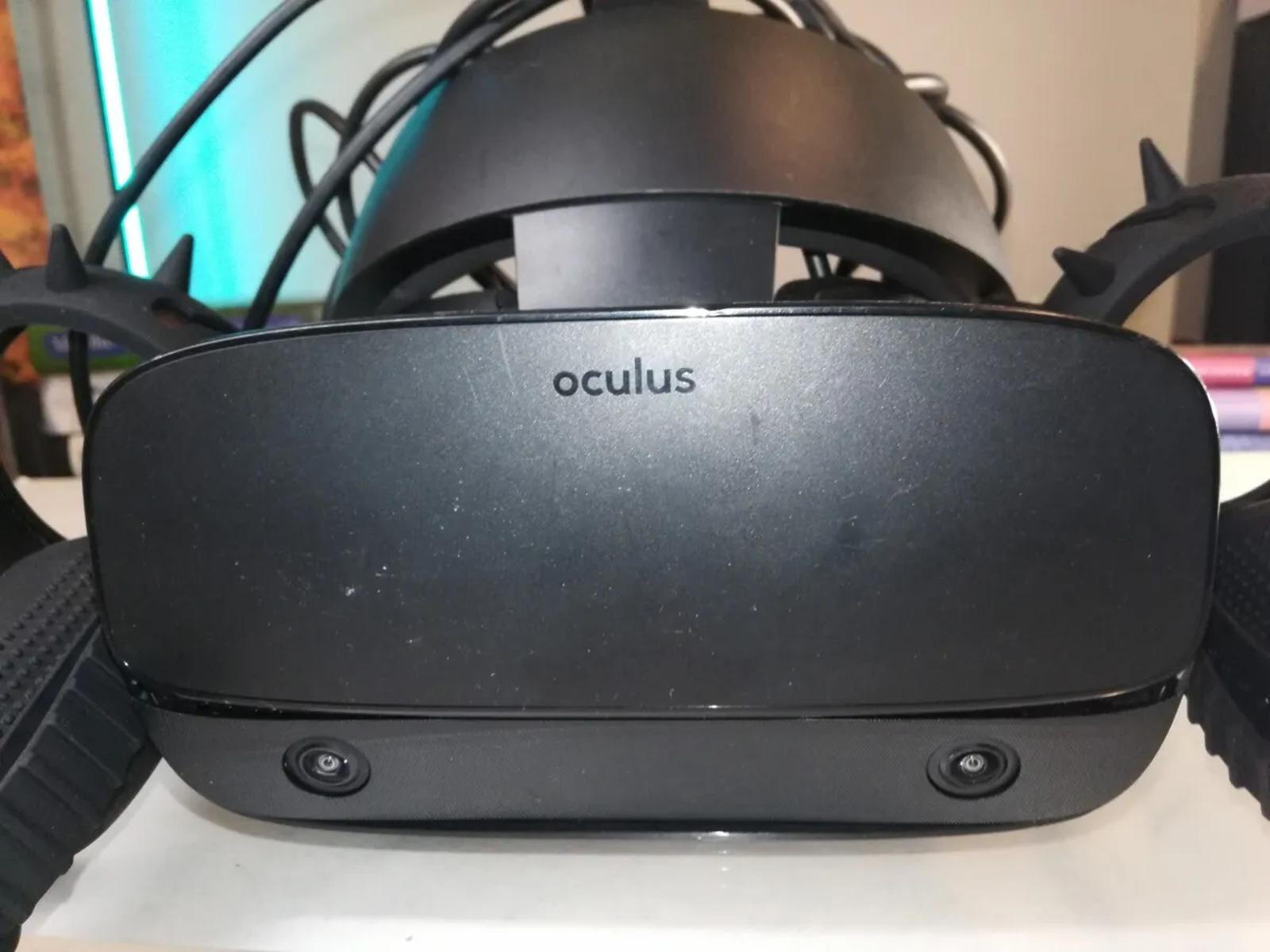
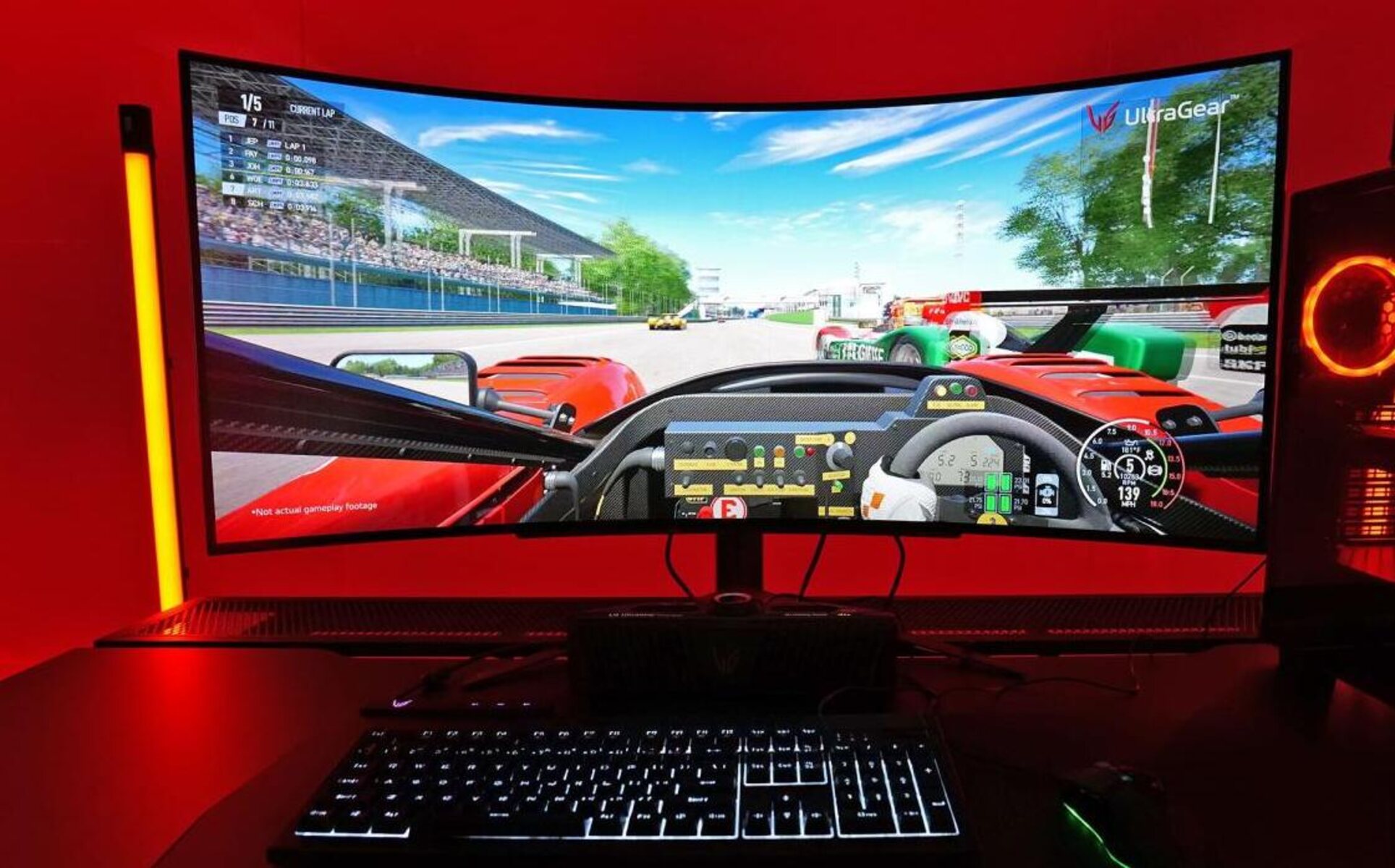
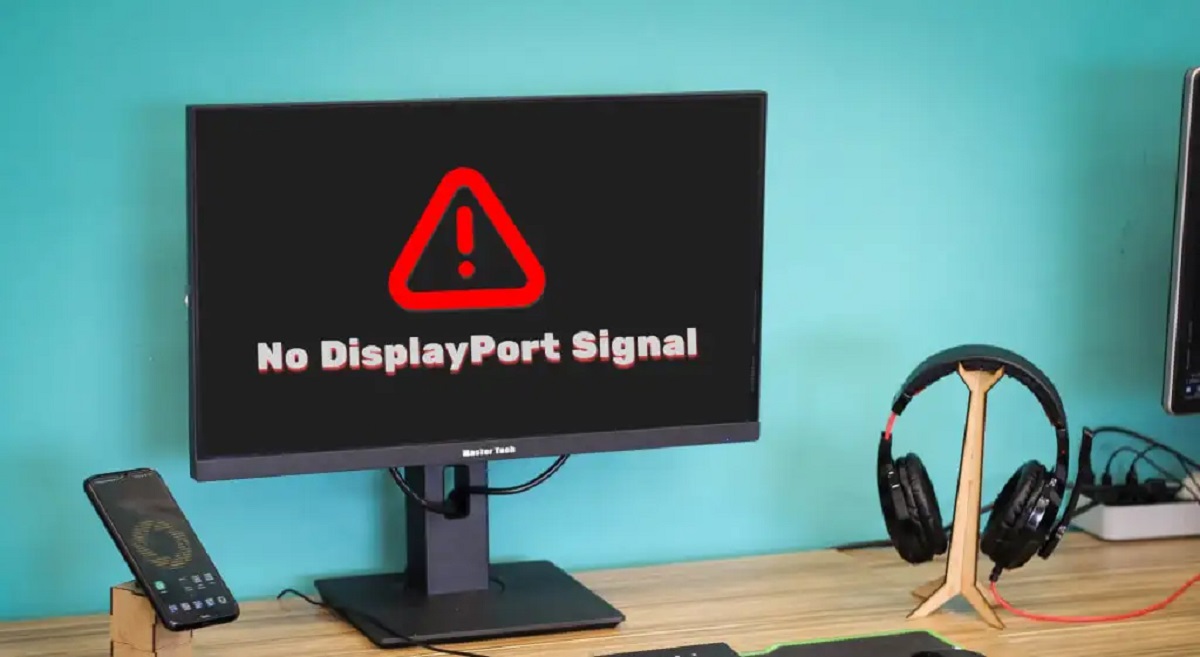
Beyond basic hookups, the tag also covers specific display settings and device compatibility. Articles explain what the “DP” signal means on Dell and other monitors, how to change the refresh rate on an LG UltraGear gaming monitor, and how to set up an Oculus Rift S for PC-powered VR. These pieces help readers get the correct picture, resolution, and performance from their hardware, without venturing into risky or unsupported modifications.