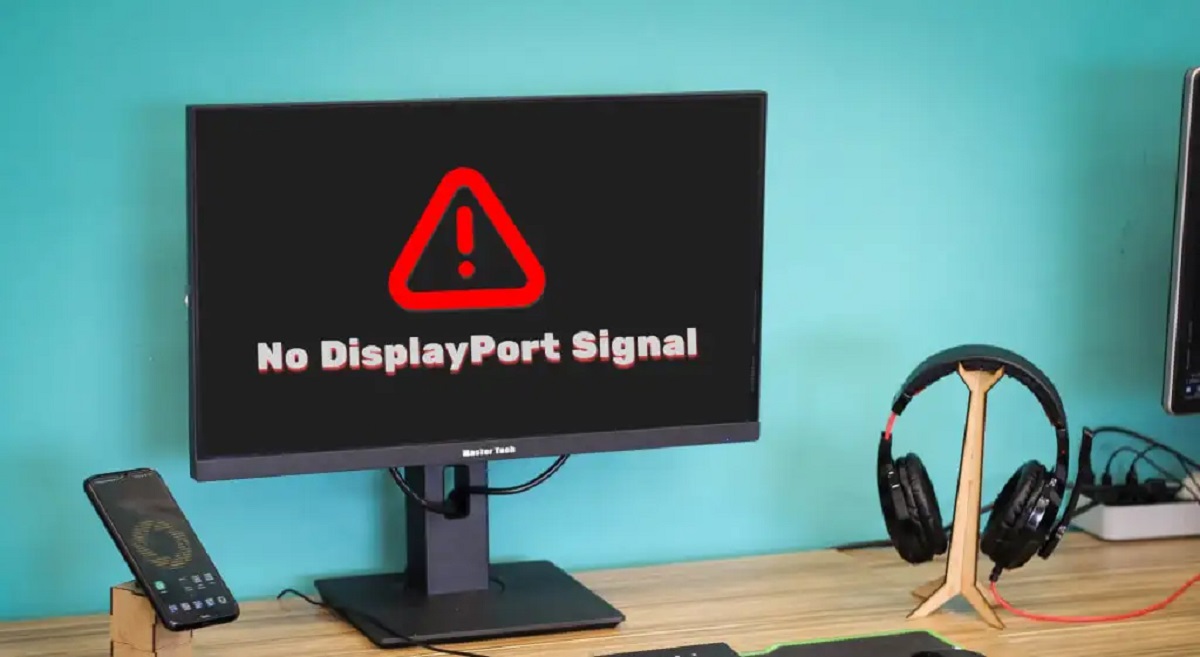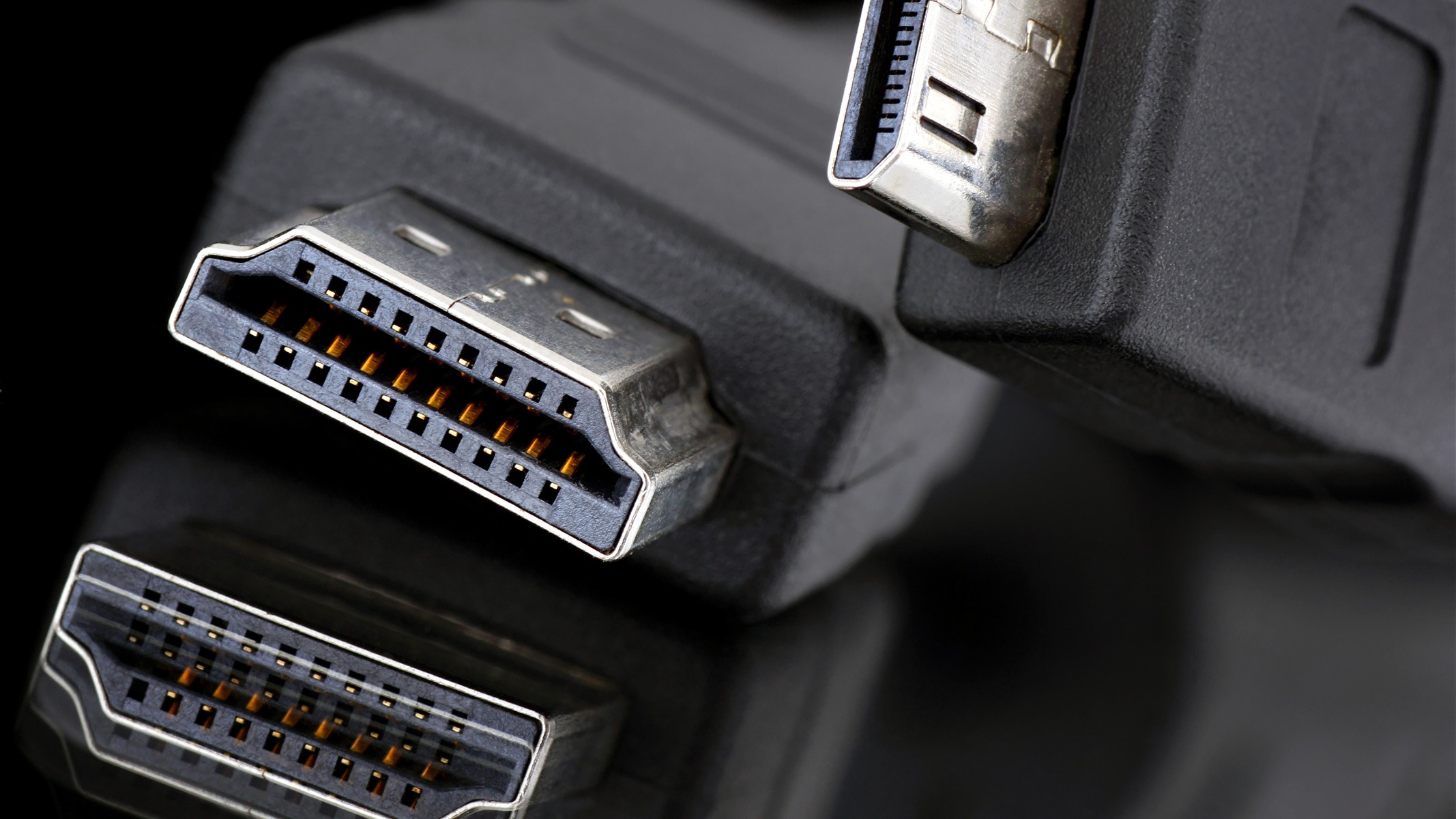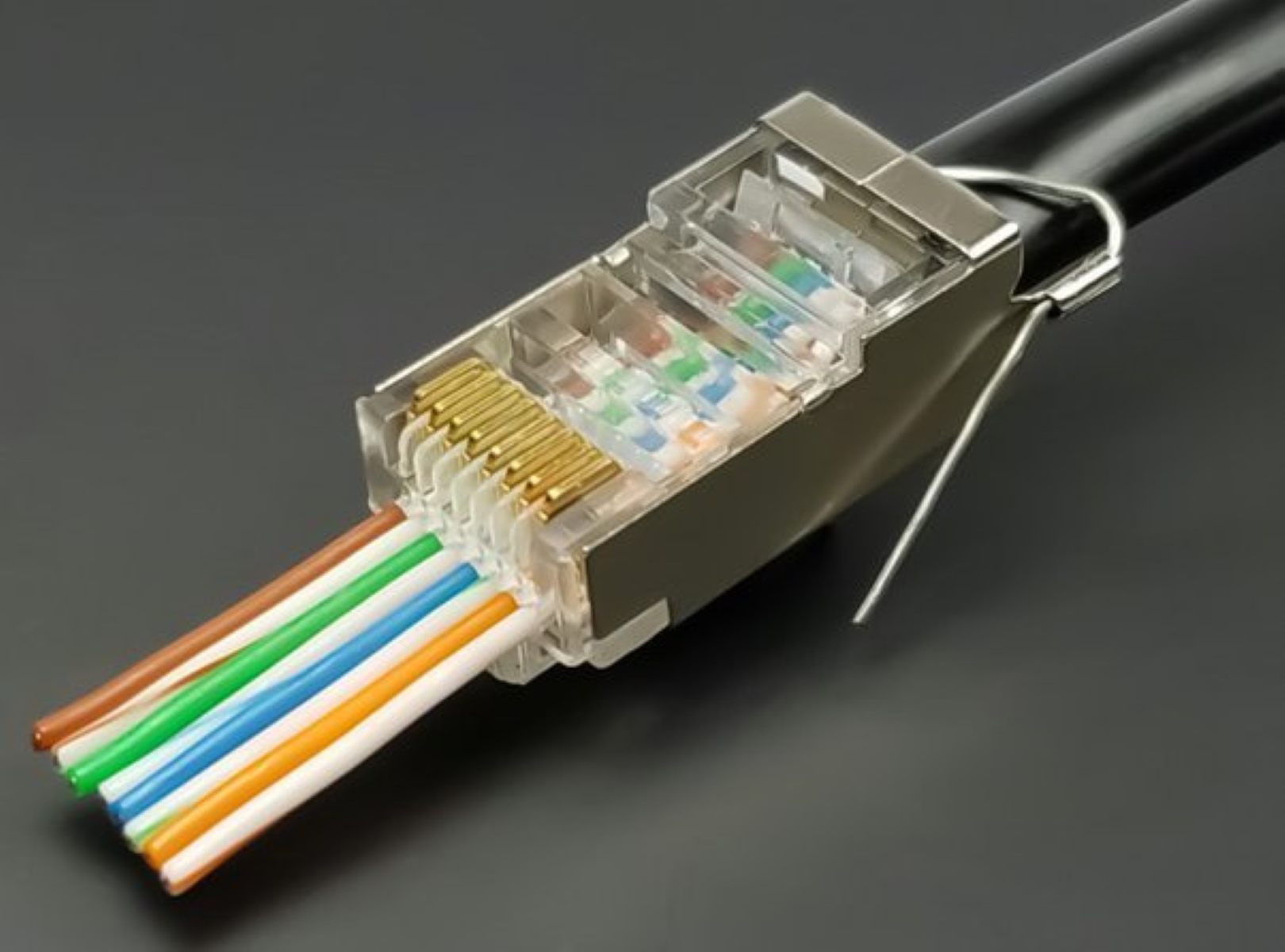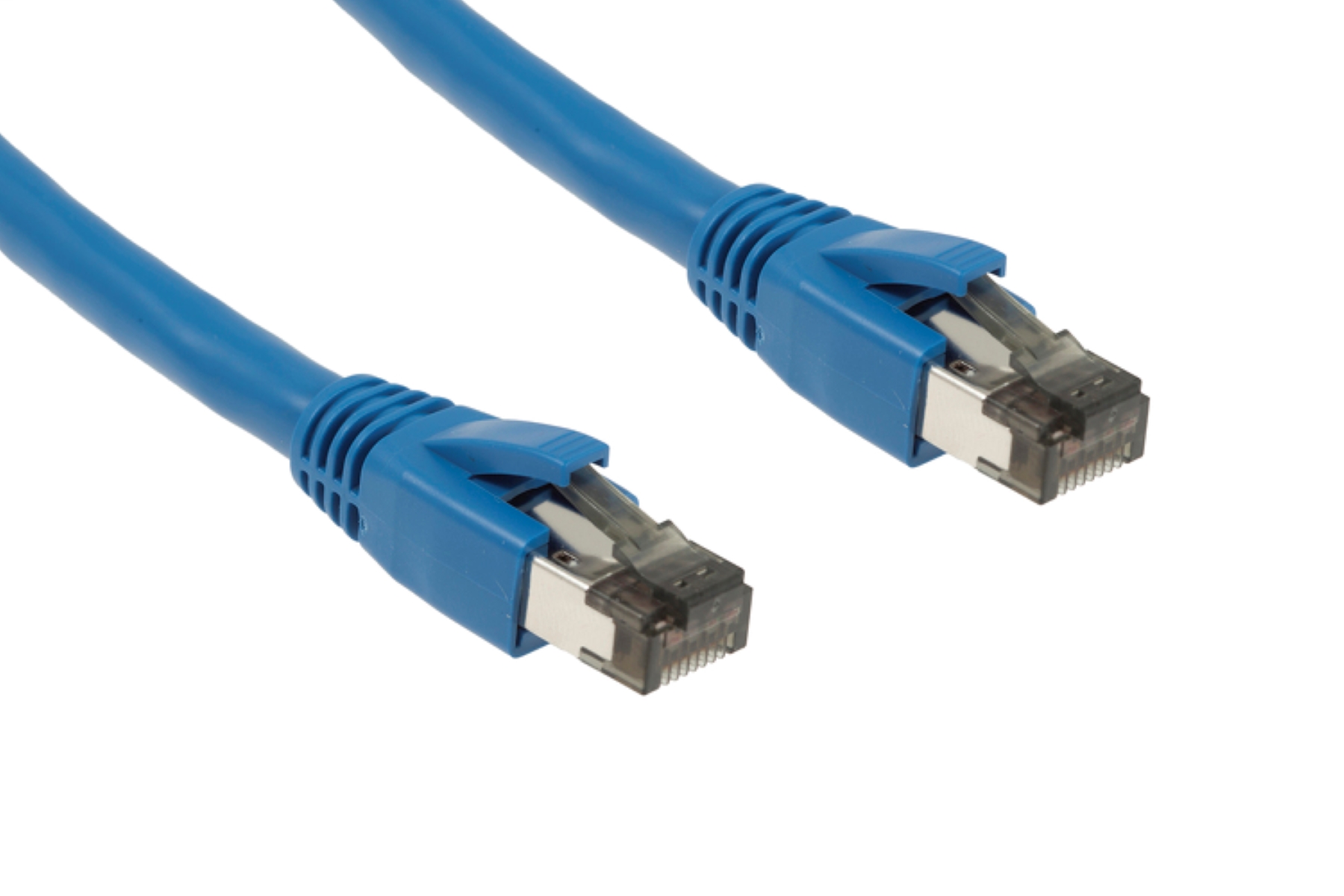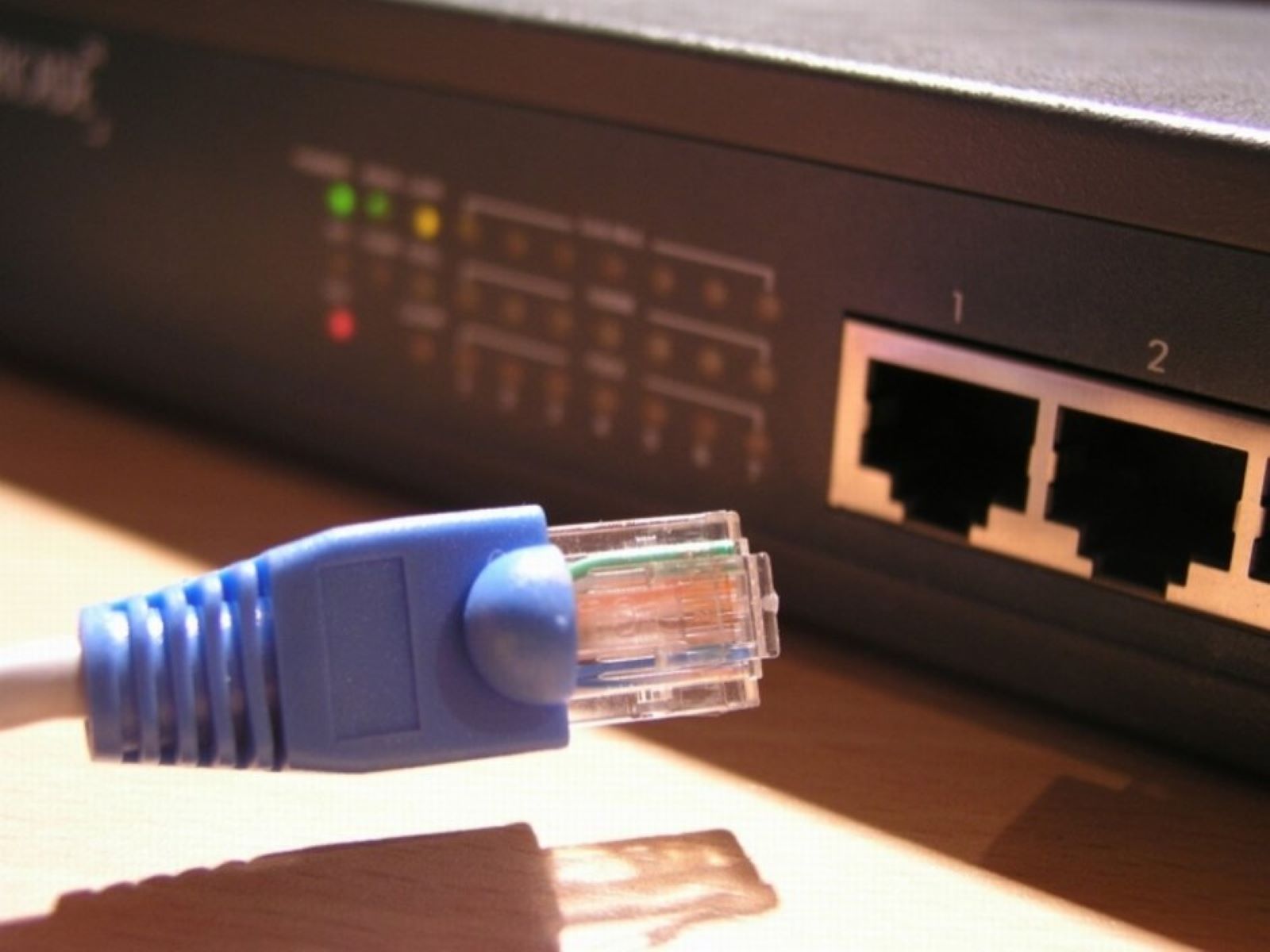
This tag collects articles about the physical wires and ports that connect your devices, from Ethernet and HDMI to Thunderbolt and DisplayPort. It is written for anyone who has ever stared at a tangle of cables behind a TV, a monitor, or a gaming console and wondered which one does what, or why something stopped working. The focus is practical: identifying the right cable for a job, fixing a connection issue, or understanding a signal standard before you spend money on an upgrade.
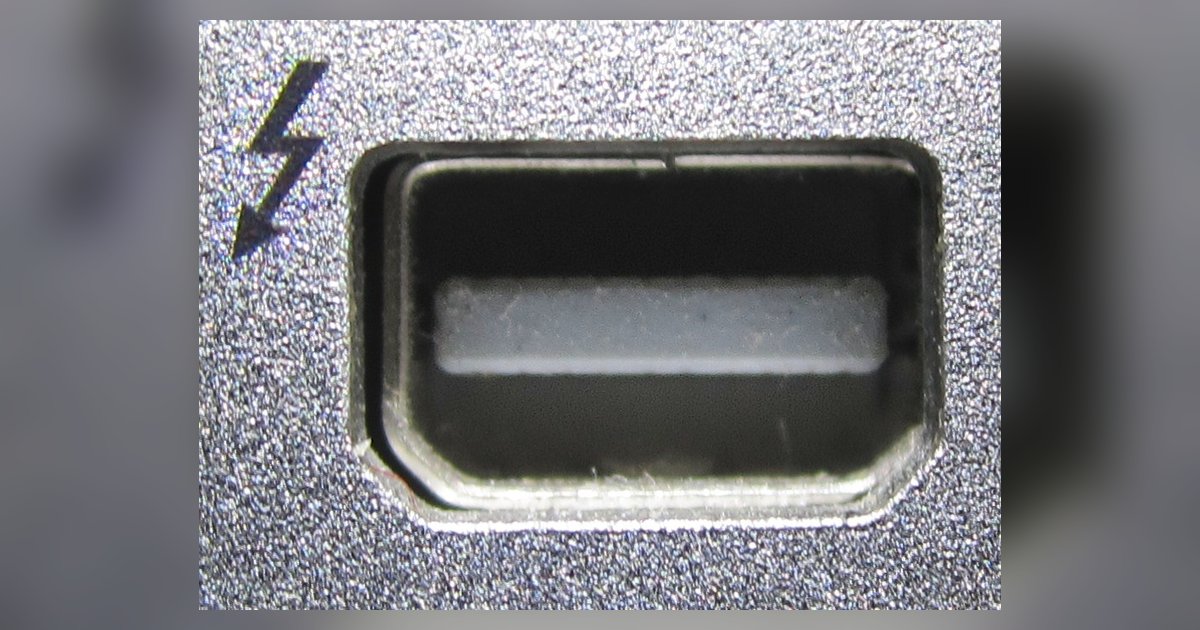
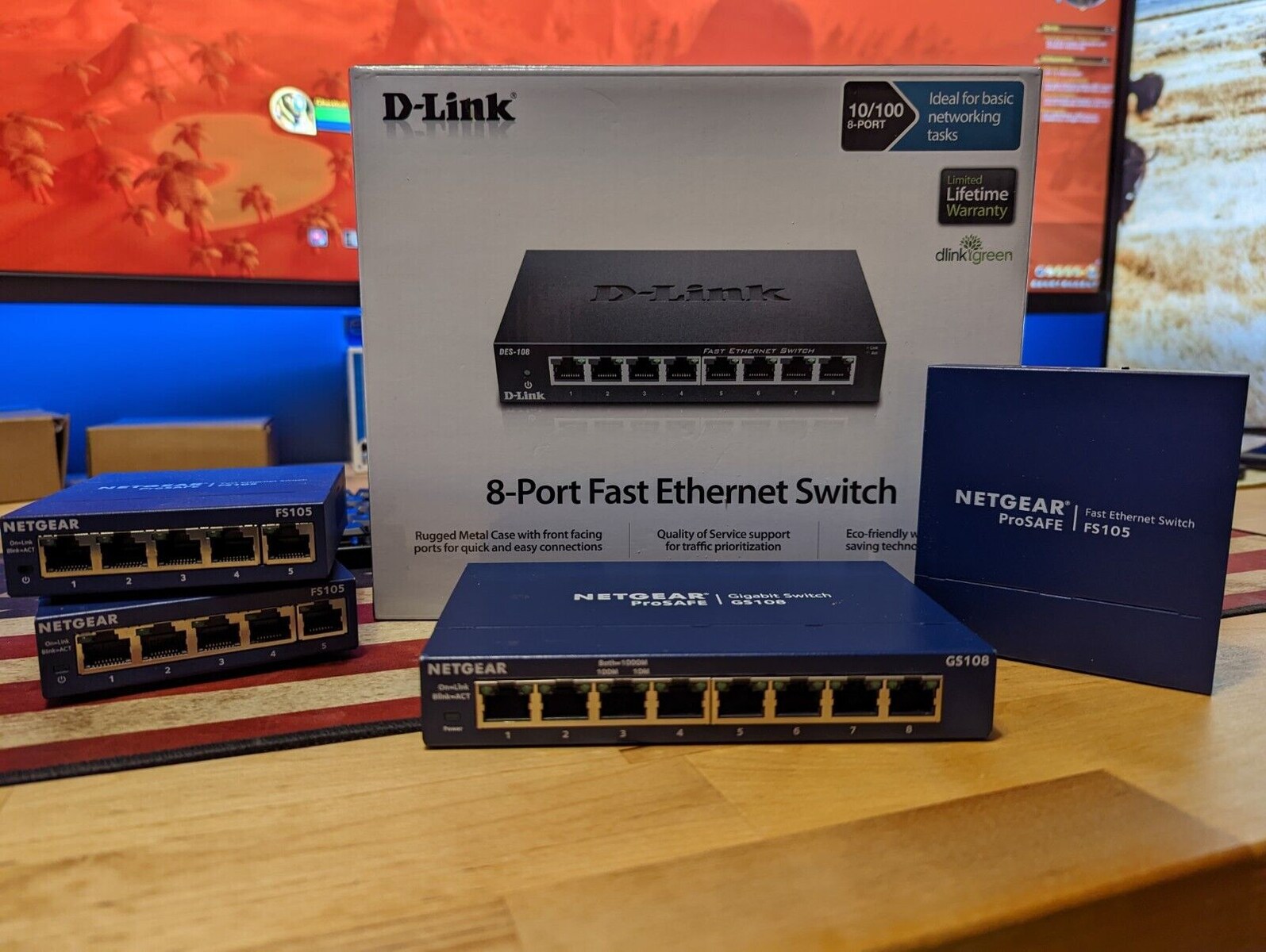
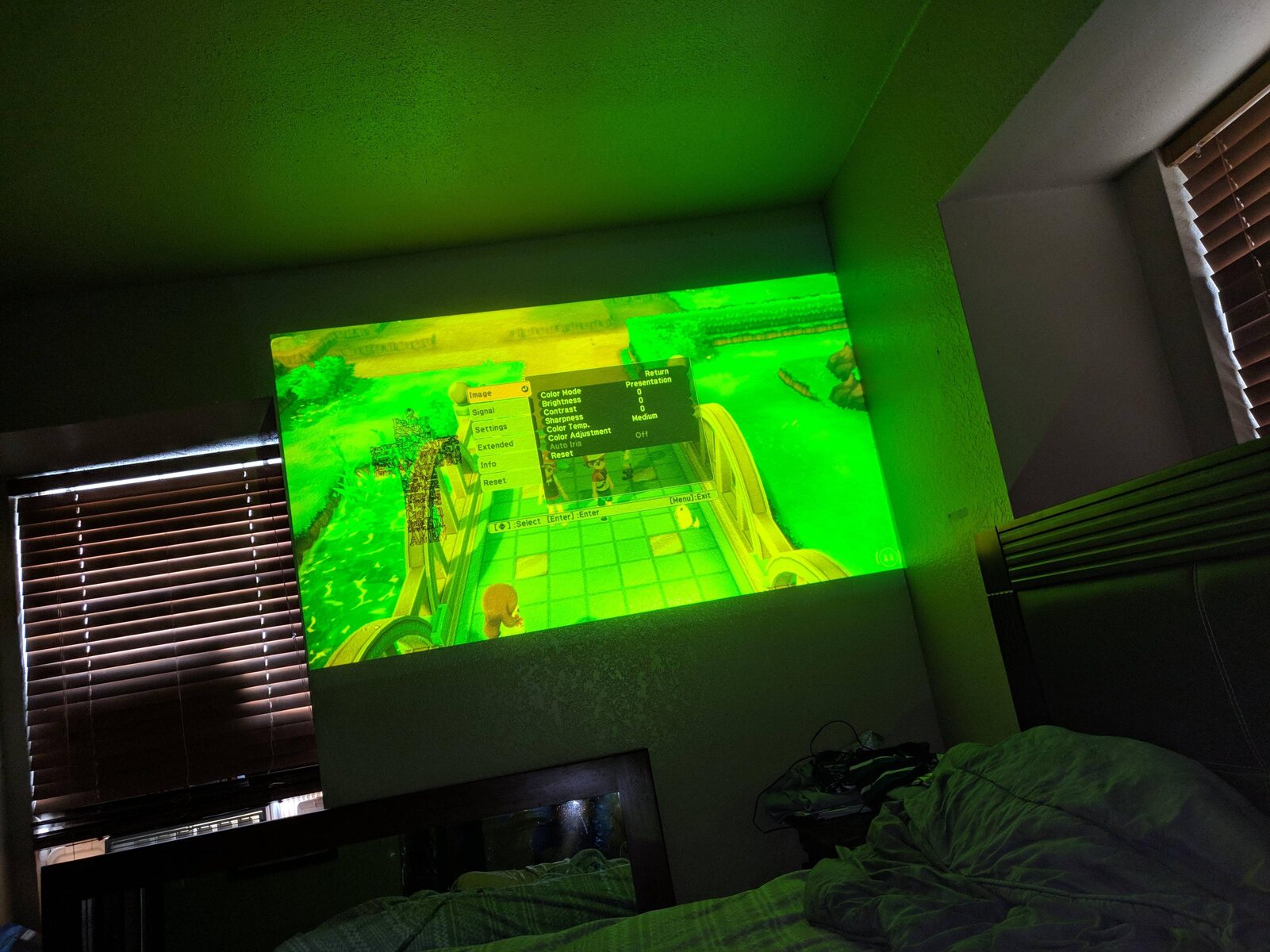
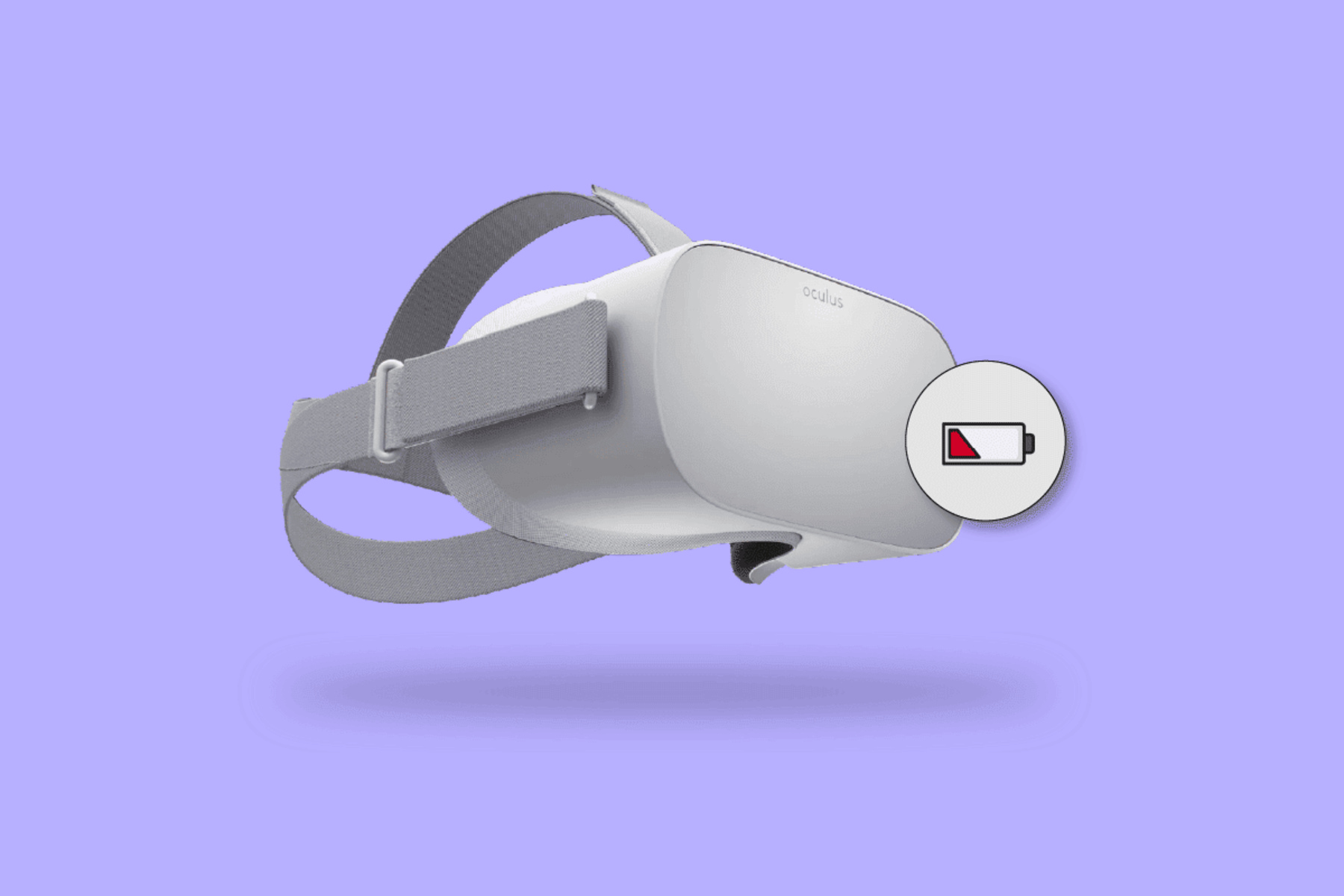
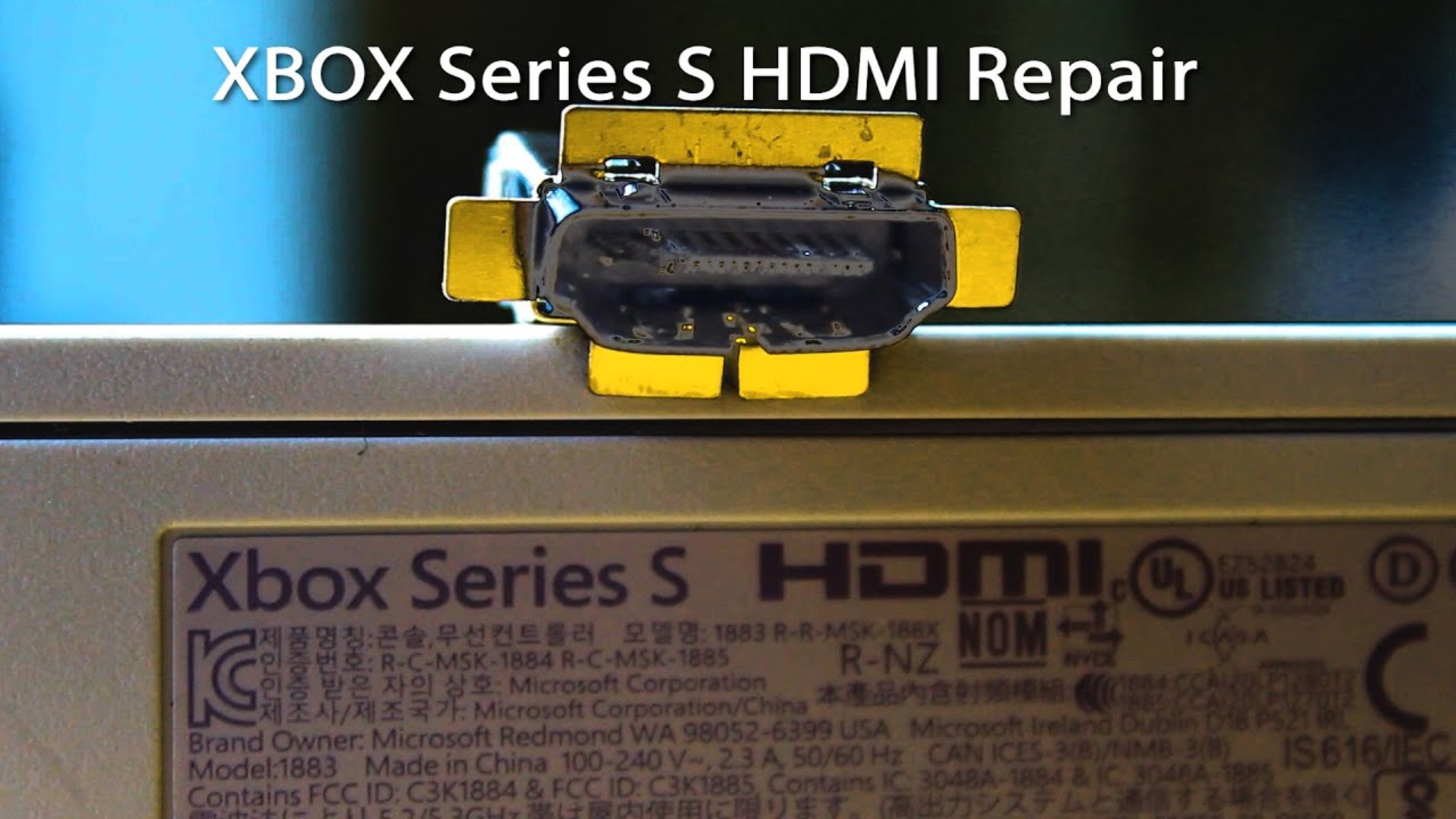
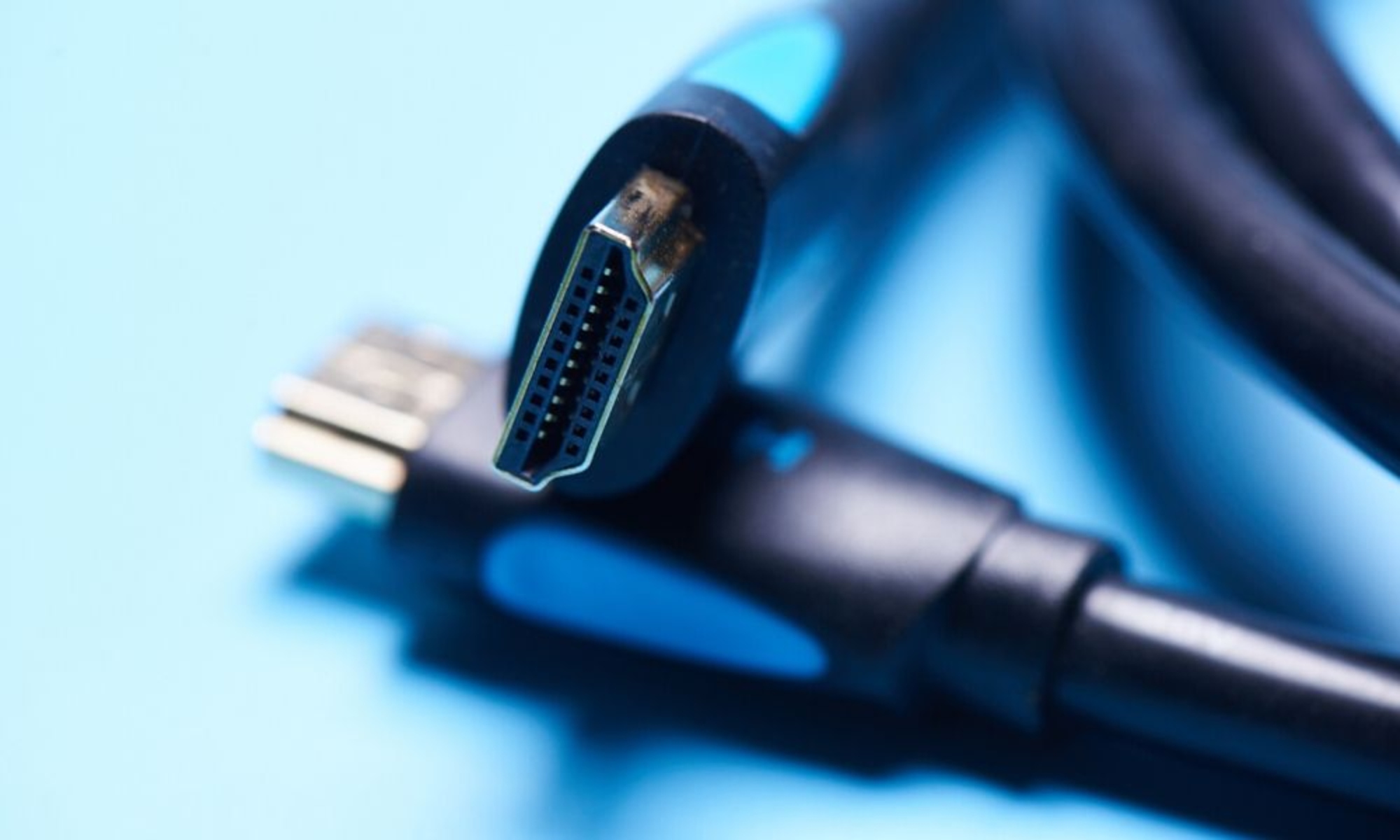
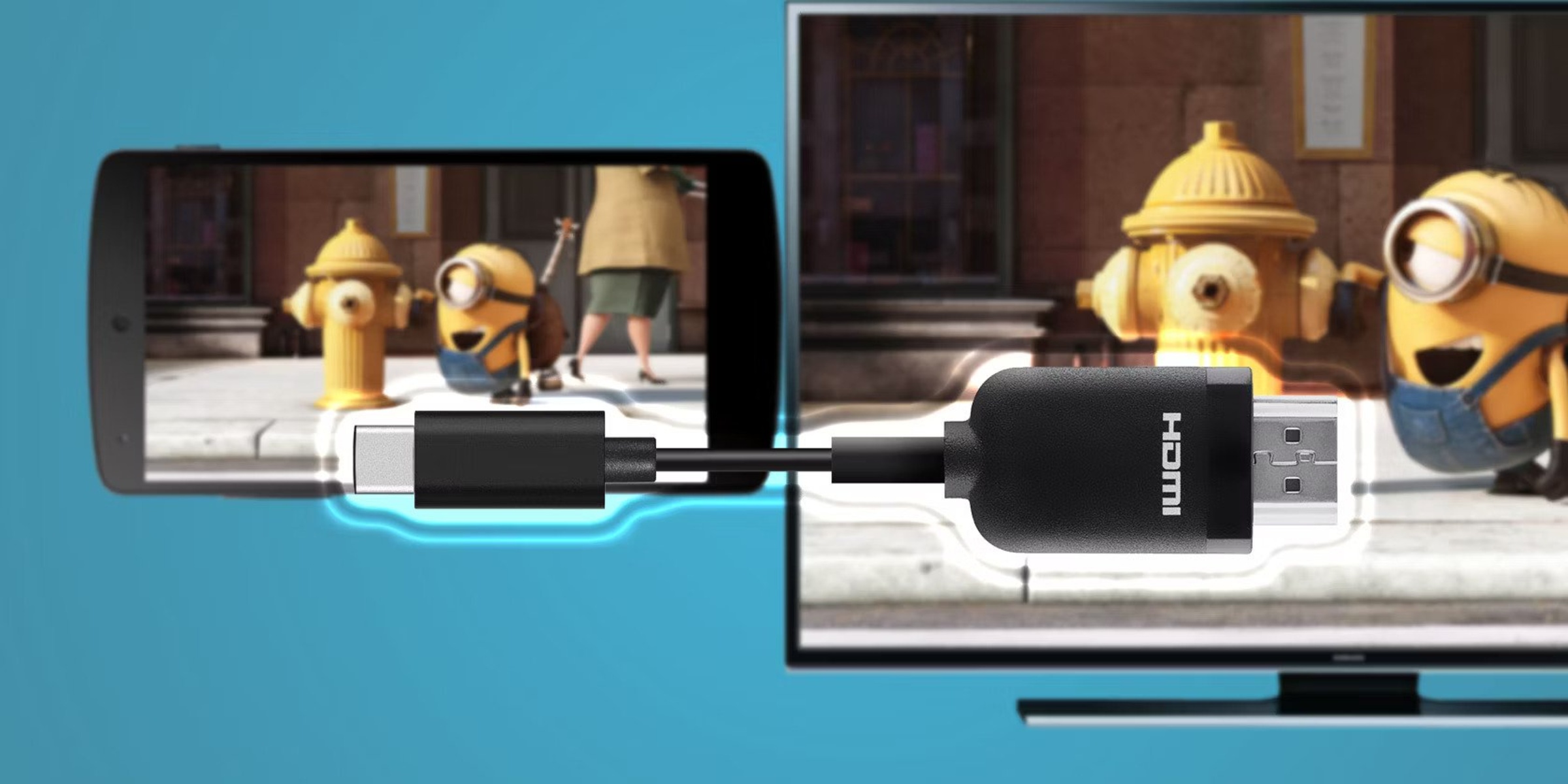
The articles here cluster around three real-world problems. First, there is the “choose the right cable” theme: you can read about the actual differences between Cat6 and Cat8 Ethernet cable, or learn what a DP signal on a Dell monitor means, and how much a Thunderbolt cable really affects ultrawide monitor performance on a Mac. Second, there is the “diagnose and repair” theme: articles explain how to tell if your HDMI cable is bad, how to unplug an Ethernet cable without damaging the port, and how to fix an Xbox Series S HDMI port, the latter framed as careful, safe repair guidance, not a hack. Third, there is the “make it work” theme, covering how to enable HDMI Alt Mode on a laptop, why a VR headset might not be charging, and how to connect a network switch to another network switch, plus where to get an HDMI cord when you need a replacement quickly.
Across all of these, the goal is to help you act with confidence: choose, connect, diagnose, and repair, without risking your gear or your safety. The articles treat cables as the quiet backbone of your setup, and they give you the knowledge to keep that backbone solid.