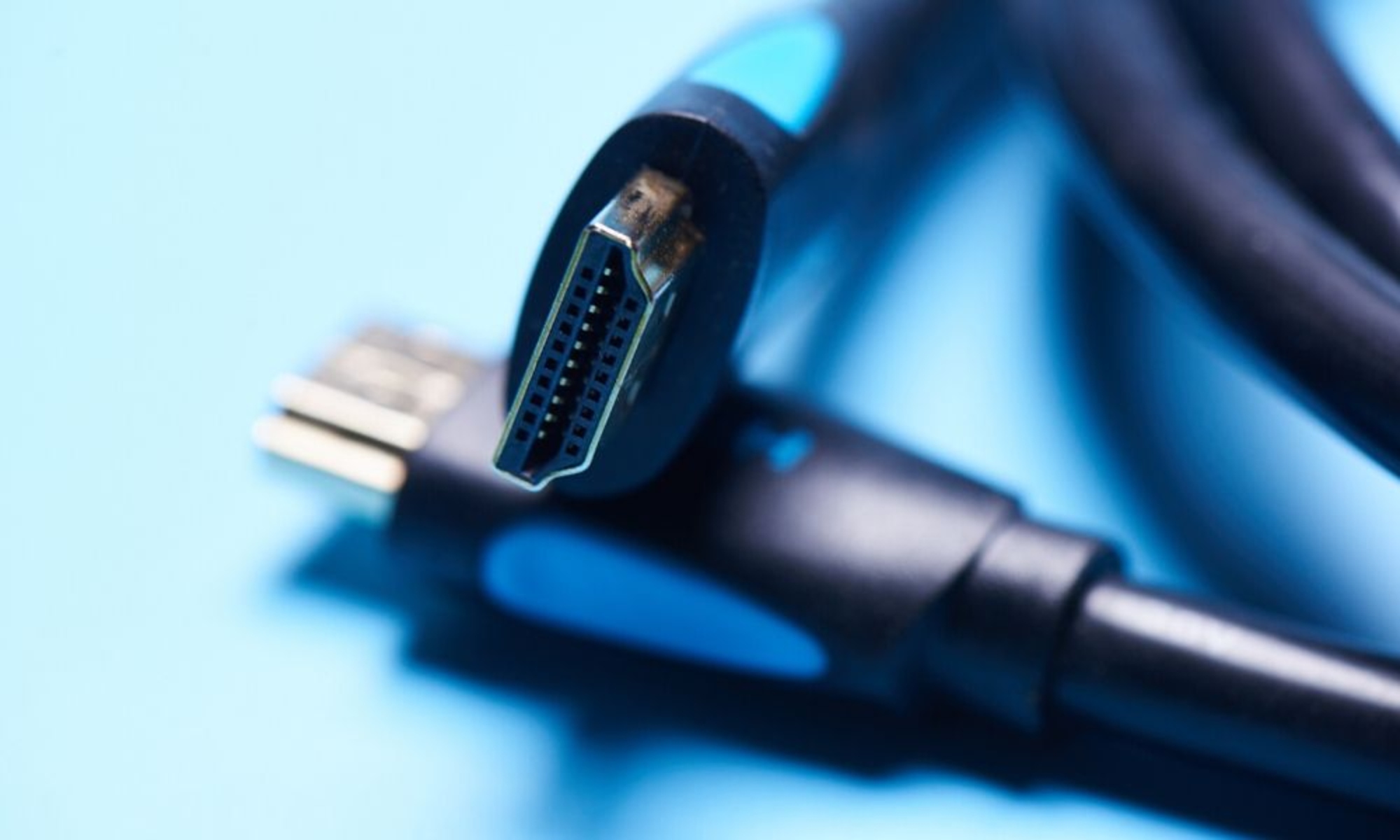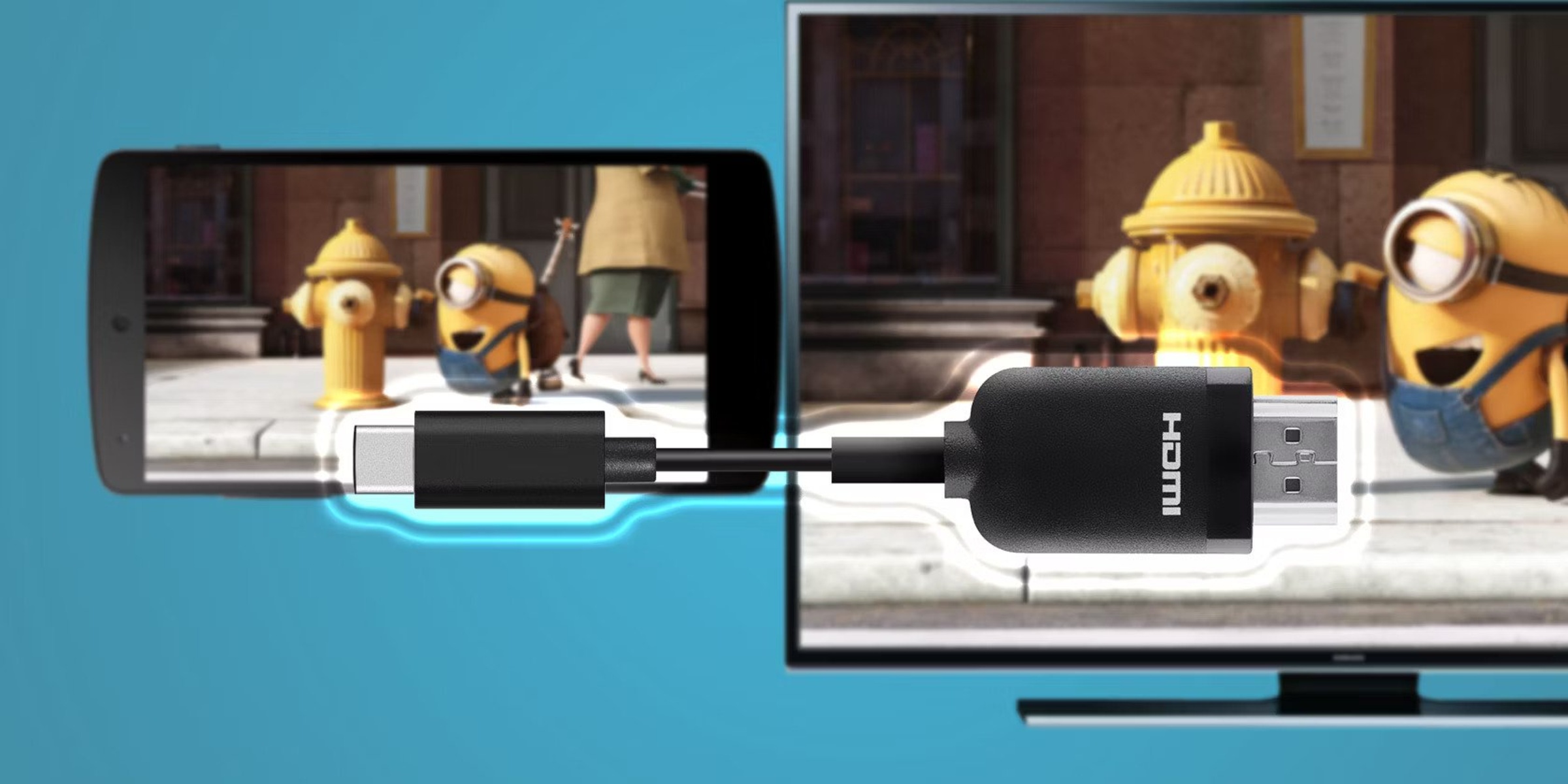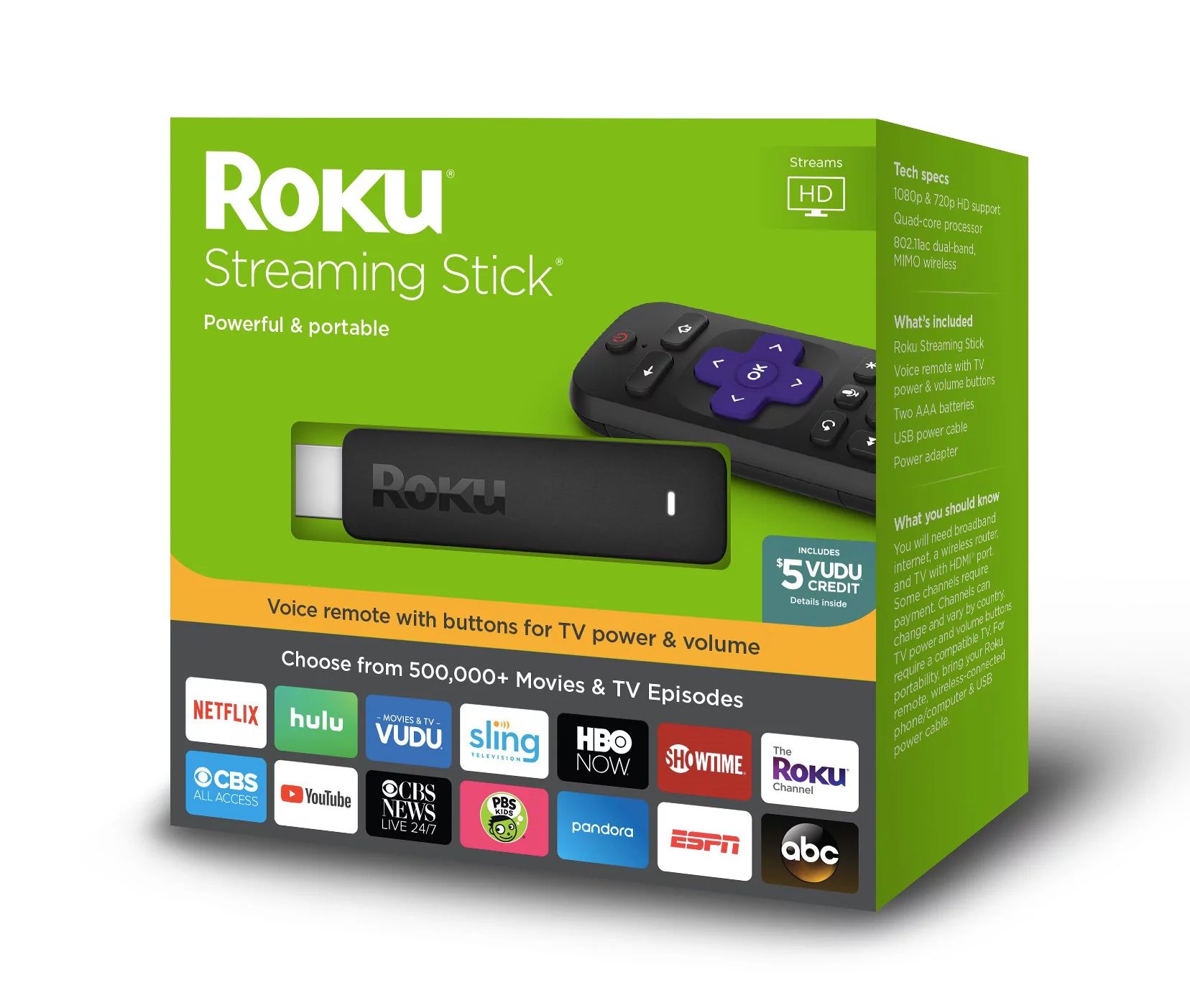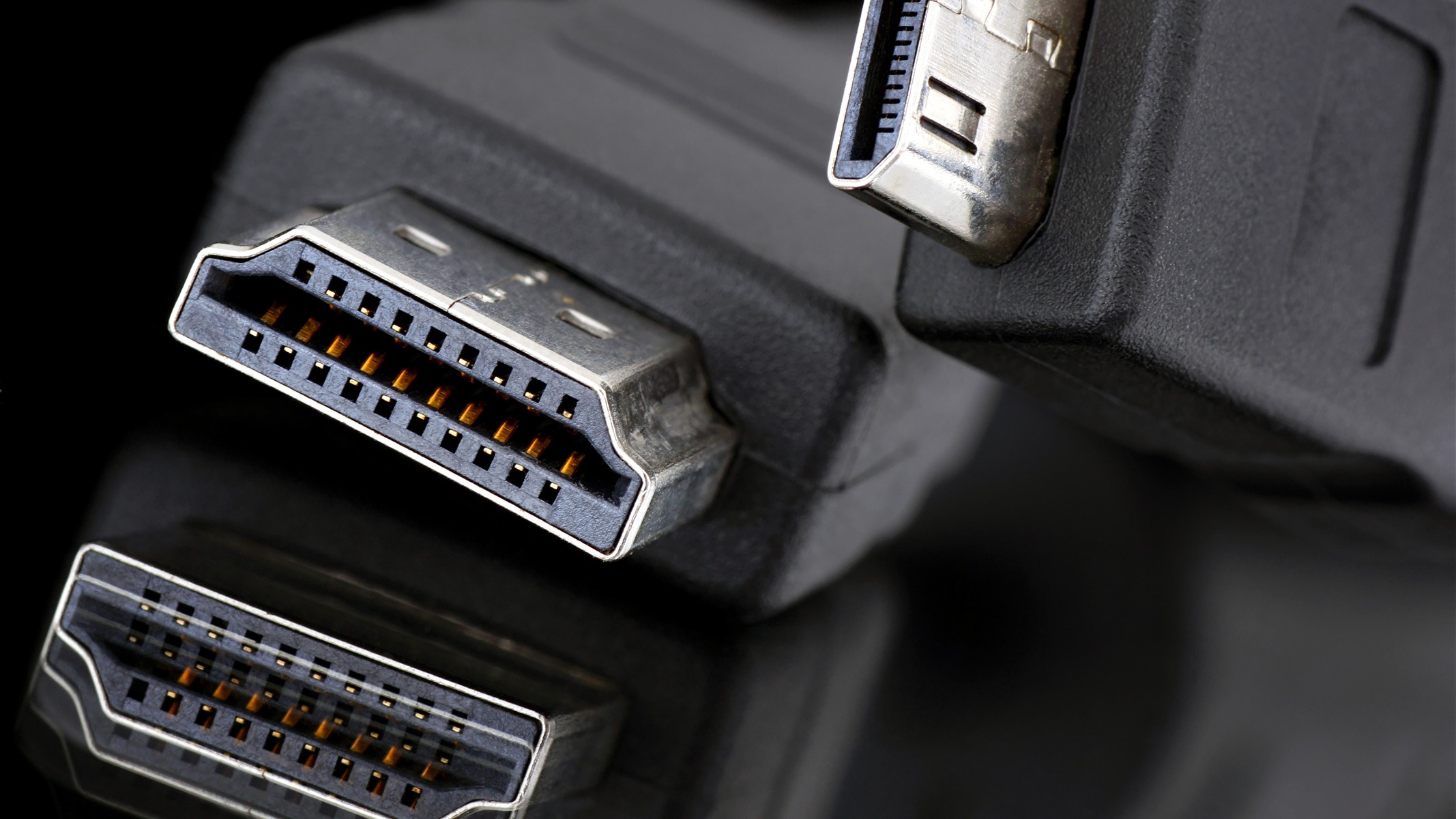
To get an HDMI cord, the most convenient and affordable places are Amazon for the widest selection and best reviews, Best Buy for immediate local pickup, and Walmart for budget-friendly options. This article covers where to buy HDMI cords online and in-store, from bulk packs at wholesale clubs to specialty cables for gaming and 4K setups.
Best online retailers where to get HDMI cord
Amazon and eBay are the primary online sources for HDMI cords. Amazon offers thousands of listings from multiple brands, making it easy to compare prices, read customer reviews, and find exactly the length and speed rating you need. eBay is ideal for finding new or used cables at discounted prices, often from individual sellers. Customer reviews are particularly useful for spotting cables that fail prematurely or don't deliver advertised performance.
Local electronics and department stores: Best for getting it today
Best Buy, Walmart, and Target are the most reliable brick-and-mortar options when you need an HDMI cord immediately. Best Buy has dedicated cable sections with staff who can answer questions about compatibility. Walmart and Target offer competitive pricing and the convenience of buying an HDMI cord alongside other household items. All three stores allow you to check in-store availability online, offer easy returns, and let you get help from staff if you're unsure which cable fits your device. If you plan to hide the cord for a clean setup, you may also need to pull HDMI cable through wall.
Wholesale clubs: Best for buying in bulk
Costco and Sam's Club sell multi-packs of HDMI cords, which provide the best value when you need to set up multiple rooms or a new home theater. Buying a three-pack or six-pack at a wholesale club typically costs less per cable than purchasing individual cords elsewhere. These stores also carry high-quality cables that meet current standards, so you can stock up with confidence.
Specialty needs: Gaming and 4K setups
Quick buying tips and what to check
Before buying, follow this final checklist. First, measure the distance between your devices and choose a cable length that leaves some slack; too short is frustrating, too long creates clutter. Second, if you buy a used cable from eBay or a thrift store, test it immediately by connecting it to your TV and source device; a faulty cable can cause flickering, no signal, or intermittent audio. For more help, consult a guide on identifying faulty cables, which covers common issues like bent pins or broken internal wires.
\nRelated reading: How To Tell If Your HDMI Cable Is Bad and How To Enable HDMI Alt Mode.