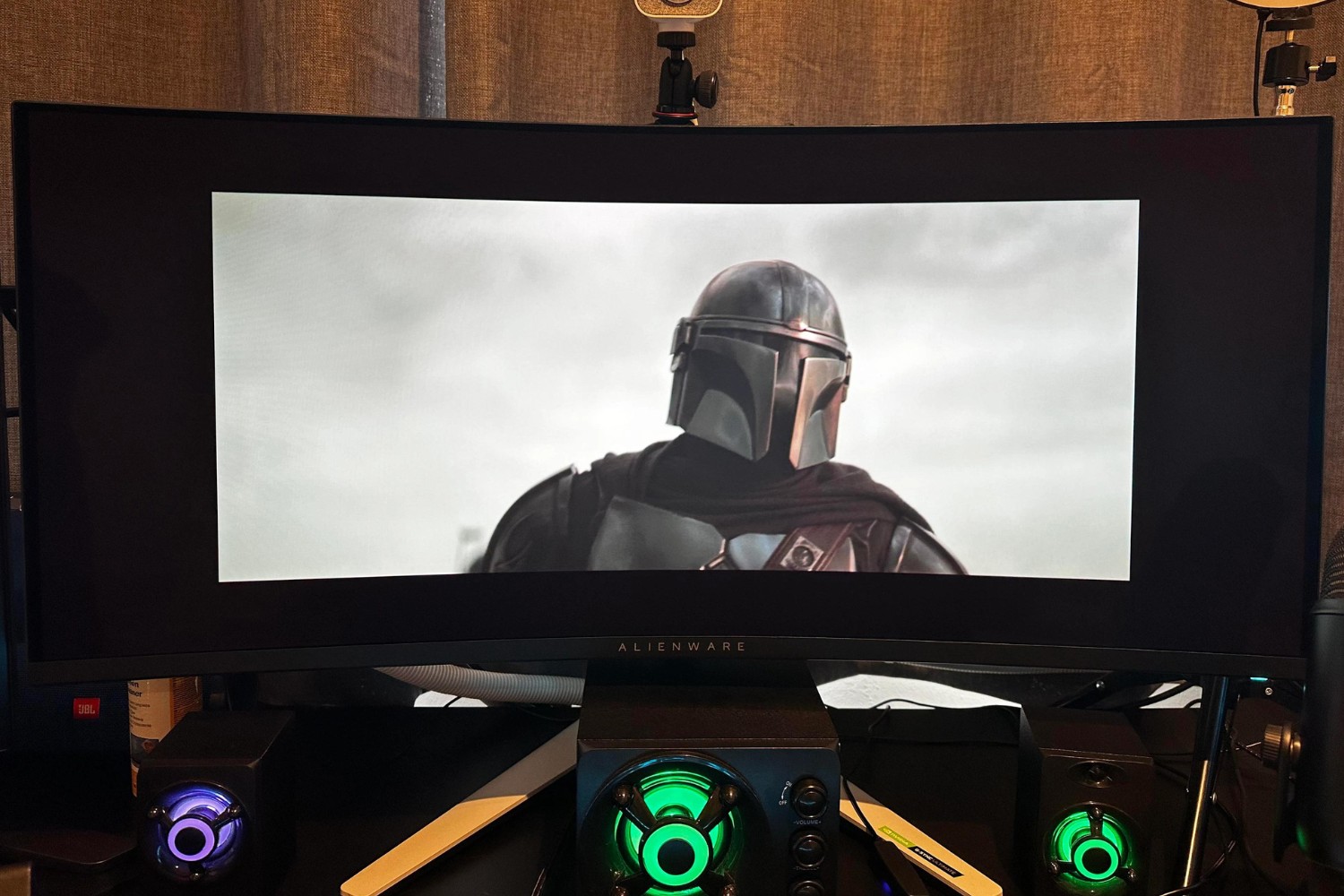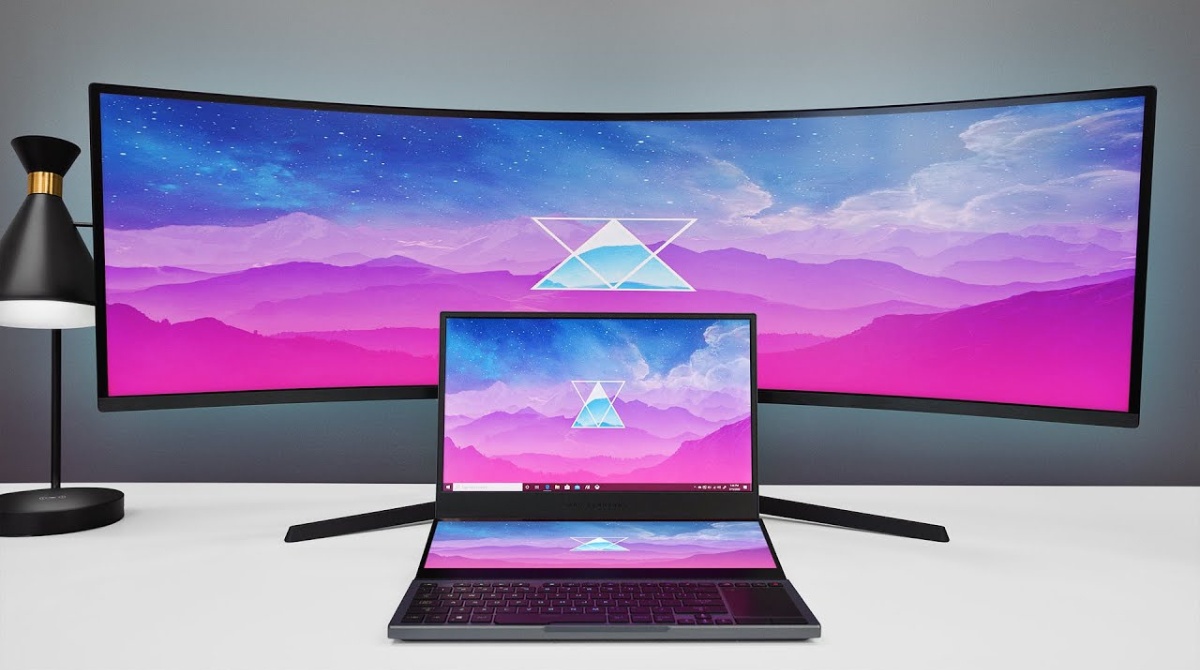
This tag collects practical guides for anyone using, or thinking about using, an ultrawide monitor, whether as a primary display for work and streaming, or as a secondary screen hooked up to a laptop or Mac. It is written for everyday users who want their hardware to behave predictably, not for IT professionals or gamers chasing extreme specs. The articles focus on troubleshooting and configuration, helping you get the most out of a wide-screen display without guesswork.
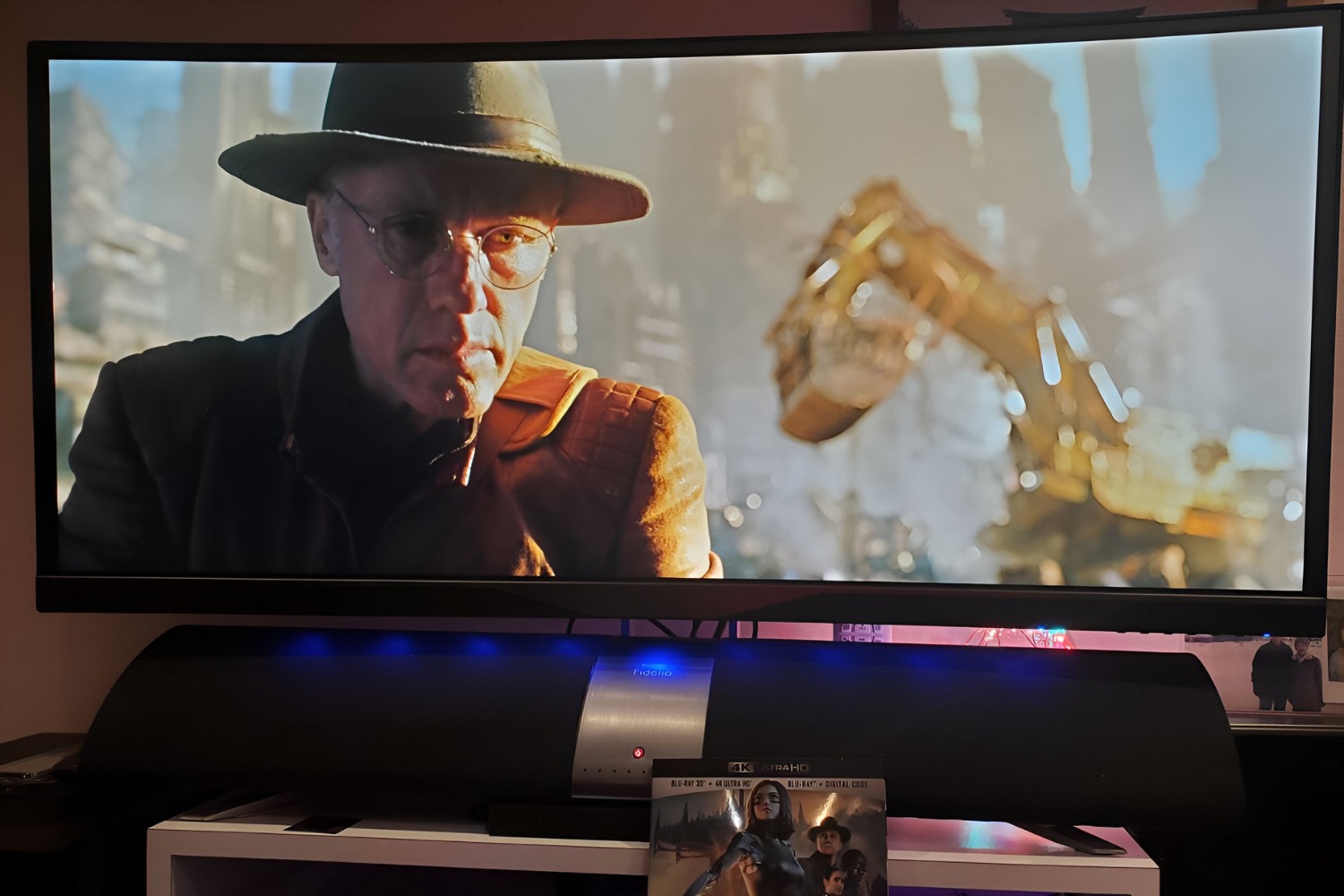
Several themes run through these articles. One is compatibility and setup: you will find help with checking whether your computer can drive an ultrawide monitor, connecting one to a laptop, and getting a Mac to recognize or properly fit the screen. Another theme is playback and fullscreen behavior, covering how to make YouTube, Netflix, and Disney Plus fill the screen correctly, and what to do when they do not. A third theme is image quality and performance, including why text may look blurry on a Mac and how much a Thunderbolt cable actually matters for day-to-day use.
Specific articles walk you through using OBS with an ultrawide monitor, fixing a PC that fails to detect the display, and adjusting your computer’s output so everything fits without stretching. For streaming services, the guides explain how to get fullscreen playback legally and within each app’s normal settings, no workarounds or piracy, just the proper configuration steps. Whether you are troubleshooting a blurry screen, a missing signal, or a video that refuses to expand, these articles help you diagnose and solve the problem yourself.