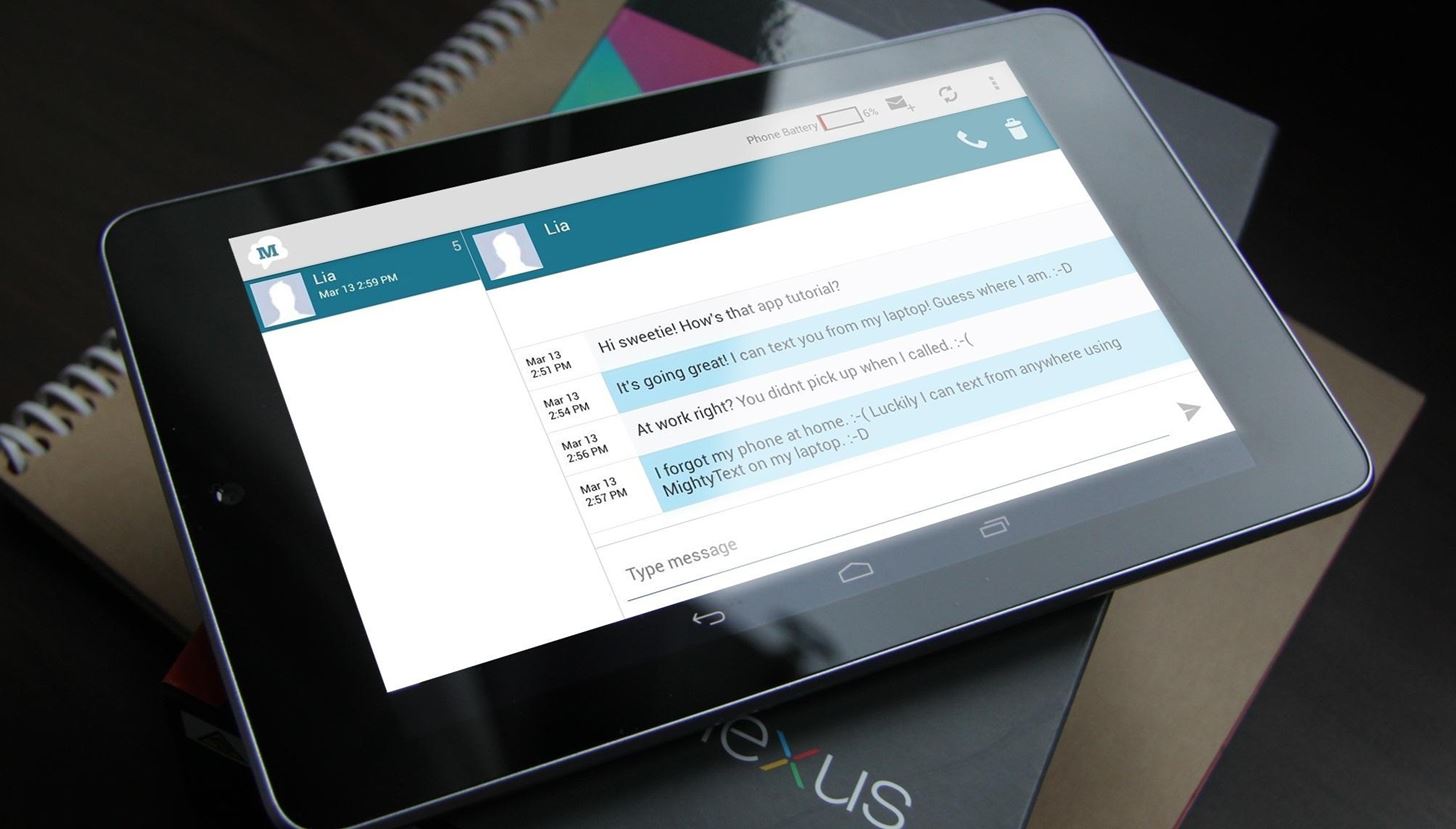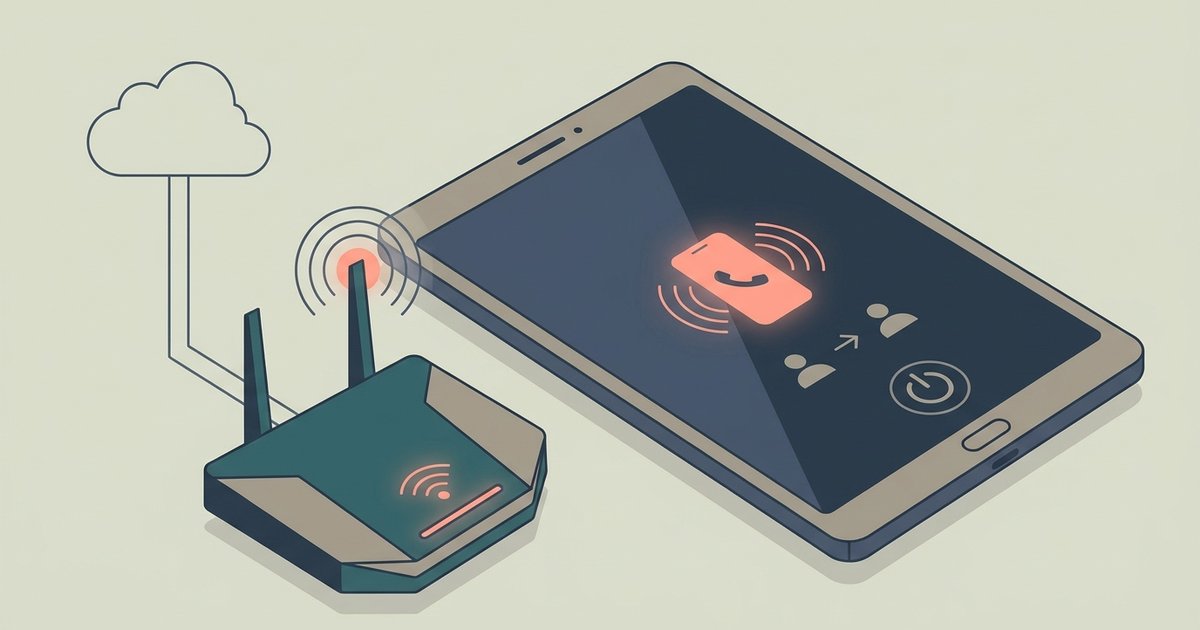
No, you cannot receive calls if the calling app is fully closed or the tablet is asleep with the screen locked. The app must be open and active in the foreground for incoming calls to ring through.
What happens to receive calls when the screen turns off
When your tablet's screen turns off and the device enters sleep mode, the operating system aggressively conserves battery. It suspends background activity for apps not explicitly set to run in the background. For some calling apps, the app's network connection may be severed once the screen locks. The tablet does not "listen" for incoming call signals during sleep. Even if the tablet has a cellular modem and a native dialer, the system may still require the app to be active in the foreground. This is true unless you have specifically configured "always-on" mobile data and disabled battery optimization for that app. In practice, an incoming call may not wake a sleeping tablet or trigger a ring when the display is locked, unless using apps like Microsoft Teams or Zoom that support background calling, or an iPad receiving relayed iPhone calls. You will simply see a missed call notification after you unlock the device.
What happens when you switch apps
Switching away from the calling app to another application immediately stops incoming call alerts. The app is relegated to the background. The tablet's operating system may pause its network listener to free resources for the foreground app. For example, if you are using a VoIP app to make a phone call from your tablet and then open a web browser, any incoming call during that time will be silently dropped. The app will not ring, vibrate, or show a pop-up. You will only see the missed call later when you return to the app and check the call log. This behavior varies across Android and iPadOS. Some VoIP apps like Zoom and Microsoft Teams can maintain a call-receiving state when another app is active in the foreground.
The one exception people miss
A rare exception exists for tablets that have an active SIM card and a native dialer app provided by the carrier. This includes an iPad configured to receive calls relayed from an iPhone via the "Calls on Other Devices" setting. In that configuration, the iPad can receive calls even when the tablet is asleep or when you are using another app. This works because the carrier handles the call at the system level rather than through a third-party app. However, this scenario is uncommon. Some tablets do not ship with a native dialer, and some carriers do not provision voice calling on tablet-only data plans. If you want to get a phone number on a tablet, you will almost always end up with a VoIP number that requires the app to be active. The vast majority of tablet users will never encounter this exception.
How to avoid missing calls
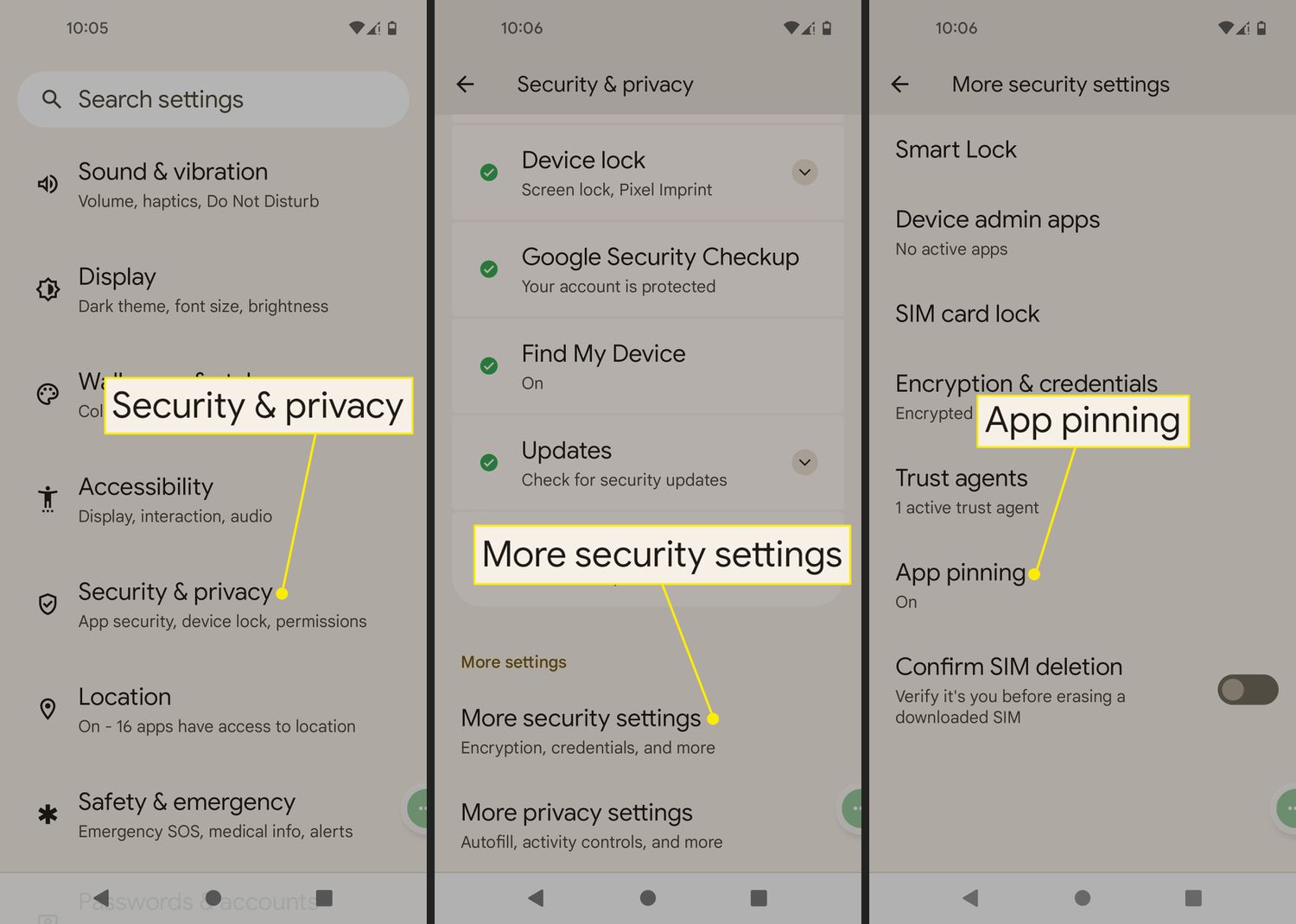
To avoid missing calls, you must keep the calling app open and in the foreground. On Android, you can prevent the screen from sleeping by adjusting the screen timeout setting in Display settings and setting it to 30 minutes or "Never" while you expect calls. On iPad, you can disable Auto-Lock under Display & Brightness settings. Another practical workaround is to use call forwarding. Set your tablet's calling number to forward unanswered calls to your primary smartphone, which can ring reliably in the background. To configure this, open the calling app's settings, look for "Call forwarding" or "Forwarding rules," and enter your phone number. This way, even if you cannot receive calls on the tablet, they will reach your phone. Finally, if you need to find tablet phone number assigned to your app, check the app's account or profile section. It is usually labeled "My Number" or "Account Info." That number, once confirmed, can be used for forwarding. When you later need to confirm your tablet's phone number, the app's settings page is the definitive source.