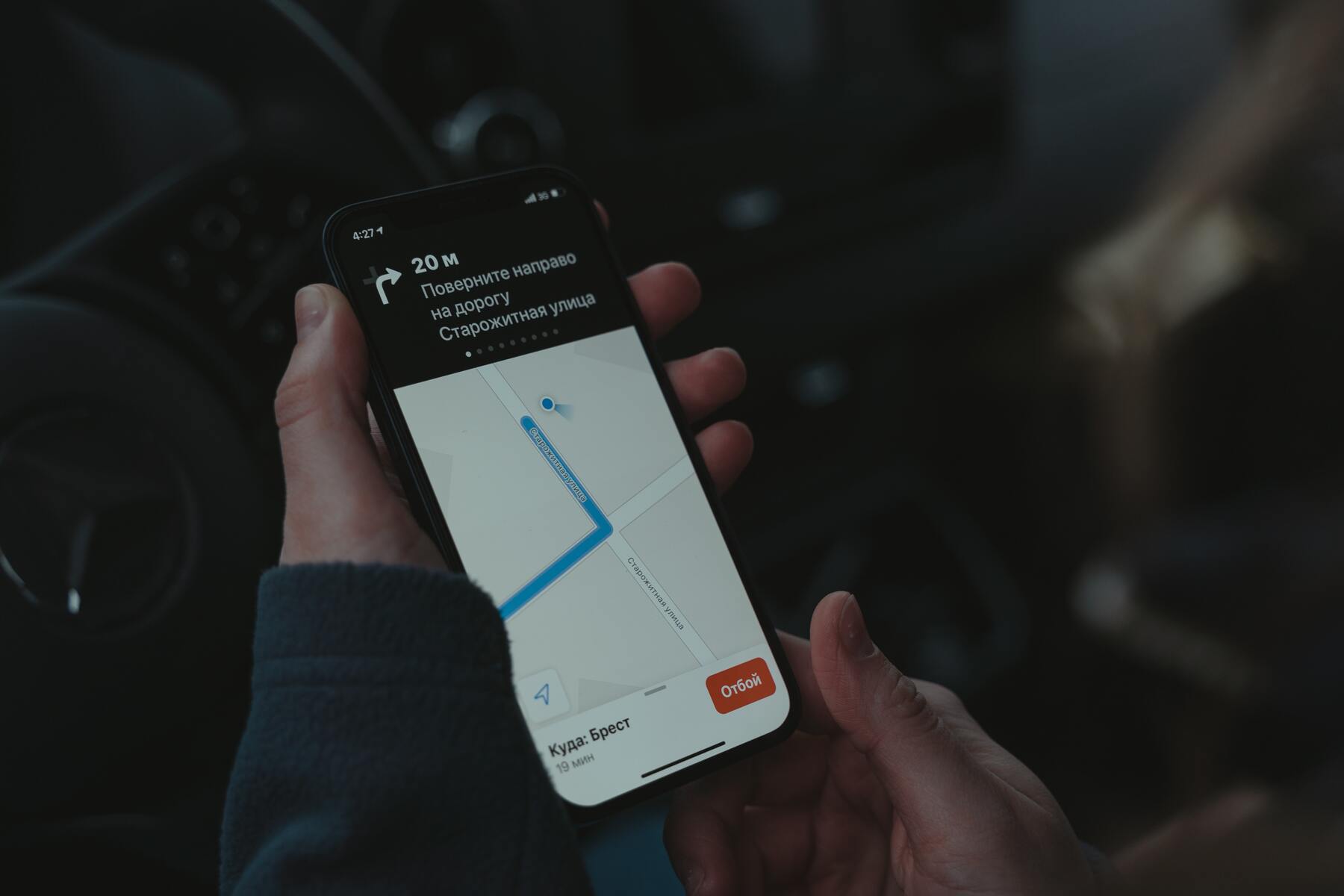
Waze voices let you replace the default navigation prompts with something more entertaining, whether that's a celebrity, a cartoon character, or your own voice. Choosing the right Waze voices can turn a routine drive into a more engaging experience, and the process to switch or record them is built directly into the app.
What are Waze voices and which types can you choose?
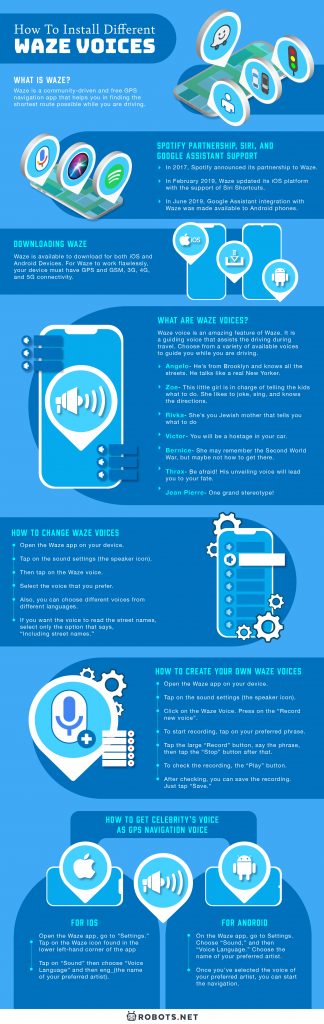
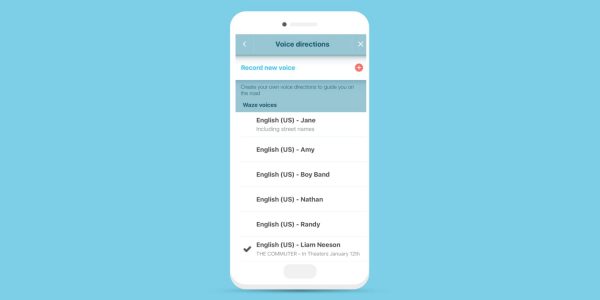
Waze offers three types of navigation voices: prerecorded, text-to-speech (TTS), and custom voice packs. Prerecorded voices contain fixed texts and cannot pronounce street names; they will fall back to the last-used text-to-speech voice for such instructions. This means if you pick a fun character voice that doesn't read street names, Waze will automatically switch to a TTS voice for those specific directions. Text-to-speech (TTS) voices are labeled "supports street names" or "Includes street names" and can pronounce street and place names dynamically. Custom recorded voices only play back the phrases you recorded and cannot dynamically pronounce street names or other unrecorded information, so they share the same limitation as prerecorded packs when it comes to street-level guidance. To ensure your custom voice works seamlessly offline, you can download maps on Waze before your trip.
How to change your Waze voice
To change your Waze voice, open the Waze app, tap "My Waze" (or the menu icon), then go to "Settings" (gear icon) > "Voice & Sound" > "Waze voice". From the list that appears, select the voice you prefer. If you want the voice to read street names aloud, choose only the options labeled as TTS voices. To return to the map, tap the X in the upper-right corner.
How to record your own custom Waze voice
To record your own custom voice, navigate to "Settings" > "Voice & Sound" > "Waze voice", then select "Add a voice" or "Record new voice". You will be prompted to record various navigation phrases one by one; tap the microphone icon to record and the play button to review. After recording, you can name and save your custom voice pack.
How to get celebrity and special Waze voice packs
Celebrity and special promotional voices are often available for a limited time and may not always be present in the app's voice list. These voices appear automatically as an option in the Waze voice list when a promotion is active. They are not installed via manual file transfers or folder manipulation. To use a celebrity voice when it is available, simply follow the same steps to change your voice and select the celebrity pack from the list. If you don't see it, the promotion has ended and the voice is no longer downloadable.
Enjoy the ride with your new Waze voice
With a fresh voice guiding you, every trip feels less routine and more personal. Whether you choose a celebrity, a prerecorded character, or your own voice, a new sound makes driving more fun. But don't forget to stay safe and keep your eyes on the road. Changing your Waze voice is a quick way to personalize your drive, and once it's set, you can enjoy the ride without any extra effort.