8GB vs 16GB RAM: which one do you actually need?
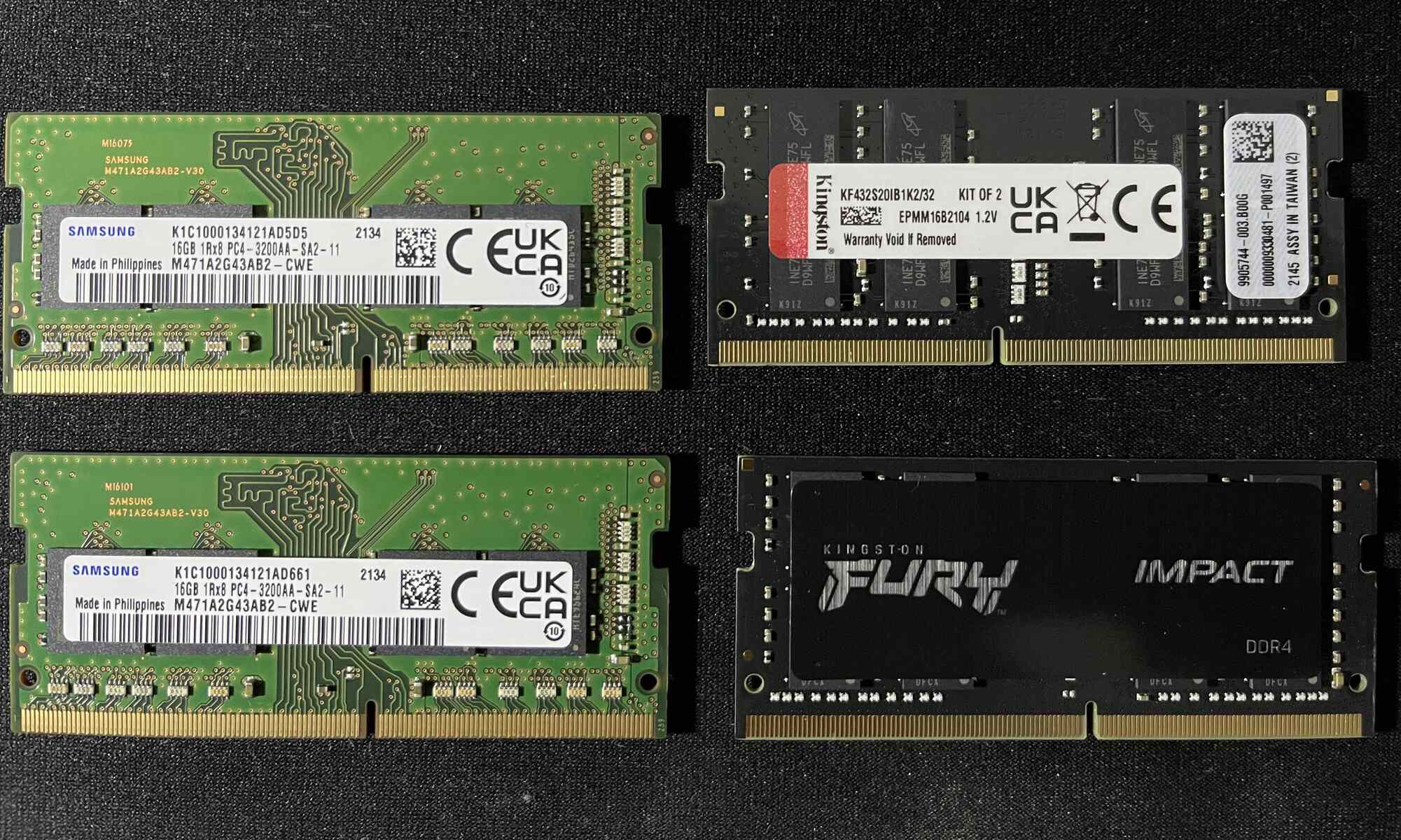
If you're deciding between 8GB vs 16GB RAM, the answer comes down to how you use your computer: 8GB is sufficient for everyday tasks like web browsing, email, and document editing, while 16GB is the recommended choice for gaming, content creation, and heavy multitasking. For most users who want a system that remains responsive for years to come, 16GB offers the best balance of price and future-proofing, while 8GB remains a solid budget option for basic computing needs, just be aware of the potential stability risks when mixing 8GB RAM sticks with different speeds or brands.
Performance difference: when the extra 8GB matters
The performance gap between 8GB and 16GB RAM is not constant, it varies dramatically based on what you're doing at any given moment. In light, single-application scenarios, you'll notice virtually no difference between the two capacities. Opening a word processor, checking email, or streaming a video will feel equally snappy on both configurations. However, the difference becomes critical when your system approaches memory capacity limits.
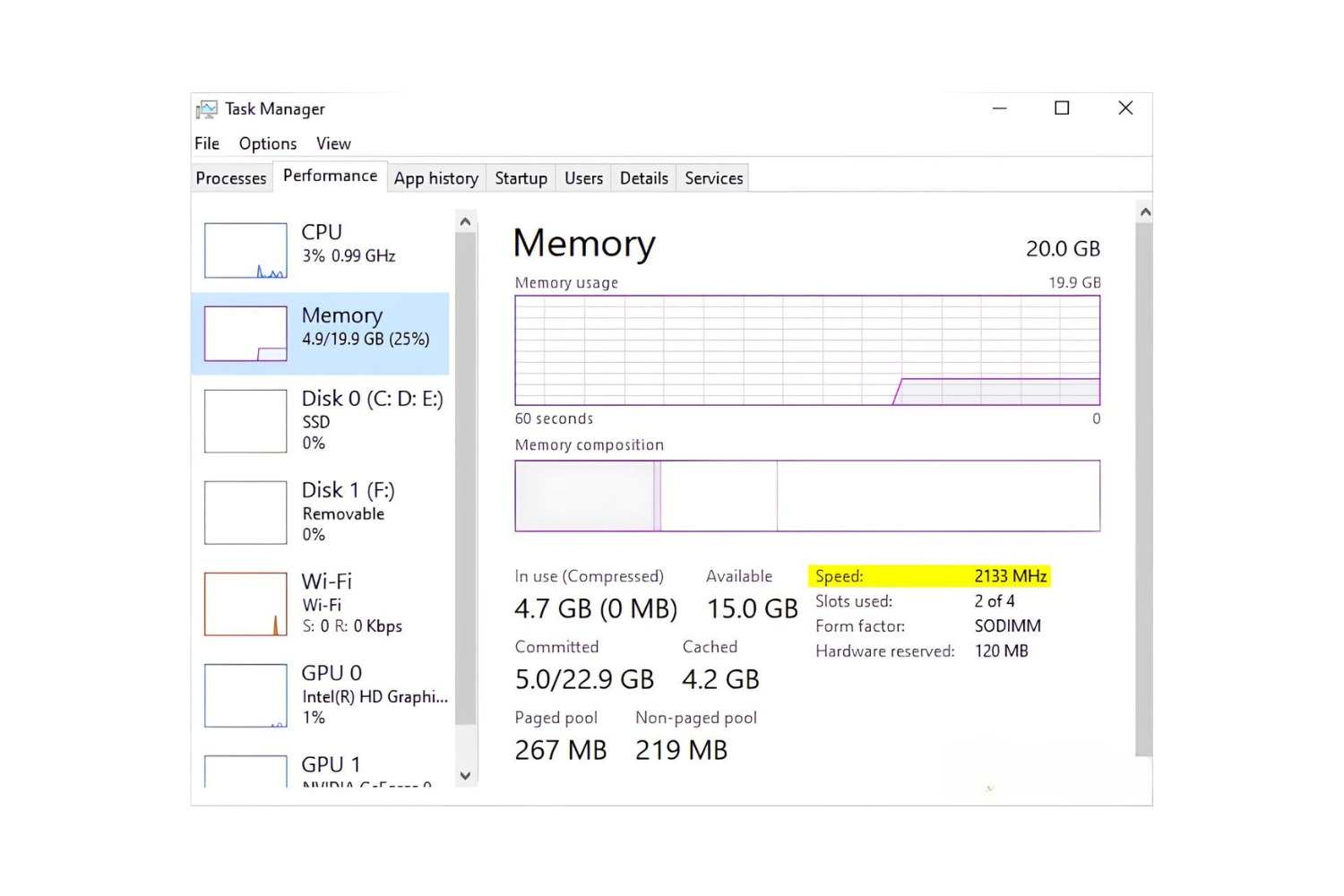
When your computer runs out of available RAM, it begins using the storage drive as a fallback memory space, a process called swapping or paging. This forces the CPU to wait for data to be read from or written to storage, which is exponentially slower than RAM. With 8GB, this bottleneck appears sooner, often when you have a browser with multiple tabs open alongside other applications. With 16GB, you have enough headroom to keep more data in fast memory, maintaining system responsiveness under heavier loads.
The performance difference also depends on the speed of your storage. If you have a fast NVMe SSD, the impact of running out of RAM may be less severe than with a traditional hard drive, but it will still cause noticeable stutters and delays. In essence, 16GB doesn't make your computer faster per se, it prevents it from slowing down when memory demands increase.
Multitasking and everyday use
For everyday computing, 8GB handles basic multitasking with reasonable competence. You can comfortably run a web browser with five to ten tabs, a word processor, and a messaging app simultaneously without experiencing major issues. This makes 8GB suitable for students, casual users, and professionals whose work doesn't extend beyond standard office applications.
Where 8GB starts to struggle is with modern web browsing habits. Today's websites are increasingly memory-hungry, with media-rich content, autoplaying videos, and complex JavaScript frameworks. When this happens, you'll notice sluggish scrolling, delayed tab switching, and longer load times as the system swaps data to storage.
With 16GB, you gain significant headroom for multitasking. You can keep dozens of browser tabs open, run productivity suites, have music streaming in the background, and still have capacity for occasional resource spikes from system updates or antivirus scans. This extra memory also provides a buffer for future software requirements, as operating systems and applications continue to demand more memory with each major update.
Gaming performance with 8GB vs 16GB
Gaming is where the difference between 8GB and 16GB RAM becomes most apparent to the average user. Modern games are designed to use as much memory as they can get, and 8GB is rapidly becoming the minimum threshold for acceptable performance. With 8GB, you can run many current titles at medium settings, but you may encounter stuttering, longer load times, and occasional hitches, especially in open-world games that stream large environments.
The extra 8GB in a 16GB configuration provides several gaming advantages. First, it allows for better texture caching, which means higher-resolution textures can be loaded into memory, resulting in crisper visuals without impacting frame rates. Second, 16GB reduces the likelihood of micro-stutters, which occur when the game needs to load assets from storage mid-gameplay. This is particularly noticeable in large, detailed game worlds where the engine constantly streams new content.
Additionally, 16GB enables smoother multitasking while gaming. You can run voice chat applications like Discord, streaming software such as OBS, or have a web browser with game guides open in the background without affecting game performance. This is increasingly important for gamers who also create content or stream their gameplay. Game mods, which are popular in titles like Skyrim, Fallout, and Cities: Skylines, also benefit significantly from the additional memory, as mods often add new assets that consume substantial RAM.
Content creation: video editing and rendering
For content creators, the difference between 8GB and 16GB RAM can be the difference between a productive workflow and constant frustration. While basic video editing with simple cuts and transitions is possible with 8GB, the experience becomes increasingly painful as project complexity grows. With 8GB, you'll encounter difficulties when working with high-resolution footage, applying multiple effects, or layering tracks in your timeline.
One of the most noticeable advantages of 16GB is in timeline scrubbing and preview quality. Video editing software like Adobe Premiere Pro, DaVinci Resolve, or Final Cut Pro uses available RAM to cache preview frames and effect renderings. With 16GB, you can scrub through your timeline smoothly, see real-time previews of effects and transitions, and make creative decisions without waiting for the system to catch up. This immediate feedback loop is essential for efficient editing.
Rendering and export times also benefit from the additional memory. While the CPU and GPU primarily handle the actual rendering calculations, having more RAM allows the software to process larger chunks of data at once and reduces the need to write temporary files to storage. For large video files, especially 4K or higher resolution footage, this can reduce export times noticeably. The extra memory also enables you to run multiple creative applications simultaneously, such as having Photoshop open while editing in Premiere, or working with After Effects alongside your main editing software.
Running virtual machines smoothly
Virtual machines (VMs) are among the most memory-intensive workloads you can place on a computer, and this is where 16GB proves essential. When you run a VM, you're essentially running a complete operating system within your host system, and that guest OS requires a dedicated allocation of memory. With 8GB of total RAM, you're limited in what you can allocate to a VM while still maintaining a usable host system.
For example, a Windows 11 VM requires at least 4GB of RAM to run, and more is recommended for smooth operation. With 8GB total, allocating 4GB to a VM leaves only 4GB for your host OS and applications, which is barely enough for basic multitasking. This forces you to make compromises, either running a stripped-down Linux VM or accepting a sluggish host system.
With 16GB, you can comfortably allocate 8GB to a VM while keeping 8GB for your host system. This allows you to run resource-intensive guest operating systems, perform complex software testing, or run multiple VMs simultaneously. IT professionals, software developers, and system administrators who need to test applications across different platforms will find 16GB essential for maintaining productivity. The additional memory also accommodates hypervisor overhead, ensuring that virtualization software like VMware Workstation or VirtualBox runs efficiently without consuming resources needed by your primary applications.
Price and budget considerations
When comparing costs, 8GB RAM modules are generally more affordable upfront, making them attractive for budget-conscious buyers. However, the price difference between 8GB and 16GB has narrowed considerably in recent years, making the upgrade more accessible than ever. The actual cost varies depending on RAM generation (DDR4 vs DDR5), speed, and brand reputation, but the additional investment for 16GB is often justified by the performance benefits.
Consider your future needs when making this decision. If you're purchasing a laptop or desktop that will be used for several years, 16GB provides better longevity. Software requirements consistently trend upward, operating systems, web browsers, and applications all demand more memory with each major update. Investing in 16GB now can prevent the need for an upgrade sooner than you might expect.
For professionals who rely on their computers for income, content creators, developers, engineers, or data analysts, the productivity gains from 16GB typically outweigh the cost difference. Time spent waiting for applications to respond or files to render is time not spent being productive. When you factor in the value of your time, the upgrade to 16GB often pays for itself within weeks or months of professional use.
Making the right choice for your needs
Assessing your specific computing patterns is the most reliable way to determine whether 8GB or 16GB is right for you. If your computer usage is limited to checking email, browsing the web, streaming video, and using office productivity suites, 8GB will serve you adequately. These tasks are not memory-intensive, and you're unlikely to notice the difference between 8GB and 16GB in these scenarios.
However, if you find yourself frequently running multiple applications simultaneously, working with large files, playing modern games, or using creative software, 16GB is the safer investment. The additional memory provides a buffer that keeps your system responsive even when you push it with demanding workloads. It also future-proofs your computer against increasingly memory-hungry software updates.
One practical approach is to consider your upgrade path. If you're building a desktop with 8GB, check whether your motherboard has additional memory slots that would allow you to add more later. Many systems support 16GB (2×8GB) or 32GB (2×16GB) configurations, so starting with 8GB and upgrading later is feasible. However, if you're purchasing a laptop with soldered memory, you need to make the right choice upfront, as you won't be able to upgrade later.
Ultimately, the decision between 8GB and 16GB RAM comes down to your current needs, your budget, and your expectations for the future. While 8GB remains a viable option for basic computing, 16GB offers the headroom and flexibility that most users need for a smooth, responsive experience in today's computing landscape. The extra investment in memory is one of the most cost-effective ways to ensure your computer remains capable and responsive for years to come.
For the wider topic, see 8gb of RAM.