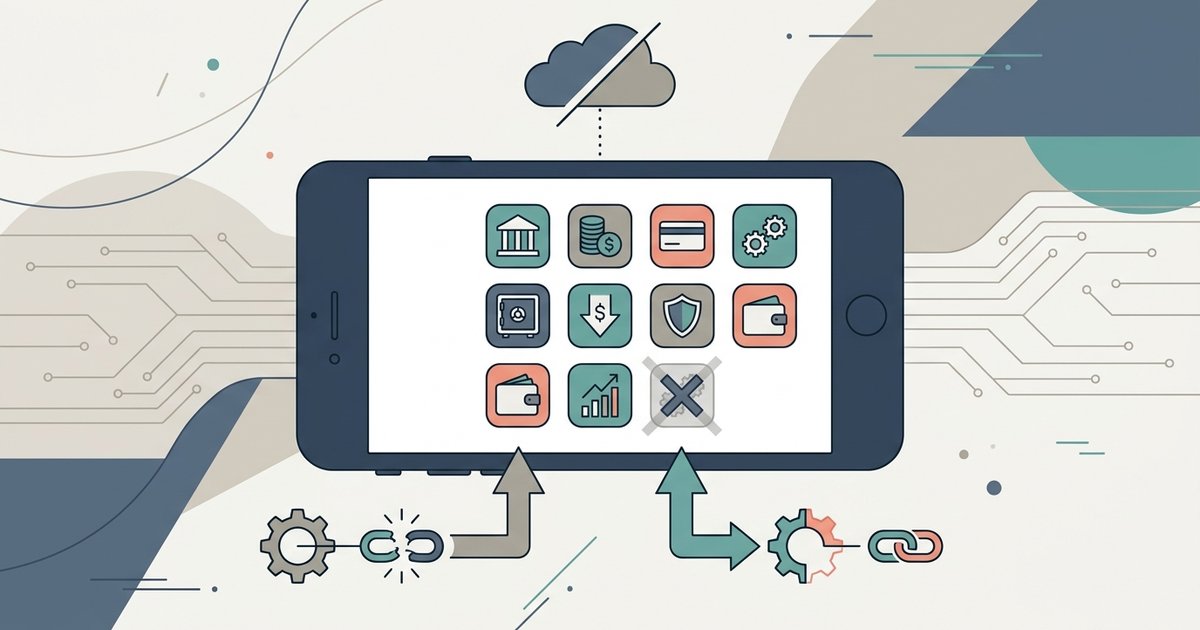
Most major banking apps will not work fully without Google Play Services, but a small number of privacy-focused banks and workarounds like the microG re-implementation allow limited functionality. You should expect biometric login and push notifications to fail unless the app explicitly relies on standard FIDO2 protocols or WebSocket fallbacks.
How banking apps without Google Play use the sandboxed compatibility layer
GrapheneOS offers a unique solution called the sandboxed Google Play compatibility layer, which differs fundamentally from microG. Instead of re-implementing Google’s closed-source libraries with open-source alternatives that often break under scrutiny, GrapheneOS lets you install the official Google Play Services APK inside a tightly restricted, app-specific sandbox. This means you can grant a banking app access to the real Google Play Services without granting those services any system-level permissions or background network access. For stubborn banking apps that refuse to launch without Google Play Services, this approach is currently the only reliable way to run them without compromising your entire system. You can enable this feature through GrapheneOS's compatibility settings, then install the bank’s app from the Aurora Store or a trusted APK mirror. The app sees a legitimate Play Services environment, so crash-on-launch errors disappear. Even with a working app, you should still protect your online banking from credential theft with strong authentication and network safeguards. However, this does not fix every failure because some apps deep-link directly to Google’s FCM servers for push notifications.
When biometrics and push notifications silently break
Even with sandboxed Google Play Services, you may encounter a specific failure case. An app installs and opens fine but never sends instant payment alerts or allows fingerprint login. This happens because it strictly calls Google's proprietary FCM and FIDO2 backends instead of the OS-native alternatives. On GrapheneOS, the sandboxed environment may not support all Google Play Services system-level hooks for FCM push channels. Those may require a persistent background service that the sandbox restricts. Similarly, some banking apps may use Google’s FIDO2 implementation for biometric authentication, which can check against Google’s hardware-backed keystore rather than the Android OS’s standard BiometricPrompt API. The result: you may be able to log in with a password, but fingerprint or face verification could silently fail, and push notifications for transactions may not arrive. You must rely on SMS-based one-time codes or manual polling within the app to check for pending payments. This may be due to the bank's reliance on Google’s proprietary stack rather than a bug in the operating system.
The shortlist of apps that treat play services as optional
A non-exhaustive list of banking and fintech apps that have been verified to run with zero Google dependencies includes specific neobanks and credit unions. These apps use SMS-based verification and in-app polling for updates. For example, some apps may work on de-Googled LineageOS when installed via APK, because they rely on standard HTTPS polling instead of FCM for alerts, and they use OS-native FIDO2 for biometrics. Some fintech apps may also function, though push notifications may require you to enable in-app polling. Some credit unions have lightweight apps that check for updates periodically rather than using Google’s push channel. If you need to use mobile banking on a de-Googled phone, these apps are your safest bet. Always test with a small transaction first, because even these apps may fail if the bank later updates its SDK to require SafetyNet attestation. Note that banking hours mean little when your app cannot authenticate; you will need to plan around manual login windows. Some banks may require their app from the Play Store on a device with full Google Services, and workarounds for de-Googled phones may be limited. For general advice, remember that the best way to prevent fraud in banking on a de-Googled device is to use a hardware security key (like a YubiKey) for FIDO2 login, since SMS-based codes are more vulnerable to SIM swapping, knowing how to recover a mobile banking account after a SIM-swap attack is essential if your SMS-only app is compromised.