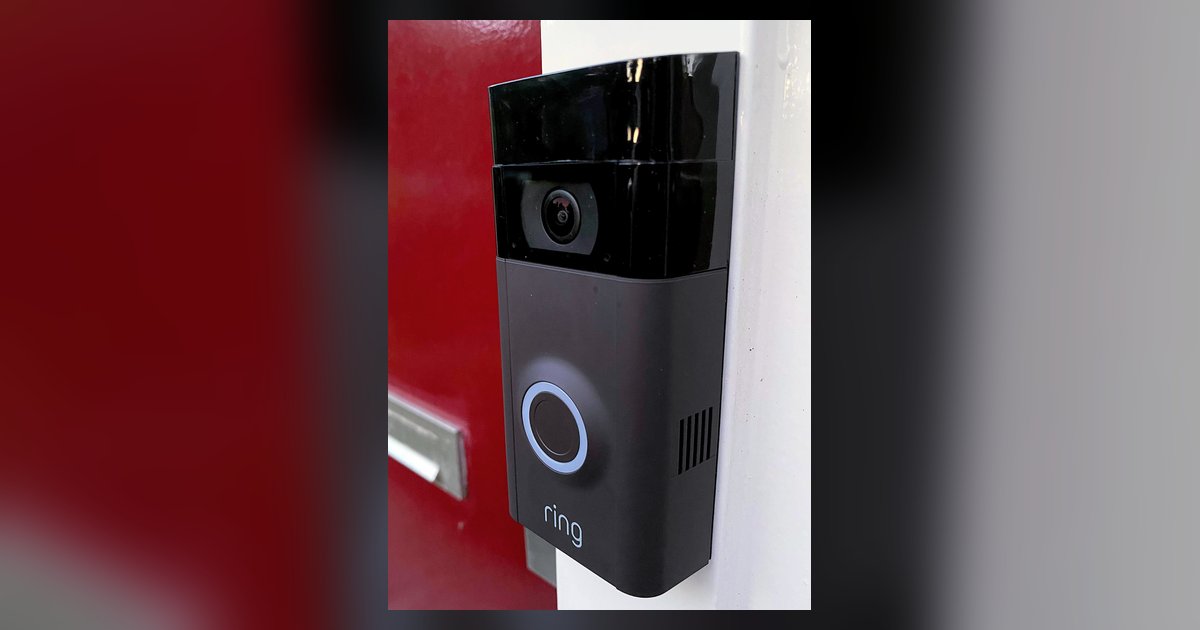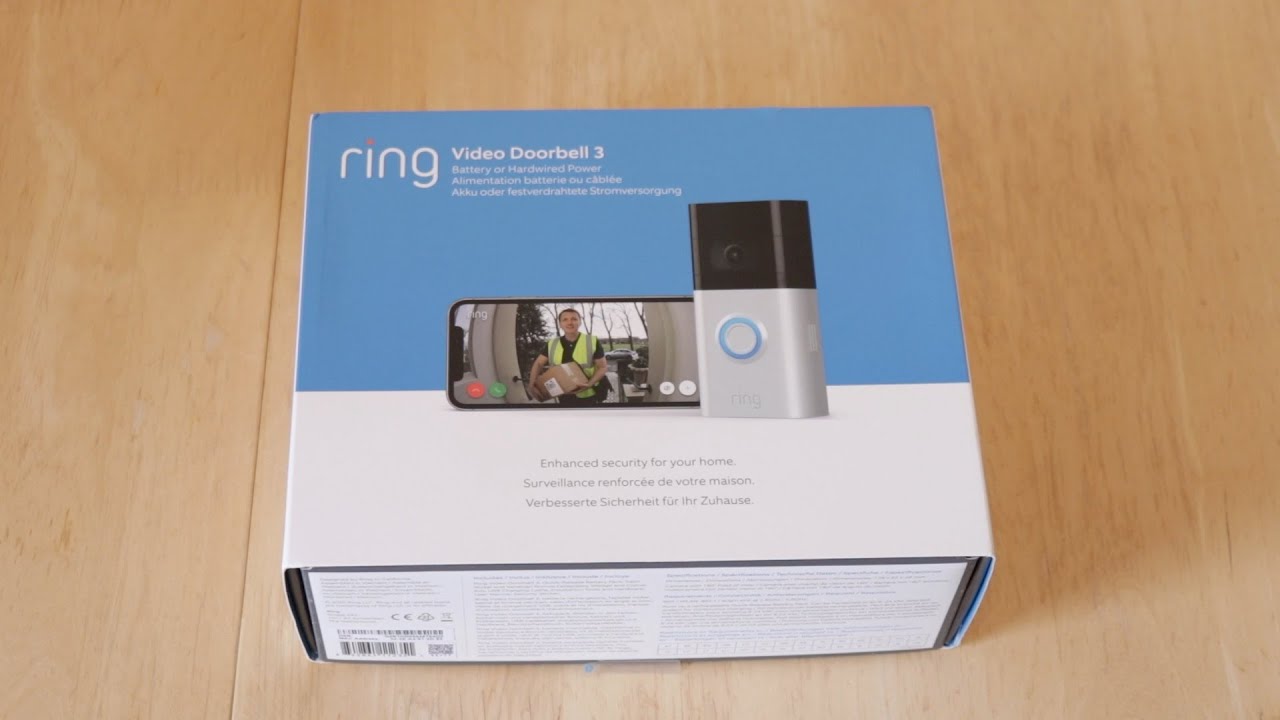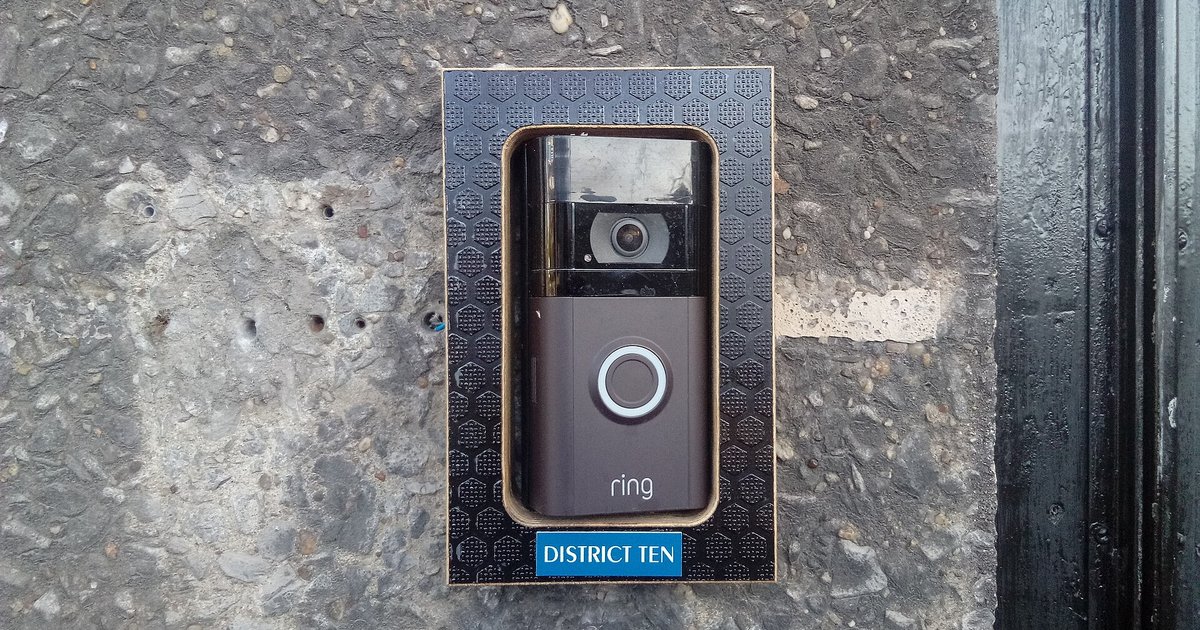
You can tell a Ring Video Doorbell is fully charged by looking for a flashing blue circle on the doorbell itself (for built-in battery models) or a solid green light on the battery pack (for Quick Release Battery Pack models). Knowing how a Ring Video Doorbell is powered is the first step to understanding these charging indicators, as the type of battery your doorbell uses determines the exact light pattern you should look for.
The two types of Ring doorbell batteries (and why it matters)
Ring Video Doorbells use one of two battery types: a built-in battery or a Quick Release Battery Pack. This distinction matters because the way each battery communicates its charge status is completely different. Built-in battery models have a circular LED on the front of the doorbell that changes as the battery charges. Quick Release Battery Pack models, on the other hand, have lights directly on the removable battery pack itself, and the doorbell does not show any circular LED pattern for charging. Knowing which type you have is essential for correctly interpreting the charging indicator, and once powered up you may also want to adjust volume on ring video doorbell 2 for clear two-way audio.
How to tell if a built-in battery Ring doorbell is fully charged
If your Ring Video Doorbell has a built-in battery, you can check its charge status by looking at the circular LED on the front of the device. While the battery is charging, the blue circle light fills clockwise over time. The different quadrants of the circle flash to indicate the charge percentage: the upper right quadrant flashes for 0-25%, the right half flashes for 25-50%, and most of the circle flashes for 50-75%. When the battery is fully charged, the entire blue circle light flashes, rather than filling in a specific quadrant. This flashing blue circle is the definitive sign that charging is complete and the doorbell is ready to reinstall.
How to tell if a Quick Release Battery Pack is fully charged
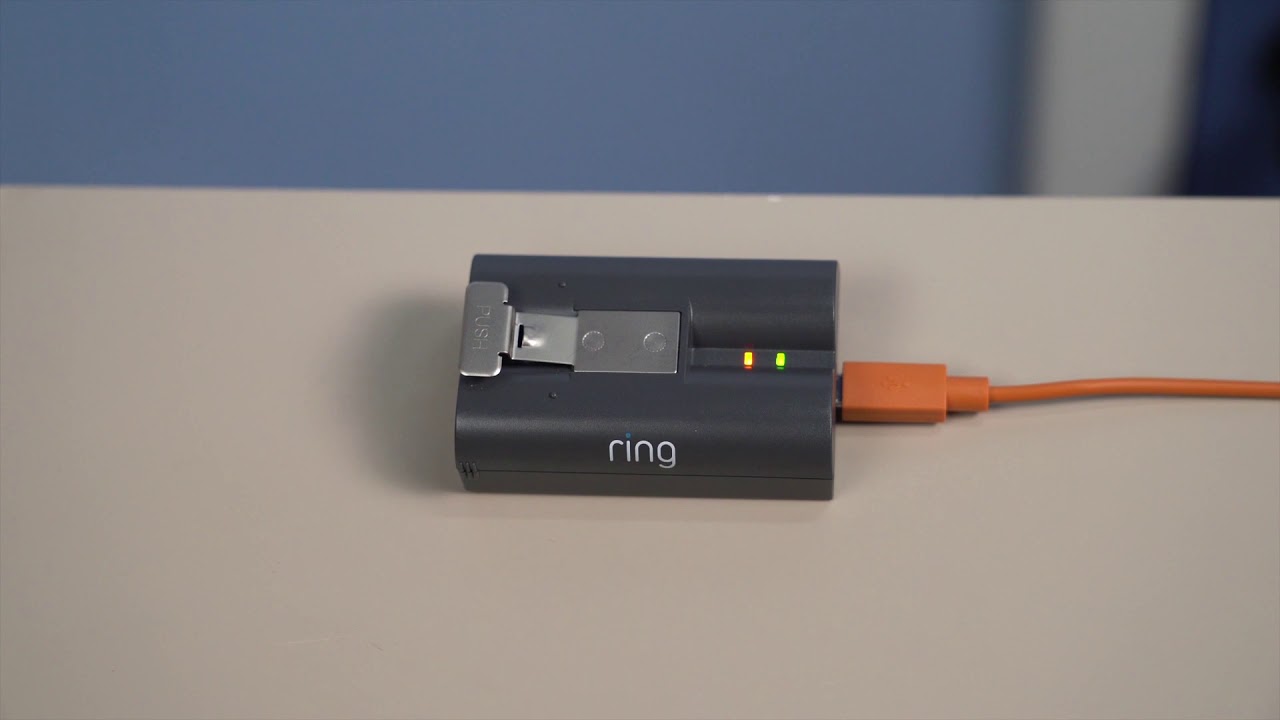
For Ring Doorbells that use a Quick Release Battery Pack, the charging indicator is found on the battery pack itself, not on the doorbell. While the battery is charging, you will see two colored lights: a solid green light and an amber light. The battery pack is fully charged when only the solid green light remains lit and the amber light turns off. It is important to note that video doorbells with a Quick Release Battery Pack do not display the circular LED light pattern on the doorbell itself to indicate charging percentage, so you must look directly at the battery pack to know when charging is complete.
Check the exact battery percentage in the Ring app
For a precise reading of your battery level, you can check the Ring app. Follow these steps:
- Open the Ring app to the main dashboard.
- Tap the menu icon (☰).
- Tap "Device Settings" (or "Devices" then the specific device).
- Tap the "Device Health" tile.
- Under "Power," you can see your doorbell's "Power Source" and "Battery Level" displayed as a percentage.
After reinstalling a charged removable battery, the new charge percentage will register in the Ring app under Device Health, giving you an accurate reading of the battery's current state.
How long does charging take and tips to speed it up
A Ring doorbell battery typically takes 4-8 hours to recharge, but can take up to 10 hours, depending on the power source and device model. To speed up charging, use a wall adapter rather than a computer USB port, as wall adapters generally deliver faster results. A minimum output of 1 amp is required to properly charge the battery, and using a 2.1-amp wall adapter can significantly speed up charging. It is also recommended to use the micro-USB or USB-C cable included with your Ring device for charging, as third-party cables may not provide reliable performance.
Signs your Ring battery may need replacing
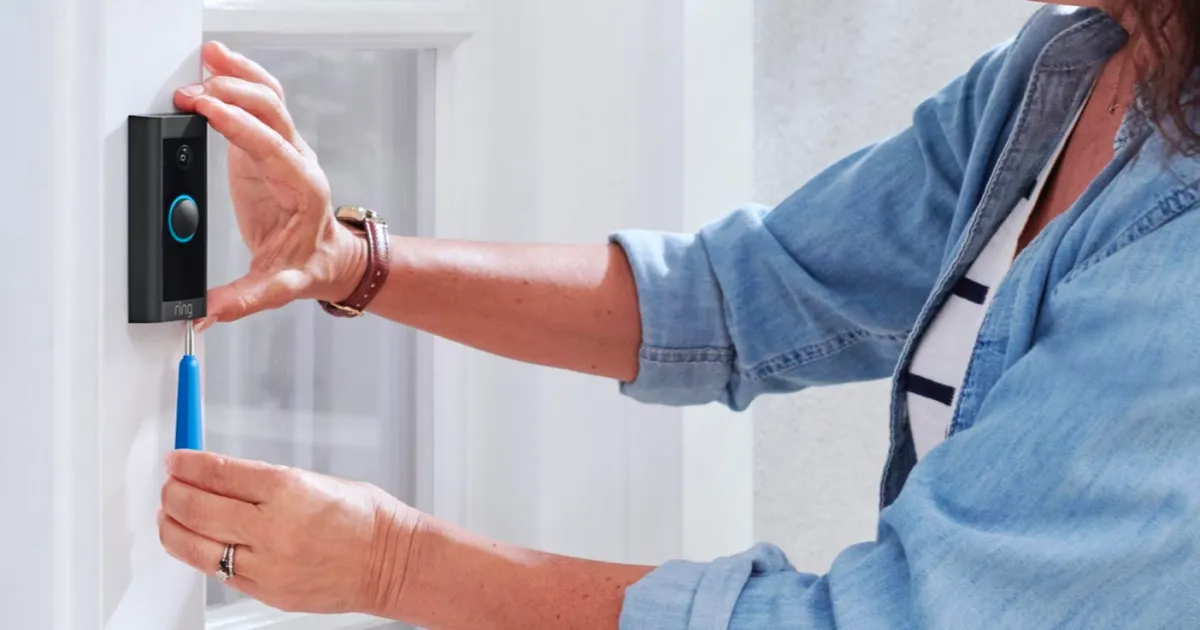
A Ring Doorbell battery typically lasts 500-1000 charging cycles before its capacity begins to reduce. Signs of a declining battery include draining much faster than normal or failing to hold a charge, requiring frequent recharging even with low activity. If you notice these symptoms, it may be time to replace the battery. The official Ring Quick-Release Battery Pack is recommended for battery replacement to ensure compatibility and optimal performance. Battery life, which averages 6-12 months, is significantly affected by high activity levels, settings like video quality and motion sensitivity, Live View usage, cold weather, and a poor Wi-Fi connection. If you’re tired of battery upkeep entirely, you can replace your existing wired doorbell with ring video doorbell for continuous power. Additionally, charging batteries too much can cause them to drain faster and take longer to charge; Ring solar-powered, plug-in, and wired devices with a Ring Battery Pack automatically stop charging before 100% to protect the battery.