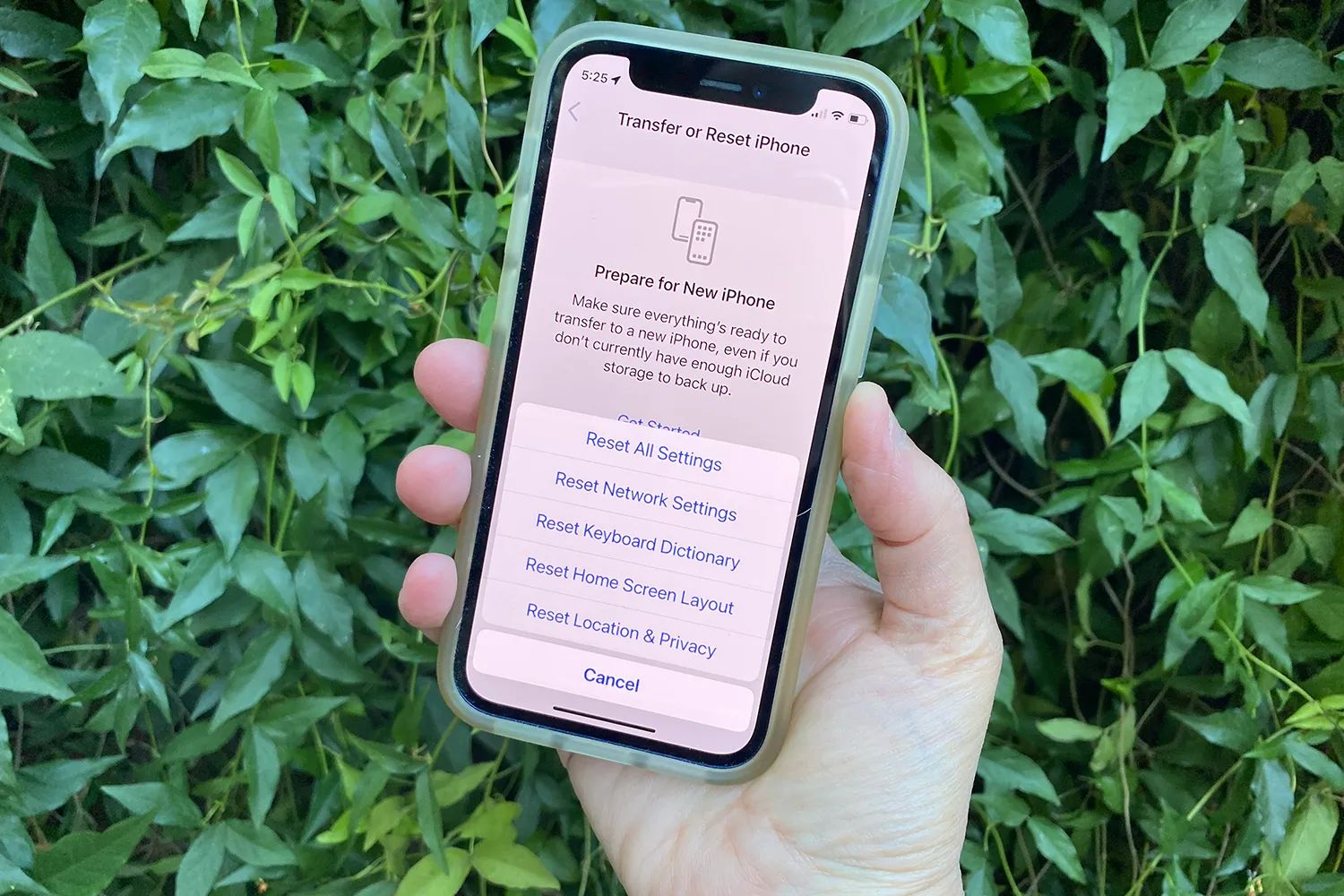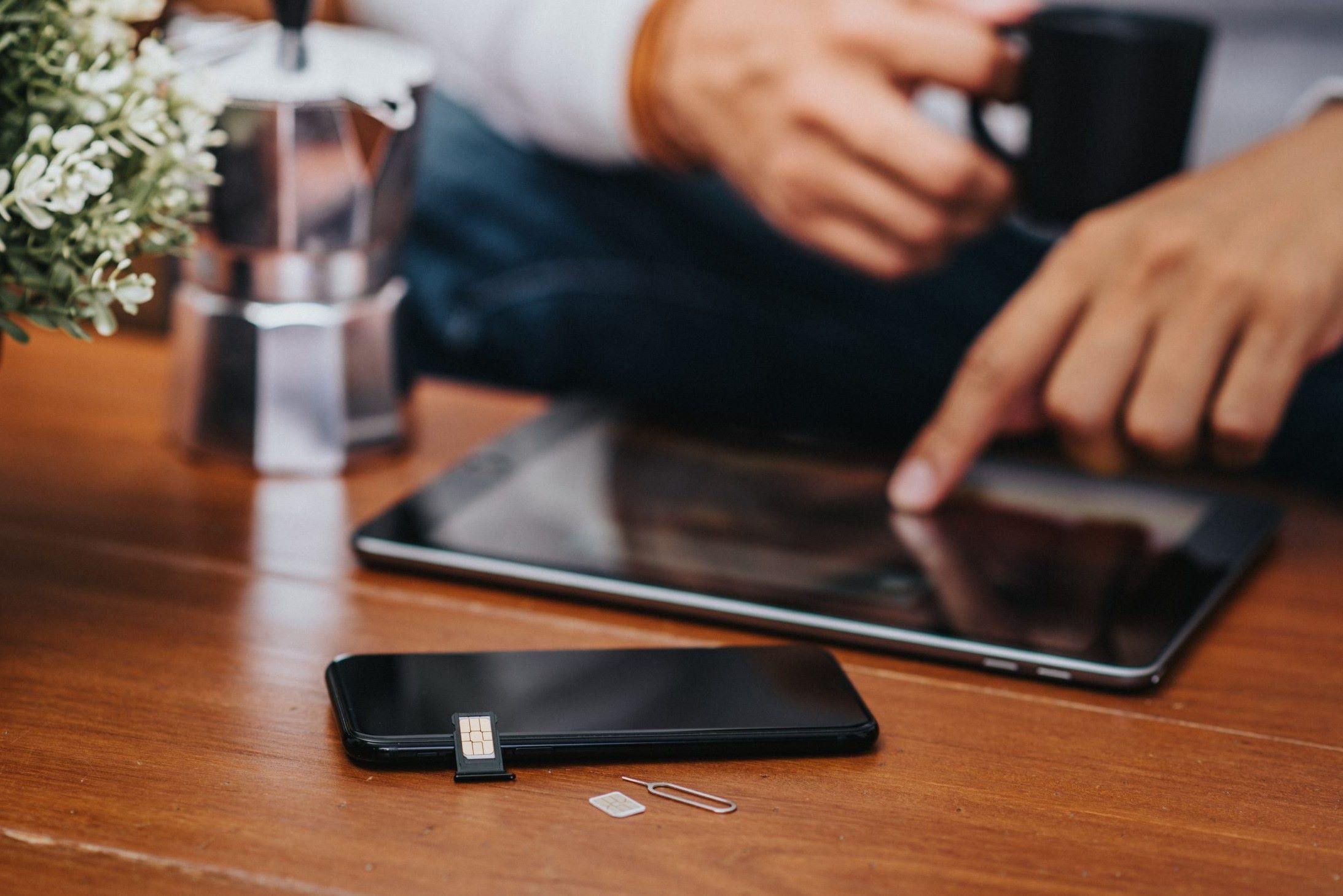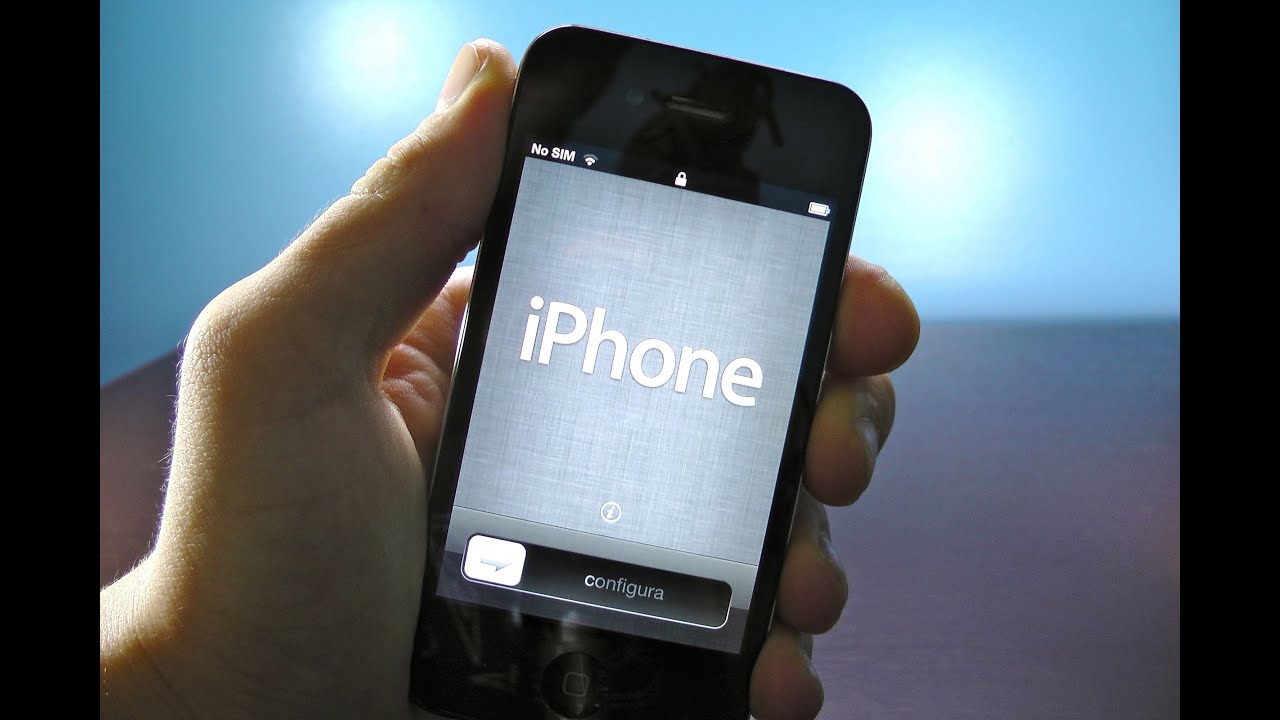
You can activate an iPhone 3GS without a SIM card only if you accept one hard truth: the initial activation absolutely requires inserting a physical SIM card. No jailbreak, no Wi-Fi-only trick, and no workaround changes that requirement, but once activation is done, you can remove the SIM and use the device purely as an iPod Touch, which is exactly what you want. If you ever need to wipe the device later, you’ll face this same hurdle again unless you follow the steps for resetting iPhone to factory settings without SIM card. The key is that the SIM card itself doesn’t need to be active or tied to a plan; it just has to be present during setup, and once you're past that, you might want to look into saving contacts to iPhone SIM card if you're juggling multiple SIMs.
The truth about activating an iPhone 3gs without a SIM card
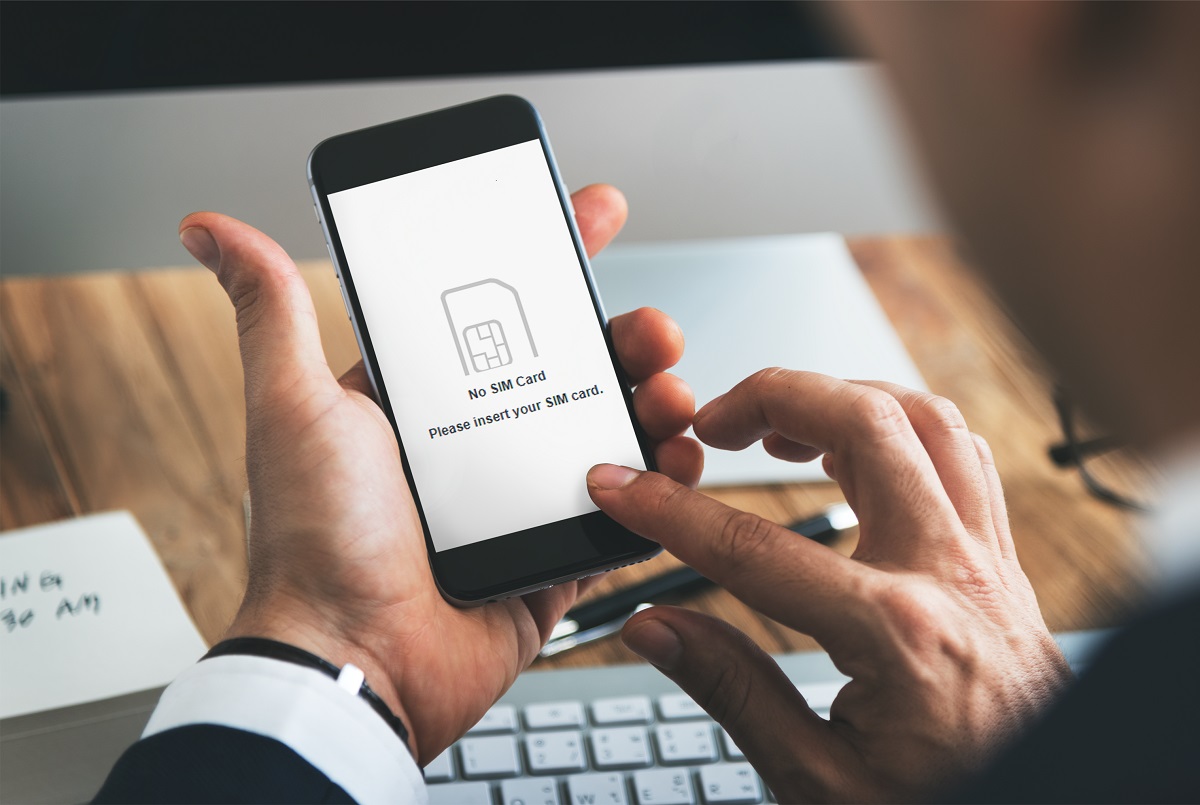
Many people search for “activate iPhone 3gs without SIM card” hoping to skip the SIM entirely, but that’s a misconception. The iPhone 3GS, running at most iOS 6.1.6, predates the modern iOS 12 feature that allows Wi-Fi-only activation. It simply cannot boot past the activation screen without a SIM card inserted. However, the goal of using the device SIM-free is completely achievable: you only need a SIM for the first few minutes of setup. After that, the SIM comes out, and your iPhone 3GS becomes a dedicated Wi-Fi media player, game console, or camera, no cellular service required.
What you'll need to get started
Before you begin, gather these items: your iPhone 3GS, a USB cable, a computer with iTunes installed and an active internet connection, and a physical SIM card. The SIM’s carrier matters depending on your phone’s lock status. If your iPhone 3GS is locked to a specific carrier, the SIM must be from that carrier, even an expired or deactivated one works. If the device is factory unlocked, any SIM card from any carrier will do. You don’t need a working plan; the SIM just needs to be recognized during activation.
Step-by-step activation using iTunes
This is the only reliable method for the iPhone 3GS. Wi-Fi activation, which works on newer iPhones, is not available on this device because of its iOS 6.1.6 limit. Follow these steps exactly:
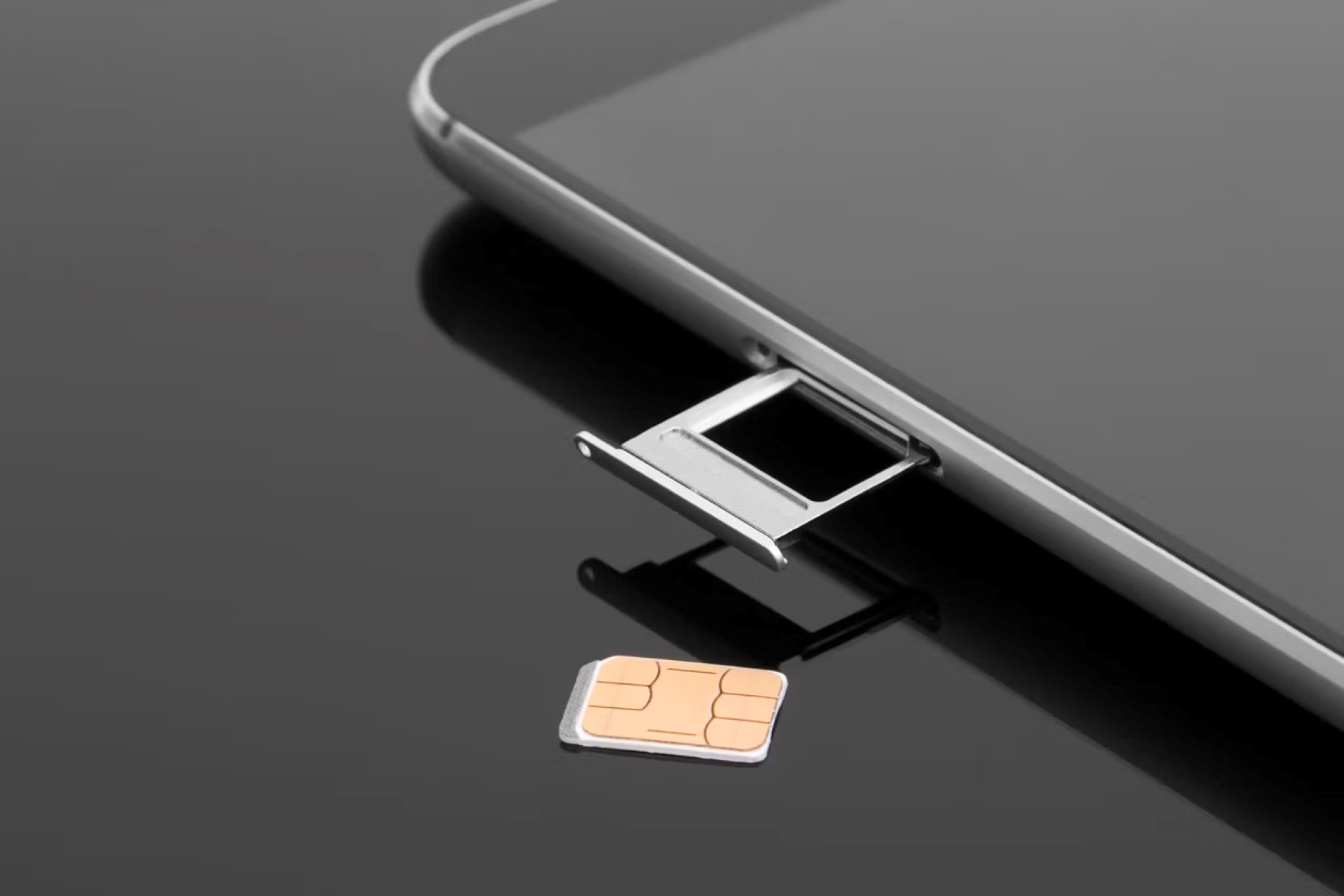
- Insert the SIM card into the iPhone 3GS’s SIM tray. Make sure it clicks into place securely.
- Connect the iPhone 3GS to your computer using the USB cable.
- Launch iTunes on your computer. It should detect the connected device automatically.
- If the iPhone shows a “Connect to iTunes” screen, that’s normal, it means the device is waiting for activation.
- In iTunes, click the device icon when it appears. You’ll see an activation prompt or a summary screen.
- Follow the on-screen instructions that iTunes provides. This will guide you through setting up the device, including language, region, and Apple ID (if you choose to sign in).
- Wait for iTunes to complete the activation. Once finished, the iPhone will reboot to the home screen.
That’s it. The entire process takes a few minutes, and the SIM card is only needed during this step. The active internet connection on your computer is what iTunes uses to verify the activation with Apple’s servers.
How to use your iPhone 3gs as a SIM-free iPod touch
After activation succeeds, you can immediately remove the SIM card. Power off the iPhone, pop out the SIM tray, take out the card, and put the tray back. When you power on again, the iPhone won’t ask for a SIM because it’s already activated. Now you need to configure it for Wi-Fi-only use. Go to Settings > Cellular, and toggle off Cellular Data. This ensures the phone never tries to use a cellular network, even if a SIM is later inserted. Then go to Settings > Wi-Fi and connect to your home network. Also check Settings > Bluetooth and enable it if you want to pair wireless headphones or a keyboard.
With cellular data off and Wi-Fi on, your iPhone 3GS functions exactly like an iPod Touch. You can sync music, videos, and apps through iTunes, play games, browse the web, check email over Wi-Fi, and take photos. Just remember that the App Store on iOS 6.1.6 is limited to older app versions, but there’s still a vast library of compatible games and utilities.
Important limitations to remember
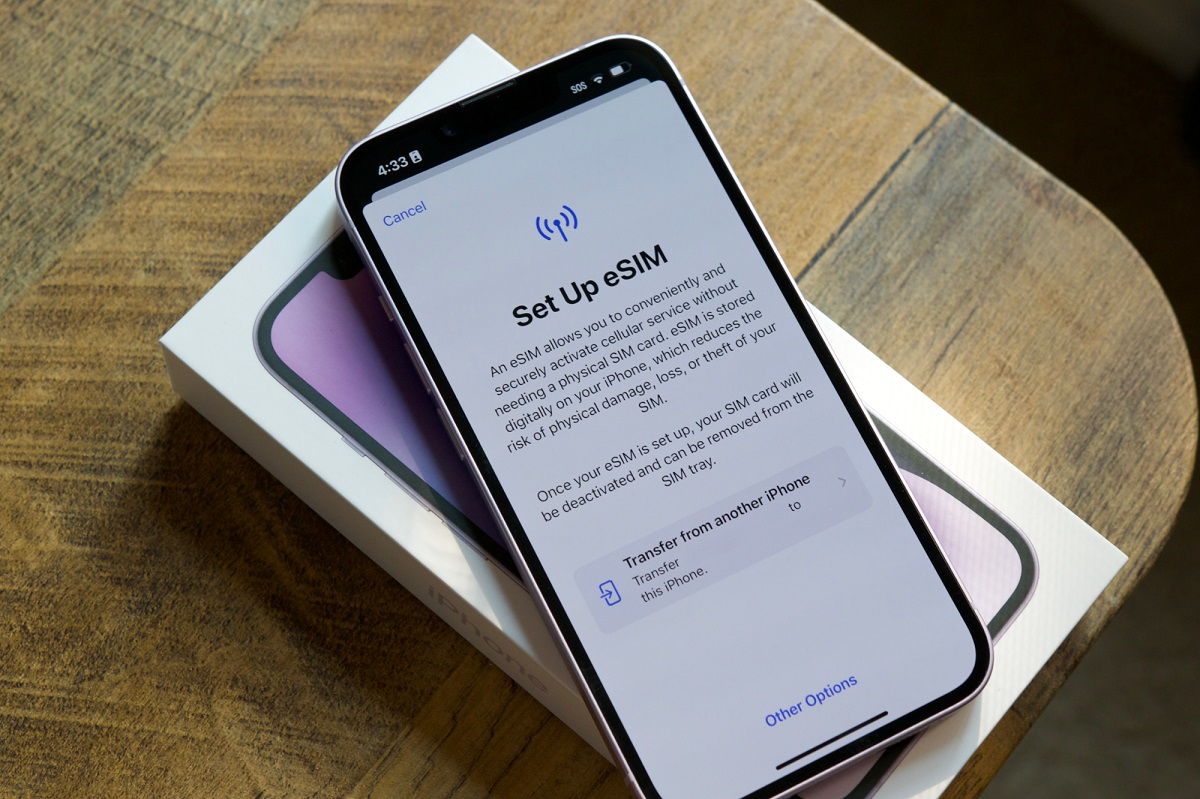
Two critical limitations apply to this SIM-free setup. First, if you ever erase all content and settings on the iPhone 3GS, through Settings > General > Reset or via iTunes restore, the device will revert to the activation screen. At that point, you’ll need to reinsert a SIM card and repeat the iTunes activation process. There’s no way around this on iOS 6.1.6. Second, the iPhone 3GS does not support eSIM technology, and it can’t run any iOS version newer than 6.1.6. That means you’ll never get features like Wi-Fi-only activation, modern app compatibility, or current security updates. The device is permanently stuck in 2013-era software.
Also note that the SIM card you use for activation doesn’t need to be active. A deactivated SIM from the correct carrier works fine, which is useful if you have an old SIM lying around. If you’re locked to a carrier and don’t have a matching SIM, you’ll need to obtain one, even an expired one, before you can activate. For factory-unlocked units, any SIM, including a foreign one or a cut-down card from another phone, will work.
Once you’ve completed the activation and removed the SIM, your iPhone 3GS is yours to repurpose. It won’t make calls or send texts, but it will play music, run offline games, and serve as a dedicated media device. The process of inserting a SIM card is the only hurdle, and it’s a one-time event. After that, you’re free to enjoy the device without any cellular dependency. Just keep that SIM card somewhere safe, you’ll need it again if you ever reset the phone.